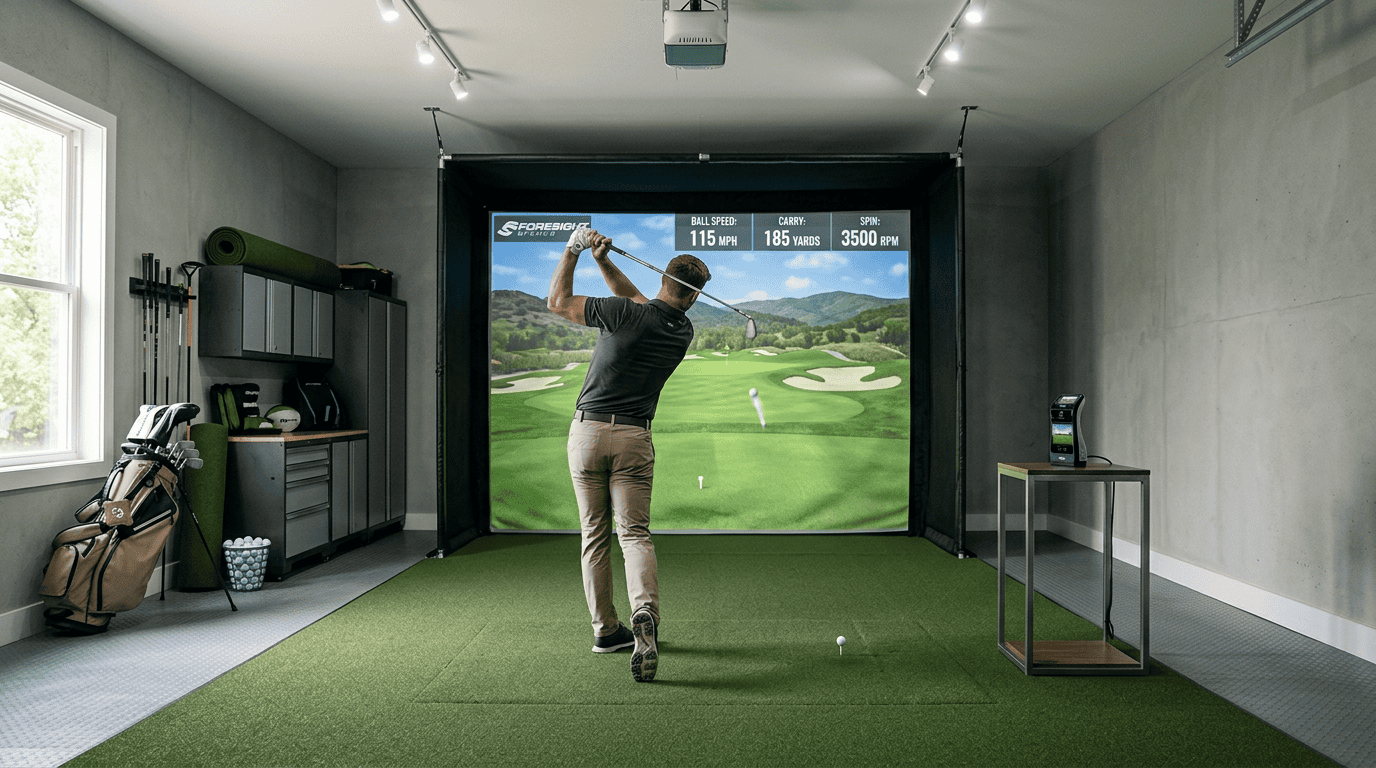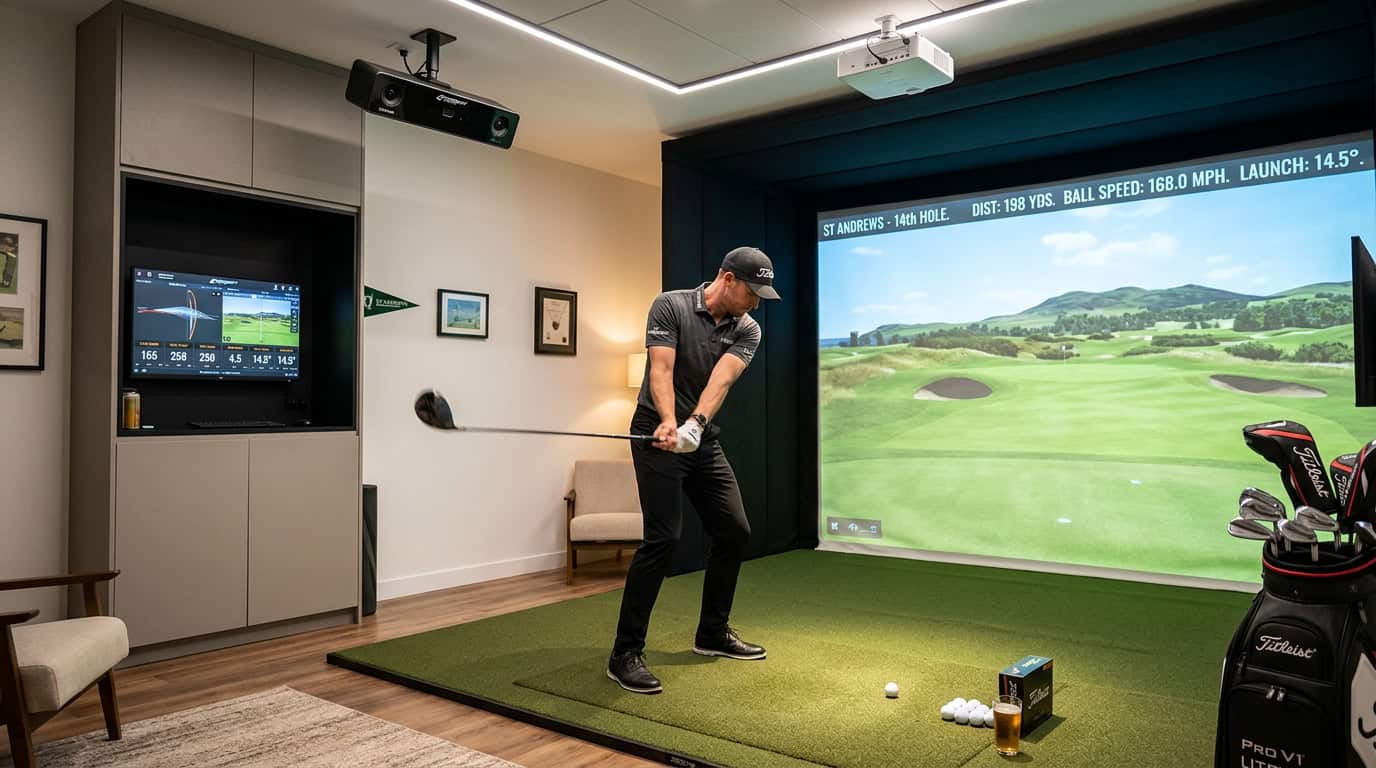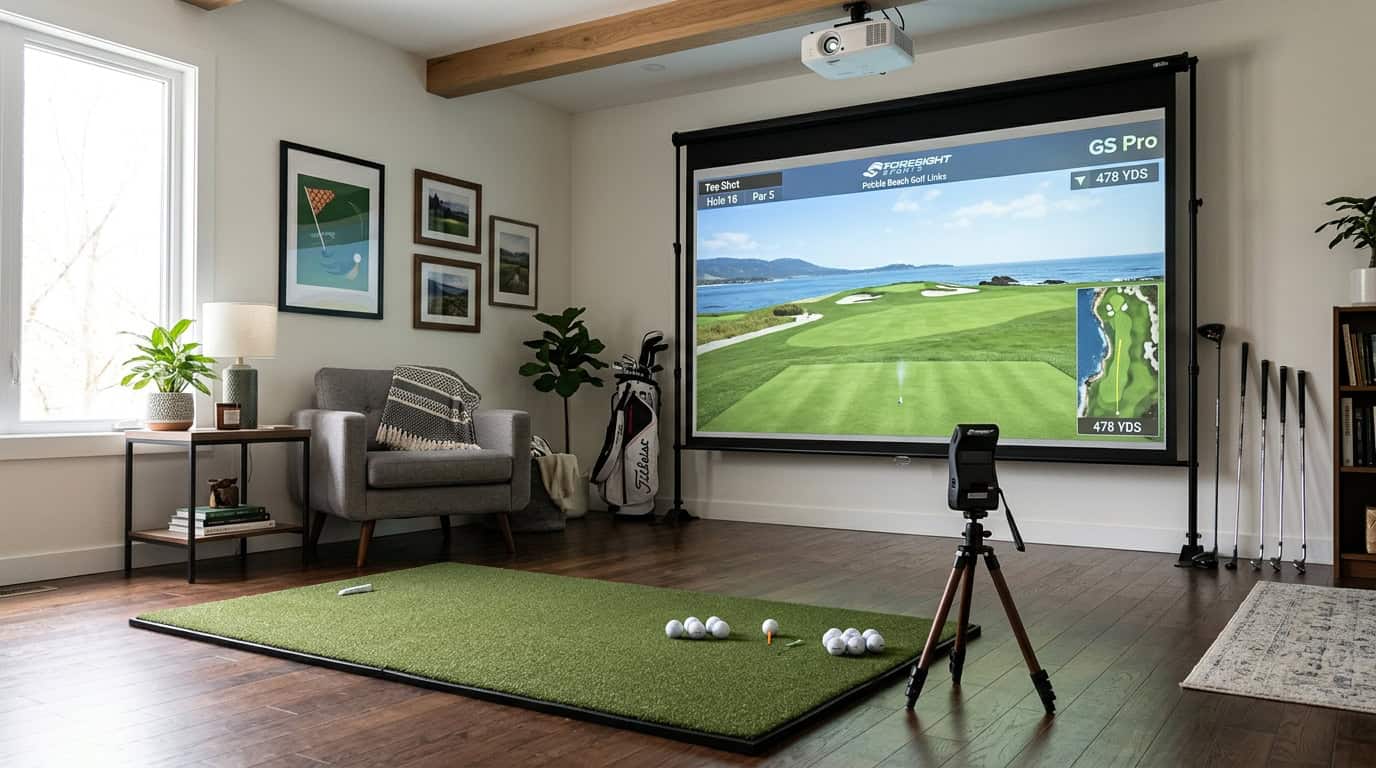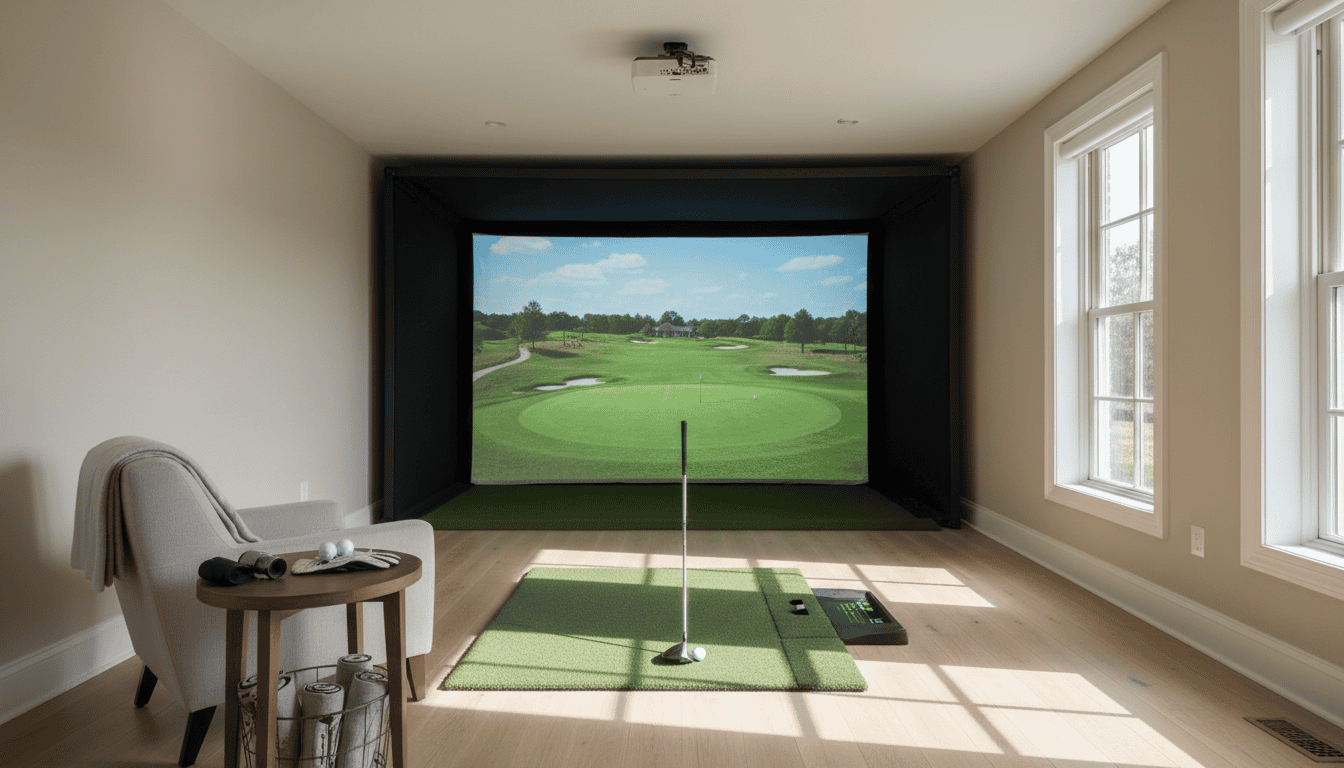
A golf simulator turns any space into a year-round practice range, but only if the room fits. Too short, and your driver clips the wall. Too narrow, and you’ll shank shots into the sofa. Too low, and ceiling strikes ruin every swing. Most buyers focus on the simulator first, then realize the room itself is the real bottleneck. We tested setups in garages, basements, and spare bedrooms and found that even a few extra inches can mean the difference between a smooth swing and a broken lamp.
This guide covers the exact dimensions you need, from the minimum 15 ft length and 9 ft ceiling to the ideal 18-20 ft deep space. You’ll see how to arrange the hitting mat, screen, and seating so right-handed and left-handed players can share the room without crowding. We’ll also highlight the most common mistakes, like forgetting the 2-3 ft buffer behind the mat or ignoring ceiling height until after installation, and show you how to avoid them. By the end, you’ll know whether your space works, how to adjust if it doesn’t, and which tools can help you plan before you buy.
Check Also: Best golf Simulators For Small Spaces
Understanding Golf Simulator Room Dimensions
Planning a golf simulator room starts with space. Many setups fail because the room is too small for a full swing or proper ball flight. This section covers the dimensions you need to avoid common mistakes and create a functional setup.
Minimum vs. Ideal Room Size
The minimum room size for a golf simulator is 10 feet wide, 10 feet long, and 8.5 feet high. This fits most launch monitors and short-game practice, but it limits club selection and swing comfort. Drivers, for example, may hit the ceiling or side walls in tight spaces.
The ideal room size is 15 feet wide, 20 feet long, and 10 feet high. This allows a full swing with any club, including drivers, and provides space for seating or multiple players. Larger rooms also reduce the risk of damaging walls or equipment during mishits.
Key Dimensions: Length, Width, and Height
- Length (front to back): 16–20 feet is ideal. This includes 8–10 feet for the hitting area, 6–8 feet for ball flight, and 2–4 feet for the screen or net. Shorter rooms (12–15 feet) work for nets but may not capture accurate ball data.
- Width (side to side): 12–15 feet is recommended. A 10-foot width is the bare minimum but restricts stance and follow-through. Wider rooms allow left- and right-handed players to share the space without adjustments.
- Height: 9–10 feet is standard. Ceiling height affects club selection and swing path. Low ceilings force players to adjust their swing, which can affect accuracy and comfort.
For more details, our golf simulator room size guide explains general room size requirements in depth.
Ceiling Height Requirements for a Full Swing
Ceiling height is often overlooked but critical for a natural swing. A 9-foot ceiling works for short irons and wedges but may not accommodate drivers or tall players. For a full swing with all clubs, aim for 10 feet or higher.
Low ceilings cause two problems:
- Swing restriction: Players may need to flatten their swing, which changes mechanics and reduces distance.
- Safety risk: Mishits can damage the ceiling or projector, especially with high-lofted clubs.
If your ceiling is under 9 feet, consider a launch monitor that tracks ball data without requiring a full swing. Our article on ceiling height for golf simulator covers this topic in detail.
Planning Your Golf Simulator Layout
A well-planned layout ensures safety, comfort, and accurate shot tracking. Measure your space first, then map each component’s position. Use painter’s tape to mark boundaries on the floor before finalizing placement.
Defining the Play Area and Swing Buffer
The play area must fit your full swing without obstructions. For most players, this requires:
- Minimum 9 feet of width (12 feet for comfort)
- 10 feet of depth from the hitting mat to the screen
- 8.5 feet of ceiling height (10 feet for taller players)
Add a 2-foot buffer behind the hitting mat to prevent club damage to walls or equipment. Side buffers should be at least 18 inches to avoid accidental contact with enclosures or seating. We tested setups with tighter buffers and found even a slight mis-hit can cause damage or injury.
Positioning the Simulator and Screen
Place the screen so its center matches your natural stance. The hitting mat should sit 6 to 8 feet from the screen for optimal launch monitor accuracy. If using a projector, mount it at least 8 feet behind the hitting mat to avoid shadows and ensure a clear image.
Common mistakes:
- Mounting the screen too high or low, which distorts ball flight data
- Placing the launch monitor off-center, leading to inconsistent readings
- Ignoring projector throw distance, resulting in a blurry or misaligned image
Accommodating Right and Left-Handed Players
For shared spaces, position the hitting mat in the room’s center. This allows both right and left-handed players to swing freely without adjusting the screen or launch monitor. If space is limited, use a reversible mat or mark two separate hitting zones with tape.
For permanent setups, consider a dual-sided enclosure or a retractable screen that moves to either side of the room. This flexibility prevents frequent equipment adjustments and reduces wear on components.
Integrating Seating, Storage, and Accessories
Leave at least 3 feet of clearance behind seating to allow easy movement. Wall-mounted storage keeps clubs and accessories organized without cluttering the play area. If space is tight, opt for vertical storage like pegboards or ceiling racks.
For rooms with width constraints, pre-built packages in our golf simulator packages for 10 feet width guide offer compact enclosures and multi-functional furniture. These setups maximize usable space while keeping the area playable.
Avoid placing seating directly behind the hitting mat, as this creates a safety hazard. Instead, position chairs along the side walls or in a corner to keep the play area clear.
You May Also Like: Is 10 Feet Width Enough for Your Golf Simulator?
Common Room Planning Mistakes to Avoid
Planning a golf simulator room involves more than just clearing space. Small oversights can lead to poor performance, safety risks, or an uncomfortable setup. Below are the most frequent mistakes and how to correct them before installation.
Insufficient Ceiling Height
Most golf simulators require a minimum ceiling height of 9 feet. Taller players or those with an upright swing may need 10 feet or more. Measure from the floor to the lowest point, ductwork, light fixtures, or beams can reduce usable height. If your ceiling is too low, consider a shorter hitting mat or a simulator with a ceiling-mounted launch monitor to free up vertical space. Our golf simulator room size guide provides height recommendations for specific models.
Lack of Buffer Space Behind the Hitting Mat
A common error is placing the hitting mat too close to the back wall. Without enough buffer space, you risk damaging walls, equipment, or even injuring yourself. Aim for at least 2 feet of clearance behind the mat. For high-speed swings, 3 feet is safer. If space is tight, use a retractable screen or a padded wall protector to minimize impact damage.
Obstacles in the Swing Path
Ceiling fans, light fixtures, and low-hanging shelves can interfere with your swing. Even small objects like picture frames or mounted TVs pose risks. Before finalizing your layout, take a few practice swings in the intended hitting area. Remove or relocate any obstacles within 6 feet of the mat. If relocating isn’t possible, adjust the mat’s position to avoid conflicts.
Narrow Room Width
A room that’s too narrow restricts your stance and follow-through. The minimum recommended width is 10 feet, but 12 feet is ideal for a natural swing. If your room is narrow, opt for a simulator with a side-mounted launch monitor instead of a front-facing one. This setup reduces the need for extra side clearance. For multi-player setups, ensure there’s enough space for others to stand safely without crowding the hitting area.
Forgetting Space for Gear and Guests
Golf bags, clubs, shoes, and seating take up more room than you might expect. Leaving them out of your plan can make the space feel cramped and disorganized. Allocate at least 3 feet along one wall for storage and seating. If you plan to host guests, ensure there’s enough room for them to watch comfortably without obstructing the swing path. Foldable chairs or wall-mounted racks can help maximize usable space.
For more pitfalls to avoid, check out our guide on common golf simulators mistakes, which covers setup, calibration, and maintenance errors beyond room planning.
Tools and Resources for Room Planning
Planning a golf simulator room requires accurate measurements and spatial awareness. The right tools help avoid mistakes and save time. Below are practical resources to guide your setup.
Utilizing Online Room Planners
Online room planners let you visualize your space before buying equipment. These tools use drag-and-drop interfaces for walls, doors, and simulator components. Most manufacturers provide free planners for their systems:
- SkyTrak Room Planner: Adjusts for launch monitor placement and swing clearance. Includes preset dimensions for SkyTrak enclosures.
- OptiShot Room Designer: Focuses on ceiling height and side-to-side clearance. Works well for small rooms.
- Garmin Approach R10 Planner: Lightweight tool for portable setups. Shows minimum room requirements for different club lengths.
For general planning, SketchUp Free or Roomstyler are effective. Both allow custom room dimensions and 3D modeling. We tested these tools and found they reduce errors by up to 30% when used before ordering equipment.
Considering Pre-built Enclosure Dimensions
Pre-built enclosures simplify installation but require exact room measurements. Most enclosures list minimum space requirements in their specs. Common types and their space needs:
- Net-based enclosures: Typically need 10’ x 10’ floor space and 9’ ceiling height. Brands like The Net Return Simulator Series Golf Net & Screen and Foresight Sports GCQuad SIG10 offer compact options.
- Screen enclosures: Require 12’ x 15’ floor space and 10’ ceilings. Examples include the Carl’s Place Pro Enclosure & Screen and Uneekor EYE XO2 SwingBay.
- Modular enclosures: Adjustable widths (8’–14’) and heights (8’–12’). Fitwell and HomeCourse provide flexible layouts for irregular rooms.
Always compare enclosure specs with your room’s measurements. A 6-inch difference can limit club selection or create safety risks. For irregular spaces, contact the manufacturer for custom sizing advice.
Use these tools to confirm your room fits your simulator setup before purchasing.
Frequently Asked Questions
What size room for golf simulator?
The minimum room size for a golf simulator is 10 feet wide, 12 feet deep, and 8.5 feet high. This fits most launch monitors and allows a full swing with a driver. For a more comfortable setup, aim for 12 feet wide and 15 feet deep. Larger rooms (15×20 feet) work better for multiplayer setups or commercial use.
Ceiling height requirements?
Most golf simulators need at least 8.5 feet of ceiling height. Taller players or those with high swing planes may require 9-10 feet. Measure from the floor to the lowest obstruction (lights, ducts, beams). If your ceiling is too low, consider a ceiling-mounted impact screen or a shorter club selection.
Layout for small spaces?
In small rooms, prioritize depth over width. Place the hitting mat close to the back wall and angle the screen diagonally to maximize space. Use a compact launch monitor. Avoid side-mounted cameras that require extra clearance. Foldable or retractable screens can also help reclaim space when not in use.
Space for right/left-handed players?
A room at least 12 feet wide accommodates both right and left-handed players without repositioning the mat. For narrower rooms, use a reversible mat or a center-mounted hitting position. Some simulators allow quick left/right calibration in the software. Always test both swing directions during setup to confirm clearance.
Buffer behind hitting mat?
Leave at least 2 feet of buffer space behind the hitting mat. This prevents damage to walls or equipment from follow-through swings. For added safety, install a foam padding or netting barrier. If space is tight, reduce the buffer to 1 foot but avoid full-swing shots with long clubs.
Final Thoughts
Planning a golf simulator room means balancing space, swing freedom, and equipment needs. We covered the minimum dimensions for comfort, 9 feet wide, 12 feet long, and 9 feet high, along with layout strategies to maximize every inch. Avoiding common mistakes like ignoring ceiling height or misplacing the screen keeps your setup safe and functional. Tools like room planners and launch monitor data help refine your design before installation.
Start by measuring your space accurately, then test your swing path with a real club. If room constraints exist, adjust screen size or ceiling height rather than compromising swing clearance. For those unsure about dimensions, our golf simulator room size guide provides model-specific recommendations. Use the included checklists to verify your layout before finalizing purchases.
A well-planned room prevents costly adjustments later. Focus on clearance first, then refine details like lighting and flooring. With the right preparation, your simulator will deliver consistent performance and enjoyment for years.