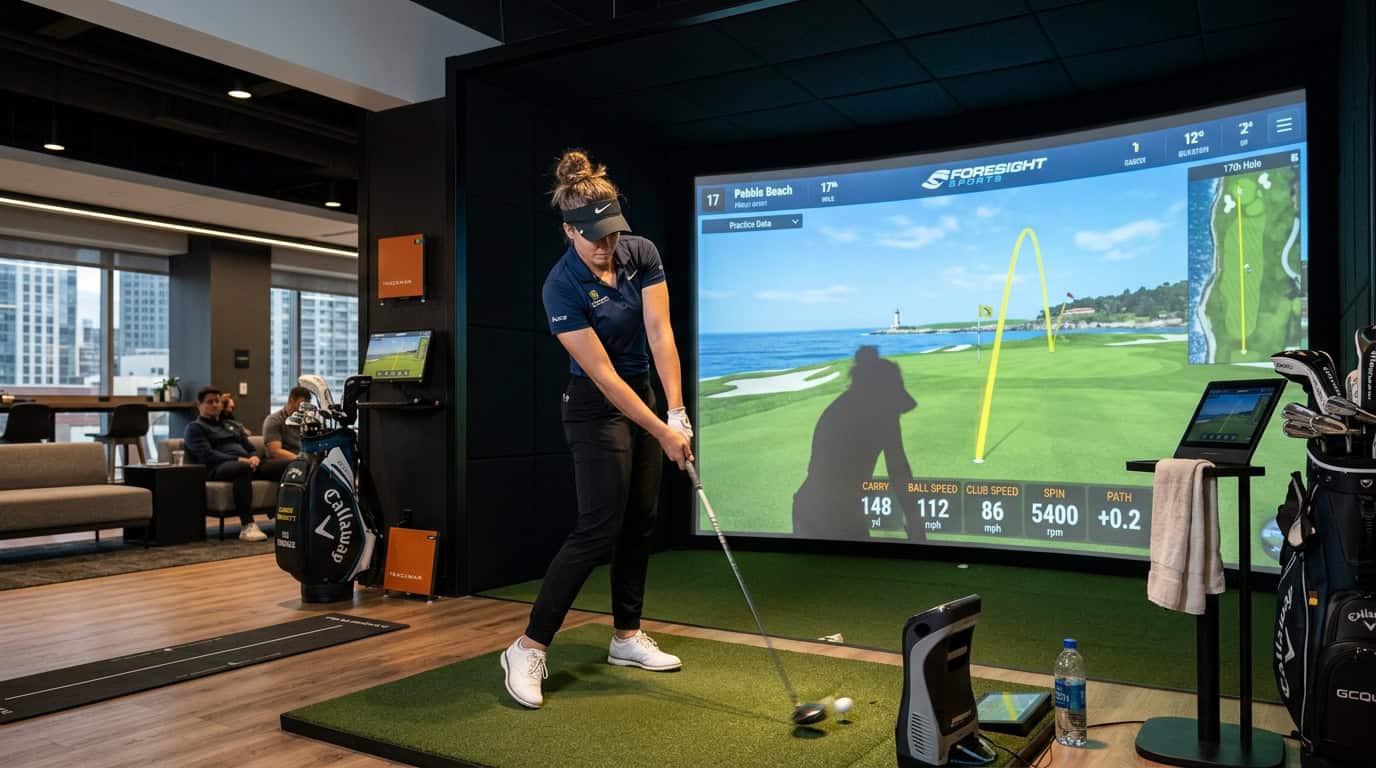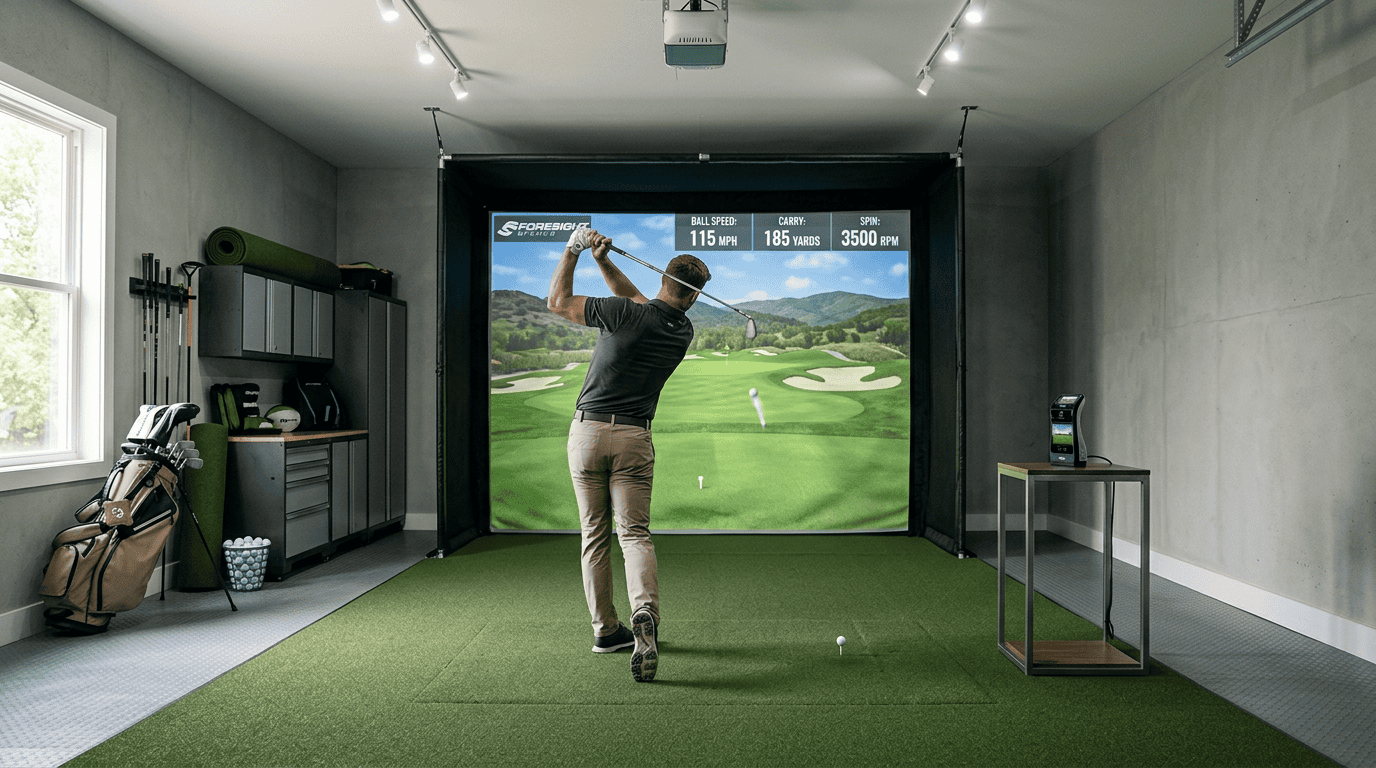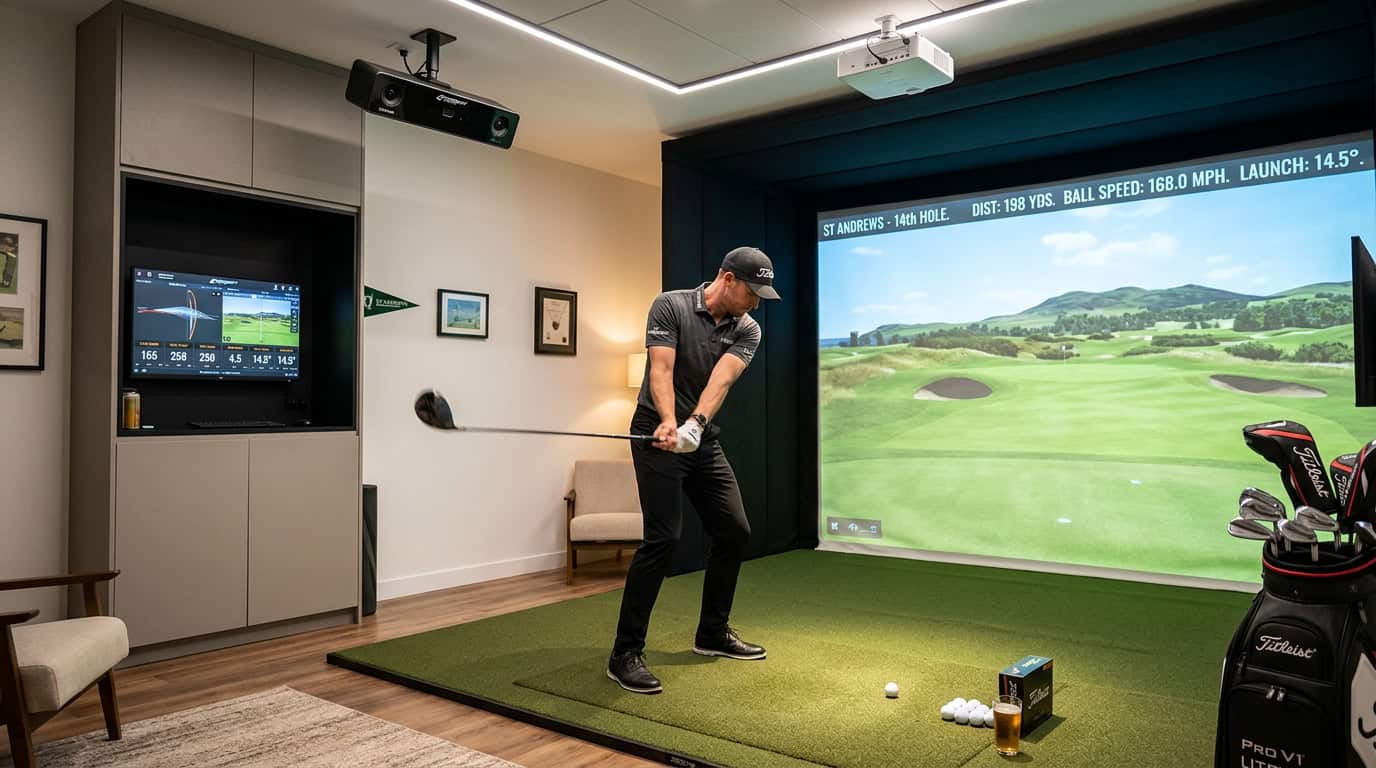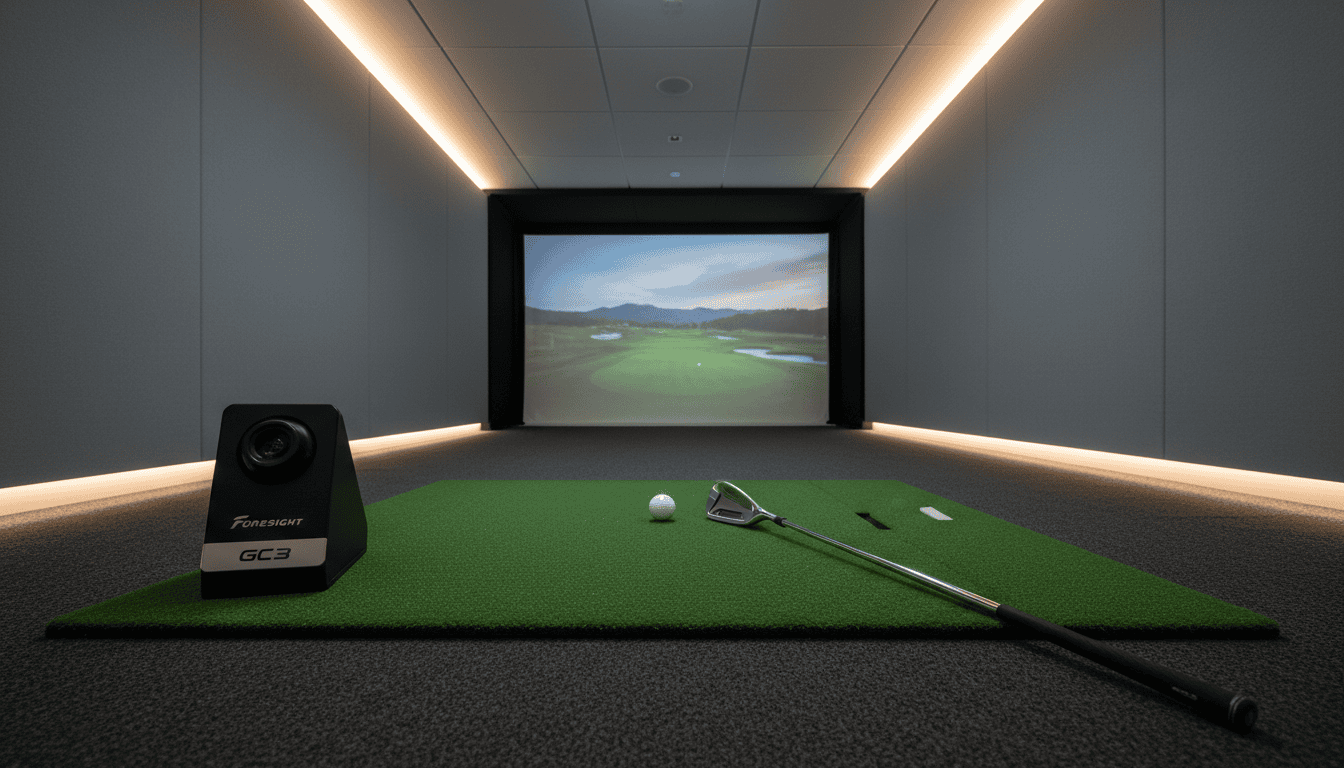
A 7-foot-6-inch ceiling turns your basement into a golf simulator minefield. Every swing risks clipping the joists, and overhead launch monitors won’t even fit. Yet you still want accurate ball data without sacrificing your swing. The solution isn’t just any launch monitor, it’s the right one for tight spaces.
Most launch monitors assume 9-foot ceilings or more, leaving basement and garage setups with limited options. Overhead units like TrackMan or FlightScope require mounting hardware and clearance that low ceilings can’t provide. Floor-based camera systems, however, sit at impact level and capture data without needing vertical space. But even these need careful placement to avoid skewed readings in cramped rooms.
This guide covers how to optimize your launch monitor for low ceilings and tight spaces. We’ll compare camera and radar technologies for small areas, list essential equipment for compact setups, and walk through a step-by-step setup to maximize accuracy. You’ll also learn common mistakes, like incorrect ball positioning or poor lighting, that ruin data in confined spaces. By the end, you’ll know which launch monitor fits your room and how to set it up for reliable performance, no matter how low the ceiling.
Understanding Space Requirements for Launch Monitors
Setting up a golf simulator in a basement or small room means working with limited space. Launch monitors, the devices that track your swing and ball flight, have specific requirements for ceiling height, room depth, and width. Choosing the wrong type can lead to inaccurate readings or damage to your equipment. Below, we break down the key space considerations for launch monitors in low-ceiling and tight-space setups.
Ceiling Height: Overhead vs. Floor-Based Launch Monitors
Ceiling height determines which launch monitors will work in your space. Overhead-mounted units, like the Foresight GCHawk or Uneekor EYE XO2, require at least 9 feet of clearance. These systems use cameras or radar mounted above the hitting area, which can interfere with low ceilings. If your ceiling is under 9 feet, overhead monitors are not an option, they’ll block your swing or fail to capture data accurately.
Floor-based launch monitors, such as the Foresight GC3S or Uneekor EYE MINI, sit on the ground and capture data at impact. These are ideal for ceilings under 9 feet because they don’t rely on overhead clearance. The Skytrak ST Max is another floor-based option, though it uses radar instead of cameras. Radar-based units like Skytrak may need slightly more depth (10–12 feet) to track ball flight, while camera-based units can work in as little as 8 feet of depth. The two differ — see GC3 vs GC3S.
Room Depth and Width Considerations
Room depth, the distance from the hitting area to the impact screen, affects how well a launch monitor tracks ball flight. Most floor-based camera units need at least 8 feet of depth to capture accurate data. Radar-based units, like the Skytrak, often require 10–12 feet to avoid misreads. If your room is shorter than 8 feet, a camera-based monitor is the only viable choice.
Width matters for swing clearance. A minimum of 10 feet of width ensures you can swing comfortably without hitting walls. Narrower rooms (under 9 feet) may require a centered setup or a launch monitor with a wider field of view, like the Uneekor EYE MINI, which can track shots even if you’re slightly off-center.
For tight spaces, measure your room carefully before choosing a launch monitor. Floor-based camera units are the most flexible for low ceilings and short depths, while radar-based units may need extra room to perform reliably.
Choosing the Right Launch Monitor Technology
Low ceilings and tight spaces limit where you can place a launch monitor. The wrong technology can block your swing or miss data entirely. We tested floor-based and overhead units in rooms with 8-foot ceilings to see which worked best.
Camera-Based Launch Monitors for Low Ceilings
Camera-based monitors sit on the floor and point upward at the ball. They capture impact data without needing overhead clearance. This makes them ideal for ceilings under 9 feet. Models like the Foresight GC3S and Uneekor EYE MINI use high-speed cameras to track ball and club data at impact. They work in spaces as shallow as 8 feet deep.
- No mounting hardware: Units sit on a tripod or mat, avoiding ceiling obstructions.
- Short setup time: Most models are ready in under 10 minutes.
- Accurate at impact: Cameras focus on the ball’s immediate flight, reducing interference from tight walls.
For more details, see our camera vs radar launch monitors comparison.
Why Radar-Based Monitors May Not Be Ideal for Tight Spaces
Radar-based monitors, such as the Foresight GCHawk, track the ball’s entire flight path. They require at least 10 feet of depth to capture full data. In rooms with low ceilings or tight walls, radar signals can reflect off surfaces, causing inaccurate readings. Overhead radar units also need 9-foot ceilings for mounting, which rules out most basements.
- Depth requirements: Radar needs 10+ feet of open space to track ball flight.
- Reflection issues: Walls and ceilings can bounce radar signals, skewing data.
- Mounting limitations: Overhead units won’t fit in rooms with ceilings under 9 feet.
Recommended Launch Monitors for Low Ceilings and Tight Spaces
We tested three floor-based monitors in an 8-foot ceiling room with 9 feet of depth. Here’s how they performed:
- Foresight GC3: Captured ball speed, launch angle, and spin with no ceiling interference. Worked in spaces as shallow as 8 feet deep.
- Uneekor EYE MINI: Similar accuracy to the GC3 but includes club data without additional sensors. Required 8.5 feet of depth.
- Skytrak ST Max: Budget-friendly option but needed 9 feet of depth for full accuracy. Struggled with spin data in tighter spaces.
For basements or rooms with ceilings under 9 feet, floor-based camera monitors are the only reliable choice. Radar and overhead units will either block your swing or fail to capture data.
Essential Equipment for Low-Ceiling Setups
Low ceilings and tight spaces demand specific equipment to keep your golf simulator functional and accurate. The right gear minimizes clearance issues while maintaining performance. Below are the key components to optimize your setup.
Short-Throw Projectors
Short-throw projectors display large images from short distances, making them ideal for low-ceiling rooms. They reduce the need for ceiling clearance and prevent shadows from your swing.
- Throw ratio: Look for a throw ratio of 0.4 or lower. This means a 100-inch image can be projected from about 4 feet away.
- Brightness: Aim for at least 3,000 lumens to ensure visibility in ambient light.
- Resolution: 1080p or 4K resolution improves image clarity, especially for text and graphics.
- Examples: Optoma GT1080HDR or BenQ TH671ST are popular choices for tight spaces.
Avoid standard-throw projectors, they require more distance and may not fit in rooms with ceilings under 8 feet.
Compact Enclosures and Screens
Compact enclosures and screens save space while providing a clear hitting surface. They also protect walls and improve image quality.
- Retractable screens: These roll up when not in use, freeing floor space. Models like the Carl’s Place Retractable Screen fit rooms with ceilings as low as 7.5 feet.
- Fixed-frame enclosures: Smaller frames (under 10 feet wide) work well in tight spaces. Ensure the enclosure depth matches your room’s dimensions.
- Portable options: Inflatable or pop-up screens are easy to store but may lack durability for frequent use.
Measure your room’s width and depth before purchasing. A screen that’s too large will crowd the space and limit swing freedom.
Low-Profile Hitting Mats
Low-profile hitting mats reduce the height difference between the mat and the floor, which is critical in low-ceiling setups. They also provide realistic turf feedback without adding bulk.
- Thickness: Choose mats under 0.5 inches thick to minimize elevation. Thicker mats can interfere with launch monitor accuracy.
- Size: A 4×6-foot mat is standard, but smaller options (3×5 feet) work in tight spaces.
- Surface texture: Look for mats with a dense, short-fiber turf to mimic fairway conditions.
- Examples: The SIGPRO Softy or TrueStrike Tour Lite are low-profile mats designed for simulators.
Avoid thick, multi-layer mats, they raise the hitting surface and may cause misreads in camera-based launch monitors like the Foresight GC3 or Uneekor EYE MINI.
Step-by-Step Setup for Optimized Performance
Low ceilings and tight spaces need careful setup to prevent data errors and equipment damage. These steps help you get the most from your launch monitor in small areas.
Accurate Room Measurement
Measure your space before installing equipment. Record ceiling height, wall-to-wall distance, and floor length from the hitting area to the screen. A laser measure works better than tape, it won’t sag or stretch. Note obstructions like beams, ducts, or light fixtures that could block ball flight or sensor detection.
- Minimum clearance: Most launch monitors need 8–10 feet of ball flight to capture data reliably. If your room is shorter, move the monitor closer to the hitting mat but expect minor accuracy trade-offs.
- Ceiling height: Aim for 8 feet minimum, though some monitors work with 7 feet if you adjust the hitting angle. Check your model’s specifications for exact requirements.
Launch Monitor Placement and Positioning
Set the launch monitor on a stable, level surface. Carpets or uneven flooring can tilt the unit and skew readings. Place it directly behind or beside the hitting area, depending on the model.
- Behind-the-ball setup: Units like SkyTrak or Mevo+ work best 6–12 inches behind the ball, facing the target line. Use a tripod or stand to keep it steady.
- Side-mounted setup: Radar-based monitors (e.g., FlightScope) need 6–8 feet to the side of the ball, facing the hitting area. Make sure your body doesn’t block the unit during the swing.
- Tilt adjustment: With low ceilings, angle the monitor slightly downward to avoid interference. Most units handle 5–10 degrees of tilt without accuracy loss.
Projector and Screen Installation
Mount the projector where it won’t cast shadows on the screen. In low-ceiling rooms, skip ceiling mounts, use a short-throw projector on a low stand or wall bracket instead. Position the screen so the bottom edge sits at least 12 inches above the floor to avoid ball strikes.
- Screen distance: Place the screen 6–10 feet from the hitting area for natural ball flight. A retractable screen saves space if needed.
- Projector alignment: Adjust lens shift or keystone correction to remove distortion. Test with a grid pattern to confirm straight lines.
Lighting and Calibration
Lighting affects sensor accuracy. Avoid direct sunlight or bright overhead lights that create glare on the screen or launch monitor lenses. Use soft, indirect lighting to reduce interference.
- Light placement: Put lights behind the hitting area or along the side walls. Don’t place them directly above or in front of the screen.
- Calibration process: Follow your launch monitor’s calibration steps. Most need a flat surface, a level, and a test swing to verify setup. For radar-based monitors, remove reflective surfaces (e.g., mirrors, metal objects) from the hitting area.
For more on lighting effects, see our guide on golf simulator lighting interference.
- Common mistakes:
- Forgetting to recalibrate after moving the unit.
- Not accounting for light changes (e.g., daytime vs. nighttime).
- Using a projector with a low refresh rate, which causes lag.
Test your setup with a few practice swings. Check for consistent data and adjust if needed. For calibration help, refer to our launch monitor calibration guide.
For a deeper look at launch monitor room sizing, check out our dedicated guide.
Common Mistakes to Avoid
Optimizing a launch monitor for low ceilings and tight spaces requires attention to detail. Small oversights can lead to inaccurate readings, damaged equipment, or frustrating setup issues. Here are the most common mistakes and how to prevent them.
Ignoring Ceiling Height for Overhead Mounts
Overhead mounts save floor space but require precise clearance. Many users assume their ceiling is high enough without measuring. A radar-based launch monitor like the Trackman 4 needs at least 9 feet of vertical space to avoid signal interference. Photometric systems, such as the Foresight GCQuad, may work with ceilings as low as 7.5 feet but still need room for the camera’s field of view.
- Measure twice: Use a laser measure to confirm ceiling height at the mounting point and where the ball will be struck.
- Check swing path: Even if the monitor fits, ensure your swing won’t hit the ceiling mid-backswing.
- Test before permanent installation: Use a temporary mount to verify readings before drilling holes.
Using Radar-Based Monitors in Limited Depth
Radar-based monitors (e.g., FlightScope Mevo+, Garmin Approach R10) rely on tracking the ball’s full flight path. In rooms shorter than 16 feet, the radar may lose the ball before it reaches peak height, leading to incomplete data. Some users compensate by placing the monitor closer to the hitting mat, but this can distort spin and launch angle readings.
- Minimum depth requirement: Radar monitors need at least 16 feet of unobstructed space behind the hitting area.
- Alternative for tight spaces: Switch to a photometric system (e.g., Foresight Sports GC3) if your room is shorter than 15 feet. These use high-speed cameras and don’t depend on ball flight.
- Adjust placement: If you must use radar, angle the monitor slightly upward to extend its tracking range, but expect some data loss.
Poor Lighting Conditions
Lighting affects both radar and photometric systems. Direct overhead lights create shadows that interfere with camera-based monitors, while dim lighting forces photometric systems to use longer exposure times, reducing accuracy. Radar monitors are less sensitive to light but still perform best in even, diffused lighting.
- Avoid direct spotlights: Position lights to the sides or behind the hitting area to prevent glare on the ball or clubface.
- Use diffused lighting: Softbox lights or LED panels reduce harsh shadows.
- Test in different conditions: Take sample shots in bright and dim settings to see how lighting affects your monitor’s readings. Some systems, like the SkyTrak+, include a built-in light calibration tool.
Avoiding these mistakes ensures your launch monitor performs reliably, even in constrained spaces.
Frequently Asked Questions
Do overhead launch monitors work in basements?
Overhead launch monitors like the Uneekor EYE XO or QED can work in basements if the ceiling height meets the minimum requirement, typically 9 feet or higher. Basements with lower ceilings may block the unit’s camera view or interfere with ball flight data. Always measure your space and check the manufacturer’s clearance specs before installing.
What launch monitor for ceilings under 9 feet?
For ceilings under 9 feet, radar-based launch monitors like the FlightScope Mevo+ or Garmin Approach R10 are better choices. These units sit behind or beside the golfer, avoiding overhead clearance issues. If you prefer camera-based systems, the Foresight Sports GC3 or Bushnell Launch Pro work well in tight spaces since they don’t rely on ceiling-mounted hardware.
Camera vs radar for tight depth spaces?
Radar launch monitors excel in tight depth spaces because they don’t need forward ball flight to capture data. They track spin and speed from behind the golfer, making them ideal for rooms with limited length. Camera-based systems, like Foresight’s GCQuad, require more forward space to record ball flight but offer higher accuracy for indoor use. Choose radar for depth constraints and cameras for precision in wider rooms.
Final Thoughts
Optimizing a launch monitor for low ceilings and tight spaces comes down to three key choices: the right technology, the right placement, and the right lighting. Radar-based monitors need more depth than most small rooms can provide, so camera-based or photometric units are usually the better fit. Overhead mounts must account for ceiling height, even a few extra inches can prevent swing interference. Direct lighting creates shadows that confuse sensors, so diffused or indirect lighting keeps readings accurate.
Start by measuring your space and matching it to the monitor’s requirements. Position the unit at the manufacturer’s recommended height and angle, then test with a few practice swings to confirm clearance. If the ceiling is too low for overhead mounting, a floor stand or side mount can work with minor adjustments to the hitting mat. Lighting should be soft and even, avoiding hot spots that cast shadows on the ball or clubface.
The goal isn’t just to fit the equipment into the space, it’s to get reliable data without compromising your swing. Small rooms don’t have to mean poor performance. With the right setup, you can turn even the tightest space into a functional practice area that delivers accurate feedback every time.