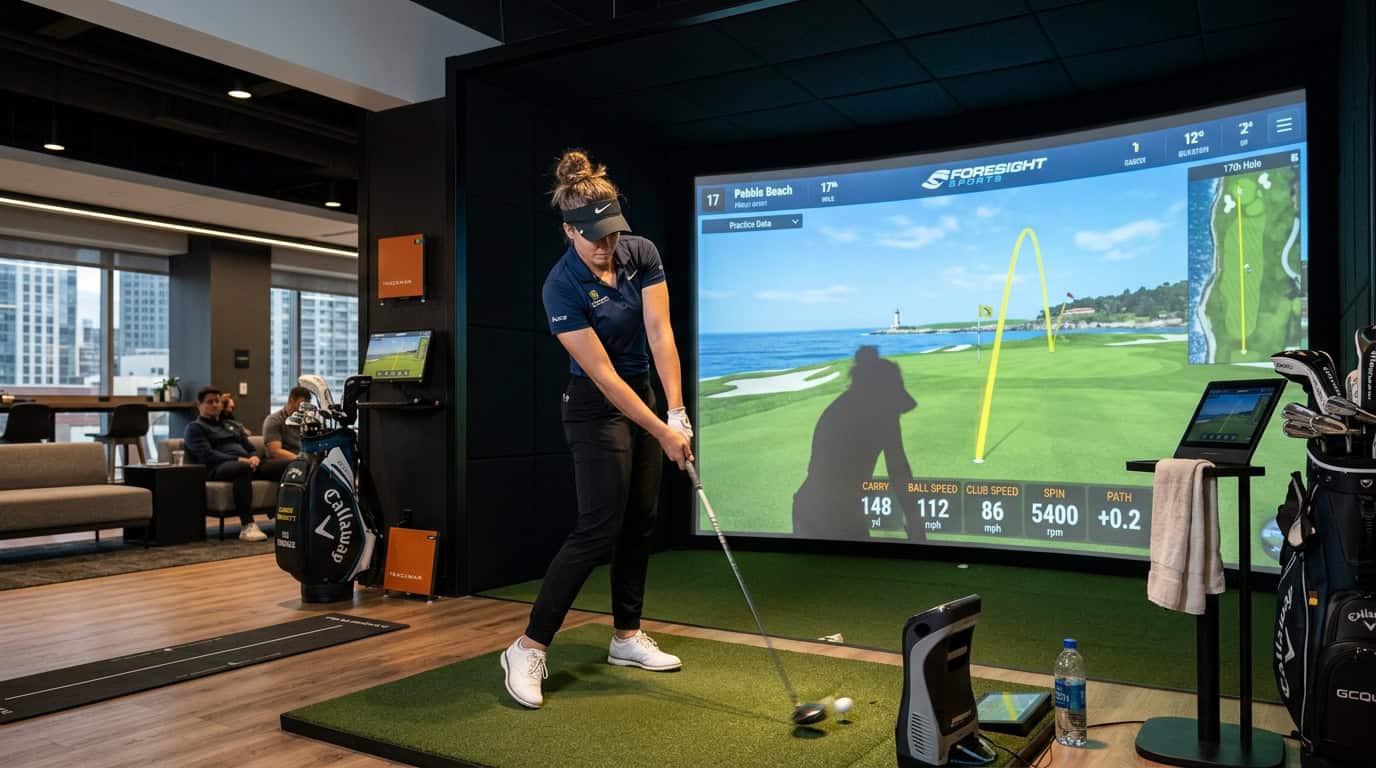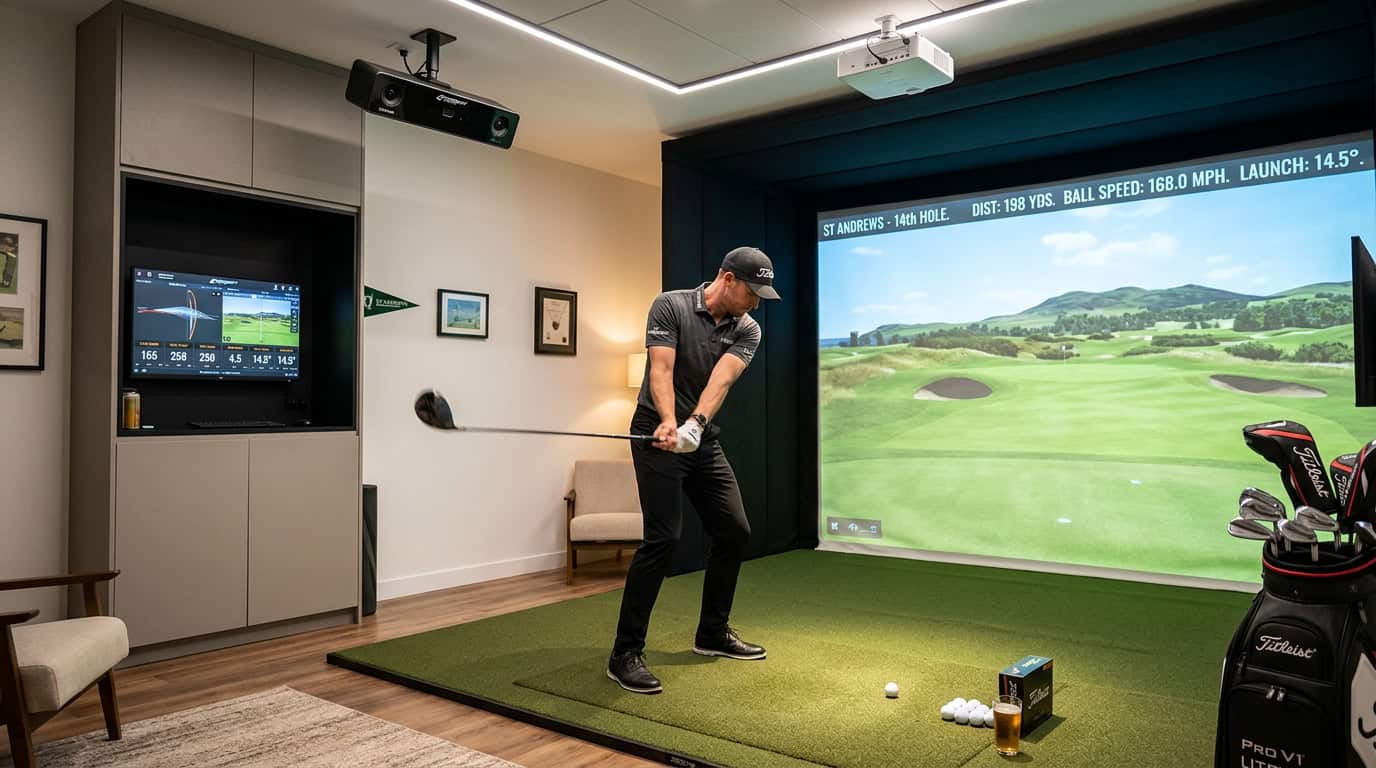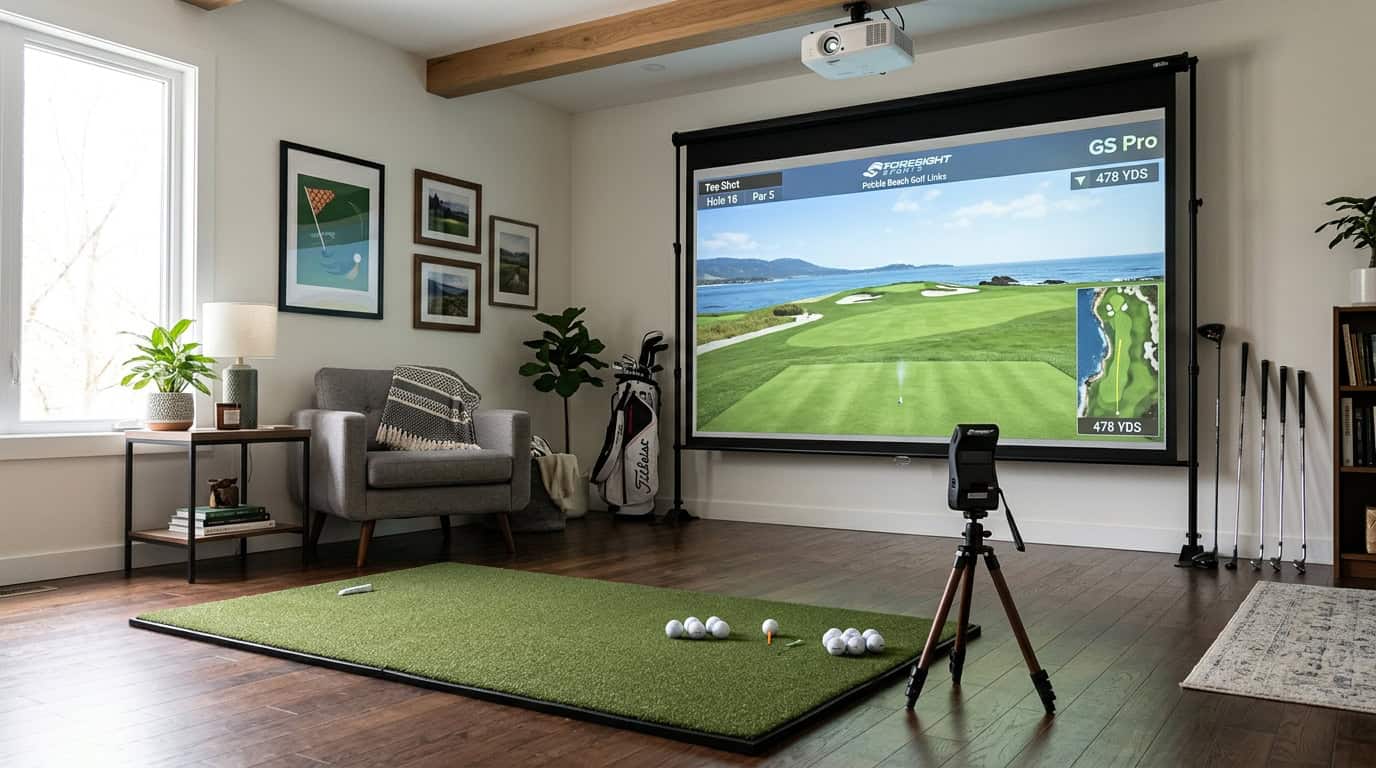


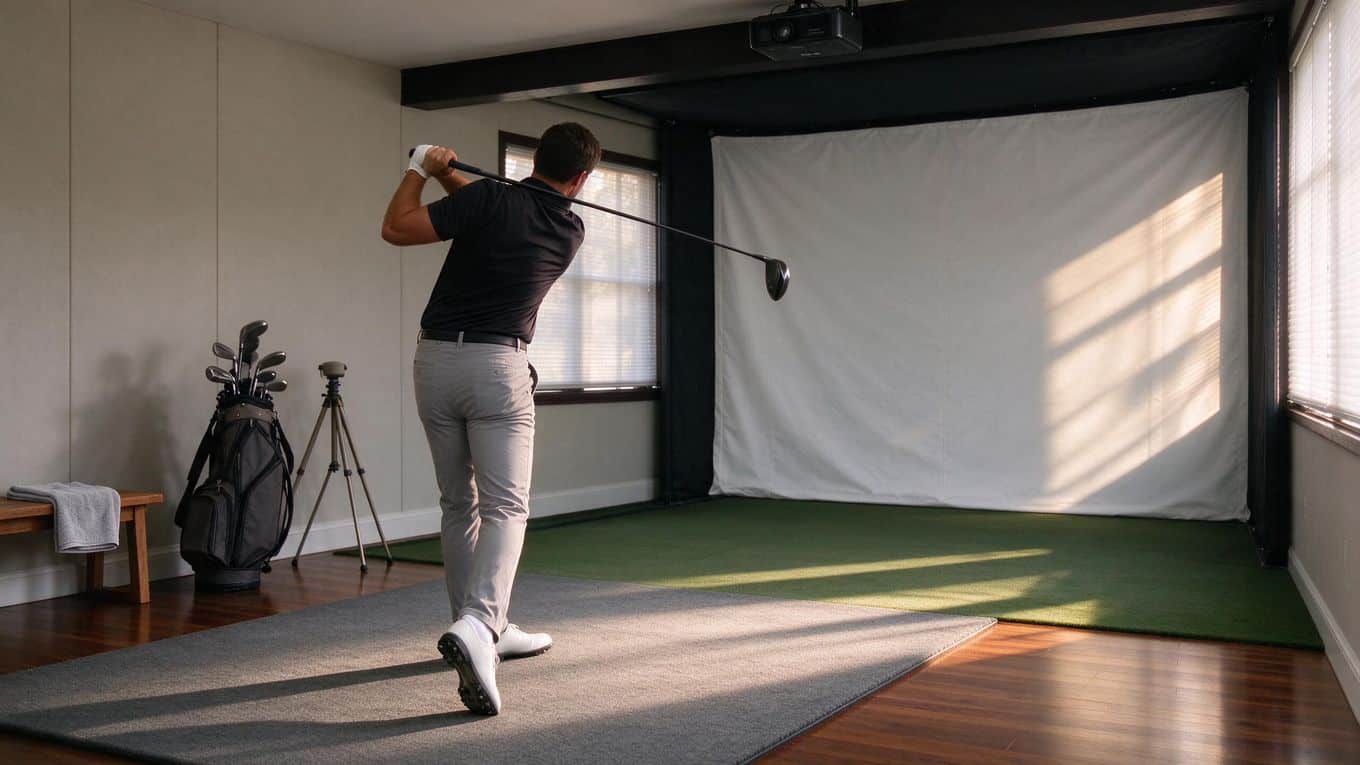
A dim garage or a basement with one small window can feel like the perfect spot for your golf simulator. Then you fire up the projector, and the image looks like a ghost. The ball flight data is there, but the visuals wash out against the wall, and every shot feels flat.
Ambient light is the quiet killer of golf simulator setups. You can spend thousands on a launch monitor and a crisp impact screen, but if your projector cannot compete with the light in the room, you are watching a faded slideshow instead of a round at Pebble Beach.
The fix starts with understanding lumens, the unit that measures projector brightness. Not every simulator room needs the same output. A dark, dedicated sim space with blackout curtains might run beautifully on 3,000 lumens.
A multi-use garage with overhead LEDs and a window? You are looking at 4,000 to 6,000 lumens, sometimes more.
This guide walks you through matching projector brightness to your specific room. You will learn how to assess the ambient light you are working with, why screen size changes your lumen needs, and which setup mistakes quietly ruin image quality. We also cover when a short-throw lens matters, how to pick the right light source (lamp versus laser), and practical steps to take before you buy.
By the end, you will know exactly how many lumens your golf simulator projector needs to deliver a sharp, clear image, even when the room is not perfectly dark.
Assess Ambient Light in Your Room
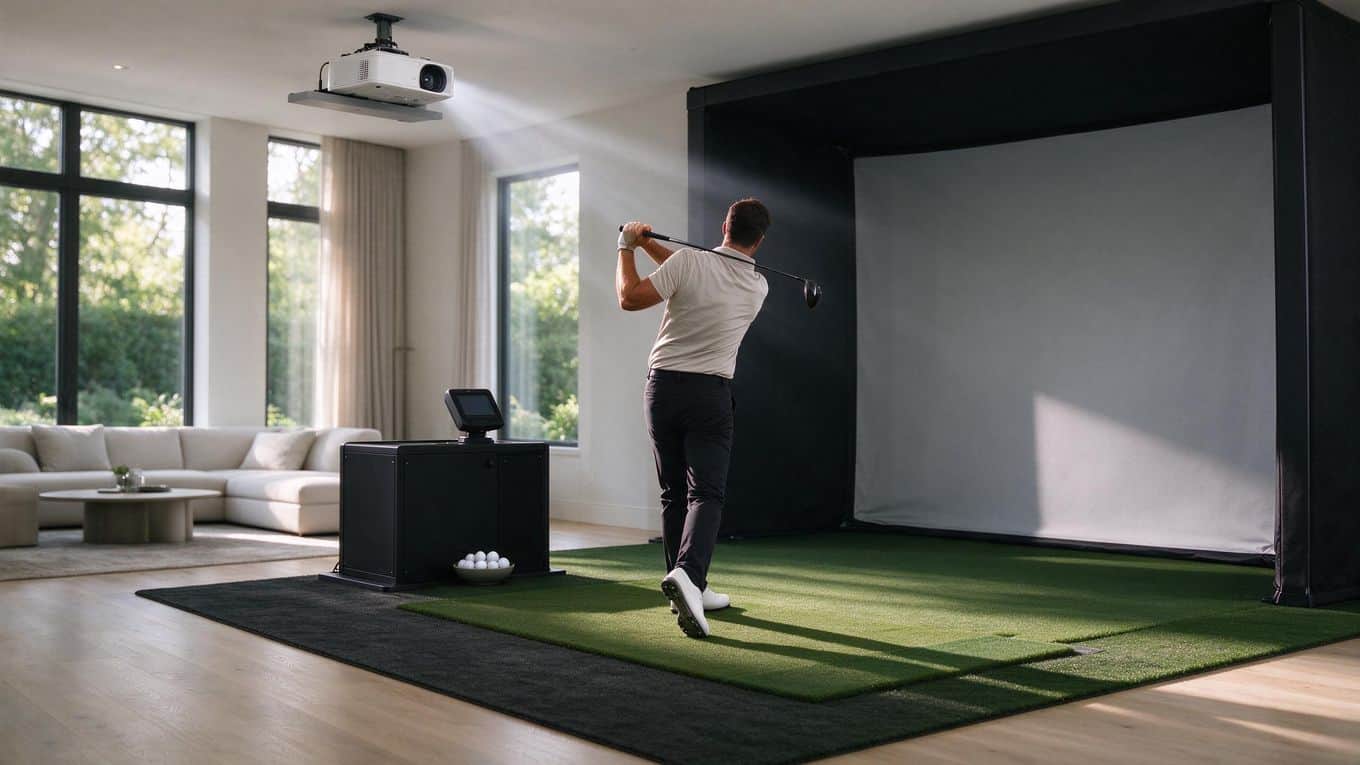
Before you compare lumen ratings, you need a clear picture of how light behaves in your simulator space. Projector brightness only matters relative to what it is competing against. A 6,000-lumen projector in a sunlit room can look weaker than a 3,000-lumen unit in a dark basement. Take a few minutes to observe your room under real playing conditions.
When you play and which lights are on
Think about your actual schedule. Do you play in the evening after work, or do you squeeze in sessions on weekend afternoons? The time of day determines how much daylight enters the space.
List every light source that runs during play: overhead fixtures, floor lamps, LED strips, televisions, or task lights near your hitting area. Even a bright monitor or phone screen can add glare. Write down what is on during a typical session, not what you could turn off.
Windows, sunlight, and overhead fixtures
Walk the room and look for direct light paths. South- and west-facing windows pour in the most sunlight during afternoon and evening hours. Track where sunlight lands on your impact screen across the day.
Overhead recessed lights and track lighting often shine directly onto the screen or across the projector beam. Spotlights aimed at the hitting area can wash out the image even if they never touch the screen directly. Note which fixtures you can dim, redirect, or eliminate.
Rate your room: controlled, moderate, or constant
Since no universal lux number applies to every setup, rate your room in plain terms. Controlled means you can darken the space completely or nearly so, with minimal light leaking in.
Moderate means some ambient light persists during play, such as a single window with blinds or dimmable overheads you prefer to keep on. Constant means daylight or bright artificial light reaches the screen throughout your sessions, and you cannot or will not block it.
This three-level rating guides your lumen target: controlled rooms work with lower brightness, moderate rooms need more, and constant-light spaces demand the highest output. Your rating matters more than any single fixture. Once you know where your room falls, you can match it to the right projector brightness. For related guidance, see how ambient light affects launch monitor accuracy in our guide on lighting interference.
Match Lumens to Screen Size
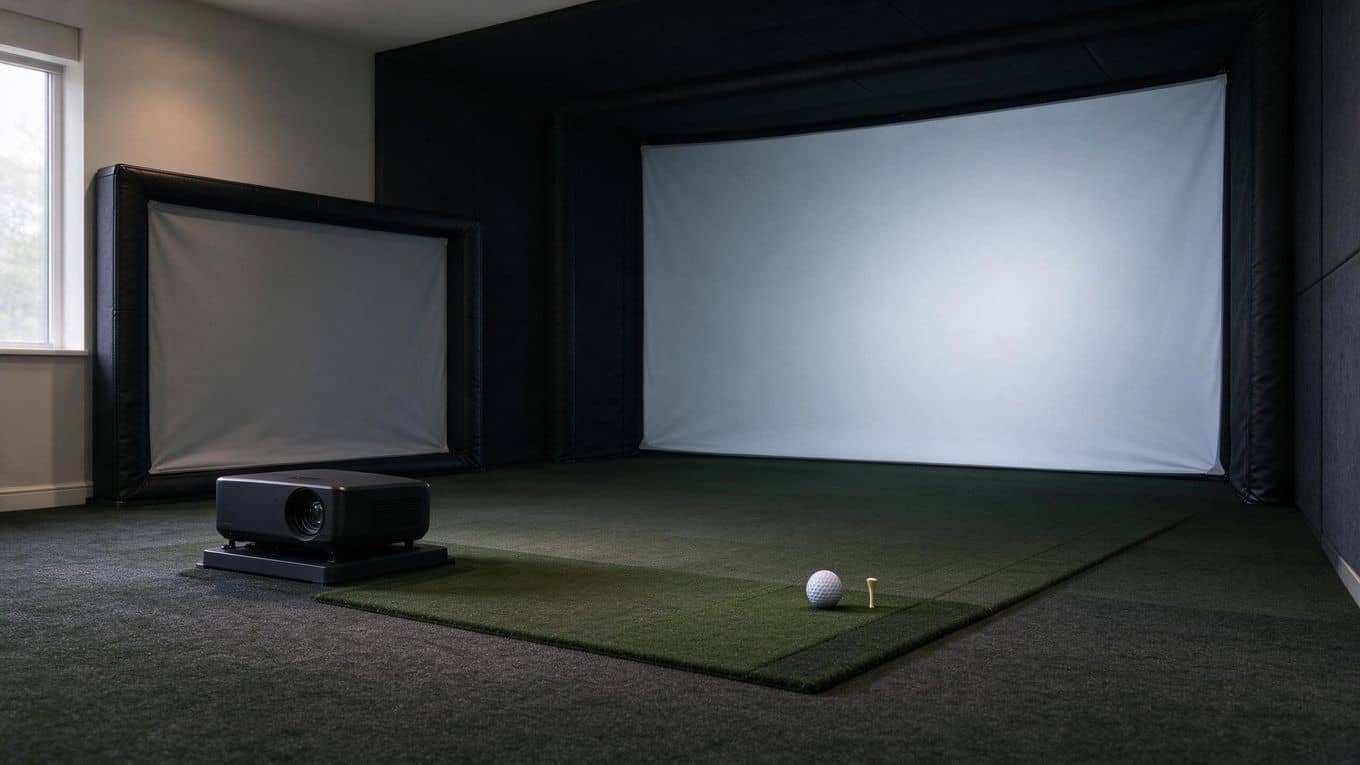
Your screen size and room lighting set the lumen floor for your projector. Get this wrong and even a premium unit will struggle to deliver a crisp, playable image.
Smaller screens: about 3,000 lumens
Start at 3,000 lumens if you have a compact impact screen and a room you can darken. Pair this with a short-throw lens so the projector sits close to the screen without casting shadows from your swing.
In a controlled-light space, 3,000 lumens is enough to render ball flight, course textures, and launch monitor data clearly. This is the practical entry point for most home golf setups.
Larger screens or brighter rooms: 4,000 to 6,000 lumens
Bigger screens spread the same light across more surface area, which dims the image. Rooms with windows, overhead lighting, or light-colored walls reflect stray light onto the screen.
In either case, step up to 4,000 to 6,000 lumens. This range keeps contrast and color saturation intact when conditions are less than ideal. If your screen exceeds 10 feet wide or your room gets afternoon sun, lean toward the higher end.
4K projectors and rooms with constant light
Texas Instruments guidance splits the difference by room type. A controlled-light home environment can run a 4K UHD projector with 4,000 lumens and still produce a sharp, detailed image.
Larger spaces with constant light exposure need 6,000 lumens or more to maintain the same perceived brightness. Match your projector's resolution and brightness to your actual room, not just your wish list.
If you are weighing display options, our 1080p vs 4K projector comparison breaks down when the extra resolution pays off.
Brightness alone cannot correct a poorly lit room
A 6,000-lumen projector in a sunlit room can look weaker than a 3,000-lumen unit in a dark basement. Ambient light washes out the image by adding stray brightness that competes with your projector's output.
Before you buy more lumens, block the light. Blackout curtains, dimmable overhead fixtures, and matte dark walls do more for image quality than raw brightness.
BenQ specifically warns against spotlights shining directly on the screen or across the projector's path, since this creates hot spots and reduces perceived contrast. Fix the room first, then size your projector to what remains.
When planning your build, also check our golf simulator room size guide to confirm your space supports proper projector placement and light control.
Tools and Materials to Plan Around
Before you buy a projector, you need to understand how three pieces work together: the projector itself, the impact screen, and the room's light control. Each one changes what brightness you need.
The projector and its short-throw lens
A short-throw lens lets you place the projector close to the screen while still filling a large image. In a golf simulator, ceiling height and floor space are limited, so you usually mount the projector overhead or on a shelf behind you. Without a short-throw lens, you would need to sit much farther back to fill the same screen.
Short-throw projectors use a throw ratio below 1.0, meaning the image width matches or exceeds the distance from the lens. A typical simulator setup uses a throw ratio between 0.5 and 0.8. This lets you fill a 9 to 10-foot-wide impact screen from 5 to 8 feet away.
For golf, dedicated models like the BenQ TK710STi or AK700ST pair short-throw lenses with high lumen output. The short-throw design is not optional in most garages or basements. It is the difference between a playable setup and one where the projector blocks your swing or forces you to stand too far from the screen.
Impact screen size
Screen size directly changes how many lumens you need. A larger image spreads the same light over more surface area, so the picture looks dimmer. If you double the screen width, you need roughly four times the brightness to maintain the same perceived image density.
Use this as a planning rule:
- Small screens (under 9 feet wide) in a dark room: 3,000 lumens is sufficient.
- Medium screens (9 to 12 feet wide) with some light control: 4,000 to 5,000 lumens.
- Large screens (over 12 feet wide) or bright rooms: 6,000 lumens or more.
Measure your available wall or ceiling space before choosing a projector. A screen that fits your room but forces you to buy a 6,000-lumen projector may cost more overall than a slightly smaller screen paired with a 3,500-lumen unit.
Curtains and enclosure sides
Ambient light is the main enemy of a golf simulator image. Even indirect daylight or overhead LEDs can wash out ball flight and course detail. You do not need a professional blackout studio, but you do need control.
Practical steps:
- Install blackout curtains on any windows in the simulator room. Standard blinds leak light at the edges.
- Add enclosure sides or side curtains around the impact screen. These block light from the sides and create a focused viewing area.
- Paint walls and ceilings a dark, matte color. Glossy or light-colored surfaces reflect projector light and bounce stray light back onto the screen.
- Avoid spotlights or track lighting that shines directly on the screen or across the projector's light path.
A fully enclosed screen with side curtains lets you run a lower-lumen projector and still get a sharp image. The same projector in an open, sunlit room will look flat and faded.
Quick glossary
- Ambient light: Any light in the room that is not from the projector, including sunlight, lamps, and overhead fixtures. It reduces image contrast and can wash out the picture.
- Short-throw lens: A projector lens designed to produce a large image from a short distance. Essential for golf simulators where space behind the player is limited.
- Impact screen: A reinforced screen built to absorb the impact of golf balls. It is the display surface in a golf simulator, and its size determines how much brightness the projector needs to fill it effectively.
Plan around these three items together. A bright projector in a leaky room underperforms. A modest projector in a controlled, enclosed space delivers a clear, playable image.
Step-by-Step Process for Choosing Brightness
Picking the right projector brightness comes down to a repeatable process. Walk through each step before you buy. You will avoid the most common mistake: buying a projector that looks great in a store demo, then washes out in your actual sim room.
Step 1: Assess your room’s ambient light
Walk your sim space at the times you actually play. Note every light source: windows, overhead fixtures, LED strips, and reflections off walls or ceilings. Sunlight is the biggest enemy. A projector that handles evening play with overhead lights may still fail on a Saturday afternoon with a west-facing window.
Rate your room honestly:
- Dark/controlled: Blackout curtains, no windows, dimmable lights. You can run lower lumens.
- Mixed: Some windows, controllable lighting, but not fully sealed. You need more brightness or physical light blocking.
- Bright: Daylight enters during play hours, or you cannot control overhead lighting. You need high lumens plus aggressive light management.
Step 2: Match brightness to screen size and lighting
Bigger screens spread the same light over more surface area, which dims the image. A 3,000-lumen projector on a 9-foot screen looks brighter than the same projector on a 14-foot screen. Pair screen size with your room rating from Step 1.
As a working rule: dark rooms with screens up to 10 feet wide can start at 3,000 lumens. Larger screens or any daylight exposure push you into the 4,000 to 6,000 lumen range.
Step 3: Start at 3,000 lumens for small, dark setups
A dedicated sim room with blackout curtains and a compact impact screen runs well on 3,000 lumens. This is the floor, not a target. In a controlled-light space, 3,000 lumens renders ball flight, course textures, and launch monitor data clearly.
If your room is dark and your screen is under 10 feet wide, this is your starting point.
Step 4: Go to 4,000 to 6,000 lumens for bigger or brighter rooms
Step up when your screen exceeds 10 to 12 feet, or when daylight enters the room. 6,000 lumens gives you headroom for bigger impact screens and brighter conditions. A 6,000-lumen projector in a sunlit room can still look weaker than a 3,000-lumen unit in a dark basement. That is why Step 5 matters as much as raw brightness.
Step 5: Cut the light reaching the screen
Brightness alone does not solve a washed-out image. You also need to keep light off the screen.
- Install blackout curtains or shades on windows used during play hours.
- Add golf simulator side curtains to block stray light from the sides and create a more enclosed viewing area.
- Reposition overhead lights so they do not shine directly on the screen or across the projector's path.
- Avoid spotlights aimed at the screen. Direct light on the surface kills contrast faster than low lumens ever will.
Do this step before you spend more on a brighter projector. Light control is cheaper than lumens, and it makes any projector perform better.
Common Mistakes That Wash Out the Image
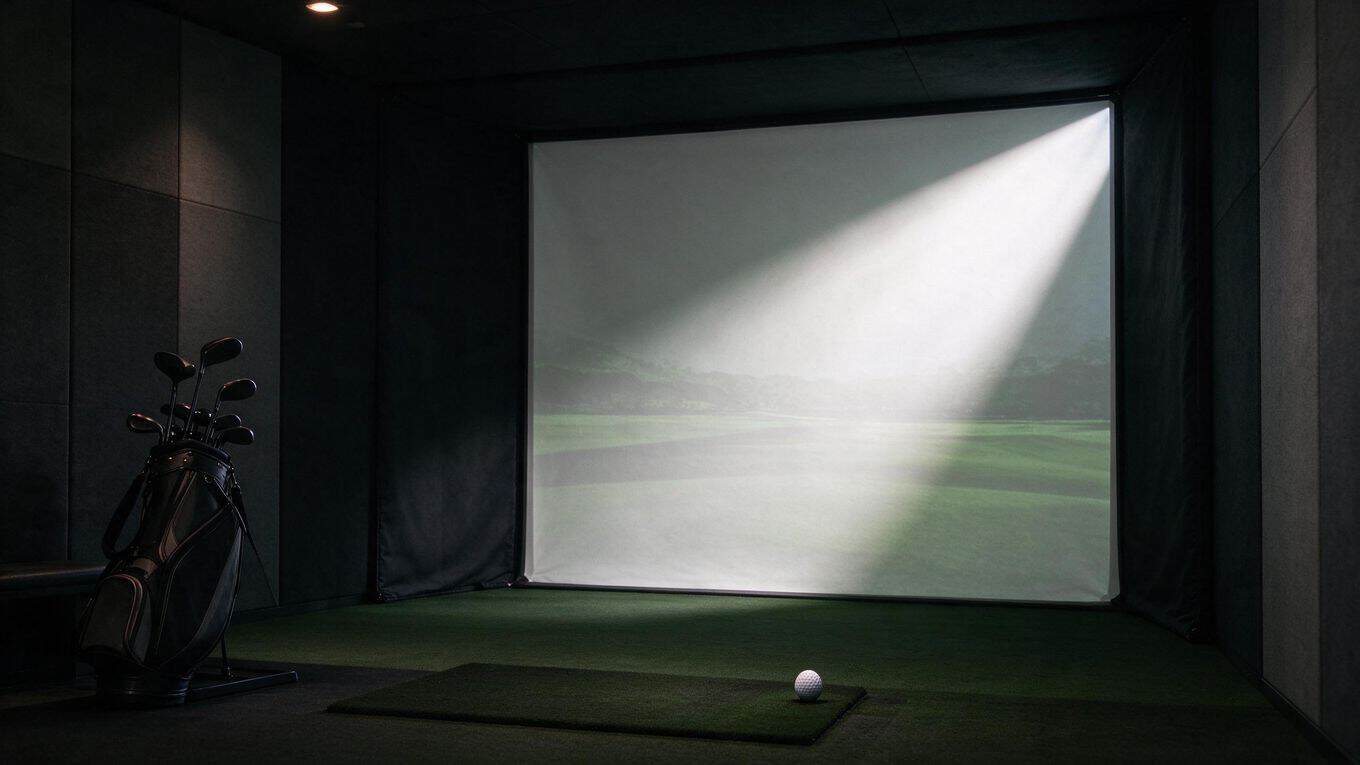
Even the right projector on paper can deliver a disappointing picture if you overlook how light behaves in your room. These four mistakes account for most washed-out golf simulator images. Each one is avoidable with a small adjustment to your setup or expectations.
Relying on brightness alone
A brighter projector helps, but it does not solve uncontrolled light. Pouring more lumens into a sunlit room is like turning up the volume on a noisy street: the signal gets louder, but the interference remains. If sunlight hits your impact screen directly, no projector in a reasonable price range will overcome it.
The fix starts with the room, not the projector. Blackout curtains, light-blocking shades, or scheduling sessions for evening hours reduce the ambient light that competes with your image. Once the room is controlled, you can match lumens to your actual conditions instead of fighting them.
Lights aimed at the screen or projector path
Ceiling fixtures and track lighting often aim downward without much thought. In a golf simulator, that downward aim lands on your screen or crosses the projector beam. BenQ specifically warns against spotlights that shine directly on the screen or along the projector path, because they scatter light across the image and flatten contrast.
Walk your room with the projector running and look for any light source that reflects off the screen surface. Reposition fixtures, dim them, or switch to indirect lighting that bounces off walls and ceilings instead of hitting the screen directly. Your golf simulator lighting guide covers fixture placement in more detail.
Dark-room brightness in a bright room
A 3,000-lumen projector performs well in a dedicated, darkened sim space. Move that same unit into a room with large windows or overhead lights left on, and the image loses sharpness and color depth quickly.
Match your lumen rating to your real environment: controlled-light home setups typically need at least 4,000 lumens for 4K UHD models, while larger spaces with constant light exposure usually require 6,000 lumens or more. Ask yourself when you actually play. Weekend afternoon sessions demand more brightness than evening rounds after dark.
Ignoring screen size when choosing projector lumens
Lumens measure total light output, but what matters for image quality is how that light spreads across your screen. A 3,000-lumen projector on a compact impact screen produces a dense, bright image. The same projector stretched across a large screen dilutes that light, and the picture looks dim even in a dark room.
Larger impact screens or wider aspect ratios need 4,000 to 6,000 lumens to maintain the same perceived brightness. Before you buy, measure your screen and calculate whether your lumen choice matches the surface area. A projector that looks bright on paper can fall short on your wall.
Frequently Asked Questions
How many lumens are enough for a golf simulator with some ambient light?
For a room with some ambient light, you need at least 4,000 lumens. A 3,000-lumen projector works in a darkened space, but stray light washes out the image quickly.
Is 3,000 lumens enough for a golf simulator projector?
Yes, if you can control the light. In a dedicated sim room with blackout curtains or dimmable lighting, 3,000 lumens renders ball flight, course textures, and launch monitor data clearly. If your space gets daylight or overhead lights stay on, 3,000 lumens will look dim and washed out.
When should you move from 3,000 to 4,000+ lumens?
Move up when your room has windows, skylights, or lights you cannot turn off during play. You also need 4,000 to 6,000 lumens for larger impact screens, which demand more brightness to fill the surface evenly.
How much does ambient light affect projector brightness?
Ambient light competes directly with your projector's output. Sunlight hitting the screen is the worst case, so position your sim away from direct windows or use blackout treatments.
What room lighting changes help a projector look better?
Install blackout curtains or shades on windows near the screen. – Use dimmable LED lights instead of overhead fluorescents. – Paint walls and ceiling dark colors to reduce reflected light. – Avoid spotlights aimed at the screen or projector path; BenQ specifically warns this causes a washed-out image. – Add a separate, low light source for the hitting area so you are not swinging in total darkness.
Final Thoughts
Choosing the right projector brightness starts with an honest look at your room, not the spec sheet. Measure your screen size, assess how much ambient light reaches the impact surface, and match your lumen rating to both. A 3,000-lumen projector with a short-throw lens works well for compact screens in spaces you can darken. Step up to 4,000 or 6,000 lumens when your screen grows or windows stay active during play.
Avoid the mistakes that sabotage even expensive setups. Do not assume more lumens will overpower a sunlit room. Do not aim spotlights at your screen. Do not pick a brightness rating built for a dark theater and expect it to perform in a bright garage. Control the light first, then choose the projector.
Your launch monitor tracks the ball, not the projected image, so ambient light rarely affects shot data accuracy. The washed-out picture you see on screen is a display problem, not a measurement problem.
Before you buy, spend an afternoon in your sim space at the times you actually play. Note where light falls. Then cross-check your screen dimensions against the lumen ranges above. This one step separates a setup that looks sharp from one that fights glare every round.
Start with your room, match lumens to screen and light, and you will land on a projector that delivers a clear, immersive image without overspending. Avoid light on the screen. Get the brightness right, and the course looks as good as it plays.