


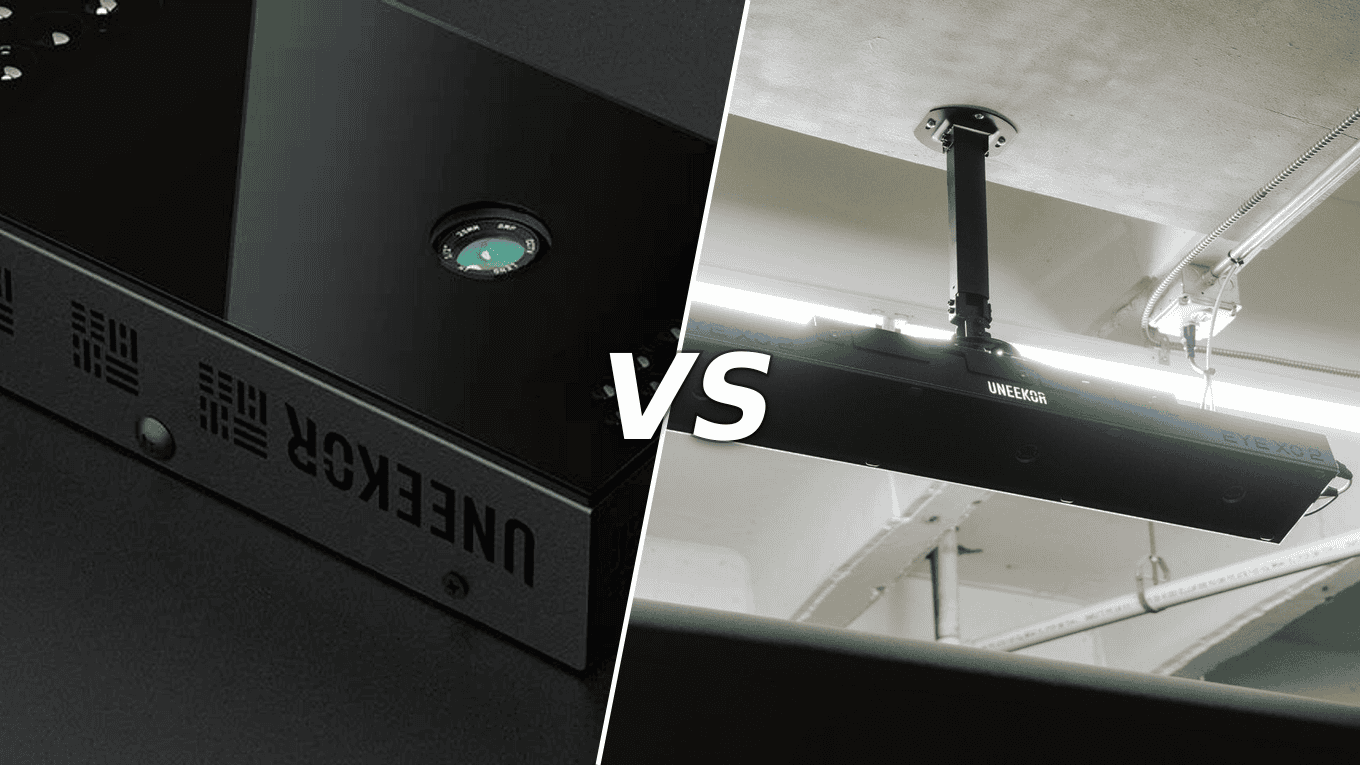
When you compare the Uneekor EYE XO vs EYE XO2, the deciding difference comes down to hitting zone size, camera count, and trouble mat compatibility.
The EYE XO2 adds a third camera and expands the hitting zone to 28 inches wide by 21 inches long, while the original EYE XO covers 12 inches wide by 16 inches long with two cameras.
Both read any unmarked golf ball and deliver instant feedback, but the EYE XO2 is the only model in the Uneekor lineup that supports trouble mats.
Both monitors mount overhead in front of the ball and work with Uneekor VIEW, GSPro, E6 Connect, and TGC 2019. The EYE XO2 costs more but gives you a larger capture area, easier transitions between left- and right-handed players, and newer hardware.
The EYE XO remains a capable, lower-cost option if your space is tight and you do not need trouble mat support.
For a deeper look at the flagship model, read our Uneekor EYE XO2 review covering accuracy, features, and value.
EYE XO vs EYE XO2 at a Glance
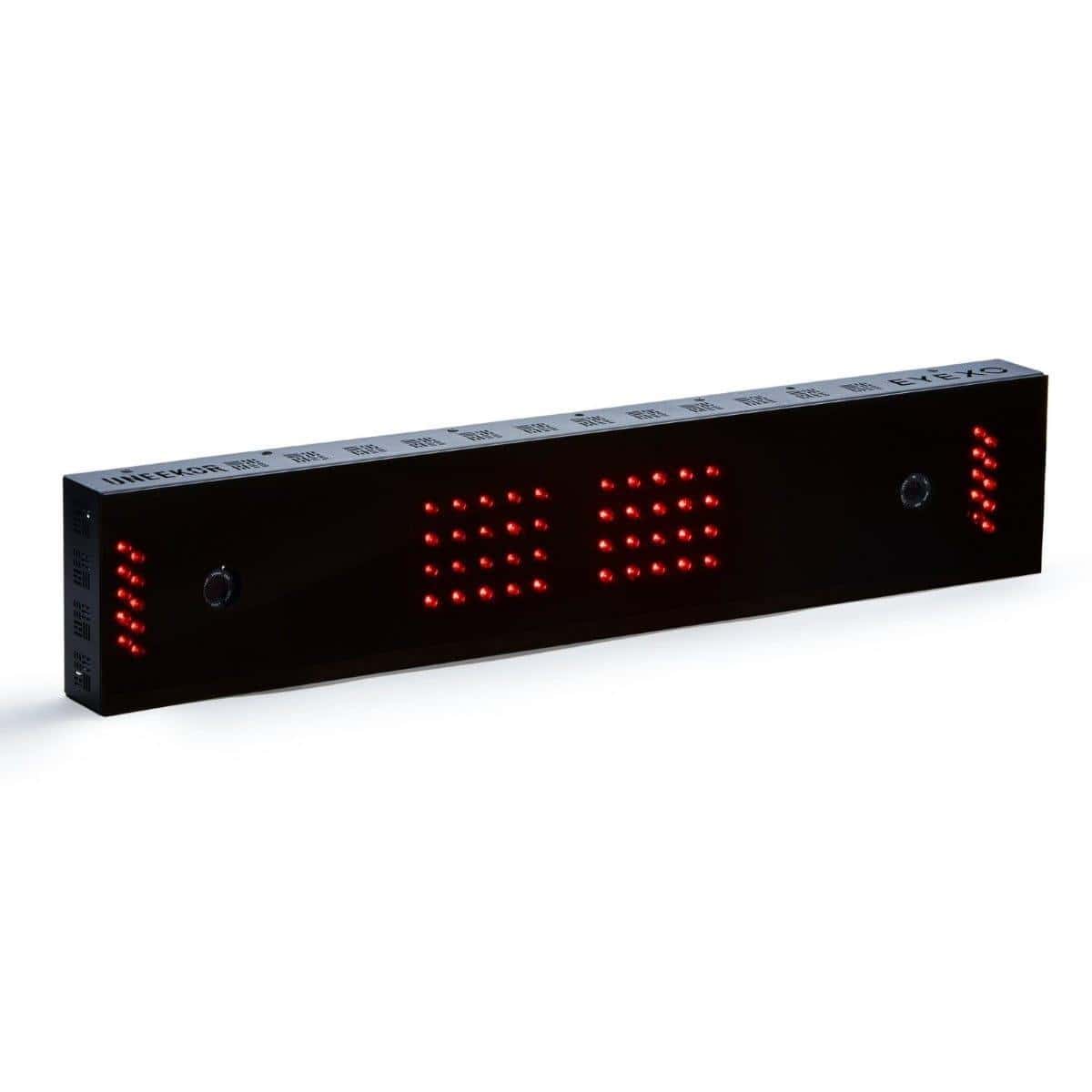
You are choosing between two overhead launch monitors from Uneekor, and the core decision comes down to camera count, hitting zone size, and budget. The EYE XO delivers the same 24 data points in a dual-camera, front-mounted package. The EYE XO2 steps up to three high-speed cameras, a larger hitting area, and trouble-mat compatibility.
Both use photometric tracking and read any unmarked golf ball. This section lays out the specs side by side so you can see exactly what each monitor brings to your simulator build.
Key specs side by side
| Spec | EYE XO | EYE XO2 |
|---|---|---|
| 📷 Cameras | 2 high-speed infrared | 3 high-speed infrared |
| 📐 Hitting zone | 12 in W × 16 in L | 28 in W × 21 in L (largest in Uneekor lineup) |
| 🎯 Data points | 24 | 24 |
| 🏖️ Trouble mat compatible | No | Yes, exclusive in Uneekor lineup |
| 🖥️ Display | Windows PC required | Windows PC required |
| 📏 Dimensions | 31 in L × 6 in W × 2.4 in H | 36.3 in L × 5.9 in W × 2.5 in H |
| ⚖️ Weight | Not specified | 25 lbs |
| 🛡️ Warranty | 1-year limited | 1-year limited |
Both monitors mount overhead in front of the ball and work for left- and right-handed players without repositioning. The EYE XO2 hitting zone is the larger of the two.
Minimum PC requirements for both models include Windows 10 (64-bit), Intel i5 8400 or faster, 16 GB RAM, and GeForce GTX 1060 or faster. Recommended specs for 4K and third-party software jump to Windows 11, Intel i7 10th gen or faster, 16 GB RAM or more, and NVIDIA RTX 30 series or faster.
Cameras and data points
Both monitors capture 24 data points using photometric tracking. The difference is in how they see the shot. The EYE XO uses two high-speed infrared cameras. The EYE XO2 uses three high-speed cameras working in sync to capture impact from different angles.
Ball data is directly measured on both models. Neither requires marked golf balls; Dimple Optix reads the dimples on any ball. Instant shot feedback means no delay between swing and results.
Ball data needs no marking on either model. For full club data, both read small club stickers on the club face.
Swing cameras are sold separately for the EYE XO. The current EYE XO2 AI Studio Bundle ships with the full Swing Optix kit, face-on and down-the-line cameras synced to your shot data inside Uneekor VIEW.
Price and included software
At the time of writing, the EYE XO sells for about $6,499 and the EYE XO2 for about $10,999. Prices change, so check the current price before you buy.
Both models include the Player package free: all 24 data points, virtual driving range, Club Optix video, 100 Power U Reports, and a single profile. Each also ships with a 3-month Ultimate package trial.
Compatible software for both: Uneekor VIEW and GSPro, plus E6 Connect and TGC 2019. GSPro now comes through Uneekor's integrated membership. Third-party software (E6 Connect, TGC 2019) requires a Pro subscription at $199/year. Every XO and XO2 ships with a 3-month Ultimate trial that covers everything during evaluation.
The EYE XO includes the Uneekor AI Studio Bundle. The EYE XO2 is AI Trainer ready out of the box. Both require a Windows PC, which is sold separately.
For golfers who want a lower-cost premium overhead build, the EYE XO delivers the core experience. For buyers prioritizing space, versatility, and the newest flagship setup, the EYE XO2 is the step up.
Hitting Zone and Room Fit
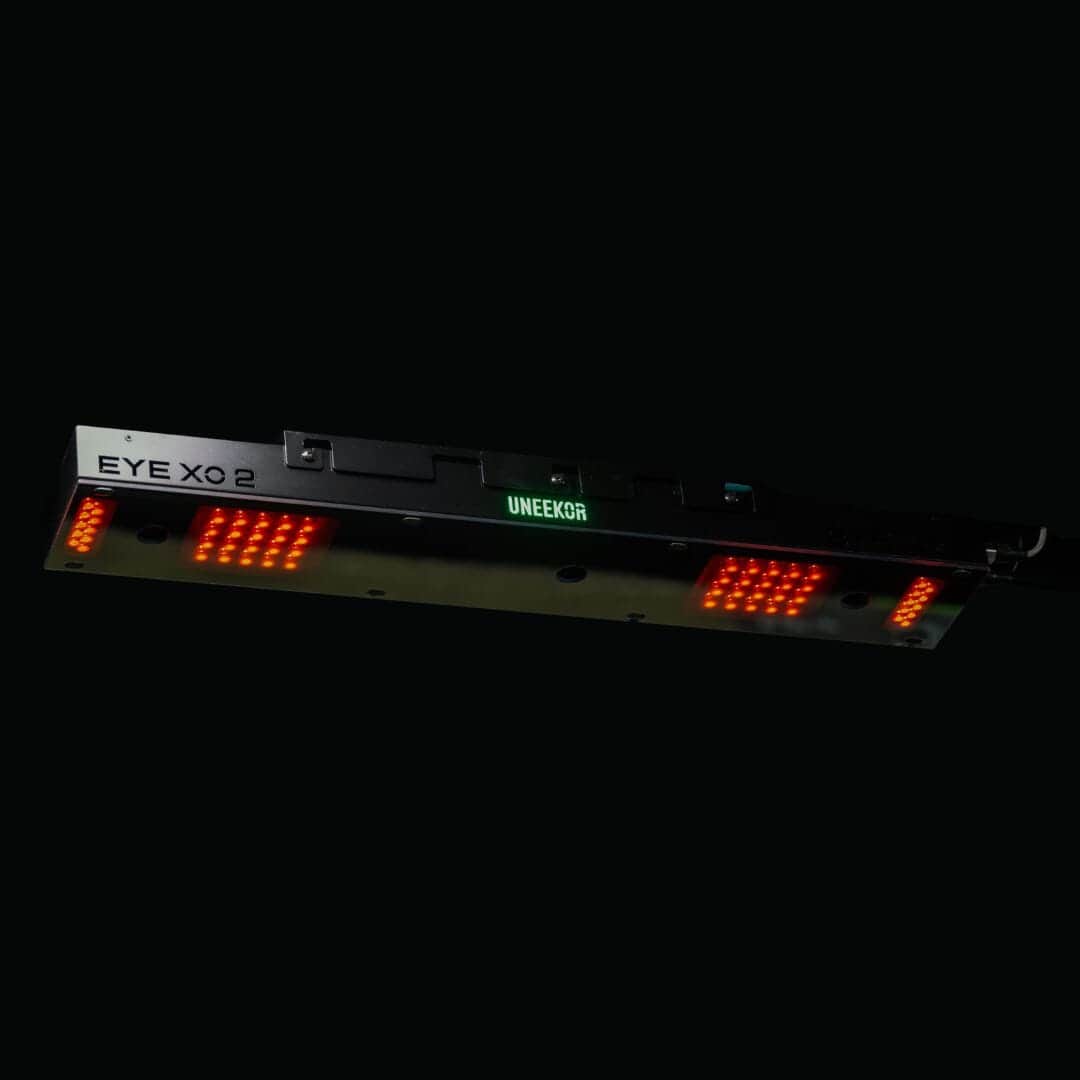
The physical space you have shapes which of these two monitors will work in your setup. Both mount overhead in front of the ball and run on a Windows PC, but they differ in hitting zone size, ceiling requirements, and what surfaces you can practice from.
Hitting zone size
The EYE XO2 has the larger hitting zone of the two. It measures 28 in wide by 21 in long, the largest in the Uneekor lineup.
The EYE XO offers a 12 in wide by 16 in long zone. The extra 5 inches of length on the XO2 gives you more margin for staying in the capture area, especially for varied shot types.
Ceiling mounting and height
Both models are indoor only and require a ceiling-mounted position with sufficient overhead clearance. The EYE XO's front-mounted design accommodates both left- and right-handed players without repositioning the unit. The XO2 shares this front-overhead placement, and its larger hitting zone makes transitions between stances easier.
Your ceiling height matters for both. You need enough clearance above the hitting zone for the cameras to capture impact cleanly, plus room for the player to swing without obstruction. Check our room size guide for overhead launch monitors for detailed ceiling height minimums before you mount.
Tee placement and trouble mats
The EYE XO2 is the only model in the Uneekor lineup with trouble mat compatibility. You can practice bunker shots, rough lies, and recovery shots indoors with real club-and-ball data. The EYE XO does not support trouble mats.
Both monitors work on standard hitting mats. Position your tee so the ball sits within the hitting zone, centered for your stance. The XO2's wider and longer zone gives you more flexibility here.
Ethernet and PC space needs
Both monitors require a Windows PC and a wired Ethernet connection. Neither runs standalone.
Minimum PC requirements are the same for both: Windows 10 (64-bit) Version 1803 or later, Intel i5 8400 or faster, 16 GB RAM, and a GeForce GTX 1060 or faster.
For 4K rendering with third-party software, Uneekor recommends Windows 11, an Intel i7 (10th gen or faster), 16 GB or more RAM, and an NVIDIA RTX 30 series GPU with 16 GB or more memory.
Plan space for the PC near your hitting area. You will also need room for the included Ethernet cabling to run from the monitor to your computer. Both units ship with power cables, adapters, Ethernet cabling, and mounting hardware.
Compatible software for both models: Uneekor VIEW, GSPro, E6 Connect, and TGC 2019. Third-party software (GSPro, E6, TGC 2019) requires a Pro subscription, but every unit ships with a 3-month Ultimate trial that covers everything during your evaluation window.
Ball and Club Data Compared
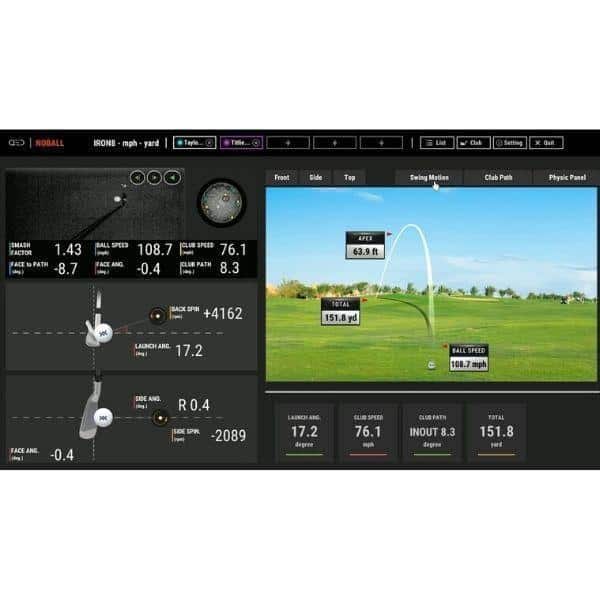
Both the EYE XO and EYE XO2 deliver the same core promise: you hit, you get instant feedback, and you never need a specially marked ball. Where they diverge is in how much data they capture, how they read your club, and what you can do with that information in your simulator room.
Ball data points
Each monitor tracks 24 club and ball data points, and all of them come on the included Player package with no subscription required. You get ball speed, spin, spin axis, carry, launch angle, descent angle, and flight information after every shot.
The EYE XO2 adds triangulated capture from three high-speed cameras, which gives tighter, harder-to-fool data than the EYE XO's dual-camera setup. For serious practice or fitting work, that extra camera angle matters.
Club data and stickers
Here the two models work the same way. Ball data needs no marking, and for full club data both read small club stickers on the club face.
The EYE XO2 comes with club stickers. Without them you still get full ball data, but fewer club metrics.
Club data points include club speed, dynamic loft, angle of attack, and club path. Both monitors feed this into Uneekor VIEW, GSPro, E6 Connect, and TGC 2019.
Marked balls not required
Neither monitor needs marked balls. Dimple Optix reads the dimples on any golf ball, so you can play your regular Pro V1s, TP5s, or whatever you have in your bag. This is a real convenience: no alignment routine, no sticker cleanup, no special ball purchases. Spin is directly measured via photometric tracking, not estimated from ball flight.
Impact video and instant feedback
Both units deliver instant feedback with no shot delay. Ball information appears after each swing, and the included Player package gives you Club Optix video of your impact.
The EYE XO2's three-camera array captures impact from multiple angles simultaneously, so your video and data stay consistent even on mishits. The EYE XO's front-mounted vantage works well for most swings, but the XO2's wider capture reduces the chance of losing data on extreme mishits or unusual lie angles.
If you want trouble-mat compatibility for bunker and rough practice, the EYE XO2 is the only Uneekor model that supports it. That feature works with real club-and-ball data, so your recovery-shot practice counts.
Software and Subscription Options
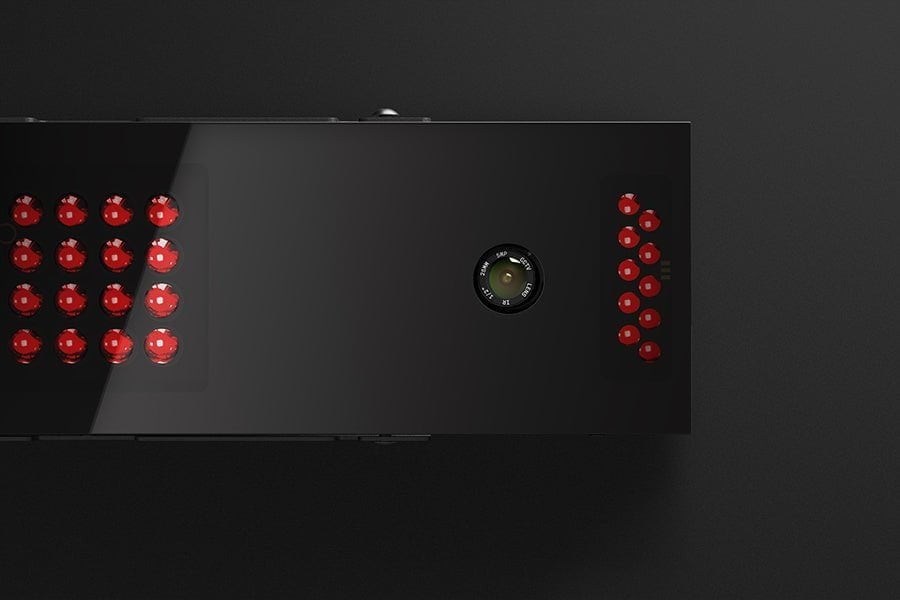
Both the EYE XO and EYE XO2 run on the same Uneekor VIEW ecosystem, so your software experience starts from the same place regardless of which monitor you choose. Each unit ships with Uneekor Launcher, the Player package (included with no expiry), and a 3-month Ultimate trial that unlocks the full feature set during your evaluation window.
VIEW software and Player tier
The Player tier is included free with both monitors and never expires. It covers all 24 data points, a virtual driving range, Club Optix video, 100 Power U Reports, and a single player profile.
This tier handles core practice and simulator sessions without any additional cost. Optional Pro and Champion tiers add third-party software access, more courses through REFINE, expanded profiles, and increased Power U Reports, but these are upgrades you pay for separately.
Compatible simulation software
Both monitors support the same third-party software list: GSPro, E6 Connect, and TGC 2019. A Windows PC is required for all operation.
Running any third-party software requires a Pro subscription, which starts at $199 per year. The included 3-month Ultimate trial covers all software access while you test the system.
Optional upgrades and course play
Uneekor offers several upgrade paths beyond the base Player package. The Pro tier adds third-party software compatibility, five REFINE courses, five player profiles, and 500 Power U Reports. The Champion tier builds on Pro with 20 REFINE courses, 50 profiles, 1,000 Power U Reports, and AI Trainer access.
A newer GSPro Integrated Membership bundles GSPro course play, VIEW, and AI Trainer into a single membership for new Uneekor owners. Swing cameras (Performance Optix Pack) and trouble mats are sold separately as hardware upgrades.
PC requirements for each model
Both monitors share identical PC requirements. For minimum operation with VIEW software only: Windows 10 (64-bit) version 1803 or later, Intel i5 8400 or faster, 16 GB RAM, and a GeForce GTX 1060 or faster.
For recommended 4K performance with third-party software: Windows 11 (64-bit), Intel i7 10th gen or faster, 16 GB RAM or more, NVIDIA RTX 30 series or faster with 16 GB GPU memory, and 200 GB of available storage. A Windows PC is not included with either monitor, so factor that into your total setup cost.
The software and subscription structure is identical between the two models. Your choice comes down to whether the EYE XO2's larger hitting zone and trouble mat compatibility justify its higher hardware price, not to any difference in software access or ongoing subscription costs.
Choosing Between the EYE XO and EYE XO2
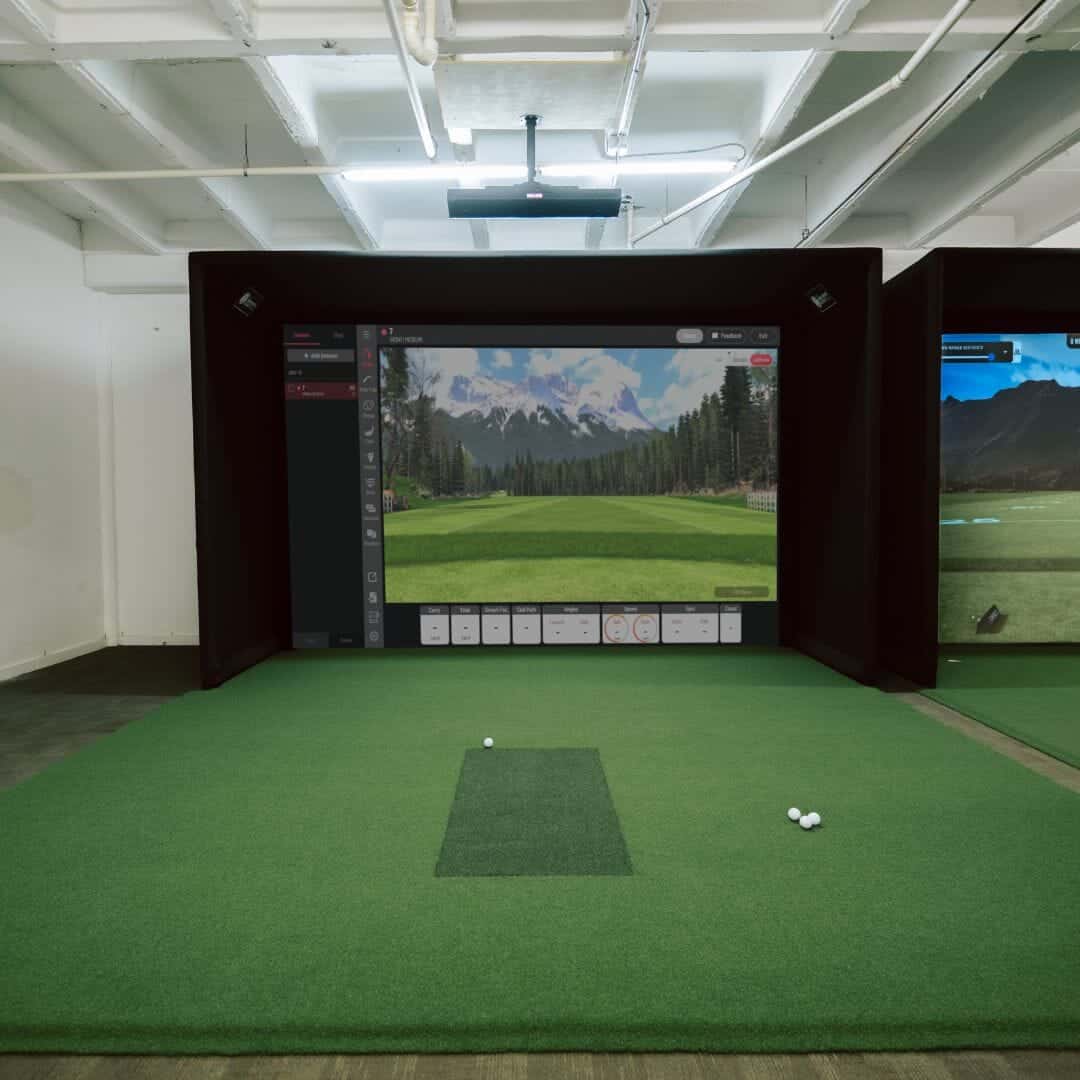
The EYE XO and EYE XO2 share the same photometric foundation, but they serve different priorities. Your room size, hitting zone needs, and practice goals should drive the decision. Here is how to match each model to your situation.
If your room is smaller
The EYE XO fits tighter spaces with less ceiling footprint. It measures 31 inches long versus the EYE XO2's 36.3 inches, and its 12-inch by 16-inch hitting zone still covers standard tee placement.
Both mount overhead in front of the ball, so neither saves floor space, but the XO's smaller housing and lighter build make installation easier in rooms with lower ceilings or limited overhead clearance. Choose the XO if your simulator room has constraints that make the larger XO2 difficult to position.
If you need the largest hitting zone
The EYE XO2 delivers the bigger capture area at 28 inches wide by 21 inches long, the largest in the Uneekor lineup. The EYE XO offers 12 inches by 16 inches. That extra width and length matters when you want to hit from slightly varied tee positions, practice different shot shapes, or avoid re-centering between swings.
If generous hitting-zone space is a priority, the XO2 is the clear pick.
If you golf left- and right-handed
Both monitors handle ambidextrous play. The EYE XO's ceiling mount works for left- and right-handed players without repositioning. The EYE XO2's larger hitting zone makes switching sides even simpler, since both stances stay within the capture area. If you share your simulator between left- and right-handed golfers, the XO2 removes any need to adjust tee placement between players.
If you plan to use trouble mats
Only the EYE XO2 supports trouble mats, and it is exclusive in the Uneekor lineup for this feature. You can practice bunker shots, rough lies, and recovery shots indoors with real club-and-ball data.
The EYE XO does not offer trouble-mat compatibility, so it is limited to flat-surface hitting. If realistic lie variety is part of your practice routine, the XO2 is the only option of the two.
Quick answer: Choose the EYE XO for a lower-cost premium overhead build with solid tracking in tighter spaces. Choose the EYE XO2 if you want the largest hitting zone, seamless left- and right-handed use, and trouble-mat compatibility. Both include the Player package free and a 3-month Ultimate trial, and both require a Windows PC.
Prices vary by retailer and change over time, so verify current pricing before you buy. For another overhead comparison, see our eye xr vs eye xo2 comparison.
Alternative Overhead Launch Monitors
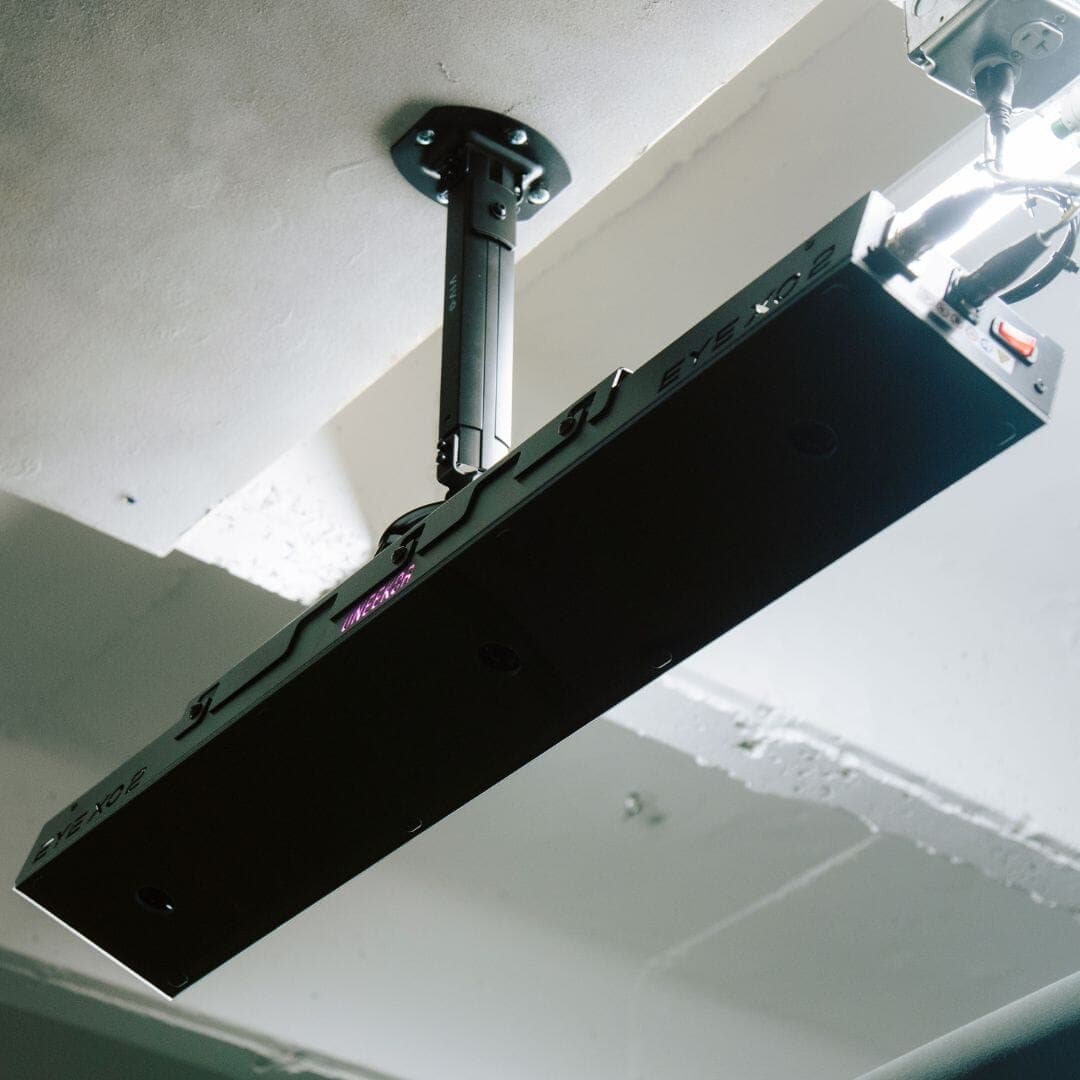
If neither Uneekor model fits your setup or budget, two other overhead monitors deserve a look. Both use camera-based tracking and mount above your hitting area, but they differ in approach and price from the EYE XO family.
GCQuad as a comparison point
The Foresight Sports GCQuad sits in a similar premium tier to the EYE XO2. It uses four high-speed cameras for photometric tracking and reads unmarked balls, much like Uneekor's Dimple Optix technology. The GCQuad is a well-established name in overhead launch monitoring, and our gcquad review covers its full feature set.
Where it differs from Uneekor is in software ecosystem: Foresight runs its own FSX software platform rather than integrating with as many third-party sim programs. That can matter if you already own software like GSPro or E6 Connect.
The GCQuad also carries a higher price point than the EYE XO, which pushes it out of reach for budget-conscious buyers. If you want proven overhead tracking and do not need deep third-party software integration, the GCQuad is a strong alternative. If you prioritize software flexibility and a lower entry price, the EYE XO family still wins.
Trackman iO as a comparison point
The Trackman iO takes a different approach. Rather than mounting overhead, it sits on the floor behind the ball, using radar and camera hybrid technology. Our trackman io review breaks down its dual-monitor setup for narrow bays.
This placement makes it a fit for rooms where ceiling mounting is impossible, such as spaces with low ceilings or shared walls. The trade-off is a smaller effective hitting zone and a different data capture method. Trackman's radar-based ball tracking is widely trusted, but it does not read club data the way photometric systems do.
For golfers who need overhead, ambidextrous use without repositioning, the Uneekor models remain the better choice. For those with space constraints or who want a floor-based setup, the Trackman iO fills a gap the EYE XO and XO2 cannot.
When neither overhead model fits
Step back and check your room first. Both Uneekor monitors require ceiling mounting, a Windows PC with 16 GB RAM minimum, and an Ethernet connection. If your ceiling height is under 8 feet, your space is shared with non-golf activities, or you need outdoor capability, overhead photometric monitors are the wrong category entirely.
In that case, look at floor-based radar units or portable Doppler systems instead. Our guide to the best overhead launch monitors covers the full market, including hybrid and portable options. If your space works for ceiling mounting but the price is the blocker, the EYE XO offers most of the same data at a lower cost.
If you need the largest hitting zone and trouble mat support, the EYE XO2 is worth the premium. Choose based on your room, your software stack, and how much you plan to spend on subscriptions after the included trial ends.
Where to buy
Frequently Asked Questions
How do the EYE XO and EYE XO2 differ in ball and club data?
Both monitors capture 24 data points using photometric tracking and directly measure spin. The EYE XO uses two high-speed cameras. The EYE XO2 adds a third camera for impact capture from additional angles. Both deliver instant feedback with no shot delay.
Do either of these models need marked balls or club stickers?
No marked balls: both use Dimple Optix to read any unmarked golf ball. For full club data, both read small club stickers on the club face.
Which model gives more room for left- and right-handed golfers?
The EYE XO2 offers the larger hitting zone at 28 inches wide by 21 inches long, the biggest in the Uneekor lineup. The EYE XO measures 12 inches wide by 16 inches long. Both ceiling-mounted units work for left- and right-handed players without repositioning.
The XO2's larger zone gives you more margin for varied stances and shot types.
How do the software options differ between the two models?
Both support the same core software: Uneekor VIEW, GSPro, E6 Connect, and TGC 2019. Each ships with the Player package included at no cost, plus a 3-month Ultimate trial. Third-party software like E6 Connect and TGC 2019 requires a Pro subscription at $199 per year, while GSPro runs through Uneekor's integrated membership.
Is the EYE XO2 price difference worth it for a home simulator?
Pricing is time-sensitive, so verify before purchase. The EYE XO2 adds a third camera, a larger hitting zone, and trouble-mat compatibility, the only model in the lineup with that feature.
For golfers who practice bunker and rough lies indoors, or who want the most forgiving setup for multiple players, the step up delivers clear functional gains.
How do both models compare with GCQuad or Trackman iO?
All four are premium indoor launch monitors with photometric or hybrid tracking. The GCQuad adds Creative Golf and ProTee Play to its software list, while Trackman iO requires a subscription and offers 27+ data points. Both Uneekor models include the Player package free and support GSPro natively. Your choice depends on software preferences, budget, and whether trouble-mat compatibility matters for your practice routine.
Final Verdict
Both the EYE XO and EYE XO2 deliver precise, unmarked-ball tracking from an overhead position, but they serve different priorities. The EYE XO keeps costs down with dual cameras and a 12 by 16 inch hitting zone.
The EYE XO2 adds a third camera, expands the zone to 28 by 21 inches, and adds trouble mat compatibility for varied lie practice.
Choose the EYE XO if you want premium overhead tracking on a tighter budget and your setup has limited ceiling space. Choose the EYE XO2 if you switch between left- and right-handed players, want the largest hitting area in the Uneekor lineup, or plan to use trouble mats for realistic practice.
For most home simulator builds, the EYE XO2 is the stronger long-term investment. Its expanded zone reduces missed shots during setup changes, and its three-camera system captures more complete club and ball data. The Player package included with both models gives you all 24 data points, a virtual driving range, and Club Optix video at no extra cost.
Before you buy, measure your ceiling height and confirm your Windows PC meets the minimum specs. Both units require a wired Ethernet connection and a dedicated mounting position in front of the ball. If you need swing video, budget for the Performance Optix Pack as a separate purchase.
Our pick is the EYE XO2 for new builds. It costs more upfront but delivers the space, versatility, and data depth that justify the premium for serious practice.