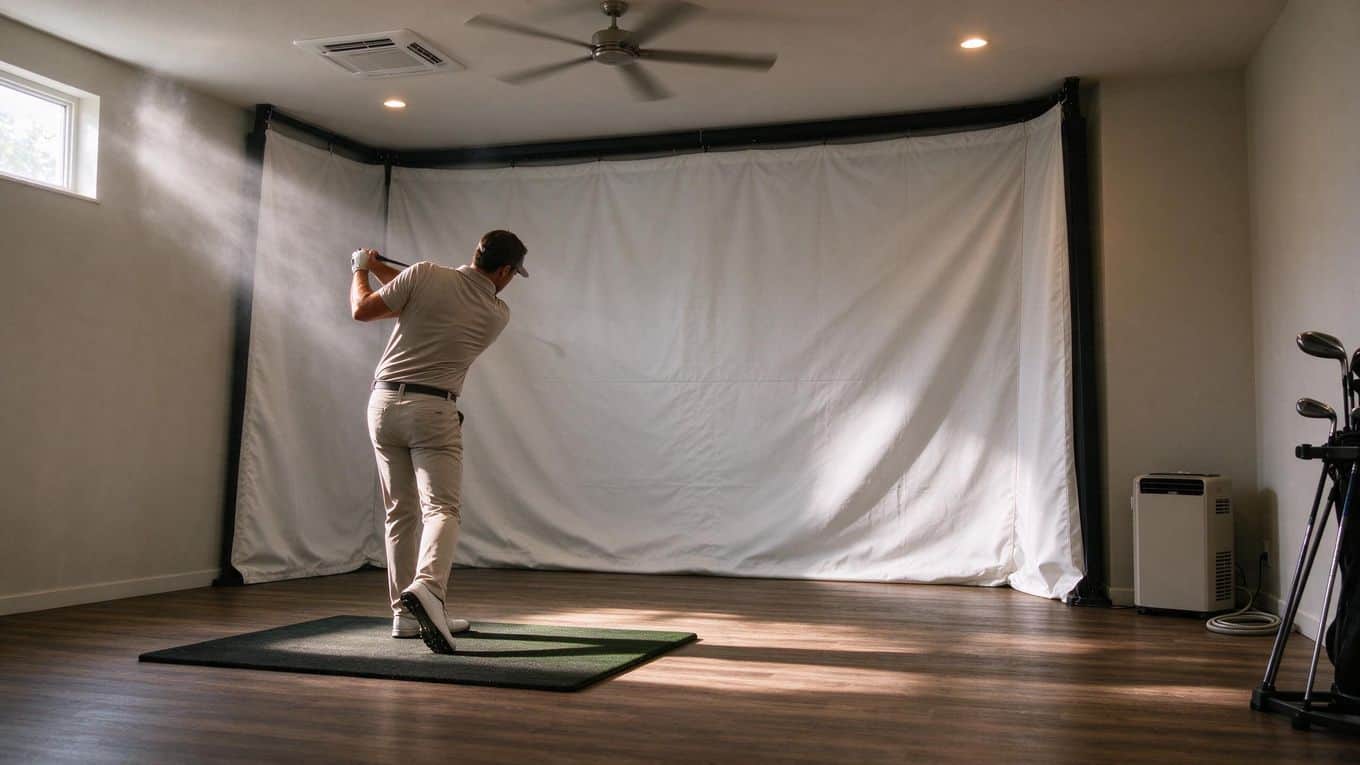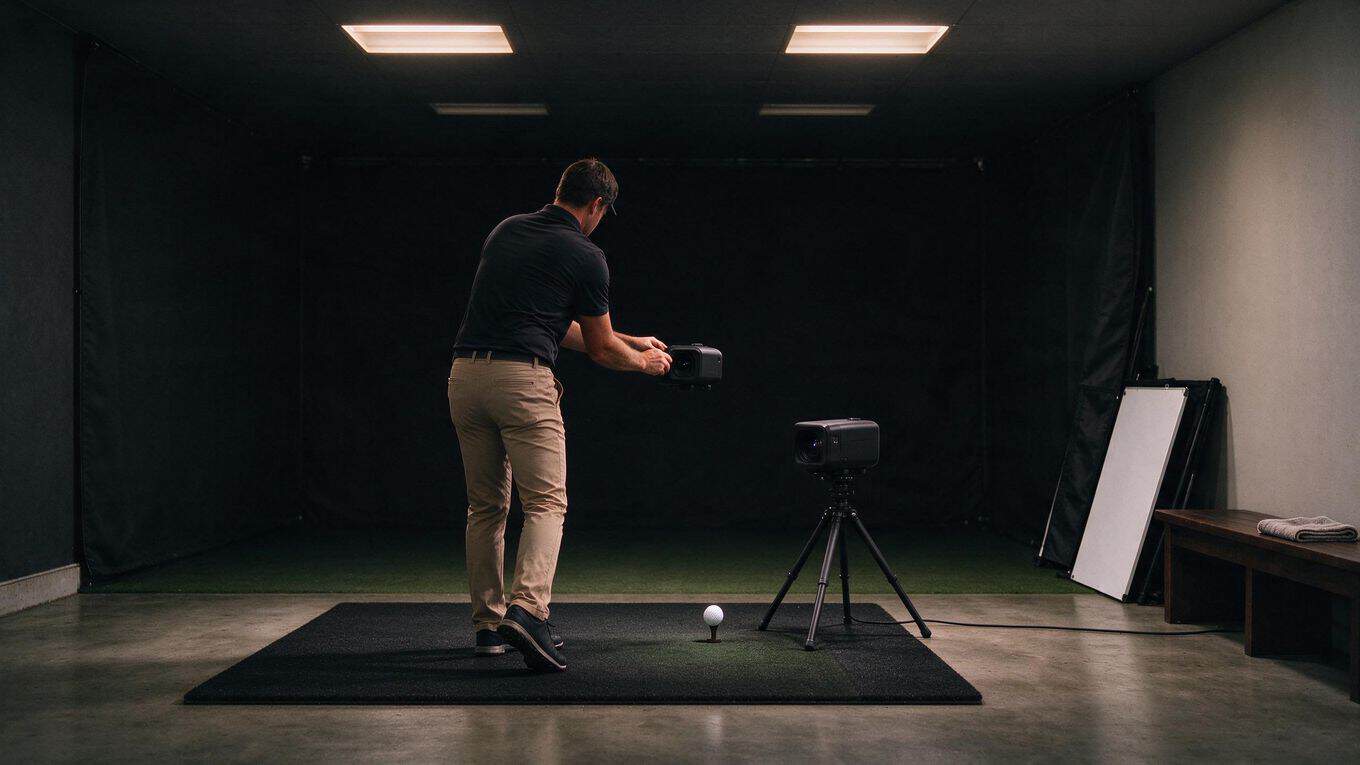


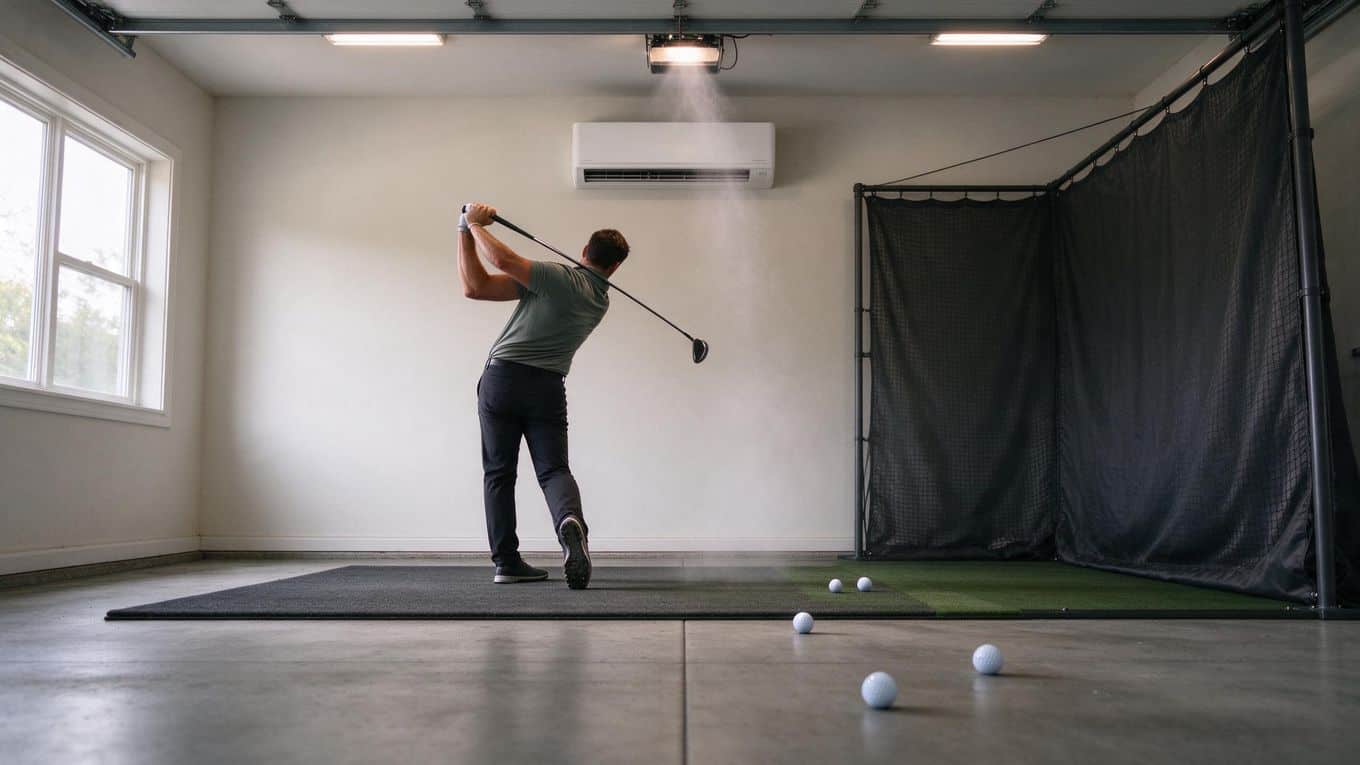
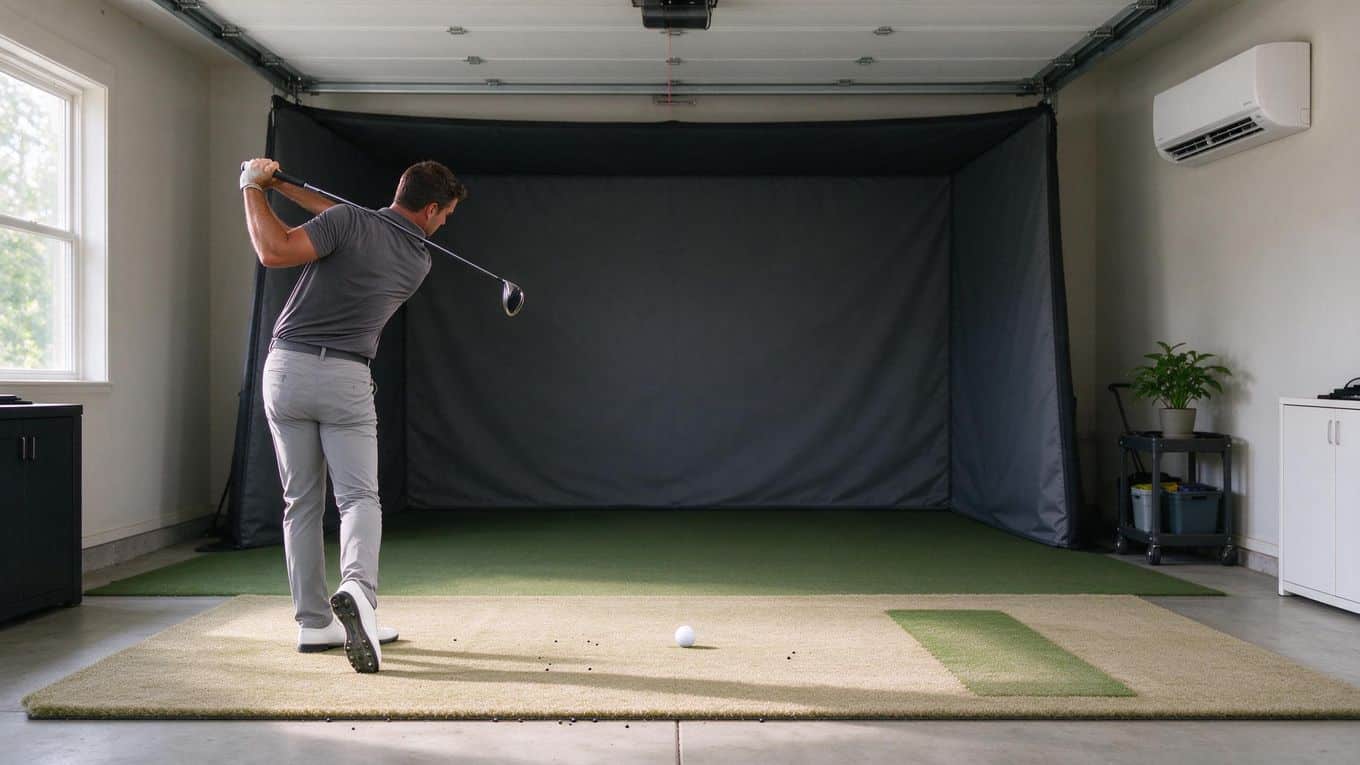
Yes, a mini-split is worth it for a garage golf simulator if you plan to use the space year-round. It heats and cools, controls humidity, and mounts on the wall so it never competes with your hitting mat or screen for floor space.
The deciding factors are your garage's insulation, ceiling height, and how much heat your projector and PC add to the room. A typical one-bay sim needs around 12,000 BTU once you account for electronics and sun load through garage doors.
Below, you will find sizing guidance, installation realities, and common mistakes that cost owners money.
What a Mini-Split Does for a Garage Golf Sim
What Is a Ductless Mini-Split?
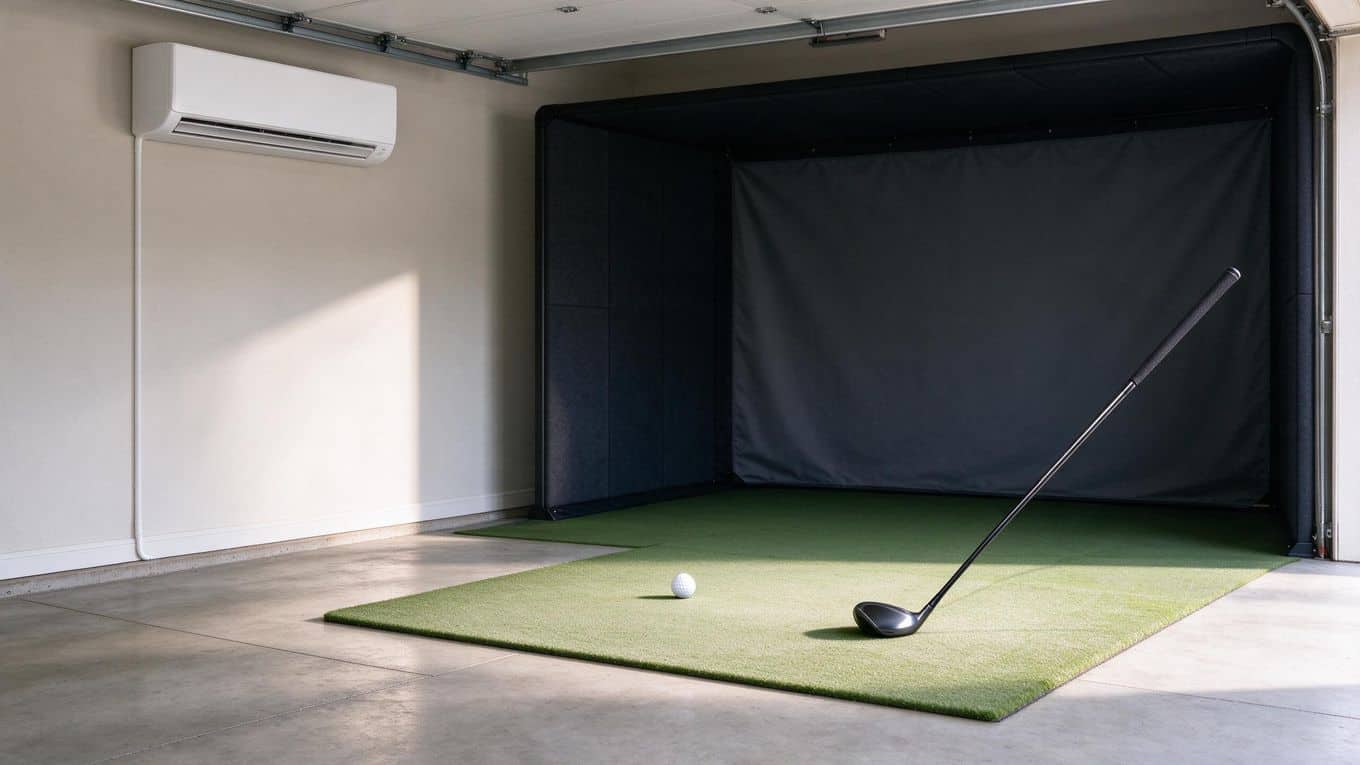
A ductless mini-split is a two-part climate system: an indoor air-handling unit mounts on a wall or ceiling, and a small outdoor compressor connects to it through a thin refrigerant line. No ductwork runs through your garage.
The system uses a heat pump to move heat in either direction, which means one unit handles both heating and cooling.
BTU (British Thermal Unit) measures how much heat the system moves per hour. Higher BTU means more heating or cooling power for a given space. Sizing matters: too small and the unit runs constantly without reaching your target temperature; too large and it cycles on and off too often, which wastes energy and leaves humidity uncontrolled.
Heating, Cooling, and Humidity Control
A mini-split heat pump pulls heat from outside air and brings it indoors in winter. In summer, it reverses the process and removes heat from your garage. Because the system runs continuously at variable speed rather than blasting on and off, it holds a steady temperature without the swings you get from a window unit or space heater.
Humidity control is the quiet advantage here. As the indoor coil cools air, it condenses moisture out of it. That matters for a golf simulator because electronics, launch monitors, and projectors do not tolerate damp conditions. A mini-split removes that moisture as a byproduct of cooling, so you get drier air without buying a separate dehumidifier.
Unlike a portable AC unit, a mini-split does not occupy floor space where you swing a club, and it operates at a whisper compared to window units or portable compressors.
Why Year-Round Comfort Matters
Your garage simulator is only useful if you actually want to use it. In a cold January or a humid August, an unconditioned garage turns into a storage closet you visit twice a year. A mini-split turns that space into a room you can use on your schedule, not the weather's.
Comfort also protects your equipment. Projectors, PCs, and launch monitors have operating temperature ranges. Heat and humidity shorten their life. A climate-controlled bay keeps them in spec and keeps your investment working longer.
The trade-off is upfront installation cost and the permanence of the install. You will weigh that against cheaper temporary options, like a portable AC for summer-only use, in the next section.
Is a Mini-Split Worth It for Your Setup?
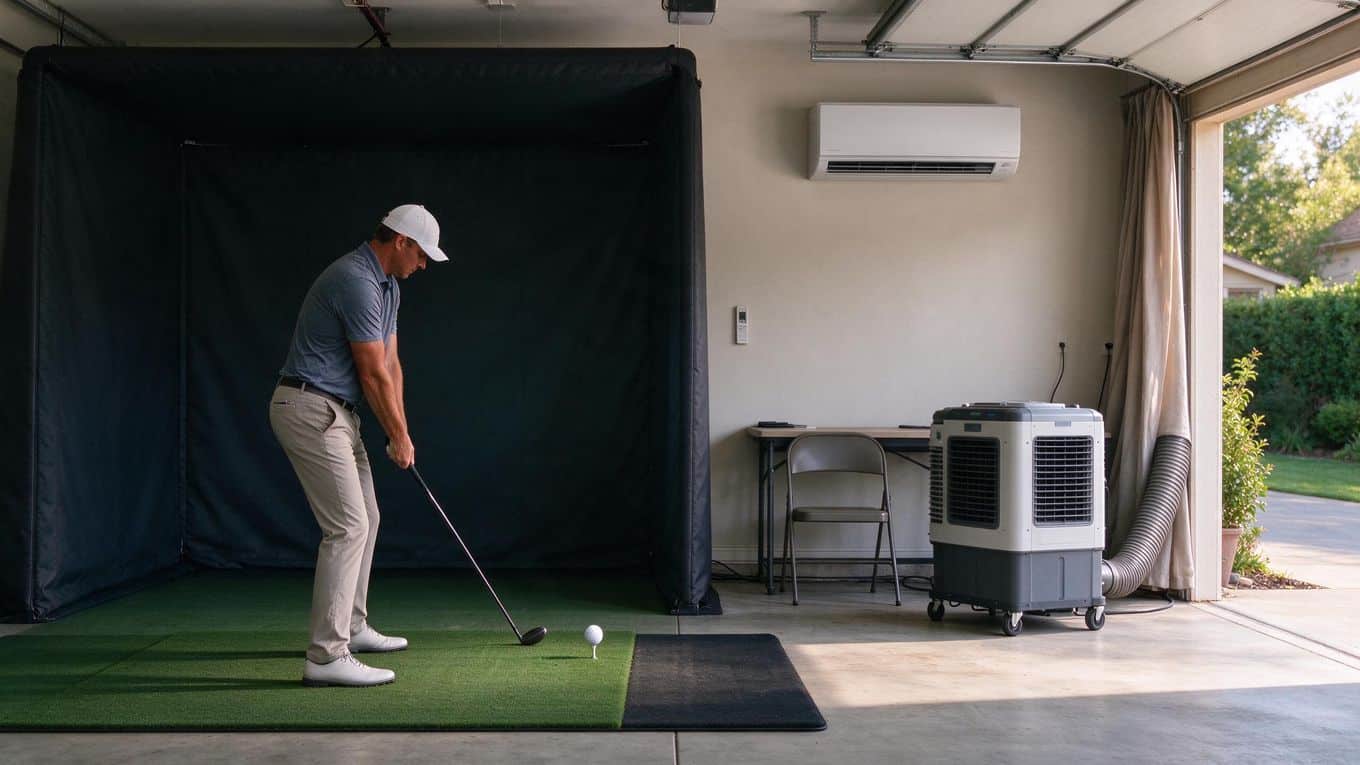
The answer depends on how you use your garage and what you expect from your simulator. A mini-split pays off when year-round comfort and humidity control matter to you. It costs more upfront than a portable AC, but it delivers quieter operation and handles both heating and cooling in one unit.
When a Mini-Split Makes Sense
Choose a mini-split if you play in every season. The heat pump moves heat out in summer and in during winter, so one system covers both. You also get humidity control, which protects your launch monitor, projector, and hitting mat from moisture damage.
Wall-mounted indoor units take no floor space, leaving room for your swing. If you have already decided a golf simulator is worth it for your home, a mini-split is the climate-control piece that makes the space usable twelve months a year.
When Cheaper Options May Be Enough
A portable AC or window unit costs less and requires no installation. These work if you use the simulator only in mild weather or a few months per year. You lose heating, humidity control, and quiet operation.
Portable units also sit on the floor and need a vent hose, which eats into your swing space. For a seasonal setup, the savings may outweigh the limitations.
Permanent Garage vs. Temporary Setup
A permanent garage conversion justifies a mini-split. You insulate, seal, and install a fixed system that adds long-term value. A temporary or rented bay changes the math.
Mini-split installation is permanent. It requires drilling through walls and mounting an outdoor condenser, which most landlords will not allow. If you rent or plan to move the simulator, a portable unit avoids permanent changes to the space.
How to Size a Mini-Split for a Golf Sim Bay
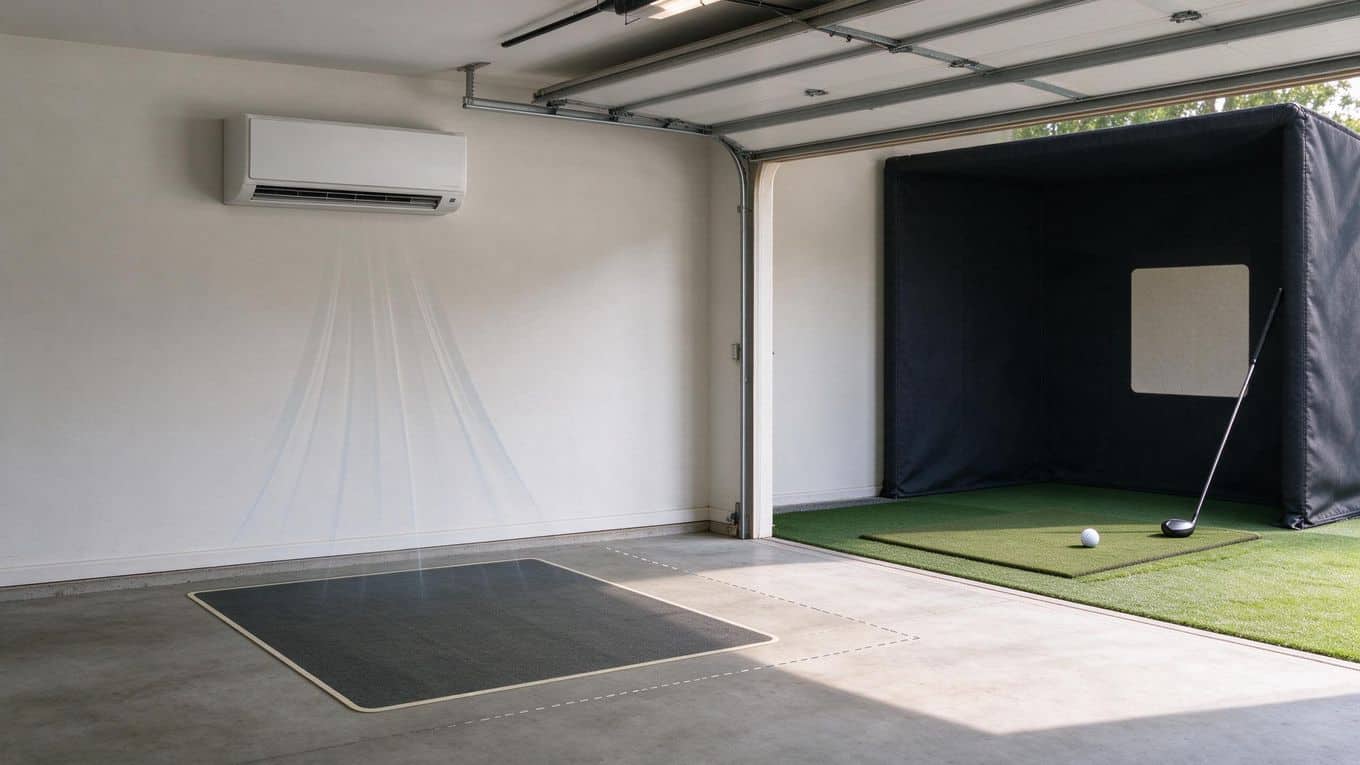
Sizing a mini-split for your garage golf simulator comes down to three factors: the space itself, the heat your equipment adds, and avoiding the trap of buying too much capacity.
Starting With Bay Size and BTU
BTU stands for British Thermal Unit. It measures how much heat a system moves per hour. A common starting point is roughly 20 BTU per square foot of floor space.
For a typical one-bay sim around 247 square feet, that puts your baseline cooling load near 5,000 BTU. This figure is a planning estimate, not a guaranteed spec.
Your actual number depends on ceiling height, insulation, and how much sun hits the space. Check your bay dimensions against a golf simulator room size guide if you are still framing out the build.
Adding Projector, PC, and Sun Load
Your simulator gear generates heat. A projector, a gaming PC, and even your body all add thermal load. Sun streaming through a garage door adds more.
Once you factor in a projector and PC, plus sun exposure, that same 247 square foot bay can jump to roughly 12,000 BTU. This is why many one-bay garage sims land on a 12,000 BTU single-zone unit.
If you run a projector vs tv for a golf simulator setup, the projector adds more heat than a TV. Likewise, a dedicated computer for your golf simulator pulls power and dumps heat into the room. Add these loads before you pick a unit size.
Why Oversizing Causes Short Cycling
Bigger is not better. An oversized mini-split cools the air quickly, shuts off, then restarts shortly after. This on-off pattern is called short cycling.
It wastes energy, wears out the compressor, and leaves humidity high because the system never runs long enough to pull moisture from the air. In a golf sim, that means a clammy, uncomfortable space and a system that ages faster.
Size to the actual load: bay dimensions plus equipment heat plus sun exposure. When in doubt, lean toward the calculated number rather than rounding up to the next size.
Garage Factors That Affect Mini-Split Performance
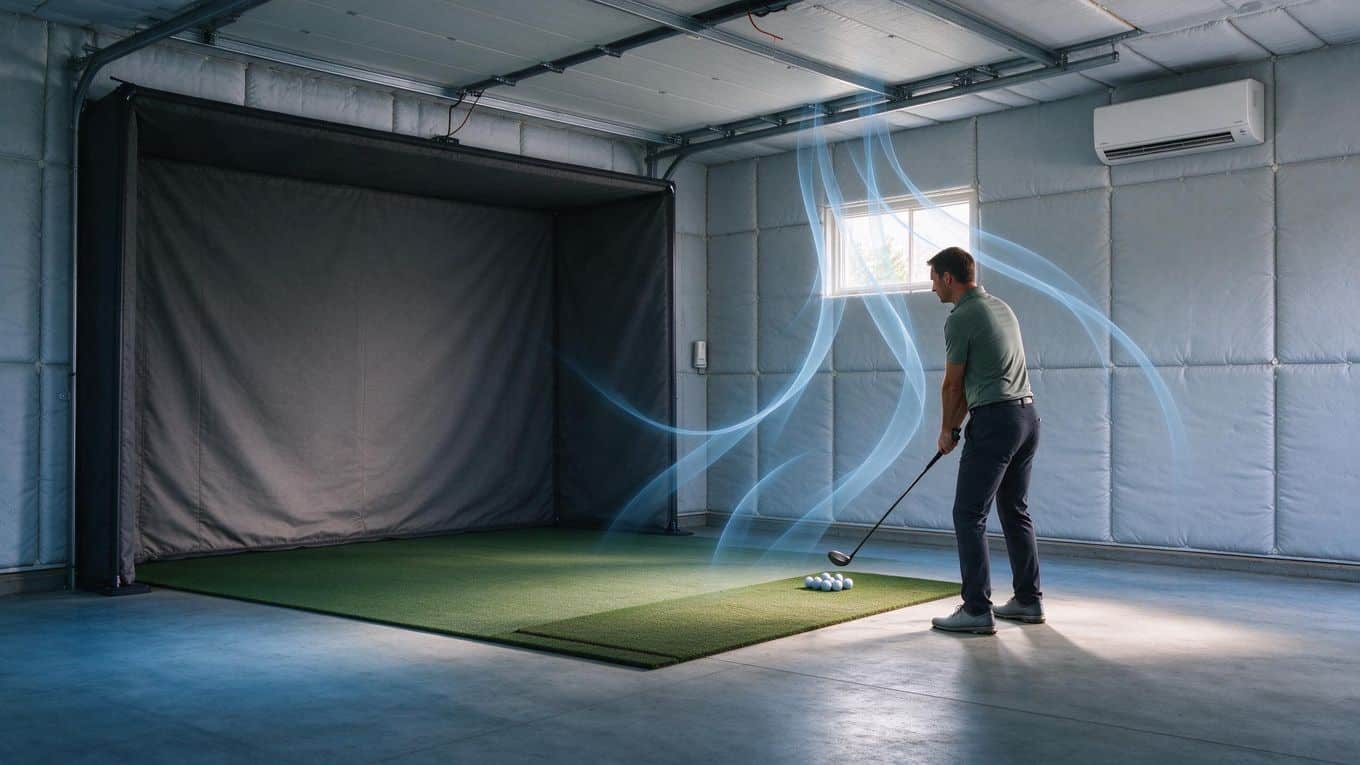
Your garage is not a standard room. Concrete floors, metal doors, and thin walls change how a mini-split behaves compared to a finished indoor space. Three factors matter most: how well the space holds temperature, where you mount the indoor unit, and how you manage moisture.
Insulation and Weatherstripping
Uninsulated garages force your mini-split to work harder and run longer. Heat escapes through walls and the ceiling in winter; sun and hot air pour in through the garage door in summer. Before you size a unit, check what you already have.
- Insulated walls and ceiling cut the cooling load significantly
- Weatherstripping around the garage door and any windows stops air leaks
- An insulated garage door helps, but even a basic seal at the bottom threshold reduces drafts
- Concrete floors stay cold in winter; rugs or interlocking foam tiles add comfort underfoot without affecting the mini-split
If your garage is completely uninsulated, a mini-split still works, but you will need a larger unit and you will pay more to run it. Improving insulation first often lets you buy a smaller, cheaper system.
Where to Place the Indoor Unit
The indoor unit needs clear airflow and a path for the refrigerant line to reach the outdoor unit. In a golf simulator garage, placement also has to work around your swing zone.
Mount the indoor unit high on a wall, away from where you stand or swing. The unit blows air across the room; you do not want that airflow hitting you directly during a swing, and you need clearance so the air reaches the whole bay.
Keep it away from the projector and screen if possible, since moving air can stir dust and the unit itself takes up wall space you might want for storage or mounting.
The line set connecting indoor and outdoor units runs through a small hole in the wall. Plan the shortest, straightest route. Every bend adds cost and reduces efficiency slightly.
Mount high, clear of your swing zone. This single decision affects both comfort and airflow.
Keeping Humidity and Condensation Under Control
Mini-splits remove humidity as they cool, which is one reason they suit garage simulators. Golf electronics and flooring do not tolerate damp conditions. In summer, the unit pulls moisture from the air and drains it outside through a condensate line.
Watch for condensation on cold surfaces, especially the garage door and any uninsulated walls. If warm, humid air hits a cold surface, water forms. Run the mini-split in dehumidify mode on muggy days even when you are not actively cooling. Keep the condensate drain line clear; a clog backs water up into the unit or onto your floor.
Clear the condensate drain regularly. A clogged line causes water damage fast.
In winter, the heat pump reverses. Frost can build on the outdoor unit, and the system periodically defrosts itself. Make sure the outdoor unit sits on a pad or bracket above snow level and has clear space around it for airflow.
A mini-split handles these garage challenges better than a window unit or portable AC because it is sized for the space, runs quieter, and manages humidity continuously. The trade-off is installation: you need a professional to mount the units, run the line set, and charge the refrigerant.
For a permanent garage simulator, that install cost pays off in year-round comfort. For a temporary setup you might move, a portable unit avoids the commitment but gives up efficiency and humidity control.
If you are planning your bay dimensions, also check our guide on ceiling height for a golf simulator, since wall height and unit placement interact with your swing space.
Renting, Permanence, and Installation Realities
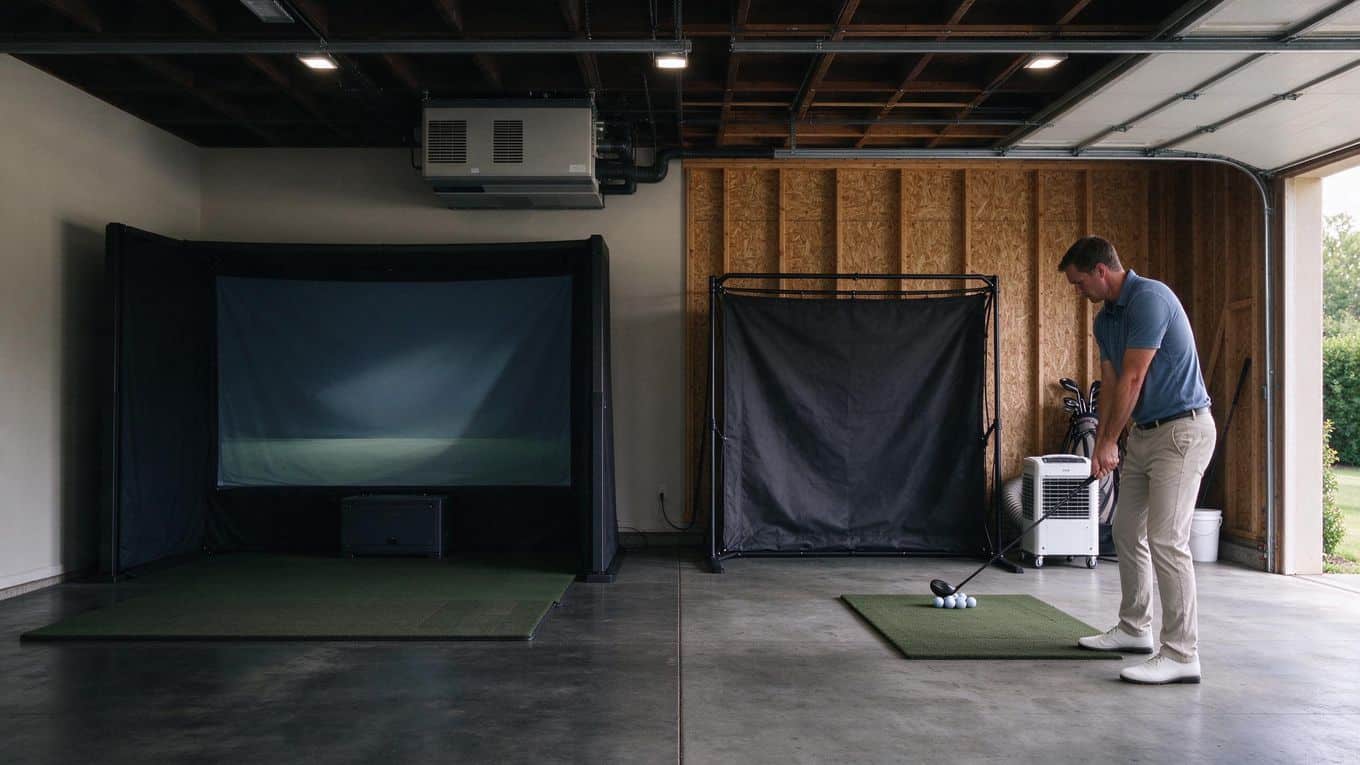
A mini-split is a permanent fixture. That single fact shapes every decision around it, especially if your garage is not your own.
Can Renters Install a Mini-Split?
Most landlords do not allow tenants to drill through walls, mount outdoor units, or run electrical lines. A mini-split installation requires all three. Before you buy anything, get written permission from your landlord. Ask specifically about wall penetrations for the refrigerant line, mounting the outdoor condenser, and adding a dedicated electrical circuit.
If your landlord says no, you have two paths. Negotiate: some landlords will approve the install if you use a licensed contractor and agree to restore the space when you leave.
Or pivot to a portable AC unit, which rolls out when you move and costs less upfront. A portable unit gives you cooling and some dehumidification without touching the structure.
Even with permission, think about your timeline. Recovering the cost of a mini-split takes years of use. If you plan to move within two or three years, the math rarely works in your favor.
Planning Before You Commit to Installation
Treat installation as a project, not an impulse buy. Walk your garage with a contractor before you purchase a unit.
They will confirm whether your electrical panel has capacity for a dedicated circuit, which most mini-splits require. They will also check that your garage walls can support the indoor unit and that there is a clear path for the line set to the outdoor condenser.
Get at least two quotes. Installation labor varies widely by region and by garage layout. A simple install in a finished garage with easy access to an exterior wall costs less than a retrofit in an unfinished space with long line runs.
Ask the contractor these questions:
- Does my electrical panel need an upgrade?
- Where will the condensate drain line exit?
- How will you seal the wall penetration to keep out moisture and pests?
- What warranty covers the installation labor?
One more consideration: a mini-split outlasts most golf simulator equipment. If you upgrade your sim or move it to another room, the climate control stays. That permanence is an asset for a dedicated golf space, but it locks you into the garage as your sim location.
Plan the install for a season when you are not actively using the sim. Contractors need clear access to walls and ceilings, and the system needs a startup and test period before you rely on it for a round.
Common Mistakes to Avoid
A mini-split is a real investment, and a few wrong calls during planning can leave you with a system that underperforms or costs more to run. These are the mistakes that trip up most garage simulator owners.
Oversizing the Unit
Bigger is not better with a mini-split. An oversized unit cools your bay too fast, shuts off before it removes humidity, and starts short cycling: turning on and off in rapid bursts.
Short cycling wears out the compressor early and leaves the air clammy even when the temperature reads fine. Size to the actual load of your space, not to a round number that feels safe.
Ignoring Equipment and Sun Heat
Your projector, gaming PC, and launch monitor all put heat into the room. So does sunlight pouring through a garage door. If you size the unit for an empty room, you will undershoot by a wide margin on hot afternoons.
Add the heat from electronics and sun exposure into your cooling load before you pick a capacity. A bay that feels fine in winter can swamp a small unit in July.
Expecting the Mini-Split to Do All the Work
A mini-split is not a substitute for a sealed, insulated garage. If your bay leaks air around the door, the tracks, and the ceiling, the system runs constantly and still struggles to hold temperature. Insulation and weatherstripping come first. The mini-split maintains comfort in a space that is already reasonably tight, not one that fights it every hour.
Treating a Temporary Setup as Permanent
If you rent your home or plan to move the simulator, a mini-split changes the equation. Installation requires a dedicated electrical circuit, a hole through the wall for the line set, and mounting hardware that leaves marks. A portable AC unit costs less, plugs into a standard outlet, and leaves with you.
Match the permanence of your climate control to the permanence of your setup. For more on avoiding setup errors in the build itself, see our guide on common diy golf simulator setup mistakes.
Skip these four mistakes and your mini-split will earn its place in the bay for years.
Frequently Asked Questions
Can a golf simulator fit in a garage?
Yes. A single-bay simulator fits in most one-car and two-car garages. You need enough ceiling height for a full swing, plus room for the screen, mat, and launch monitor. Measure your ceiling height, floor space, and wall clearance before you buy equipment.
Will a mini-split heat my garage?
Yes. A mini-split uses a heat pump, so one unit moves heat into your garage in winter and out of it in summer. It also removes humidity, which keeps the space comfortable and protects electronics and flooring.
What size mini-split does a garage golf simulator need?
Sizing depends on your garage square footage, insulation, and heat from your projector, PC, and sun through the garage door. A common starting point is about 20 BTU per square foot, then add capacity for equipment and sun load.
For a typical one-bay simulator bay around 250 square feet, that often lands near 12,000 BTU once you factor in electronics. Confirm your numbers with a local HVAC installer, since garage construction varies.
Is a mini-split worth it for a garage golf simulator?
Yes, if you plan to use your simulator year-round. It heats, cools, and controls humidity without taking floor space, and it runs quietly enough not to interfere with your round. The tradeoff is a higher upfront cost than a portable AC or window unit, plus professional installation.
Does a garage need insulation for a mini-split to work well?
Insulation helps. A well-insulated garage with weatherstripped doors lets a mini-split maintain temperature with less effort and lower running time. An uninsulated garage forces the system to work harder, especially in extreme heat or cold.
Final Thoughts
A mini-split earns its place in a garage golf simulator setup when you want year-round comfort without sacrificing floor space. It heats and cools through a single heat pump, handles humidity, and leaves your ceiling and walls free for screens, netting, and lighting.
For a typical one-bay sim, you need roughly 12,000 BTU once you account for the projector, PC, and sun load pouring through garage doors. Skimp on sizing, and you will fight short cycling or a unit that never catches up.
The decision comes down to how you use the space. If you play a few casual rounds in mild weather, a portable AC or window unit costs less and installs in an afternoon. If you practice through winter mornings and summer afternoons, the mini-split pays for itself in comfort and consistency.
Before you buy, measure your bay, check your insulation, and confirm you can mount the indoor unit and run a line set. Renters should weigh permanence against portability. Oversizing the unit causes short cycling, so size up for equipment heat, not just square footage.
Your next step is simple: calculate your BTU load using 20 BTU per square foot as a starting point, then add headroom for electronics and sun exposure. Get quotes from two HVAC installers, compare against a portable unit, and decide based on your budget and timeline.
A garage simulator is only as good as the hours you actually spend in it. Climate control turns a seasonal hobby into a daily habit. Make the space comfortable, and you will use it more.