



Golf simulator multiplayer lets you play rounds with friends whether you share the same bay or compete online from separate locations. You can host a game, join a friend's round, or enter organized leagues and events through compatible software.
Local multiplayer runs on a single simulator setup. Online play connects players through peer-to-peer networks or dedicated platforms.
E6 Connect supports local play, online peer-to-peer rounds, and asynchronous events, and requires a steady internet connection plus a logged-in Player Profile. GSPro supports local and online play for up to 8 players and includes stroke, scramble, stableford, match play, and best ball formats.
You will find guidance on connection requirements, software options, game modes, and fixes for common multiplayer problems.
How golf simulator multiplayer works
Golf simulator multiplayer lets you play with friends whether you share the same bay or sit in different locations.
Three formats cover most scenarios: local multiplayer (everyone in the same room, taking turns on one simulator), online peer-to-peer play (real-time rounds with players in different places), and asynchronous events (everyone plays the same course on their own schedule within a set time window, with scores compared afterward).
A lobby is the pre-round waiting room where the host confirms settings before the game starts.
Local multiplayer vs online play
Local play is the simplest option. Everyone gathers at one simulator, and the software rotates players through each shot on a single screen. No internet connection is required beyond what the software needs to run.
Online play connects simulators across distances. Peer-to-peer means the software links your simulator directly with another player's in real time, so you see each other's shots as they happen. This requires a steady internet connection and, in most software, a logged-in player profile.
E6 Connect supports local play, online peer-to-peer play, and asynchronous events, and you can host a round or join one created by another player. Online play in E6 Connect requires a steady internet connection and a logged-in Player Profile. GSPro lists local and online play for up to 8 players.
Peer-to-peer online rounds
To join a peer-to-peer round, open the multiplayer or online play menu, log in with your player profile if required, then create a private game or join a host lobby. Confirm the course, conditions, and roster before you tee off. The host controls the settings, so guests cannot change course or weather conditions on their own.
Common mistakes to avoid:
- Trying to join without a required profile
- Assuming guests can edit settings (the host controls them)
- Treating local multiplayer as online peer-to-peer play
- Ignoring internet stability before starting a round
Asynchronous events and competitions
Asynchronous events remove the need for everyone to play at the same time. Each player completes the round individually within a time window, and the software compiles results into a leaderboard. E6 Connect supports asynchronous events. This format works well for leagues, tournaments, or casual challenges between friends in different time zones.
GSPro supports stroke, scramble, stableford, match play, and best ball formats for multiplayer rounds. Whether you choose private rounds with friends or organized events depends on which software you run and how often you plan to play with others.
Multiplayer sessions on most golf simulators let players take turns on the same virtual course, and some players wonder whether a golf simulator needs wifi to make that work.
How to play with friends
Getting a round going with friends online follows a simple path, but a few setup steps trip people up. Here is the flow that works across the software that supports golf simulator multiplayer.
Create or join a private game
Open the multiplayer or online play menu in your software. From there, you either create a private game or join one another player has already hosted. In E6 Connect, you can host a round or join one created by someone else.
GSPro also lists online play for up to 8 players, so a full foursome or larger group fits. Before you start, confirm the course, weather conditions, and roster with everyone in the lobby.
Player login and profiles
Online play requires a logged-in Player Profile. E6 Connect specifically requires this for online rounds, so create your profile before you try to join a friend's game.
Trying to join without one is a common mistake that blocks you at the door. Your profile also carries your stats and history across sessions, which matters if you play regularly with the same group.
Lobby setup and ready checks
A lobby is the pre-round waiting room where players gather before the first tee. Use it to confirm everyone has joined, settings are locked, and all players are ready. The host controls the settings, so guests cannot edit course or game options.
If you are the host, set everything before inviting players. If you are joining, wait for the host to confirm the setup.
Common mistakes to avoid
- Trying to join an online game without a required player profile
- Assuming guests can change settings, when the host controls them
- Treating local multiplayer as online peer-to-peer play, which is real-time play between players in different locations
- Ignoring your internet connection, since online rounds need a stable connection
What you need for a stable round
Online play depends on a steady internet connection. No specific bandwidth or latency numbers are verified here, but a stable connection matters more than raw speed. Wired connections reduce drops compared to Wi-Fi. If you experience lag or disconnections, restart your router and close other devices using the network before you retry.
One last note: asynchronous play, where each player completes a round individually within a set time window, is a fallback for groups that cannot sync schedules. E6 Connect supports this mode alongside real-time online play.
Software that supports multiplayer

Not every golf simulator software package handles multiplayer the same way. The two options covered here, E6 Connect and GSPro, both support social play, but they differ in how you connect with friends and what formats you can use.
E6 Connect multiplayer options
E6 Connect supports three types of multiplayer: local play in the same bay, online peer-to-peer play with friends in different locations, and asynchronous events where players complete rounds on their own schedule within a set time window. You can host a round or join one created by another player.
Online play requires a steady internet connection and a logged-in Player Profile. Create your profile before you try to join a friend's game, or you will hit a wall at the login screen.
GSPro local and online play
GSPro supports up to 8 players in both local and online sessions. That player count covers in-person sessions and online rounds, so you can run a full foursome or even a larger group without splitting into separate lobbies.
Event and league options
Both platforms support organized play beyond casual rounds with friends. E6 Connect includes asynchronous events, which work well for leagues where players cannot all tee off at the same time.
GSPro supports multiple competition formats: stroke play, scramble, stableford, match play, and best ball. These formats let you run casual games, handicapped matches, or team events depending on what your group prefers.
When you pick software for social play, match the tool to your use case. If you mostly want private rounds with a regular group of friends, local multiplayer in either platform covers that.
If you want to run organized leagues or tournaments with players spread across different locations, E6 Connect's asynchronous events and GSPro's online lobbies give you the structure to do it.
Your multiplayer experience should influence your software purchase if you plan to play with others regularly. Check that your preferred platform supports the player count and formats your group needs before you buy.
Connection and setup requirements
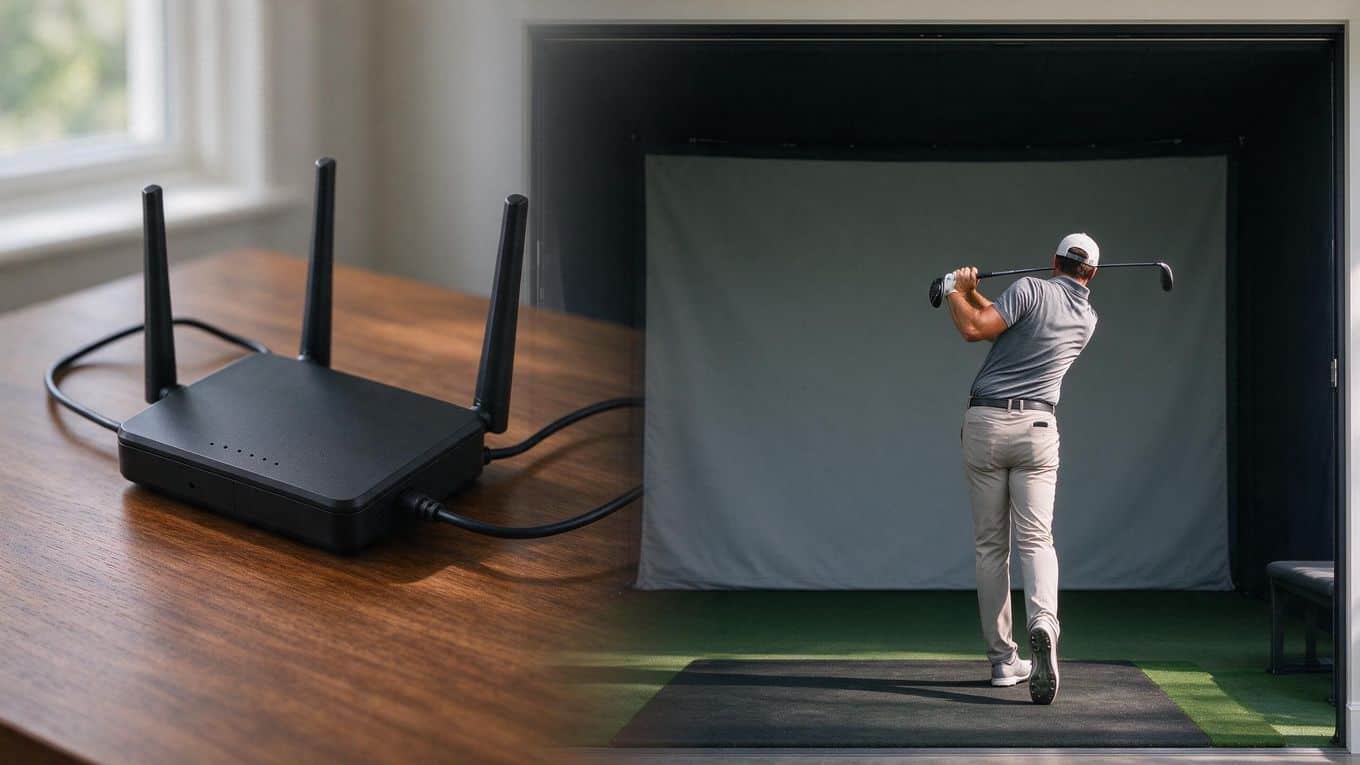
Online golf simulator multiplayer splits into two paths: local play in the same room, and peer-to-peer rounds with friends in different locations. Local play needs no internet at all. Peer-to-peer play does, and the quality of your connection decides whether the round feels smooth or stutters.
Internet stability for online rounds
A steady internet connection is the baseline requirement for any online round. E6 Connect states this directly for its online play, and the same principle applies across software: your simulator streams shot data and course state to your opponent in real time.
You do not need to measure your bandwidth before playing, but you should know whether your connection drops. A wired ethernet connection to your simulator PC is more reliable than WiFi, especially if your router sits far from the bay.
If you have played online games without freezes or disconnects, your setup is likely ready. For setups that work without constant internet, local multiplayer remains the fallback.
Test your connection before your first round with a friend. Open the software, start a practice session, and confirm you stay connected for ten minutes. This catches obvious problems before they cost you a competitive round.
Player profiles and login
Online play requires an account. E6 Connect requires a logged-in Player Profile for online rounds, and you should create yours before you try to join a friend's game. Your profile carries your name, handicap, and stats into the round.
This is a common trip-up: you cannot join an online lobby as a guest in E6 Connect. Create the profile first, log in, then connect. GSPro also lists online play, and the same account-first pattern applies. Without a profile, the multiplayer menu may appear available but online options stay locked.
Equipment for smooth online play
Your core simulator hardware does the same job online as it does solo: launch monitor, projector or TV, screen, and computer. Multiplayer adds two requirements on top of that baseline.
First, a stable network path from your PC to your router. Use ethernet if possible; if you must use WiFi, stay close to the access point and avoid peak household usage times. Second, a logged-in account in the software you plan to use.
The general flow for playing with friends: open the multiplayer or online play menu, log in with your Player Profile, create a private game or join a host's lobby (the pre-round waiting room), then confirm settings, conditions, and roster. The host controls these settings, so guests cannot edit them. Once everyone is ready, start the round.
Common mistakes to avoid:
- Trying to join an online round without a required profile
- Assuming guests can edit settings; the host controls them
- Treating local multiplayer as online peer-to-peer play
- Ignoring internet stability until the round drops
If you hit lag or disconnects during a round, restart your router and rejoin. If you land in the wrong lobby, leave and rejoin using the correct game code or invitation. If settings look wrong, ask the host to change them; you cannot edit them yourself as a guest.
Game modes and competition formats
Picking the right format changes how a multiplayer round feels. Some formats reward steady scoring. Others reward teamwork or head-to-head pressure. GSPro supports five formats that cover most social situations: stroke play, scramble, stableford, match play, and best ball.
Stroke play and match play
Stroke play counts every shot. The player with the lowest total strokes wins. This format works well for friends who want a full, honest round against each other.
Match play flips the focus. Instead of total strokes, you compete hole by hole. Win a hole, and you win that point.
The player who wins the most holes takes the match. Match play keeps rounds close even when scores drift apart, because one bad hole does not end your chances.
Scramble and best ball
Scramble and best ball are team formats. In a scramble, your team hits from the same spot each shot, choosing the best result to play from next. In best ball, each player plays their own ball, and the team scores the lowest individual score on each hole.
These formats work well for mixed-skill groups. A newer golfer can contribute without holding back a stronger player. They also speed up pace, since you are not waiting for every player to finish a hole.
Events, leaderboards, and tournaments
Leaderboards and events turn casual rounds into ongoing competition. You can track scores across multiple rounds, compare results with friends, or join organized play. If you want structured competition beyond your regular group, look into golf simulator tournaments and leagues for formats and how to enter.
E6 Connect supports asynchronous events. That means you and your friends can play the same course on your own schedule within a set time window, then compare scores on a shared leaderboard. This removes the need to be online at the same moment.
For fair competition across different skill levels, pair your events with handicap systems for virtual tournaments. Handicaps adjust scores so a higher-handicap player can compete evenly with a lower-handicap friend.
Choose your format based on who is playing. Use stroke play for serious rounds. Use match play to keep things close.
Use scramble or best ball for relaxed, social rounds with mixed skill levels. Use events and leaderboards when you want ongoing competition with the same group.

The software you pick shapes every multiplayer round you host or join. Two platforms cover most home simulator setups: E6 Connect and GSPro. Your choice depends on whether you plan private rounds with friends, organized leagues, or something in between.
Best fit for private rounds
For casual games with friends, both options work. E6 Connect supports local play, online peer-to-peer play, and asynchronous events. You can host a round or join one created by another player. Online rounds require a steady internet connection and a logged-in Player Profile, so set up your account before inviting friends.
GSPro lists local and online play for up to 8 players, which gives you room for larger private groups. If your group regularly rotates between 4 and 8 golfers, GSPro's player count may matter more than format variety.
Pick E6 Connect if asynchronous events appeal to you, meaning your group can complete rounds individually within a set time window and compare scores later. Pick GSPro if you want a single platform handling both local and online rounds without switching software.
Best fit for leagues and tournaments
Organized competition narrows your options. GSPro supports five formats: stroke, scramble, stableford, match play, and best ball. That range covers most league structures, from weekly handicapped stroke play to weekend scramble events.
E6 Connect's verified multiplayer facts cover local play, online peer-to-peer play, and asynchronous events. The software does not list specific tournament formats in the verified details, so confirm format support directly with E6 before committing to a league that requires stableford or match play.
For leagues, GSPro's named formats give you confidence that your competition structure fits the software. For private asynchronous challenges, E6 Connect's event system handles the scheduling flexibility that leagues with busy members often need.
When multiplayer should affect your purchase
Multiplayer capability should influence your software choice only if social play is a regular part of how you use your simulator. If you mostly play solo and practice alone, multiplayer features add little value to your daily routine.
Ask yourself three questions before buying. First, do you have friends with their own simulators who want to play online together? If yes, confirm both of you choose compatible software.
Second, do you want to join or run a league? If yes, verify the software supports the formats your league uses.
Third, is your internet connection stable enough for real-time online rounds? E6 Connect explicitly requires a steady connection for online play, and lag affects any peer-to-peer game regardless of platform.
If multiplayer is occasional, either platform handles it. If multiplayer is central to why you bought a simulator, match the software to your specific social format: private groups, asynchronous events, or structured leagues. For a fuller picture of what each platform offers beyond multiplayer, see our guide to key golf simulator software features.
Common multiplayer problems
Even well-planned rounds hit snags. Knowing the usual friction points saves you time and keeps the game moving.
Lag and connection drops
Online peer-to-peer play depends on a steady internet connection. When your link stutters, you see delayed shots, rubber-banding, or full disconnects mid-round.
Fixes that help:
- Use a wired Ethernet connection instead of WiFi when possible.
- Close other devices streaming video or downloading large files on your network.
- Restart your router before a scheduled round with friends.
- If drops persist, check our guide on fixing wifi disconnects during online play for deeper troubleshooting.
E6 Connect requires a steady connection for online rounds, so test your setup before inviting others.
Joining the wrong lobby
Lobbies are pre-round waiting rooms where the host sets conditions and confirms the roster. Joining the wrong one wastes time and can start a round with strangers or the wrong course.
Avoid this by:
- Confirming the lobby name or code with your host before you click join.
- Checking the course, format, and player list once you enter.
- Leaving immediately if something looks off, then rejoining the correct lobby.
A common mistake is joining without a required player profile. E6 Connect online play needs a logged-in Player Profile, so create yours first. Without it, you either cannot join or you join as a guest with limited options.
Host-controlled settings
The player who creates the lobby controls the settings. Guests cannot edit settings for course conditions, game format, or roster once the round is set.
If you need specific settings:
- Ask the host to adjust them before the round starts.
- Create your own lobby if you want full control.
- Confirm settings, conditions, and roster in the lobby before teeing off.
Another mistake is treating local multiplayer as online peer-to-peer play. Local play happens in the same bay on one machine. Online play connects players in different locations in real time. They use different setup paths, and only online play needs the internet stability and profile login described above.
Ignore neither your connection nor the lobby details. Both decide whether your multiplayer round starts smoothly or stalls before the first shot.
Frequently Asked Questions
How do I play golf simulator games with friends?
Open the multiplayer or online play menu in your software, log in with your player profile if required, then create a private game or join a friend's lobby. Confirm the course, conditions, and roster before you tee off. A stable internet connection matters for online rounds.
How does multiplayer work in a golf simulator?
Multiplayer falls into three types. Peer-to-peer play connects you to friends in real time from different locations. Asynchronous events let you complete rounds on your own schedule within a set time window. A lobby is the pre-round waiting room where the host sets the rules and players gather before starting.
Can I join public multiplayer games or online leagues?
Public league discovery and online tournament access vary by software and were not verified across all platforms. Check your specific software's online menu to see what public events or leagues are listed. E6 Connect and GSPro both support online play, but league availability depends on the platform.
Which golf simulator software supports multiplayer?
Two options with confirmed multiplayer support are E6 Connect and GSPro. E6 Connect supports local play, online peer-to-peer rounds, and asynchronous events. GSPro lists local and online play for up to 8 players, with formats including stroke, scramble, stableford, match play, and best ball.
What do I need for smooth online play?
You need a steady internet connection and a logged-in player profile for online rounds in E6 Connect. Create your profile before you try to join a friend's game. Skip these steps and you will hit errors that look like software bugs but are actually setup gaps.
Final Thoughts
Multiplayer turns your golf simulator from a solo practice tool into a shared experience. Whether you gather in the same room for local play or connect across the internet with friends, the right setup removes friction and keeps the focus on the game.
Your choice of software shapes everything. E6 Connect gives you local rounds, online peer-to-peer play, and asynchronous events, so you can play on your schedule or in real time.
GSPro supports up to 8 players locally or online and covers stroke, scramble, stableford, match play, and best ball formats. Both require attention to setup: a steady internet connection and a logged-in Player Profile for E6 Connect online rounds, and a clear understanding of host controls versus guest permissions.
Before your next round, check your connection, create your profile, and confirm which game modes your group wants. Pick a format that fits your skill mix, whether that is a relaxed best ball or a competitive match play duel.
Start with local multiplayer if you want simplicity. Move to online play when your friends live farther away or your schedules clash. Either way, the goal is the same: more rounds, more laughs, and more reasons to keep the simulator running.
Your simulator is ready. Now get your friends on the tee.