

If you’re weighing a SurfThing SG3-5802 review before committing to a 4K golf simulator PC, the real question is whether this flagship desktop earns its premium for your setup. It’s built for demanding simulator workloads and high-resolution gaming, so the deciding factor is how much 4K headroom you actually need.
This review covers the specs that matter for simulator software, how the SG3-5802 compares with the SG3-5702Ti, and the other SurfThing models worth a look. You’ll see where the preconfigured build and port mix help with cameras and launch monitors, and where the price gives you pause.
We also break down who should buy it and who should skip it, plus what to check before you order.
Product Overview and Specs
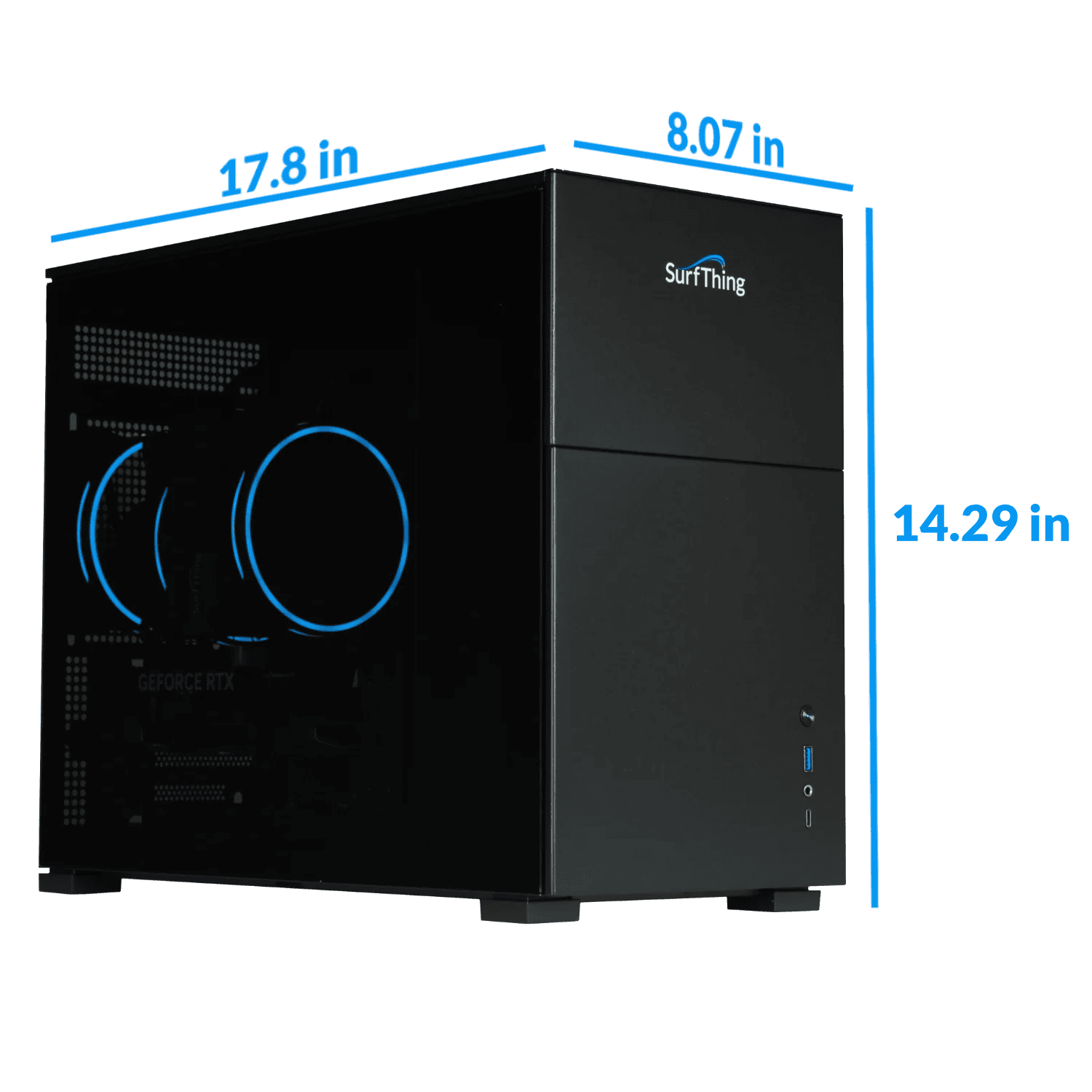
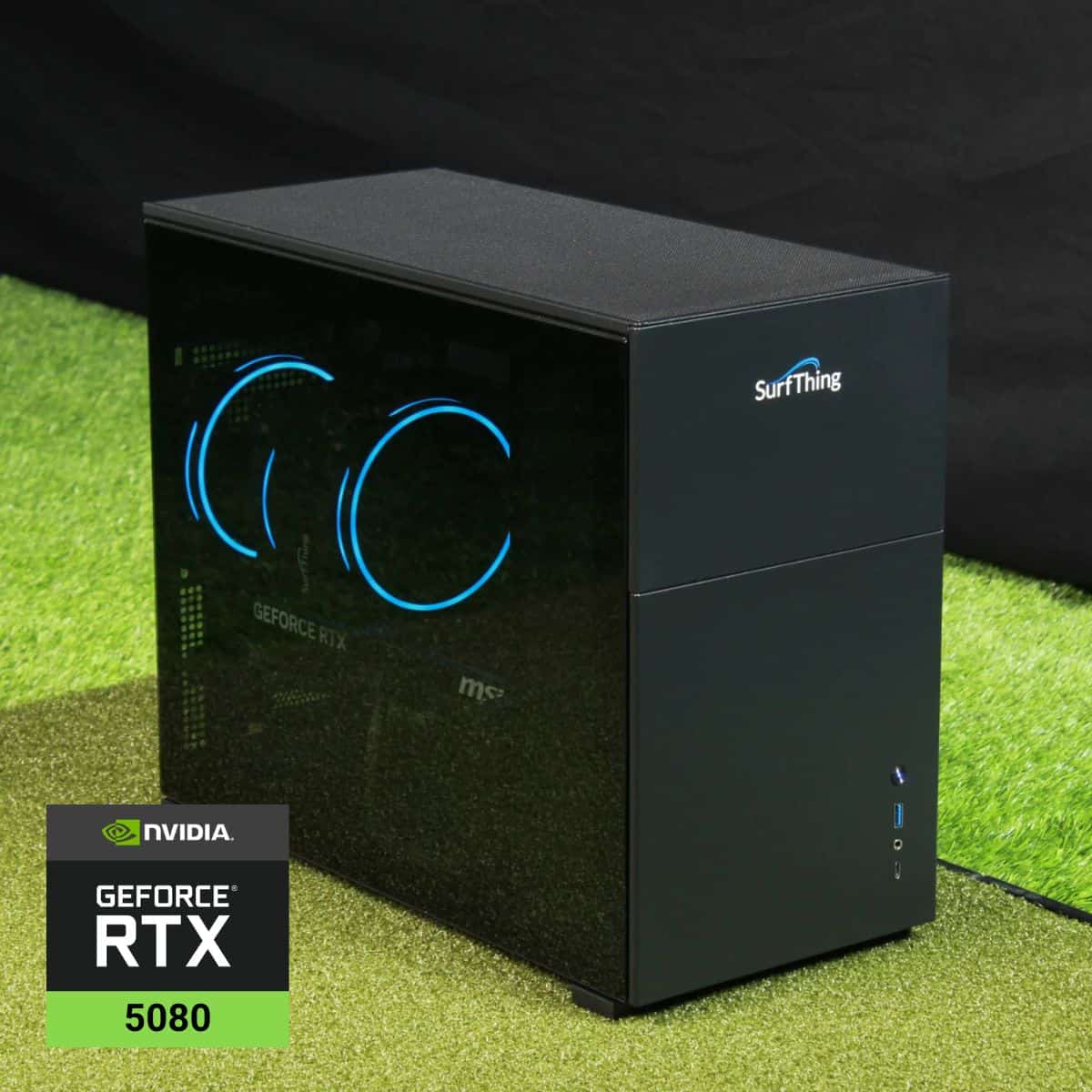
The SurfThing SG3-5802 is a desktop built around a simple idea: give a golf simulator the same hardware headroom as a high-end gaming rig. An Intel Core Ultra 7 265F processor and NVIDIA RTX 5080 graphics do the heavy lifting, and the rest of the parts list is sized to match. Here’s what you’re actually getting.
Core Hardware Specifications
The processor and graphics card set the ceiling for everything else. The Core Ultra 7 265F handles simulator software and swing-camera processing, while the RTX 5080 gives you headroom to push graphics to maximum on any platform without frame drops. For 4K simulator use, that pairing is the reason this machine exists.
- Processor: Intel Core Ultra 7 265F
- Graphics: NVIDIA RTX 5080
- Operating system: Windows 11 Home
Memory, Storage, and Cooling
Memory and storage are generous rather than minimal. 32GB of DDR5 6000MHz memory and a 2TB NVMe Gen-4 SSD keep the system responsive under prolonged commercial-grade sim use, with fast data access for large course libraries and recorded sessions.
Cooling comes from a 280mm AIO ARGB liquid cooler, the kind of spec you’d usually see on enthusiast gaming builds, included here because the workload demands it. According to SurfThing, that cooler maintains stable clock speeds during multi-hour rounds, range sessions, or competitive matchplay.
The desktop measures 17.8 inches deep, 8.07 inches wide and 14.29 inches tall.
Operating System and Wireless
Windows 11 Home is the platform, and the networking is current rather than legacy.
- WiFi 6E and Bluetooth 5.3 for wireless peripherals and network connections
- LAN: 1x 2.5G plus 1x 1G on an additional card
- USB-C with Thunderbolt 4, 6x USB 3.2 Gen 1 and 6x USB 2.0
- HDMI and DisplayPort outputs
That port mix matters for a simulator bay. Swing cameras, launch monitors and control peripherals all need a home, and the combination of Thunderbolt 4, twelve USB-A ports and dual Ethernet gives you room to connect them without a hub.
The 2.5G LAN port is the one to use for a wired launch monitor connection where the device supports it.
The hardware list reads like a machine built to feel fast every time you turn it on, year after year. Whether that’s worth the outlay depends on how much of it your bay can use. The rest of this review covers performance, software fit and the alternatives.
Readers looking for a portable alternative can also explore gaming laptops for golf simulators.
First Impressions
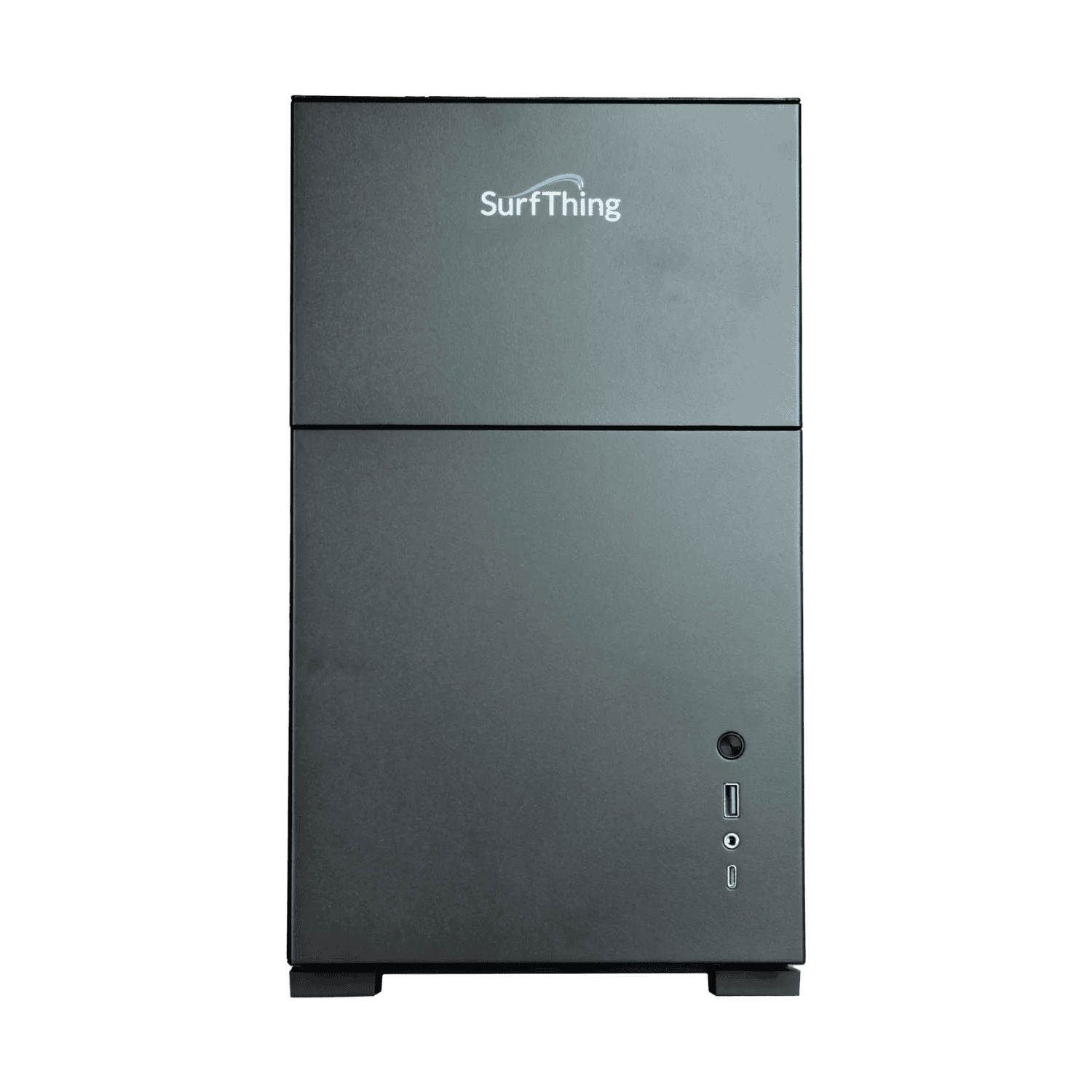
Two things shape how the SG3-5802 feels on day one: it arrives preconfigured, and Rain or Shine Golf backs it with SimSquad setup support. The company says its SimSquad team has wired this PC into thousands of sim setups and can walk you through the integration before you tee off.
That matters if you have never connected a launch monitor to a gaming desktop before.
Setup and Preconfiguration
The system ships with software already in place, so setup is about connecting your hardware and displays rather than installing and tuning a PC from scratch. That preconfiguration supports the ease of setup factor, and it suits anyone who wants a working bay without a weekend of driver updates and BIOS checks.
One point worth knowing: 4K is the recommended display resolution, and the system also handles 1080p and 1440p. If your projector or screen tops out below 4K, the SG3-5802 still runs it, though you are paying for headroom you may not use.
Cabling for Cameras and Displays
The port mix covers a peripheral-heavy bay. You get six USB 3.2 Gen 1 ports and six USB 2.0 ports, plus one USB-C with Thunderbolt 4. Cameras, a launch monitor, keyboard and mouse can stay connected at once.
For displays, HDMI and DisplayPort outputs are included. The dual network setup adds a 2.5G LAN port plus a 1G port on an additional card, which gives you a wired path for a simulator network alongside a second connection.
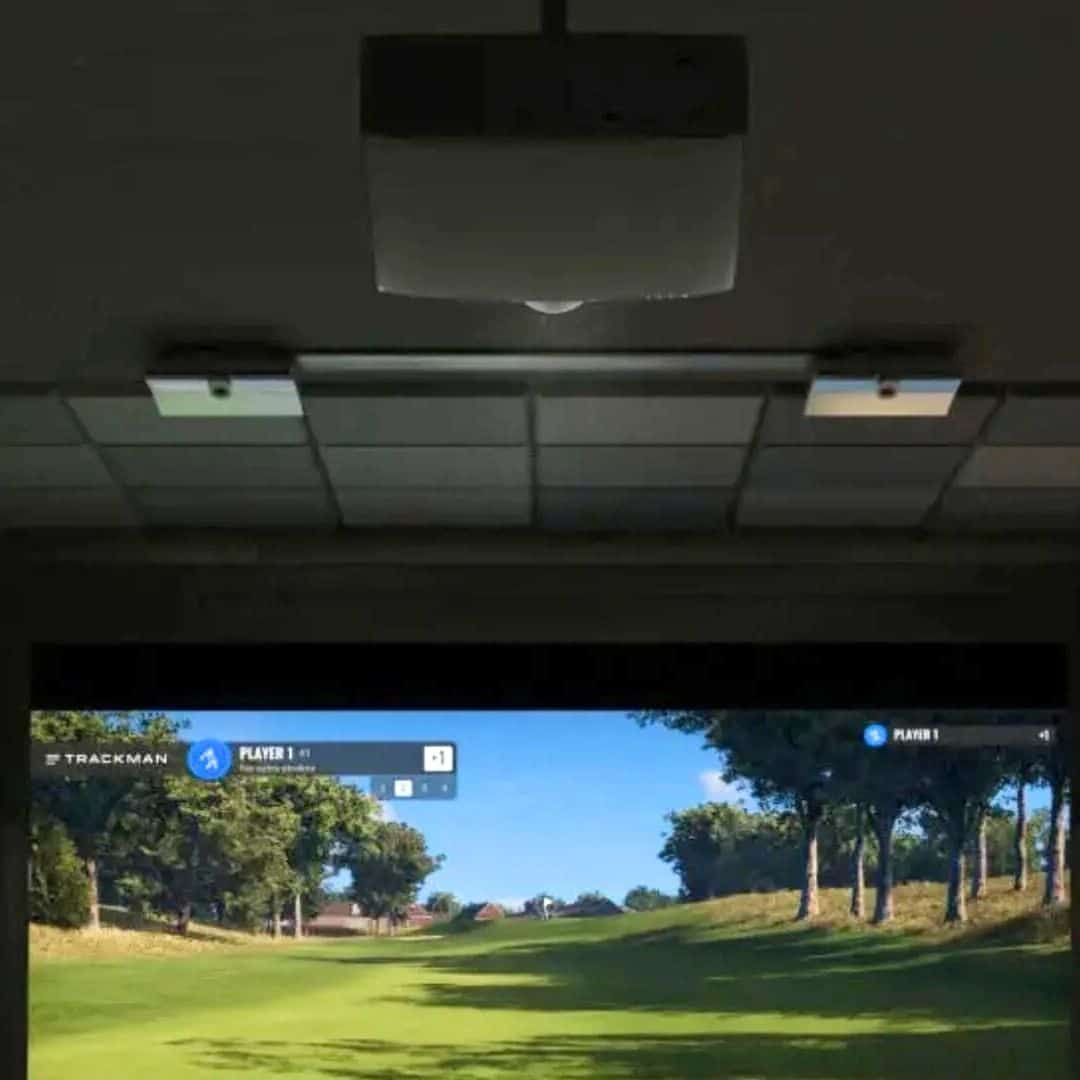
The SG3-5802 handles Trackman iO, Uneekor EYE XO2, and Foresight QuadMax, ceiling-mounted monitors that feed large data streams. Planning those cable runs before the PC arrives saves time later; our guide to golf simulator setup covers the room-side work.
A 280mm AIO liquid cooler keeps performance stable across long sessions, and that is the spec that matters most once your bay is running for hours at a time.
Performance and Features
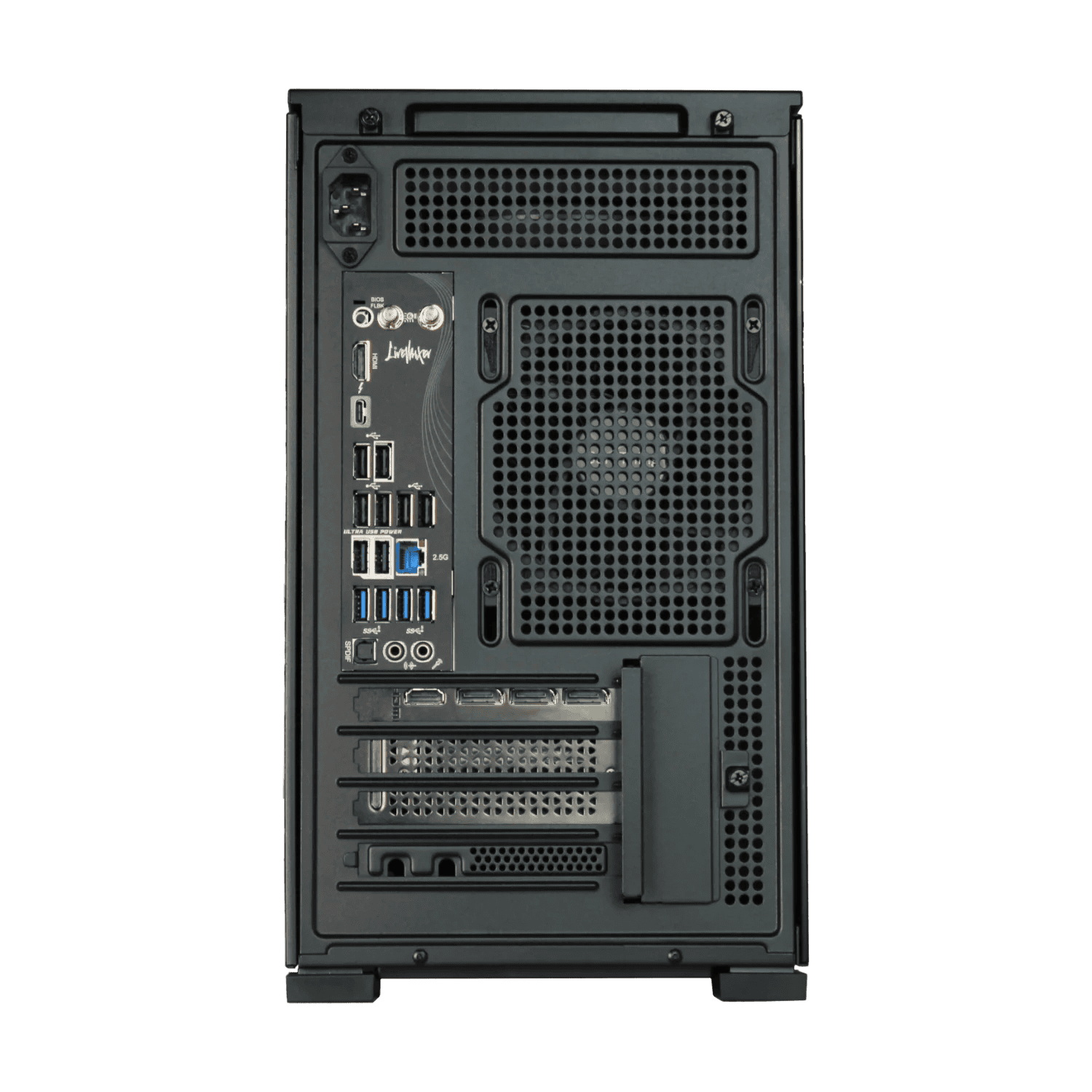
The SG3-5802 pairs an Intel Core Ultra 7 265F processor with an NVIDIA RTX 5080 carrying 16GB of GDDR7, and that combination is what the rest of this section hangs on. 32GB of DDR5 6000MHz memory and a 2TB NVMe Gen-4 SSD round out the loadout. Here’s how those parts translate to actual simulator work.
4K Simulator Performance
The recommended display resolution for this desktop is 4K, and it also handles 1080p and 1440p. If you’re building around a high-resolution projector, our guide to 4k projectors for golf simulators is worth reading before you commit to a screen.
The RTX 5080 and Core Ultra 7 exist to carry 4K environments and advanced simulator software at once, which is the whole reason this tier sits at the top of the SG3 range.
Software Compatibility
Out of the box, the SG3-5802 is preconfigured for simulator software. Compatible platforms include GSPro, E6 Connect, TGC 2019, FSX Pro, and Awesome Golf. If you’re leaning toward E6 Connect, our e6 connect software breakdown covers what to expect.
Launch monitor software support runs wide:
- SkyTrak, Uneekor, Foresight Sports FSX, ProTee Labs, Full Swing native, FlightScope FS Connect, Bushnell native, and Garmin
If a SkyTrak is your monitor, the skytrak launch monitor package guide pairs well with this machine.
Launch Monitors and Swing Cameras
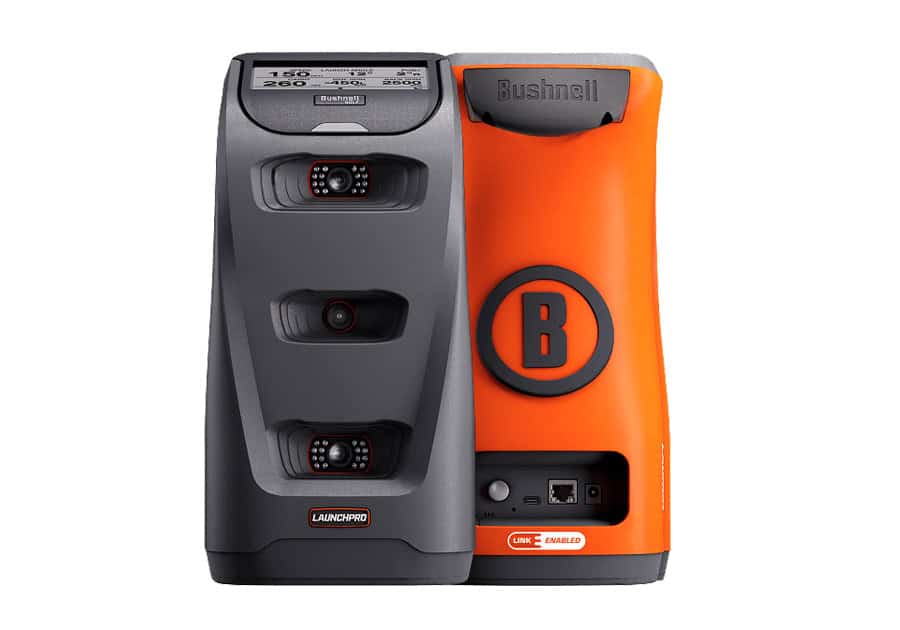
This tier suits premium overhead monitors: Trackman iO, Uneekor EYE XO2, Foresight QuadMAX, and GCQuad. Home bays running swing cameras for golf simulators are a stated use case, and the port mix backs that up.
Ports and Connectivity
- USB-C with Thunderbolt 4
- 6x USB 3.2 Gen 1 and 6x USB 2.0
- HDMI and DisplayPort from the RTX 5080
- 1x 2.5G LAN plus WiFi 6E and Bluetooth 5.3
That’s enough USB for cameras, a monitor, and peripherals without a hub.
Cooling and Noise
A 280mm AIO liquid cooler keeps performance stable over long sessions, when stock PCs tend to thermal-throttle. SimSquad also walks the install, getting the PC talking to your launch monitor, projector, and software.
SurfThing SG3-5802 vs SG3-5702Ti
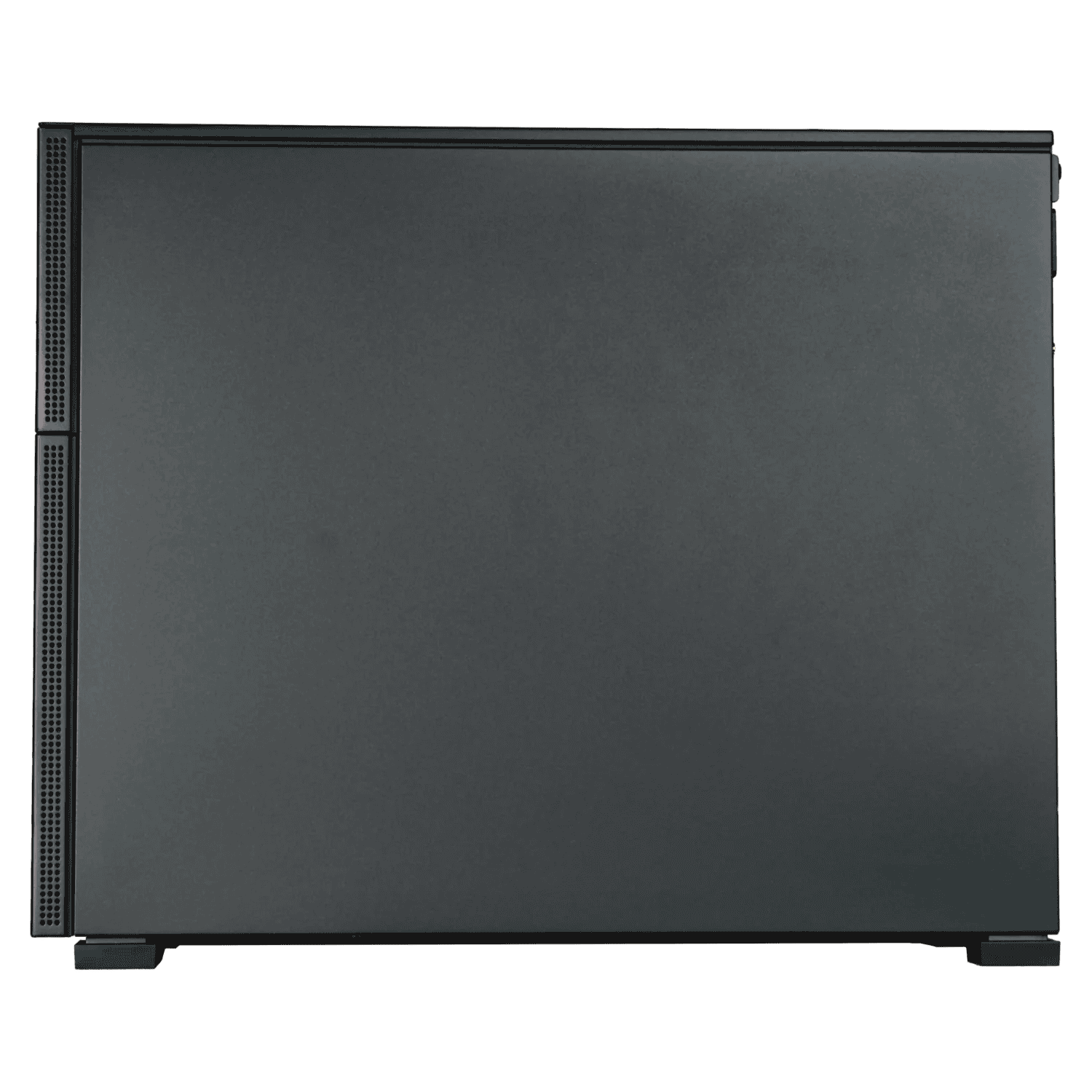
SurfThing’s SG3 line gives you three routes into a 4K-capable golf simulator PC. The SG3-5802 sits at the top, the SG3-5702Ti is the middle-tier option, and the SG3-5702 and SG3-5602 sit below that. The decision comes down to how much graphics headroom your bay needs.
Hardware Differences from the 5702Ti
The 5802 runs an Intel Core Ultra 7 265F and an NVIDIA RTX 5080 with 16GB GDDR7. The 5702Ti steps down to a Core Ultra 5 225F and an RTX 5070 Ti, also with 16GB GDDR7. Both carry 32GB of DDR5 6000MHz memory, a 2TB NVMe Gen-4 SSD, Windows 11 Home, WiFi 6E and Bluetooth 5.3.
Cooling splits them: the 5802 uses a 280mm AIO liquid cooler, the 5702Ti a dual-fan 120mm air cooler. The 5802 also adds a second LAN card, giving you one 2.5G and one 1G port. SurfThing positions the 5802 as an enthusiast-tier golf sim PC.
We have no independent spec or benchmark data for the 5702Ti, 5702 or 5602, so treat the gap as a hardware and price tier, not a measured performance difference.
Value for Home Sim Setups
The 5802’s case rests on the RTX 5080 and Core Ultra 7. That combination matters if you run 4K and swing cameras at the same time, since the 5080 has more graphics headroom than the 5070 Ti.
For a 1080p or basic home bay, the extra power goes unused, and the 5702Ti’s RTX 5070 Ti already covers 4K-capable simulator use.
SurfThing’s own framing asks whether you need this much PC for your setup. If you don’t, the middle tier is the better spend.
When the 5802 Makes Sense
Choose the 5802 if your setup is peripheral-heavy: a 4K display, multiple cameras, and simulator software running alongside other tasks. It also fits a commercial bay where the PC runs long sessions, or a home bay that doubles as a high-end gaming rig.
Skip it for casual 1080p play. The 5702Ti, 5702 or 5602 will serve that use at lower cost.
Other SurfThing Models to Consider
The SG3-5802 sits at the top of SurfThing’s lineup, and that position is the main reason to look at the models below it. If your setup doesn’t need maximum 4K headroom, the SG3-5702 and SG3-5602 cover narrower use cases at lower tiers.
Independent spec and benchmark data for both is thin, so judge them on the stated use cases rather than on measured performance.
SurfThing SG3-5702
The SG3-5702 is the lower-cost step-up model, and it suits many 4K-leaning home setups. It runs an Intel Core Ultra 5 225F and an NVIDIA RTX 5070 with 12GB GDDR7, paired with 32GB of DDR5 6000MHz memory and a 2TB NVMe Gen-4 SSD.
SurfThing lists 1080p and 1440p as the recommended display resolutions, with 4K capability at standard settings.
The platform list matches the 5802: GSPro, E6 Connect, TGC 2019, FSX Pro, and Awesome Golf, plus launch monitor software for SkyTrak, Uneekor, Foresight, ProTee, Full Swing, and more. If you want 4K without paying for the 5802’s top-tier graphics card, this is the SurfThing model to compare first.
For smaller home sims with portable launch monitors, the SG3-5702Ti or SG3-5702 covers the use case at a lower tier.
SurfThing SG3-5602
The SG3-5602 is the entry-level option for golfers mainly using 1080p setups. It uses the same Intel Core Ultra 5 225F processor but steps down to an NVIDIA RTX 5060 with 8GB GDDR7, 16GB of DDR5 4800MHz memory, and a 1TB NVMe Gen-4 SSD. SurfThing lists 1080p as the recommended display resolution.
Software support covers GSPro, E6 Connect, TGC 2019, and Awesome Golf, with launch monitor software for SkyTrak, Uneekor, Foresight, ProTee, Full Swing, and FlightScope. The compact case measures 8.07 inches wide, 14.29 inches high, and 17.8 inches deep, so it fits where a larger tower won’t.
If your display is 1080p and you don’t run swing cameras or a heavy peripheral load, this model covers the workload.
One gap worth knowing: SurfThing doesn’t publish independent benchmark data for the SG3-5702 or SG3-5602, so the differences above are about price positioning and stated use cases, not measured frame rates.
Pros and Cons
The SurfThing SG3-5802 is a high-end desktop, and its strengths and weaknesses follow from that positioning. The RTX 5080 with 16GB GDDR7 and the Core Ultra 7 265F give it room to run 4K simulation without cutting corners. The trade-off is that you pay for capability you may not use if your display tops out at 1080p.
Pros
- Strong 4K headroom. The RTX 5080 and Core Ultra 7 265F give the SG3-5802 the hardware to drive 4K as the recommended display resolution, with 1080p and 1440p also supported. For a bay running a 4K projector or large 4K screen, that headroom keeps the desktop from being the weak link.
- Quiet, compact build. The 280mm AIO liquid cooler and desktop form factor suit a home bay where the PC sits close to the hitting area. A smaller build is easier to live with than a full tower in a shared room.
- Turnkey setup. Rain Or Shine Golf positions this as a preconfigured system, so the software side is handled before it reaches you. That saves you the build-and-driver work a bare PC would need.
- Useful port mix. Thunderbolt 4 over USB-C, six USB 3.2 Gen 1 ports, six USB 2.0 ports, dual LAN, WiFi 6E, and Bluetooth 5.3 cover swing cameras and extra peripherals without a hub.
Cons
- Premium price. The SG3-5802 costs more than the SG3-5702Ti, SG3-5702, and SG3-5602 in the SurfThing line. You are paying for the top of that range.
- More power than many need. If your setup runs 1080p or you keep software settings modest, the RTX 5080 is capacity you will not tap.
- Value depends on 4K. The case for this desktop rests on using its 4K headroom. Without a 4K display and demanding software, the cheaper SurfThing models make more sense.
If your bay runs 4K and you want a quiet, preconfigured desktop, the pros carry real weight. If not, the cons are the whole story. Weigh the price against your display before you commit, and check the rest of the SurfThing range before deciding.
Who It Is For and Who Should Skip It
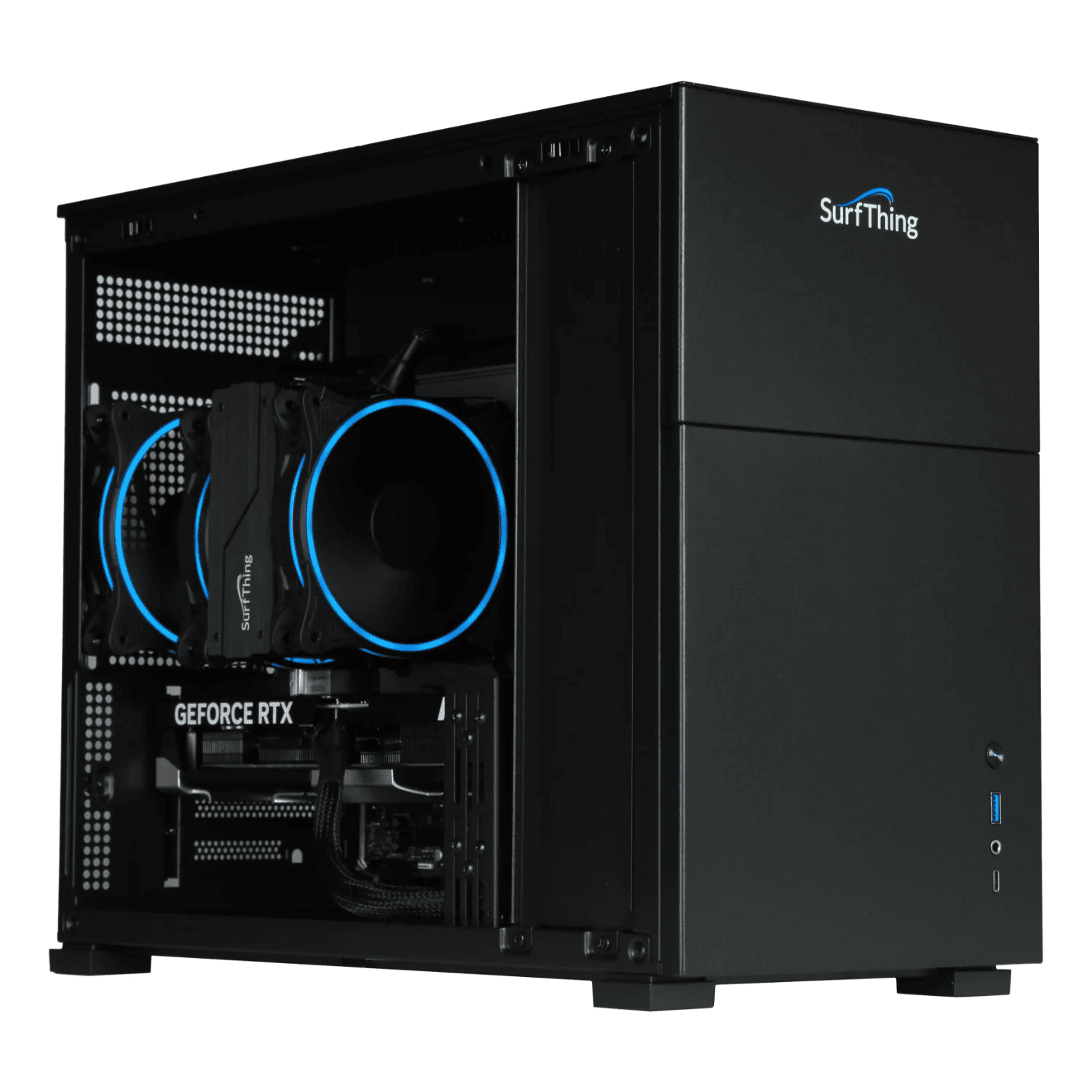
The SG3-5802 is the flagship of the SurfThing desktop line, and its RTX 5080 and Core Ultra 7 265F set the ceiling for what a turnkey simulator PC can do. That ceiling only matters if your setup actually reaches for it.
Here is the honest split between buyers who get their money’s worth and those paying for headroom they will never touch.
Best Fit Buyers
You should look closely at the 5802 if any of these describe your build:
- 4K simulator bays. You plan to run a 4K projector or display and want the desktop to hold that resolution across GSPro, E6 Connect, TGC 2019, FSX Pro, or Awesome Golf. The 16GB of GDDR7 and 32GB of DDR5 6000MHz memory are there for that workload.
- Swing camera setups. The port mix covers cameras and launch monitors without a hub: one USB-C with Thunderbolt 4, six USB 3.2 Gen 1, and six USB 2.0 ports. SkyTrak, Uneekor, Foresight Sports FSX, ProTee Labs, Full Swing native, FlightScope FS Connect, and Bushnell native software all sit on the compatibility list.
- Commercial or multi-use bays. Preconfigured software and turnkey support shorten the path from delivery to a running bay, which matters when downtime costs you sessions.
- High-end gaming alongside the simulator. The same hardware that drives a 4K bay also handles demanding games, so one desktop serves both jobs.
Who Should Skip It
If your display is 1080p, or your simulator use is basic home practice, the flagship is more machine than your setup calls for. The premium price buys 4K headroom you will not use, and the lower SurfThing tiers cover that ground for less. Value here depends entirely on whether you need the top end.
A gaming laptop for golf simulators is another route if space or portability matters more than a fixed desktop. For a permanent bay with a 1080p screen, put the savings into the launch monitor or enclosure instead. The 5802 rewards buyers who will actually run 4K; everyone else pays for a ceiling they never reach.
Where to Buy and Price
The SurfThing SG3-5802 sells through Rain or Shine Golf, and the table above carries the current listing. Pricing on a build like this moves, so check the table for the live figure rather than relying on a number you saw last month.
If you’re unsure whether your launch monitor and software will run on it, SimSquad can walk through specific compatibility before you buy.
Value Assessment
The SG3-5802 carries a premium price, and the value question comes down to what you’ll actually display. If you’re running a 4K projector or a 4K monitor in a home bay, the RTX 5080 and 32GB of memory give you headroom that cheaper desktops don’t.
For a 1080p setup, that headroom goes unused, and the price is harder to justify.
Consider the peripheral load too. A simulator with two swing cameras, a launch monitor, and a projector pulls on USB bandwidth and ports. The 5802’s six USB 3.2 Gen 1 ports, six USB 2.0 ports, and Thunderbolt 4 cover that without a hub. A cheaper machine with fewer ports can force add-in cards or splitters.
On software, the 5802 runs GSPro, E6 Connect, TGC 2019, FSX Pro, and Awesome Golf, plus native support for SkyTrak, Uneekor, Foresight Sports FSX, ProTee Labs, Full Swing, FlightScope FS Connect, and Bushnell. That breadth means you’re less likely to hit a compatibility wall after purchase.
If you’re weighing the turnkey setup against building your own PC, the preconfigured software and tested port mix are the parts you’re paying for. Whether that premium is worth it depends on your display resolution and how many peripherals you plan to run.
Frequently Asked Questions
Is the SG3-5802 good for 4K golf simulation?
Yes. The SG3-5802 is built for golf simulator workloads at 4K resolution, with an NVIDIA RTX 5080 and Intel Core Ultra 7 265F providing the headroom. It also handles 1080p and 1440p if you run a lower-resolution display.
Which simulator software does it support?
The desktop supports GSPro, E6 Connect, TGC 2019, FSX Pro, and Awesome Golf, along with native environments for SkyTrak, Uneekor, Foresight Sports FSX, ProTee Labs, Full Swing, FlightScope FS Connect, and Bushnell. That covers the major platforms you're likely to use.
Does it work with launch monitors and swing cameras?
The port mix includes six USB 3.2 Gen 1 and six USB 2.0 ports, plus Thunderbolt 4, so you can connect launch monitors and swing cameras without a hub. The 2.5G LAN and WiFi 6E keep network-connected monitors stable.
Is it worth the upgrade over the SG3-5702Ti?
The SG3-5802 has a faster processor and graphics card than the SG3-5702Ti, which uses an Intel Core Ultra 5 225F and RTX 5070 Ti. If you run premium overhead launch monitors and 4K software, the extra headroom helps; for 1080p setups, the 5702Ti is plenty. The premium price is the deciding factor.
Can it be used for gaming too?
Yes. The SG3-5802 is engineered for high-resolution gaming alongside simulator use, so it can double as a gaming PC when you're not on the course.
Final Verdict
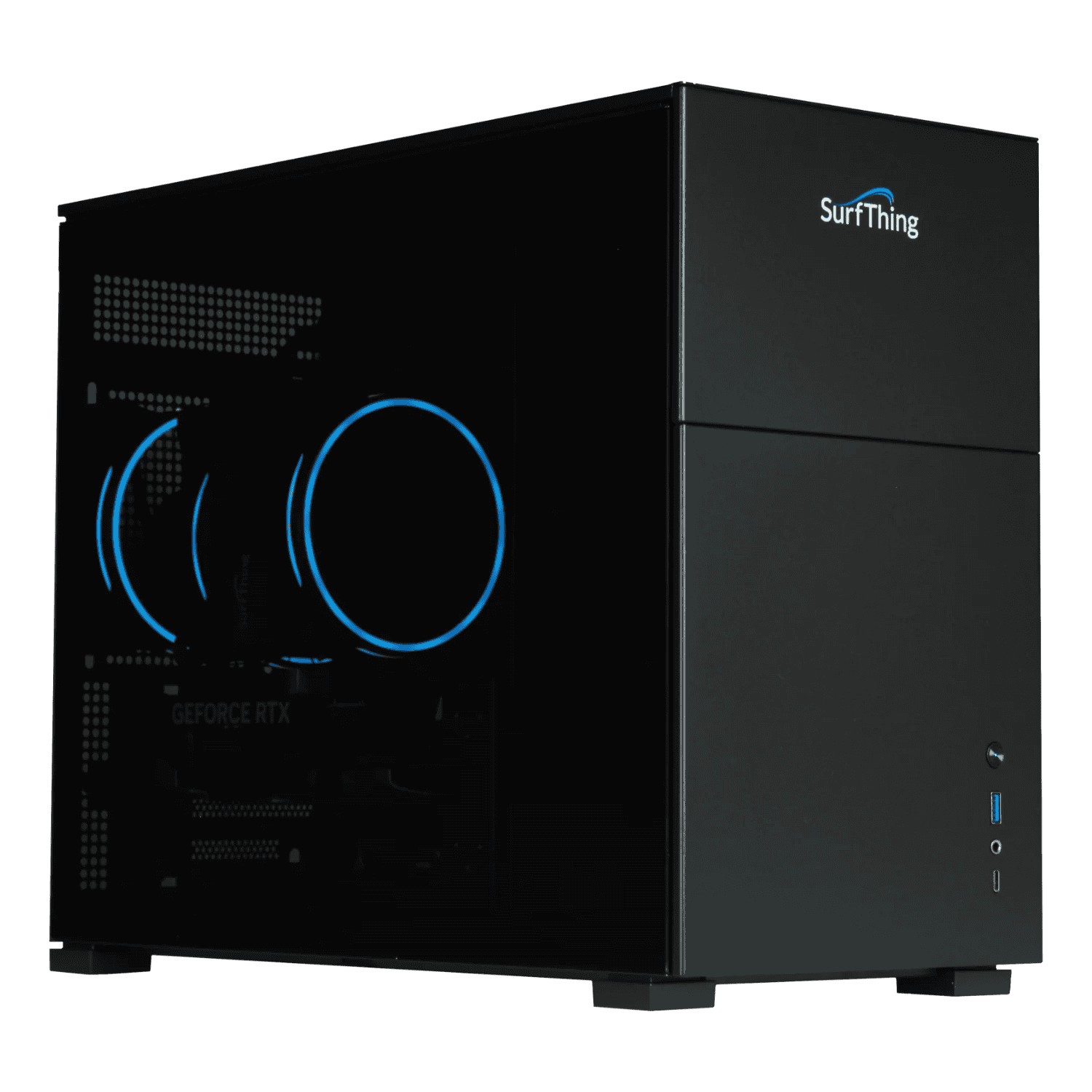
The SurfThing SG3-5802 is a desktop built for 4K golf simulator workloads, with the performance headroom to run demanding applications and high-resolution gaming. Its 4K performance headroom is the reason it exists, and it is the reason the price is higher than the lower SurfThing tiers.
If your setup is GSPro at 4K with cameras and peripherals, this machine is aimed at you. If you are running a basic or mid-tier home setup, the flagship is more computer than you need, and the value case weakens against the SG3-5702Ti and SG3-5702.
The preconfigured build and port mix make it a turnkey option for buyers who want to plug in and play. Our recommendation: buy the SG3-5802 if you are building a 4K simulator and want maximum headroom without assembling a PC yourself.
Skip it if your software runs well at 1080p or you are price-sensitive, because the extra power buys you nothing you will use. Next step: check the Where to Buy table for current pricing, then compare it directly with the SG3-5702Ti and SG3-5702 to see which tier matches your resolution and peripheral needs.
Choose the PC that fits the simulator you are actually building, not the one with the biggest number.