

Finding the mid range launch monitor sweet spot comes down to one question: what does the extra money actually buy you? The jump from a budget unit to the next tier usually adds measured data, easier indoor setup, or both. Knowing which of those you need decides whether the spend is worth it.
This guide explains what separates the tiers. You’ll see how measured and calculated data differ, how radar and camera-assisted monitors work, and where the Garmin R10 and Rapsodo MLM2PRO split. We also cover subscription costs, indoor space needs, and the features worth checking before you buy.
By the end, you’ll know which extras matter for your space and practice goals, and which ones you can skip.
What the Mid-Range Launch Monitor Sweet Spot Means
The sweet spot isn’t a fixed price or a badge on a box. It’s the point where spending more starts buying data you can act on: measured spin, a workable indoor footprint, and software that fits how you practice. In this guide, the Garmin R10 and Rapsodo MLM2PRO are the clearest comparison points for that decision.
Where Price Starts to Change the Data
The Garmin R10 is positioned as a lower-cost option for simulator play, and its spin is estimated rather than directly measured. The Rapsodo MLM2PRO is framed as the measured-spin step up: it can measure spin directly with RPT balls or designed balls.
Spin rate tells you how much the ball is rotating, and spin axis tells you which way it curves. When spin is calculated rather than measured, those two numbers come from an algorithm, not a sensor reading.
How each unit gets its spin number doesn’t settle which one is more accurate.
Who Needs More Than a Budget Unit
If you mostly want carry distance and ball speed for range-style practice, a lower-cost unit covers the basics. Step up when spin and curvature drive your decisions: wedge gapping, shot shape, or indoor practice where the ball flies a short distance into a net.
If you’re still weighing whether any monitor earns its place, our guide to whether a launch monitor is worth it can help you decide.
Measured vs Calculated Data

The difference between measured and calculated data decides what your practice numbers are worth. Spin is the clearest example. The Garmin R10’s spin is estimated rather than directly measured, while the Rapsodo MLM2PRO can measure spin directly with RPT balls or designed balls. Neither approach is automatically better for your game; they answer different questions at different price points.
Estimated vs Directly Measured Spin
Spin rate is how fast the ball rotates in rpm. Spin axis describes the tilt of that rotation, which shapes curve. A calculated spin figure comes from the monitor’s model of your shot, while a measured figure comes from the ball’s actual flight or markings.
The R10 estimates spin. The MLM2PRO measures it with the right ball. For wedge practice and shot-shaping work, that distinction matters more than it does for driver distance.
Treat this as a difference in data type, not a verdict on which unit is more accurate. Our guide to launch monitor data terms explains how spin sits alongside the rest of your numbers.
Ball Speed, Launch Angle and Club Speed
These three metrics form the base of any useful session:
- Ball speed sets your distance baseline.
- Launch angle shows how high you start the ball.
- Club speed tracks your input swing to swing.
Check that a monitor reports all three before you compare spin data. Spin without a launch angle context tells you little.
Ball Type Requirements for Accurate Spin
Direct spin measurement depends on the ball. The MLM2PRO needs RPT balls or designed balls to measure spin directly, so budget for a supply and expect to replace them. Standard range balls will not deliver the same data. If you plan to hit range balls, read our guide on how ball type affects launch monitor accuracy before you commit.
Neither the RPT ball cost nor the R10’s spin method carries a published price here, so confirm both before buying.
Radar vs Camera-Assisted Launch Monitors
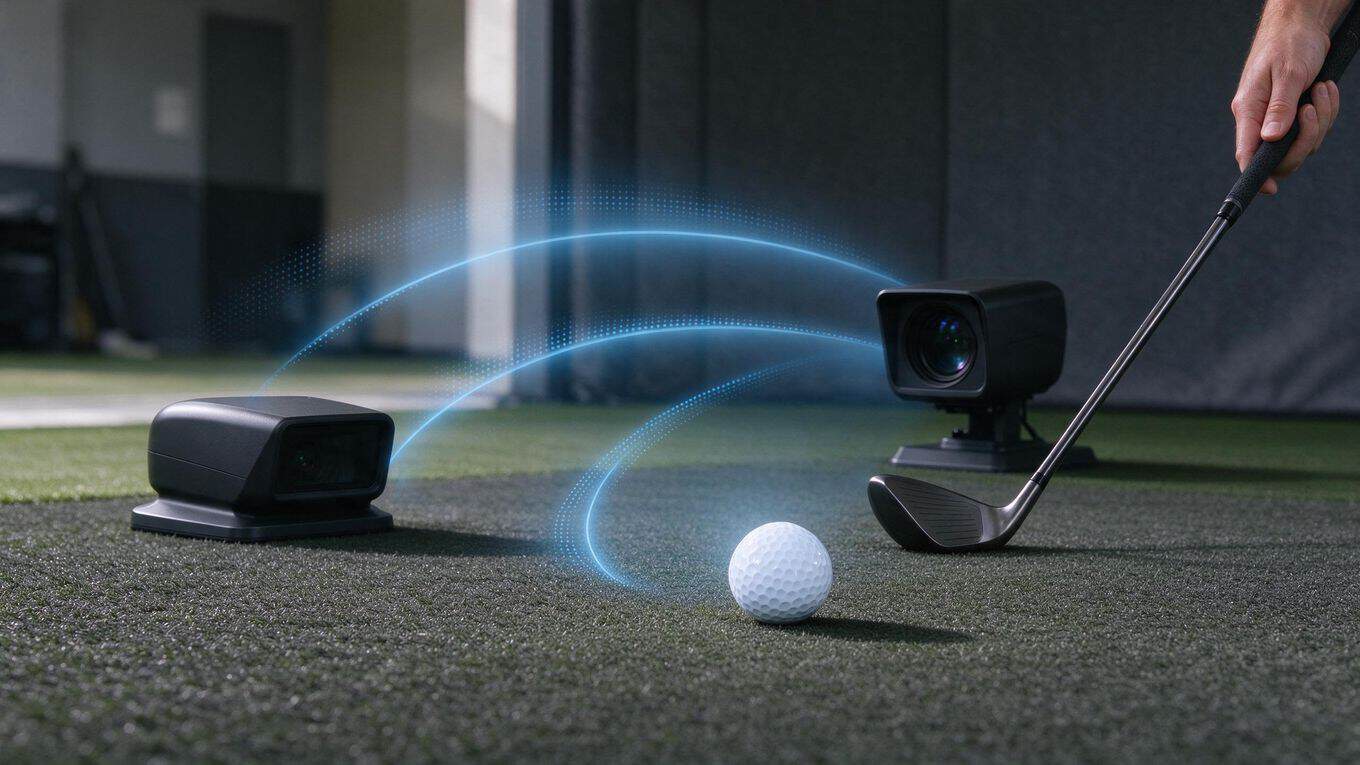
Radar and camera-assisted designs measure different things, and that difference shapes what you get for your money. The Garmin R10 and Rapsodo MLM2PRO sit at the centre of this comparison.
What you can judge is how each handles spin: the R10 estimates spin, while the MLM2PRO measures it directly with RPT balls or designed balls.
How Radar-Based Units Differ
Radar-based monitors track the club and ball through the flight zone. They’re typically used outdoors or in bays with enough depth for the radar to read the ball.
In this article’s comparison, the Garmin R10 is the lower-cost option for simulator play, and its spin is estimated rather than directly measured. Treat that as a data limitation, not a verdict on accuracy.
How Camera-Assisted Units Differ
Camera-assisted units capture the ball at impact and calculate flight from those images. The Rapsodo MLM2PRO is the measured-spin step up in this comparison: it can measure spin directly when you use RPT balls or designed balls. That matters if spin rate and spin axis are numbers you want to trust for gapping and short-game work.
Which Design Fits Indoor Practice
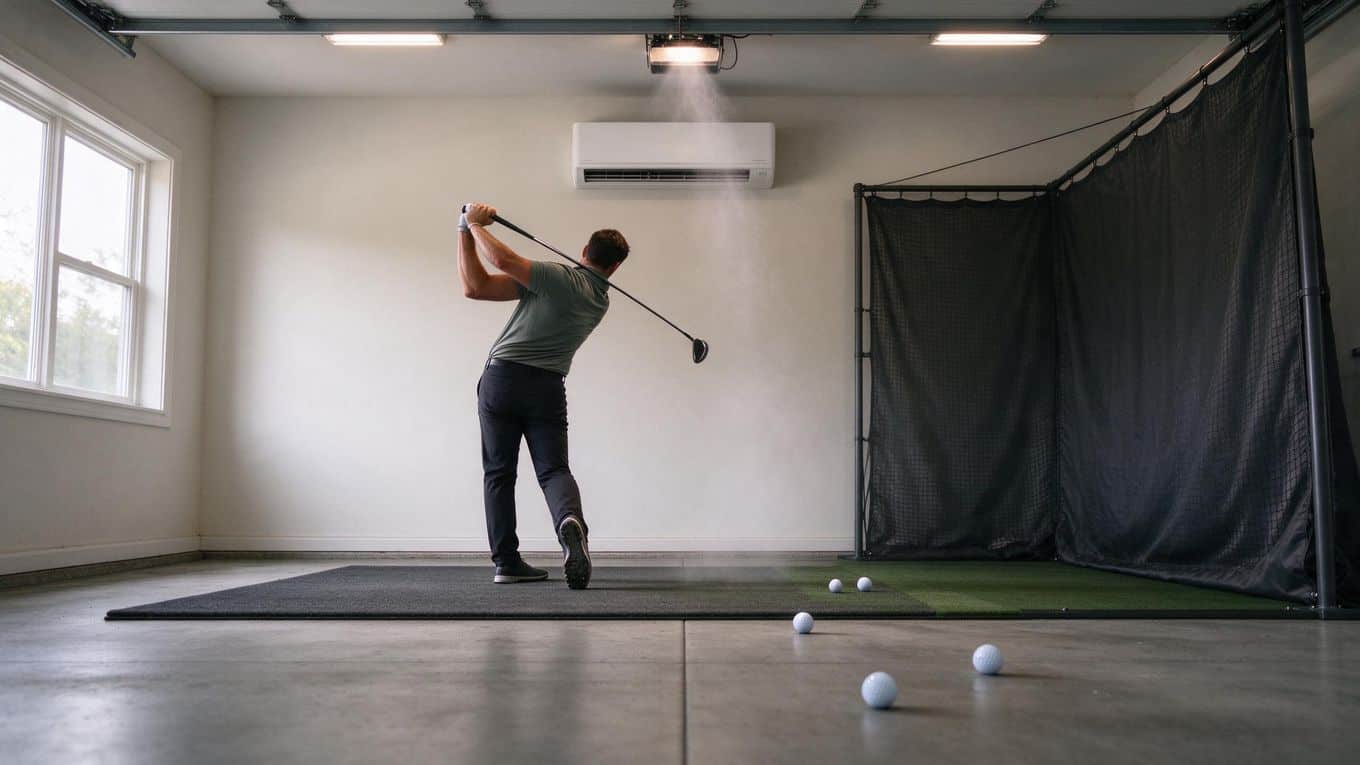
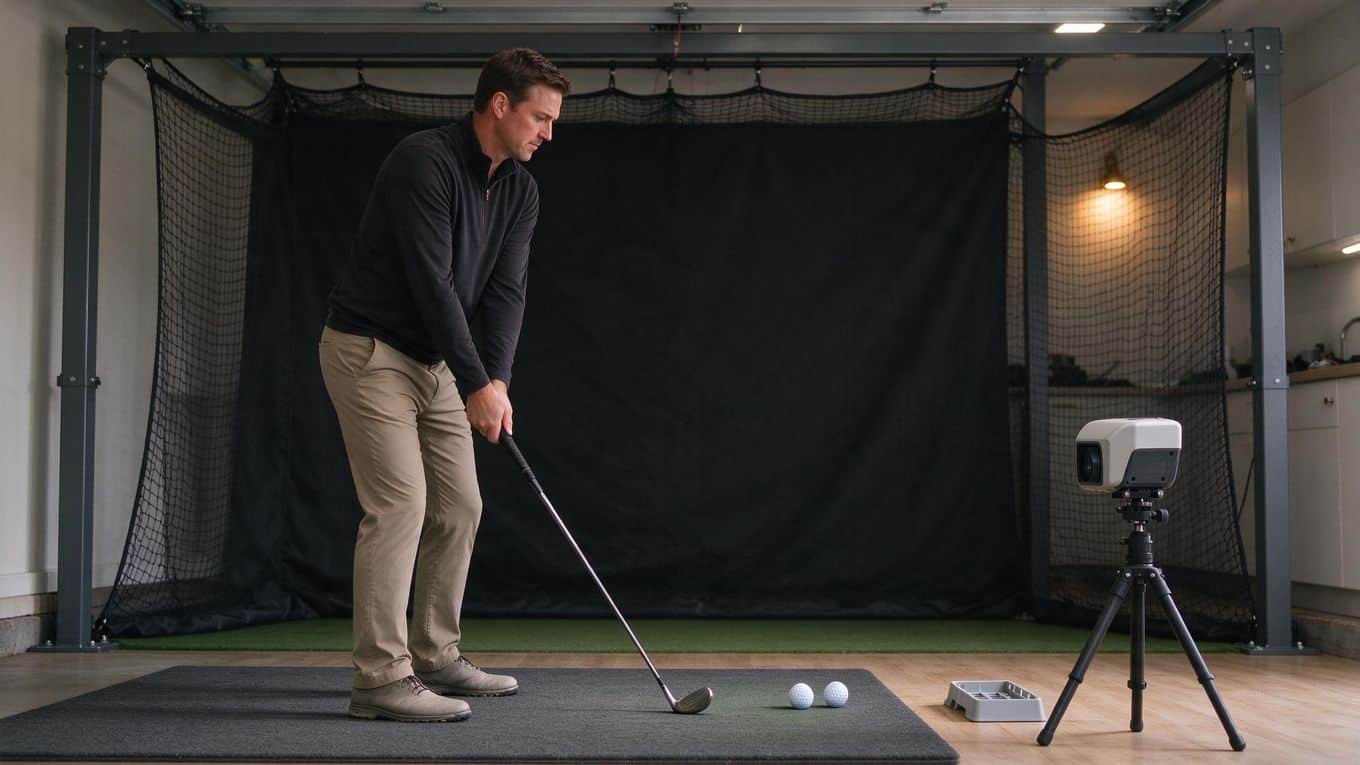
The MLM2PRO needs a little more than 14 feet of total space indoors. Plan your bay around that figure if measured spin is your priority, and confirm the R10’s space needs before you buy. Net and enclosure planning is a separate step; our golf simulator room size guide covers depth and safety clearances.
One practical note: the MLM2PRO has a subscription structure with a free tier and paid Core and Studios plans. Check current plan prices and the cost of RPT or Titleist RCT balls before you commit. The extra spend buys measured spin and a known indoor footprint, not a guarantee of better numbers. If budget is the deciding factor, see our affordable launch monitors under $1000.
Garmin R10 vs Rapsodo MLM2PRO Compared

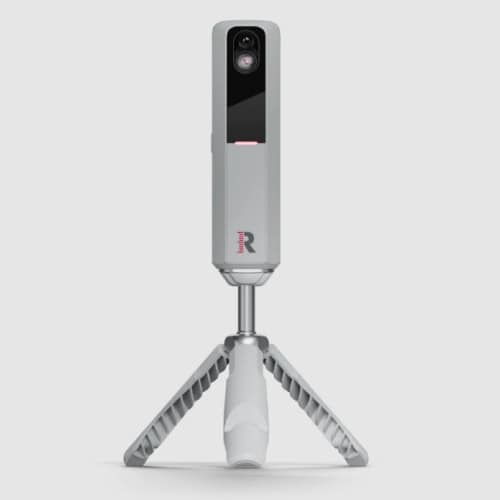
The Garmin R10 and Rapsodo MLM2PRO are the clearest comparison points for anyone weighing the mid range launch monitor sweet spot. They show what extra spend buys: estimated spin versus measured spin, and a lower entry cost versus a subscription-backed system. Neither is a universal pick.
Where the Garmin R10 Fits
The R10 is positioned as a lower-cost option for simulator play. Its spin data is estimated rather than directly measured, so you get an inferred number rather than a reading taken from the ball.
For practice and simulator rounds, that keeps the entry cost down. If you want a fuller picture of the unit itself, our Garmin Approach R10 review covers it in detail.
Where the Rapsodo MLM2PRO Fits
The MLM2PRO is the measured-spin step up. It can measure spin directly when you use RPT balls or designed balls.
That makes it the stronger fit if spin data matters to your practice, though it comes with a subscription structure: a free tier plus paid Core and Studios plans. Plan prices aren’t confirmed here, so check current costs with Rapsodo before you commit.
Spin Data and Simulator Tradeoffs
Spin rate is how fast the ball rotates; spin axis describes the tilt of that rotation. Measured spin comes from the ball, while estimated spin is calculated. Treat this as a difference in where the number comes from, not a verdict on which unit is more accurate.
- Garmin R10: estimated spin, lower cost; confirm room depth before you buy.
- Rapsodo MLM2PRO: measured spin with the right ball, paid plans, and indoor use that needs a little more than 14 total feet of space.
Budget separately for RPT and Titleist RCT balls. Check launch angle, ball speed, club speed and spin data in the Garmin Golf and Rapsodo Golf apps before buying.
Subscriptions and Ongoing Costs

The sticker price is only part of what a launch monitor costs you. Over a few seasons, a subscription or a steady supply of special balls can rival the initial outlay. Here’s what to weigh before you commit.
Free Tier vs Paid Plans
The Rapsodo MLM2PRO runs on a subscription structure with a free tier and paid Core and Studios plans. The free tier gives you a working device; the paid plans add features. Exact plan prices aren’t fixed in the data used here, so check the current rates on Rapsodo’s site before you buy.
The Garmin R10 doesn’t carry a subscription in the same way, which makes it the simpler ongoing-cost picture of the two. If avoiding recurring fees matters to you, our guide to launch monitors without annual fees is worth a read.
Costs Beyond the Device Price
Two costs sit outside the device price:
- Special balls. The MLM2PRO needs RPT balls or designed balls to measure spin directly. Titleist RCT balls and similar options fall in the same category. Budget for a replacement supply.
- Software add-ons. Paid plans unlock more of the Rapsodo ecosystem. Check what the free tier includes before you assume you’ll stay on it.
Indoor Space and Setup Requirements
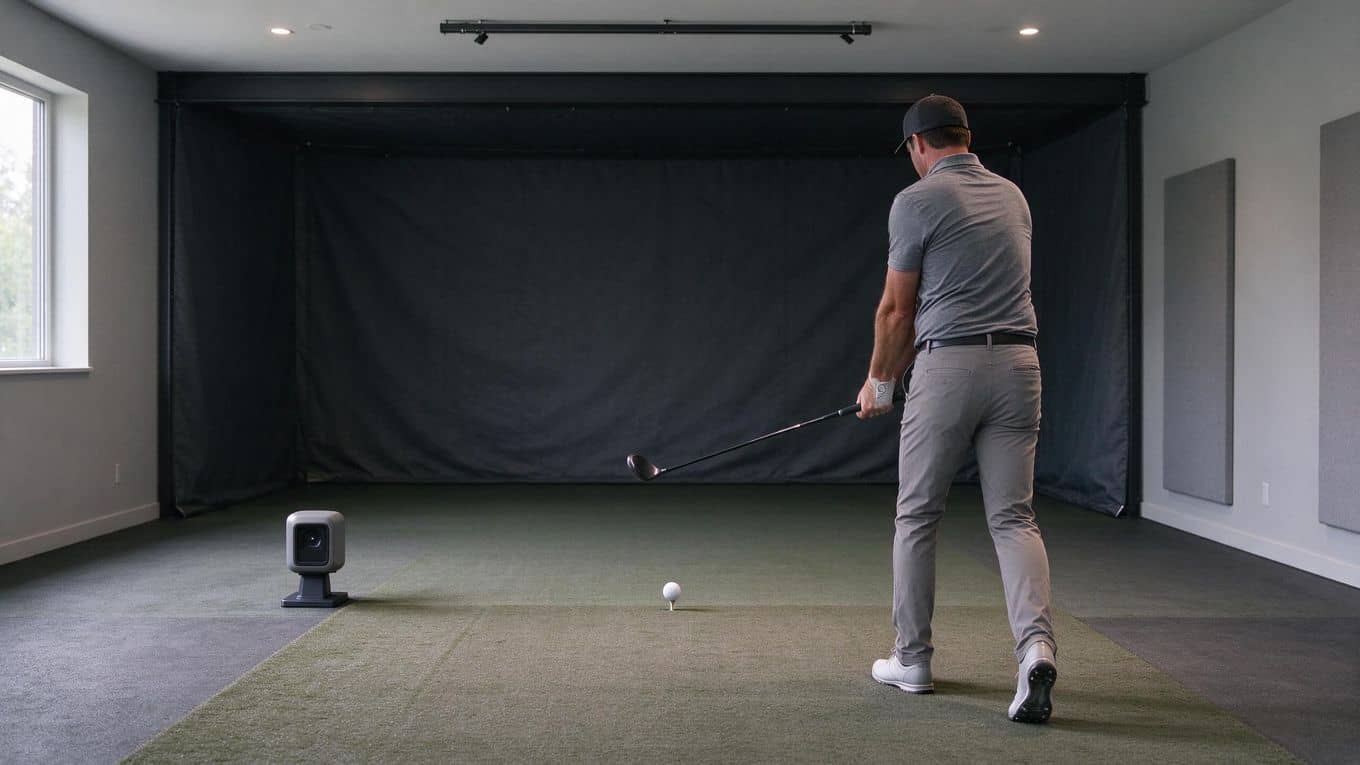
Indoor use is where the gap between these two units shows up in your floor plan. The MLM2PRO needs more than 14 total feet of space for indoor use.
That total covers the distance from the monitor to the ball and from the ball to the screen or net, so measure your longest wall before you commit to either unit. Confirm the R10’s space needs before you buy.
Room Depth Needed for Indoor Use
Start with a tape measure, not the spec sheet. A garage bay that looks generous often loses a foot or two to shelving or a water heater. The 14-plus feet figure for the MLM2PRO is the number to beat for that unit.
A few practical checks:
- Measure the full flight path, not just the hitting area.
- Account for where the monitor sits behind the ball.
- Leave clearance for your backswing and follow-through.
If your space falls short, a shorter indoor setup changes what you can practice, regardless of which monitor you pick.
Net and Enclosure Planning
Plan the net or enclosure alongside the monitor, not after it. The screen or net marks the far end of your measured depth, so its position sets the total figure.
An enclosure that sits closer to the ball shortens the required run; one pushed back to the wall adds to it. Decide the hitting spot first, then place the net to fit the depth you have. Measure before you buy here, because the net position and the monitor’s depth requirement have to agree.
Whichever unit you choose, the setup work is the same: measure, mark, then buy. Get the room right and the extra spend on measured spin has somewhere to pay off. Get it wrong and neither monitor has room to work. For more on laying out a bay, our golf simulator room size guide covers the wider planning questions.
Features and Data Worth Checking Before You Buy
Before you spend the extra money, know which data points and software features you’re actually paying for. Two units sit at the centre of this comparison: the Garmin R10 and the Rapsodo MLM2PRO. Here’s what to check on each.
Data Points That Matter Most
Check that your shortlist reports launch angle, ball speed, club speed and spin-related data. Those are the core metrics for practice and simulator play.
Spin rate tells you how fast the ball is rotating. Spin axis tells you which way it curves. Both matter for reading shot shape and gapping.
The key difference is measured versus calculated data. The Garmin R10’s spin is estimated rather than directly measured. The MLM2PRO can measure spin directly with RPT balls or designed balls. That gap is worth understanding before you pay more, but don’t assume the measured unit is automatically more accurate.
App and Software Compatibility
The Garmin Golf app and the Rapsodo Golf app are the software ecosystems tied to each unit. Check the features you need inside each app before you commit, and confirm current compatibility rather than assuming parity between them.
One ongoing cost to weigh: the MLM2PRO uses a subscription structure with a free tier plus paid Core and Studios plans. Check current plan pricing before you buy. Ball costs for RPT balls and Titleist RCT balls also add up, so factor those in.
For indoor use, the MLM2PRO needs a little more than 14 total feet of space. Plan your net or enclosure around that requirement, and confirm the R10’s depth needs against your room before committing. A little measuring now saves a return later.
Frequently Asked Questions
Which mid-range launch monitor offers the best value?
There's no single answer. The Garmin R10 is the lower-cost route into simulator play, while the Rapsodo MLM2PRO costs more and adds directly measured spin with RPT balls or designed balls. Pick based on whether measured spin matters to your practice.
When does measured data justify a higher price?
When spin is the number you're trying to trust. The R10's spin is estimated, so if you're working on spin rate or spin axis, the MLM2PRO's direct measurement with the right ball is the reason to pay more.
How do radar and camera-assisted units differ?
Radar units track ball flight, while camera-assisted units use cameras to capture impact and ball data. The two designs measure differently, and each suits different setups. Treat the labels as a starting point for matching a unit to your space.
What subscription costs matter most?
The Rapsodo MLM2PRO has a free tier plus paid Core and Studios plans, so check what each tier includes before you commit. Ball costs for RPT and Titleist RCT balls add to the running total, and those prices change, so confirm them before buying.
How much room does each device need indoors?
The MLM2PRO needs a little more than 14 total feet of indoor space. Plan net or enclosure depth around that figure, and check the R10's own space guidance before you buy.
Are mid-range units suitable for beginners?
Yes. Both the R10 and MLM2PRO give beginners useful feedback on launch angle, ball speed, club speed and spin. Start with the cheaper R10 if you're unsure how much you'll practice, then step up when measured spin becomes the priority.
Final Thoughts
The extra money in the mid-range doesn’t buy more data. It buys better data. The Rapsodo MLM2PRO measures spin directly with RPT balls or designed balls, while the Garmin R10 estimates spin. That difference shapes everything the numbers feed: ball flight, carry, and how much you trust a practice session.
Both monitors land in the same conversation for a reason. The R10 keeps the entry cost low and still supports simulator play. The MLM2PRO is the measured-spin step up, and it asks for a little more than 14 total feet of indoor space. Check your room before you check your budget.
Then add the running costs. The MLM2PRO’s subscription structure, with a free tier and paid Core and Studios plans, changes the real cost of ownership over a few seasons. A lower sticker price is not the same as a lower total.
Our recommendation is simple. If you want the lowest-cost route into simulator golf and can live with estimated spin, the Garmin R10 fits. If measured spin matters for your practice, the Rapsodo MLM2PRO is the step up worth paying for.
Before you buy, measure your space, price a year of the subscription, and decide which data you’ll actually use. Buy for the data you’ll trust, not the number on the box.