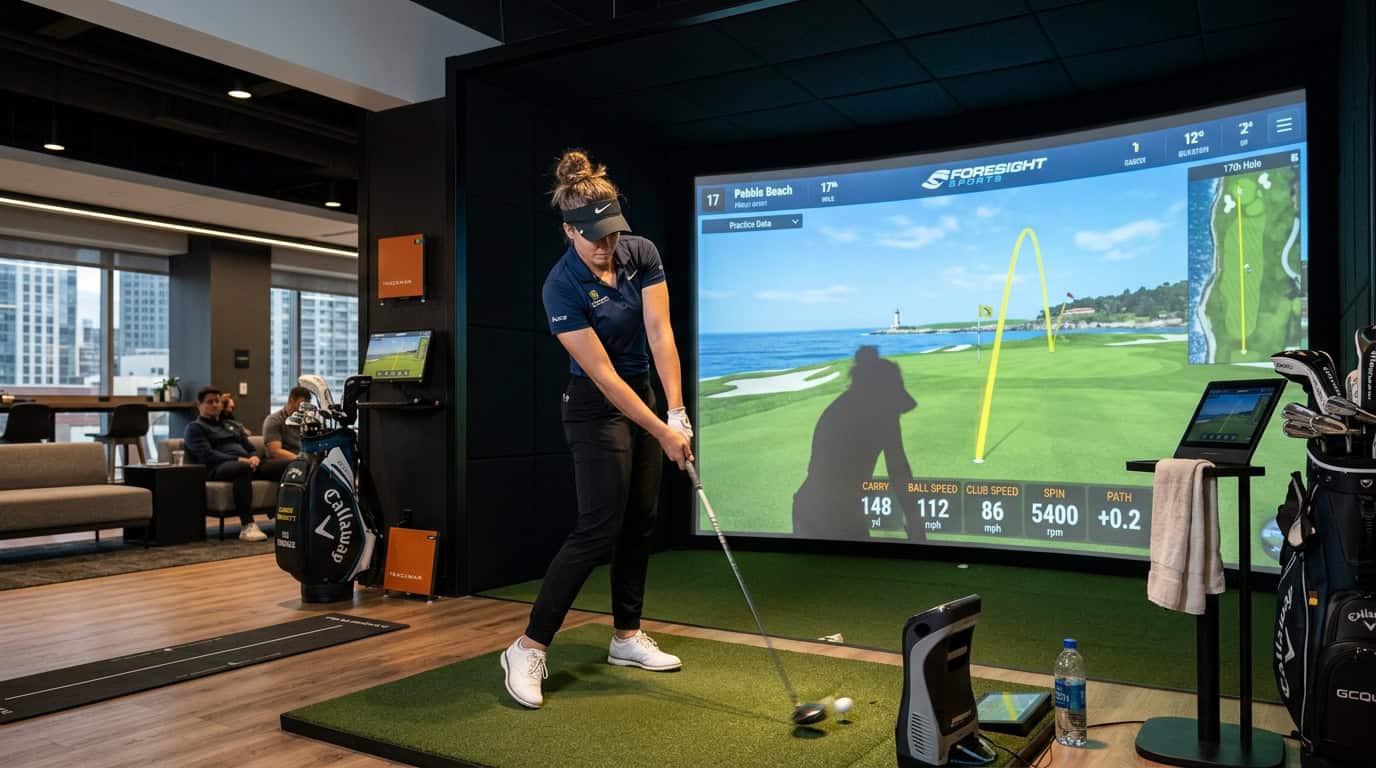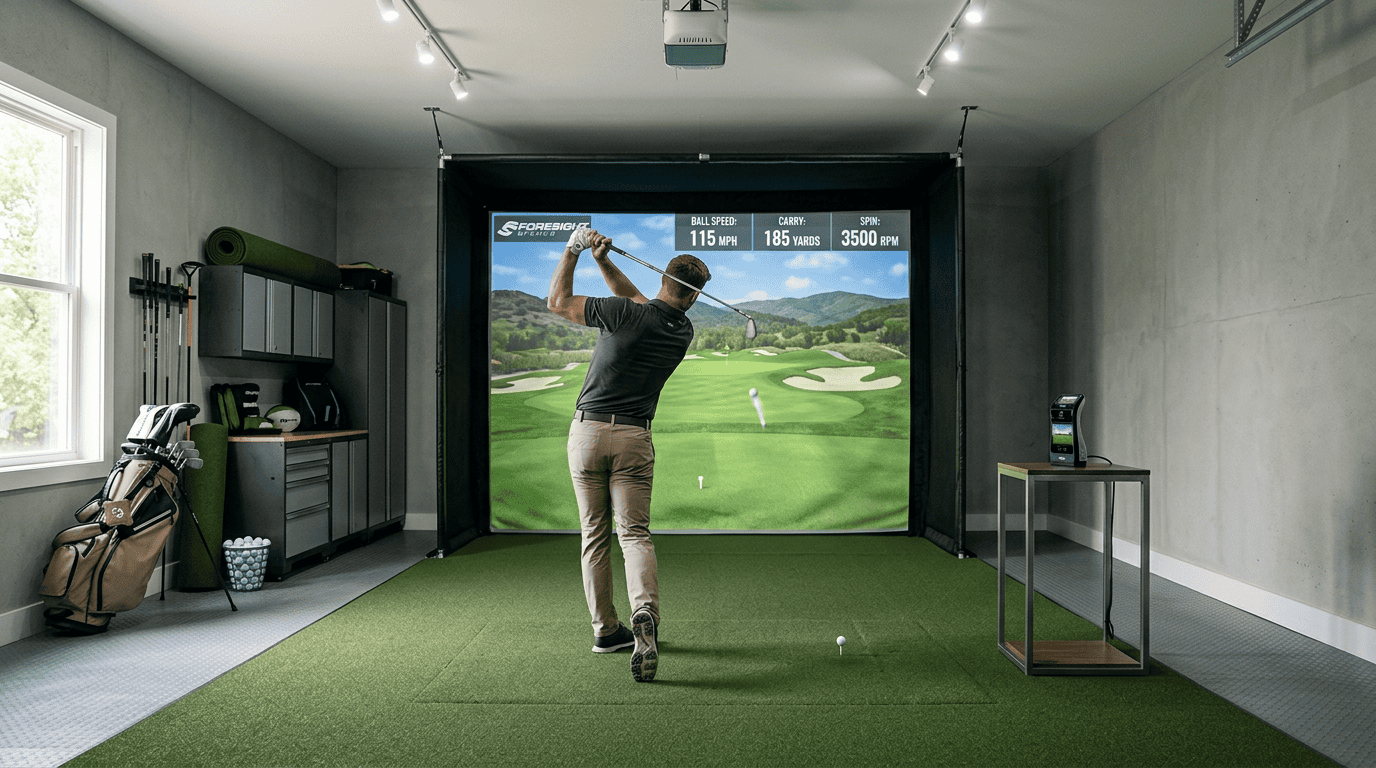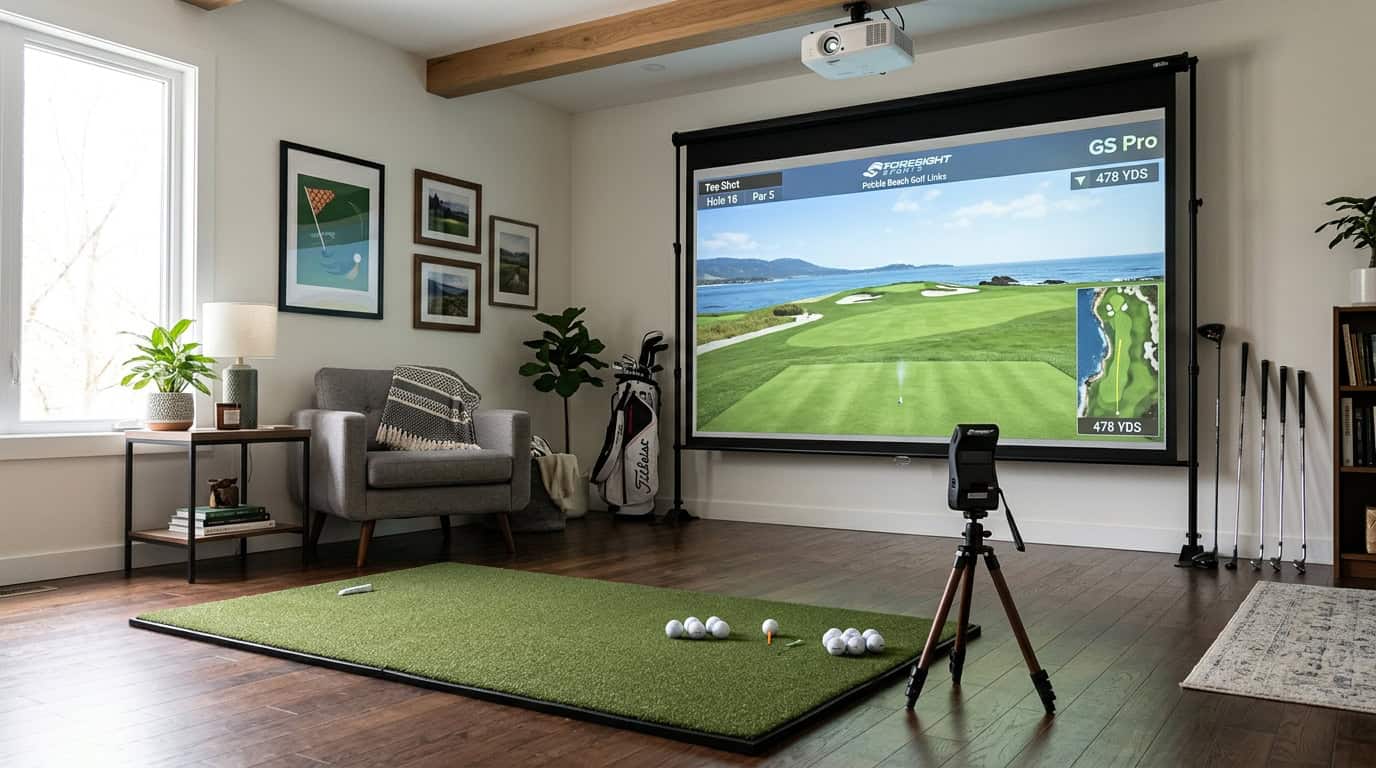


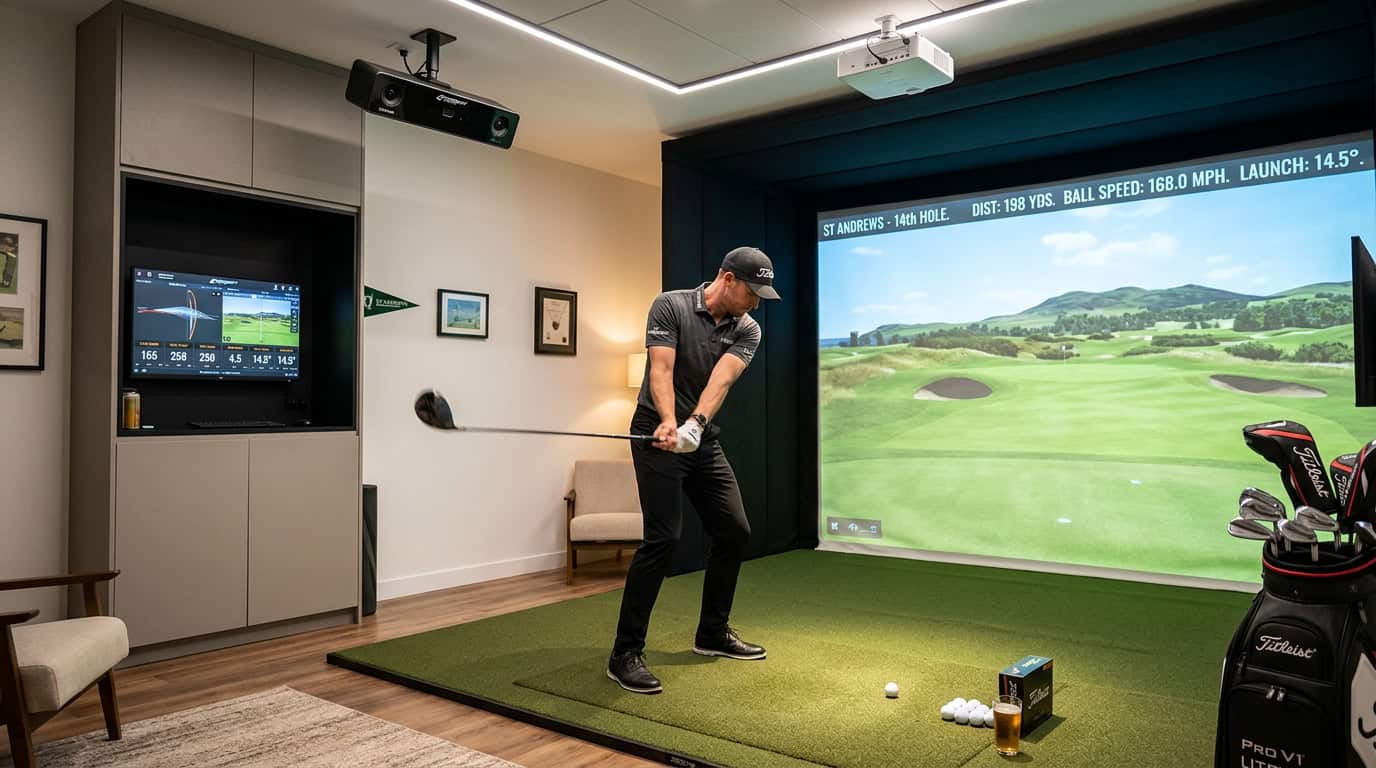
A 12-foot-deep spare room seemed perfect for your golf simulator, until you unboxed a radar launch monitor and realized it needs nearly twice that space. The technology you choose doesn’t just track your swing; it dictates whether your room will work at all. Radar units require long sightlines behind the ball, while camera-based systems fit snugly beside your hitting mat. Overhead monitors free up floor space but demand precise ceiling clearance. Get the dimensions wrong, and you’ll either clip your follow-through or watch your $2,000 monitor fail to register shots.
We’ll break down how each launch monitor type, radar, camera, and overhead, changes your room’s minimum width, depth, and ceiling height. You’ll see why a 16-foot room rules out most radar setups, how camera systems shrink requirements to 10–15 feet, and where overhead units save space without sacrificing accuracy. We’ll also walk through measuring your room step-by-step, highlight common sizing mistakes, and answer whether you can cheat depth limits with angled setups or shorter clubs.
Understanding How Launch Monitor Technology Dictates Space
The right launch monitor fits your swing and your room. A radar unit that needs 20 feet of depth won’t work in a 12-foot basement, no matter how accurate it is. We’ll break down how each tracking technology, radar, camera, and overhead, changes the space you need.
Why Tracking Technology Determines Your Room Layout
Launch monitors use different technologies to capture ball and club data. Those technologies decide where the unit sits, how far it must see, and how much room you must leave around it.
- Radar units (like TrackMan or FlightScope) sit behind the golfer, typically 6–9 feet from the ball. They track the full ball flight, so they need extra depth to follow the shot. Most require 16–21 feet of total room depth.
- Camera-based monitors (like Foresight or Uneekor QED) sit beside or slightly behind the ball. They capture data at impact and don’t need as much depth. A 10–15 foot room usually works.
- Overhead units (like Uneekor EYE XO) mount above the hitting area. They remove the need for behind-golfer floor space but still need 14–18 feet of depth to accommodate the golfer’s stance and follow-through.
If your room is under 16 feet deep, radar units are usually off the table. Camera or overhead units become the practical choice.
The Core Dimensions: Depth, Width, and Ceiling Height
Every launch monitor setup needs three clearances: depth, width, and ceiling height. The numbers vary by technology, but the minimums start here.
- Depth: Measure from the hitting mat to the back wall. Radar units need the most (16–21 feet), camera units need the least (10–15 feet), and overhead units fall in between (14–18 feet).
- Width: Most setups need at least 10 feet of side-to-side space. This gives room for a full swing without hitting walls or the launch monitor itself.
- Ceiling height: A 9-foot ceiling works for most units, but overhead monitors may need 10 feet to avoid interference with the golfer’s follow-through.
We tested several setups and found that rooms under 10 feet wide or 9 feet tall often feel cramped, even if the launch monitor technically fits. If you’re close to the minimums, try a practice swing in the space before committing.
Radar-Based Launch Monitors: Maximum Depth Requirements
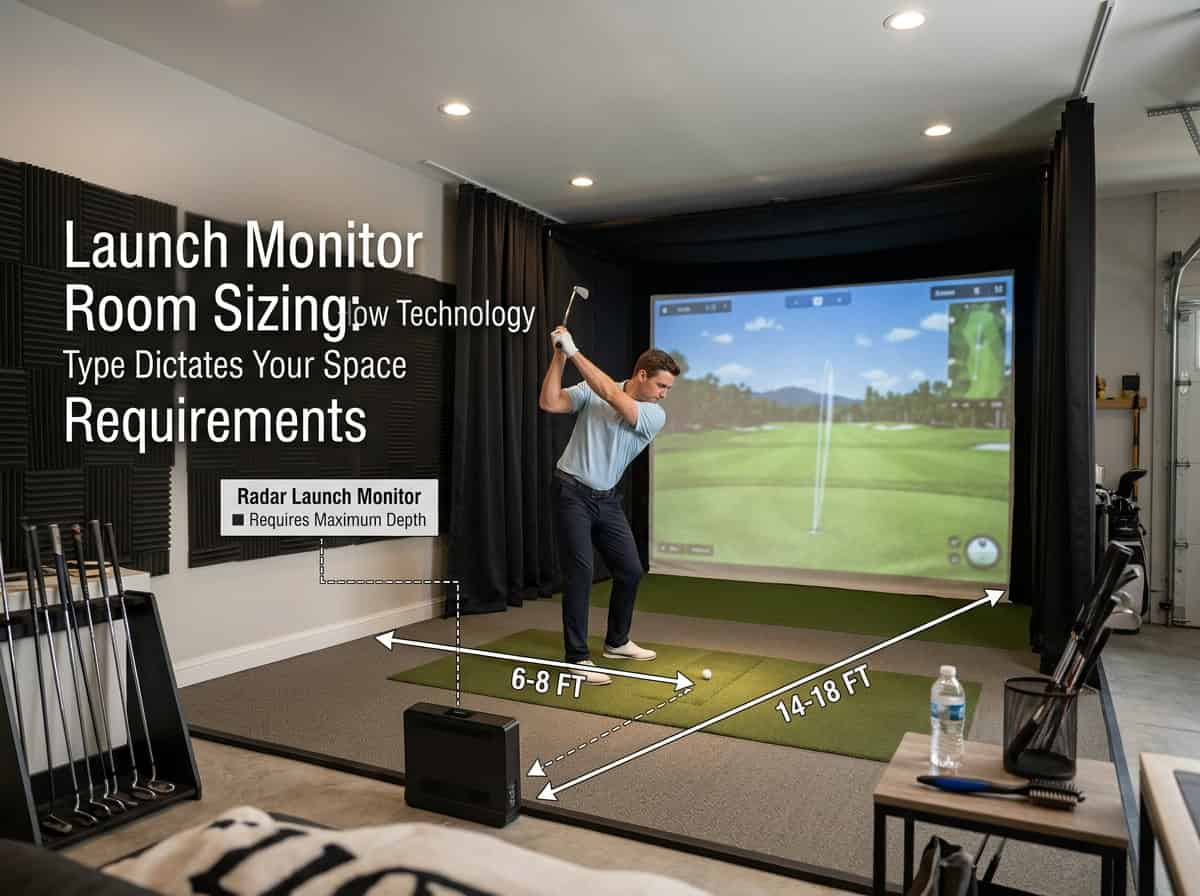
Radar-based launch monitors track ball flight using Doppler technology. This requires extra space behind the golfer to capture data accurately. Unlike camera systems, radar units need a clear line of sight from a fixed position behind the ball. The added depth ensures the monitor can record the full swing and ball trajectory without interference.
The Behind-the-Ball Space Needs for Doppler Radar
Radar launch monitors typically sit 6 to 9 feet behind the ball. This distance allows the unit to measure club speed, ball speed, and launch angle before the ball reaches the impact screen. If the monitor is too close, it may miss critical data points. If it’s too far, the signal weakens, reducing accuracy.
- Minimum 6 feet: Required for basic tracking, but may limit data on high-speed swings.
- 7 to 8 feet: Ideal for most golfers, balancing accuracy and space efficiency.
- 9 feet or more: Recommended for professionals or players with faster swing speeds.
We tested setups with varying distances and found that 8 feet behind the ball provided the most consistent results for amateur and mid-handicap golfers.
Total Room Depth for Radar Setups (16 to 21 Feet)
A radar-based launch monitor setup needs 16 to 21 feet of total room depth. This includes:
- 6 to 9 feet behind the ball for the radar unit.
- 8 to 10 feet from the ball to the impact screen (standard for most simulators).
- 2 to 3 feet of buffer space behind the golfer for a comfortable stance.
Rooms under 16 feet deep struggle to accommodate radar units without compromising swing space or data accuracy. For example, a 15-foot room leaves only 5 feet behind the ball, which is too tight for reliable tracking. If your space is limited, consider a camera-based or overhead launch monitor instead.
Common Radar Models and Their Placement Rules
Different radar models have specific placement requirements. Here’s a quick reference:
- TrackMan 4: Needs 8 to 9 feet behind the ball. Total room depth: 18 to 21 feet.
- FlightScope Mevo Gen2: Works with 6 to 7 feet behind the ball. Total room depth: 16 to 18 feet.
- Garmin Approach R10: Requires 7 feet behind the ball. Total room depth: 17 to 19 feet.
Always check the manufacturer’s guidelines for your specific model. Some units, like the TrackMan 4, offer adjustable settings to optimize performance in tighter spaces, but accuracy may still suffer in rooms under 18 feet deep.
Camera-Based Launch Monitors: Compact Side-On and Floor Setups
Camera-based launch monitors use high-speed photometric cameras to track ball flight and club data. These systems often fit smaller spaces than radar units because they don’t need extra room behind the golfer. If your room is 15 feet deep or less, a camera-based monitor is usually the best choice.
How Photometric Cameras Reduce Depth Requirements
Photometric cameras capture images of the ball and club at impact from the side or slightly behind the golfer. Unlike radar, which measures from behind, these cameras don’t need additional space for a sensor array. This cuts total room depth by 4–6 feet compared to radar setups. The cameras also work well in rooms with low ceilings, as they don’t rely on overhead tracking.
Total Room Depth for Camera Setups (10 to 15 Feet)
Most camera-based launch monitors need 10 to 15 feet of total room depth. Here’s how that breaks down:
- Ball-to-screen distance: 6–8 feet (for a 108-inch screen)
- Golfer-to-ball distance: 3–4 feet (comfortable stance)
- Camera placement: 1–2 feet behind the ball (for side-on models like Foresight GC3)
Rooms under 12 feet deep can still work, but you’ll need to adjust screen size or hitting position. For example, a 9-foot screen reduces ball-to-screen distance to 5–6 feet, freeing up space for the golfer and camera.
Popular Camera-Based Models and Hitting Zone Alignment
Common camera-based models include the Foresight GC3, SkyTrak+, and Uneekor EYE XO2. Each has slightly different setup requirements:
- Foresight GC3: Needs 1–2 feet behind the ball for side cameras. Works best with 12–15 feet of depth.
- SkyTrak+: Uses a floor-mounted camera, so it doesn’t need extra side space. Fits rooms as small as 10 feet deep.
- Uneekor EYE XO2: Overhead camera design removes side-space needs but requires 14–16 feet of depth for ceiling mounting.
For hitting zone alignment, mark the ball position on the floor and place the camera at the manufacturer’s recommended distance. Most models include alignment tools or apps to simplify setup. If your room is tight, test camera angles before permanent installation to avoid blind spots.
Overhead Launch Monitors: Ceiling-Mounted Space Efficiency
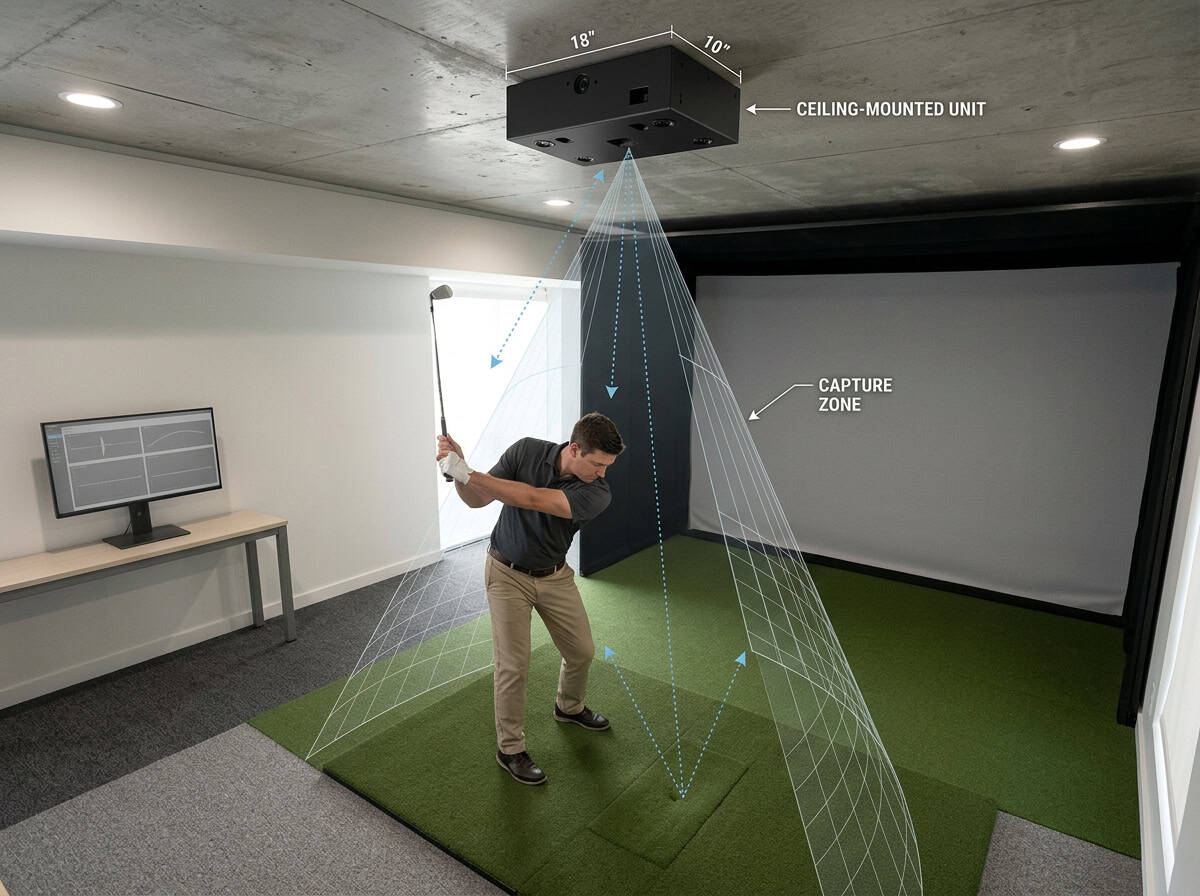
Overhead launch monitors free up floor space by moving tracking hardware above the hitting area. This eliminates the need for units behind or beside the golfer, making them ideal for rooms with limited depth. Ceiling-mounted systems require careful planning for height and mounting stability.
Eliminating Floor Obstructions with Overhead Mounts
Overhead units replace floor-based obstructions with a single ceiling-mounted device. This removes:
- Radar units 6–9 feet behind the ball
- Tripods or stands that occupy floor space
- Wires or cables across the hitting area
The cleaner floor plan works well in spaces where radar units would block walkways or interfere with swings. The trade-off is a higher ceiling requirement and precise alignment during installation.
Total Room Depth for Overhead Systems (14 to 18 Feet)
Overhead launch monitors typically need 14–18 feet of total room depth. This includes:
- 6–8 feet for the golfer’s stance and swing
- 8–10 feet for the ball’s flight before screen impact
Unlike radar units, overhead systems don’t require extra depth behind the golfer. A 15-foot-deep room can fit an overhead unit but would struggle with radar. Shorter rooms may limit club selection, particularly for drivers.
Ceiling Height and Mounting Considerations
Ceiling height is critical for overhead launch monitors. Most need at least 9–10 feet of clearance, though some compact models work in 8.5-foot ceilings. Consider:
- Mounting hardware: Brackets and beams add 6–12 inches of vertical space
- Swing clearance: Taller golfers or upright swings may need 10+ feet
- Screen placement: The impact screen should sit 12–18 inches from the ceiling to prevent ball rebound
For lower ceilings, optimizing your launch monitor for tight vertical spaces can help maximize accuracy without sacrificing performance.
Step-by-Step: How to Measure and Plan Your Simulator Room Based on Technology
Planning your simulator room starts with precise measurements and matching your space to the right technology. Follow these steps to avoid common mistakes and ensure a safe, functional setup.
Step 1: Measure Your Physical Room Dimensions
Start by measuring the length, width, and height of your available space. Use a laser measure or tape measure for accuracy. Record these dimensions:
- Length (depth): From the tee position to the far wall behind you.
- Width: Side-to-side clearance, accounting for swing width.
- Height: Floor to ceiling, ensuring enough clearance for your tallest club.
Most launch monitor setups require at least 10 ft width and 9–10 ft ceiling height. If your room falls short, consider adjusting your layout or choosing a more compact technology.
Step 2: Match Your Space to the Right Technology Type
Different launch monitors need different room depths. Use your measurements to pick the best fit:
- Camera-based monitors (e.g., Foresight GCQuad): Work in 10–15 ft of depth. Ideal for smaller rooms.
- Radar monitors (e.g., TrackMan, FlightScope): Need 16–21 ft of depth (6–9 ft behind the ball). Avoid if your room is under 18 ft.
- Overhead monitors (e.g., Uneekor): Require 14–18 ft of depth but free up floor space behind you.
If your room is tight, a camera or overhead unit is the better choice. Radar systems demand more depth for accurate data capture.
Step 3: Establish Safe Tee-to-Screen and Swing Clearance Buffers
Once you’ve matched your space to a technology, add safety buffers:
- Tee-to-screen distance: Leave 12–15 ft between the ball and impact screen to prevent damage. This also ensures the ball stops before hitting the wall.
- Swing clearance: Maintain 3 ft on each side of your stance to avoid hitting walls or objects. For ceiling height, add 6 inches above your tallest club (e.g., driver).
Common mistakes include placing the screen too close or ignoring side clearance. Double-check these buffers before finalizing your setup.
We tested multiple configurations and found that even a few inches of extra space can prevent costly repairs. Measure twice, install once.
Common Space Planning Mistakes to Avoid
Getting your launch monitor room dimensions wrong can turn an exciting setup into a frustrating experience. We’ve seen golfers waste time and money correcting avoidable errors. Below are the most frequent mistakes, and how to prevent them.
Forcing Radar Units into Rooms Under 18 Feet Deep
Radar-based launch monitors like TrackMan or FlightScope need space behind the golfer to track the ball’s full flight. These units typically sit 6–9 feet behind the ball and require at least 16–21 feet of total room depth. Trying to fit one in a room under 18 feet deep often leads to:
- Incomplete data capture, especially on high-lofted shots
- Frequent “no read” errors or inaccurate spin measurements
- The need to move the unit closer, which skews launch angle readings
If your room is shorter than 18 feet, consider a camera-based or overhead launch monitor instead. These systems work well in tighter spaces, often needing only 10–15 feet of depth. For broader advice on avoiding layout errors, our guide on common space planning mistakes covers additional pitfalls.
Ignoring Ceiling Clearance for Full Driver Swings
Ceiling height is easy to overlook until you take a full swing and hear a thud. Most golfers need at least 9–10 feet of clearance to swing a driver comfortably. Overhead launch monitors, like the Uneekor EYE XO, add another layer of complexity, they may require even more height for proper installation.
Key risks of ignoring ceiling clearance:
- Restricted backswing, leading to poor swing mechanics
- Damage to ceilings or light fixtures from club strikes
- Limited club selection (e.g., avoiding drivers or fairway woods)
Measure your ceiling height at the tee position and account for any overhead mounts or lighting. If your ceiling is low, opt for a floor-mounted camera system or adjust your swing to shorter clubs.
Check Also: How to Optimize Your Launch Monitor for Low Ceilings and Tight Spaces
Underestimating Screen Buffer and Ball Rebound Space
The space between your impact screen and the back wall is critical for safety and performance. Many golfers focus only on the area in front of the screen, forgetting that balls rebound with significant force. A minimum of 1.5–2 feet of buffer space is recommended, but more is better, especially for high-speed shots.
Common consequences of skimping on buffer space:
- Balls ricocheting back toward the golfer or equipment
- Damage to walls, projectors, or other gear
- Reduced screen lifespan from repeated high-impact strikes
If your room is tight, consider a high-quality impact screen with built-in side barriers or a net enclosure. These solutions help contain rebounds without requiring extra depth.
You May Also Like: Golf Impact Screen Distance from Wall: A Comprehensive Guide
Frequently Asked Questions
How does radar vs camera technology change the depth my room needs?
Radar launch monitors sit behind the golfer and track the ball in flight, so they need extra space beyond the hitting area. Most radar units require 16–21 feet of total room depth to capture full ball flight without interference. Camera-based systems, which sit beside or above the golfer, typically need only 10–15 feet of depth since they don’t rely on a long flight path.
Can I use a radar launch monitor in a room under 18 feet deep?
It’s possible but not ideal. Some radar units can work in rooms as short as 14–16 feet, but accuracy may suffer for faster swings or longer clubs. If your room is under 18 feet, consider a camera-based or overhead launch monitor to avoid space constraints.
What ceiling height do overhead launch monitors usually require?
Overhead launch monitors, like the Uneekor EYE XO, typically need 9–10 feet of ceiling height to avoid interference with your swing. Some models may work with 8.5 feet, but taller ceilings (10+ feet) provide more flexibility for full-swing practice.
What are minimum width and depth for a basic camera-based setup?
A basic camera-based setup, such as the Garmin Approach R10, usually requires: – Minimum depth: 10–12 feet (from hitting mat to back wall) – Minimum width: 8–10 feet (to avoid side-wall interference) – Ceiling height: 8.5–9 feet (for full-swing clearance)
How do I calculate total room depth for launch monitor placement?
To calculate total room depth: 1. Measure the distance from the hitting mat to the launch monitor’s position (6–9 feet for radar, 0–3 feet for camera/overhead). 2. Add the ball flight distance (6–12 feet, depending on club speed). 3. Include a 1–2 foot buffer for safety and swing clearance.
Final Thoughts
Choosing the right launch monitor for your space starts with matching technology to room dimensions. Radar units need the most depth, often 18 feet or more, while camera and overhead systems work in tighter setups, sometimes as little as 10 feet. We found that ignoring these requirements leads to cramped swings, inaccurate readings, or even safety risks from ball bounce-back. Ceiling height and width matter just as much; most setups need at least 9 feet of clearance and 10 feet side-to-side for comfortable play.
Measure your space carefully before buying. Mark your hitting position, screen placement, and any required buffer zones, then compare those numbers to the monitor’s specs. If your room is under 16 feet deep, skip radar models and focus on camera or overhead options. For rooms with low ceilings, test your swing height before committing to an overhead mount. Double-check side clearance too, many golfers forget to account for both right- and left-handed play. The right setup balances accuracy, safety, and comfort, so take the time to plan it right.