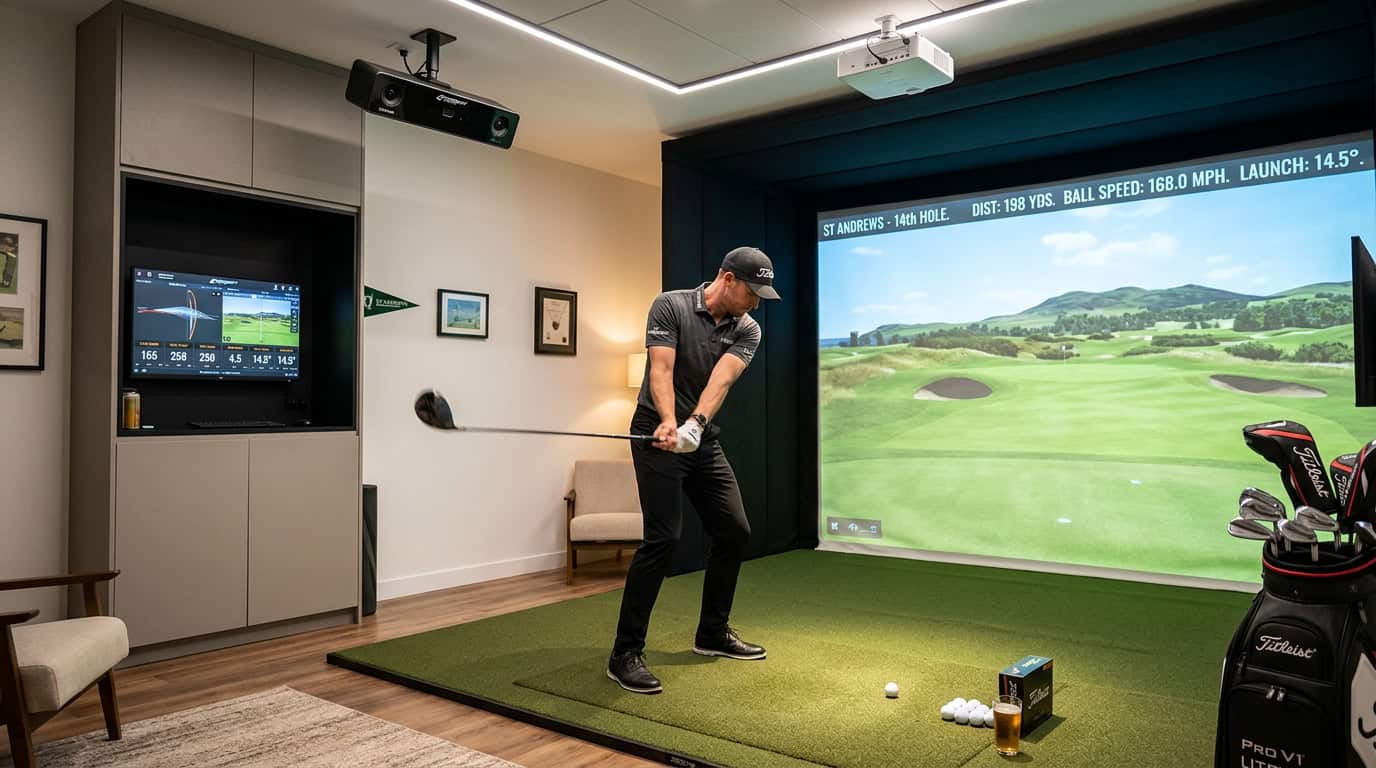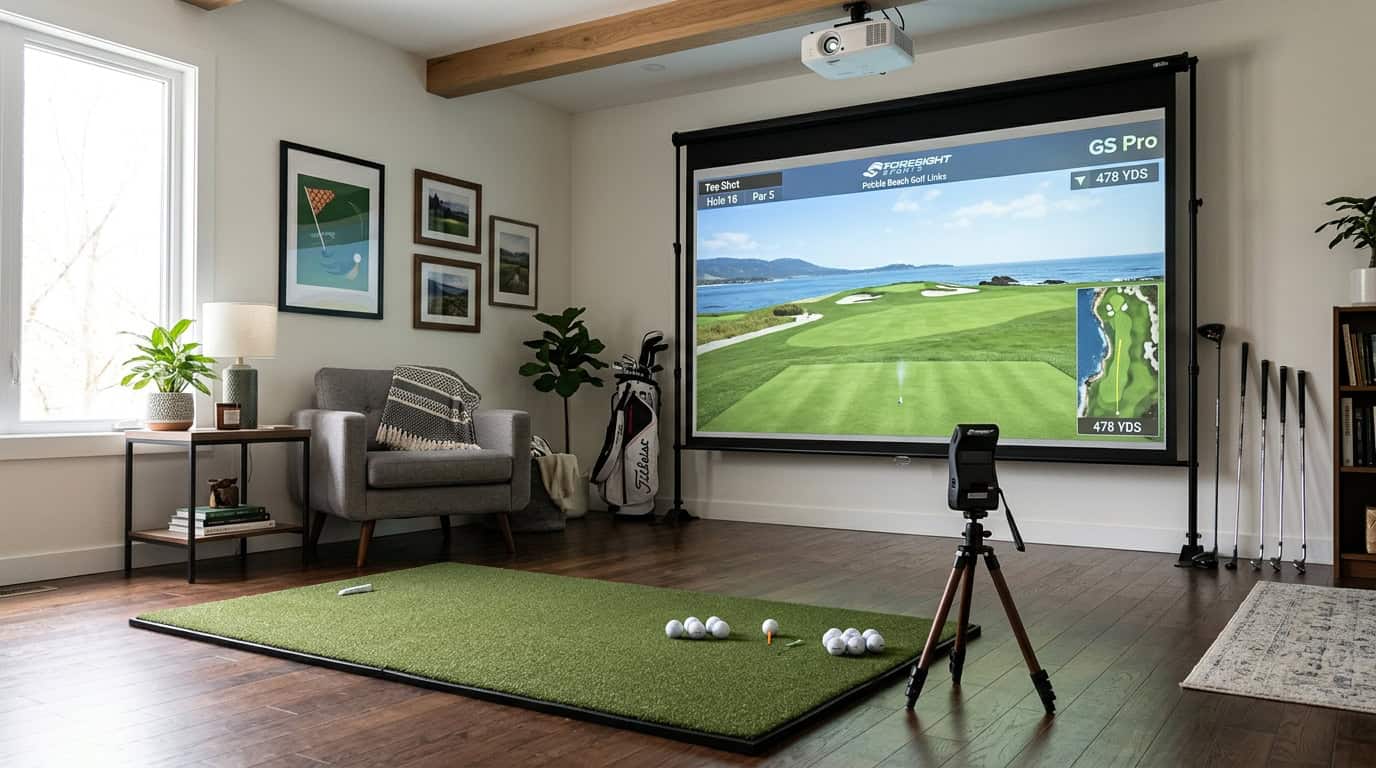
Standing on the first tee with a gallery watching, your hands shake, not from the wind, but from the pressure. You’ve hit the same 7-iron perfectly a hundred times in practice, yet now the stakes feel real. Golf simulator tournaments recreate that tension indoors, letting you practice under pressure without leaving your garage or local simulator bay. The problem? Most golfers treat simulator rounds as casual play, missing the chance to sharpen their course strategy, mental routines, and data-driven goals for real-world improvement.
Structured simulator leagues and pressure-focused rounds create conditions that mirror real tournaments. In this guide, we’ll cover the tools you need to join or host tournaments, a step-by-step method to turn simulator stats into on-course decisions, and the common mistakes that waste your practice time. You’ll learn which metrics to track after each round, how to simulate real tournament conditions, and which software platforms support online leagues. Whether you’re preparing for your club championship or just want to stop freezing over 5-foot putts, simulator tournaments can help, if you use them the right way.
Prerequisites and Tools for Virtual Tournament Play

Before joining a golf simulator tournament, you need the right gear and software. A basic home setup or access to a simulator venue gives you the foundation. The right tools help you track progress and compete under pressure, just like on a real course.
Essential Simulator Hardware and Setup
A functional simulator bay requires:
- A launch monitor (e.g., TrackMan, Foresight GCQuad, or Uneekor) to measure ball speed, spin, and launch angle.
- An impact screen or net to capture shots safely.
- A projector or high-resolution display for course visualization.
- Enough space, at least 10 feet wide, 15 feet long, and 9 feet high for most setups.
For home setups, ensure your room has proper lighting and minimal glare. Venues like X-Golf Rockwall provide pre-calibrated bays, so you only need to show up with your clubs. If you’re unsure about space requirements, check minimum dimensions for simulator rooms to avoid setup issues.
Tournament-Capable Software Platforms
Not all simulator software supports competitive play. These platforms do:
- TrackMan Indoor: Used in pro events, it offers realistic course conditions and detailed analytics.
- GSPro: Popular for online leagues, it includes multiplayer modes and course customization.
- Foresight FSX: Supports tournament play with stroke play and match play formats.
Each platform has unique features. TrackMan is best for realistic ball flight, while GSPro excels in online multiplayer. Foresight FSX is ideal if you want detailed club data alongside competition. For more details on formats and how to join, see our guide on golf simulator tournaments and leagues.
Online League and Venue Options
You don’t need a home setup to compete. Many venues host leagues:
- X-Golf Rockwall and other X-Golf locations offer structured practice and tournaments.
- Simulator Golf Tour (SGT) runs online events for GSPro users, letting you compete from home.
- Local golf shops or simulator bars often host weekly leagues for casual and serious players.
For online play, SGT is the most accessible option. It lets you join tournaments without leaving home, provided you have GSPro and a compatible launch monitor. Venues like X-Golf are better if you prefer in-person competition and don’t own a simulator.
Step-by-Step Guide to Translating Simulator Play into Real-World Results

Golf simulator tournaments create pressure and structure that mirror real course conditions. But without a plan, that practice rarely carries over to your actual game. These five steps turn simulator rounds into measurable improvement on the course.
Step 1: Structure Your Practice Blocks Before Playing
Start with a clear goal for each session. Divide your time into three blocks:
- Warm-up (10-15 minutes): Hit 20-30 shots with a single club, focusing on tempo and strike quality. Use the simulator’s ball-flight data to spot patterns, like consistent left misses or high spin rates.
- Skill focus (20-30 minutes): Pick one skill to improve, such as bunker shots or lag putting. Use the simulator’s drill modes (e.g., Trackman’s “Pressure Putt” or GSPro’s “Up & Down Challenge”) to add pressure.
- Course simulation (30-45 minutes): Play 3-6 holes in tournament mode, treating every shot as if it counts toward your score. Avoid “gimme” putts or mulligans, this builds discipline under pressure.
Common mistake: Skipping the warm-up or jumping straight into full rounds. Without a focused start, bad habits carry over into tournament play. For foundational advice, see our guide on how to practice effectively on a simulator.
Step 2: Join a Structured Simulator League or Tournament
Not all simulator events are equal. Look for leagues or tournaments with these features:
- Consistent format: Stroke play, match play, or stableford scoring (e.g., weekly leagues on GSPro’s SGT platform or Foresight FSX tournaments).
- Pressure elements: Time limits, live leaderboards, or entry fees (even small ones) increase focus.
- Post-round analysis: Leagues that provide stat breakdowns (fairways hit, greens in regulation, putts per round) help track progress.
Where to find them: Many golf facilities host leagues, or you can join online communities like X-Golf’s national tournaments or MyGolfSpy’s simulator challenges.
Step 3: Maintain a Consistent Pre-Shot Routine Under Pressure
A pre-shot routine keeps you grounded when tournament nerves hit. Use the same steps in the simulator as you would on the course:
- Assess: Check wind, lie, and hazards (simulators like Trackman and Foresight provide accurate data).
- Visualize: Pick a target and imagine the shot shape.
- Execute: Take one practice swing, align the club, and commit to the shot.
Pro tip: If you rush in the simulator, you’ll rush on the course. Use the pause feature (available in most simulators) to reset if you feel hurried.
Step 4: Review and Track Post-Round Simulator Metrics
After each round, spend 5-10 minutes reviewing key stats. Focus on these metrics:
- Greens in regulation (GIR): Shows if your approach game is improving.
- Putts per round: High putt counts often signal poor approach shots or green-reading errors.
- Fairways hit: Tracks driver consistency (aim for 50-60% in tournaments).
- Up & down percentage: Measures short-game effectiveness.
Tools to use: Simulators like Trackman and Foresight generate detailed post-round reports. Apps like Arccos or Shot Scope sync with simulators to track trends over time.
Step 5: Apply Course-Management Lessons on the Real Course
Simulator tournaments teach course management, like when to attack pins or play safe. Apply these lessons on the course:
- Club selection: If you consistently come up short on the simulator, club up on the course.
- Shot shape: If the simulator shows a slice under pressure, aim left and trust your swing.
- Risk vs. reward: If you lost strokes on “hero shots” in the simulator, play safer on the course.
Example: If you hit 70% of greens from 150 yards in the simulator but only 40% on the course, focus on tempo and alignment during your next range session. For more on bridging the gap between virtual and real play, see our guide on how to match your simulator practice to on-course results.
Common Mistakes to Avoid in Simulator Competitions
Simulator tournaments can sharpen your game, but small oversights turn practice into wasted time. We see the same three mistakes trip up players, even experienced ones. Fixing them keeps competition fair and improvement real.
Treating Simulator Rounds Too Casually
A simulator round feels different from a real course, so players often relax their focus. They skip pre-shot routines, pick clubs at random, or hit the same shot twice if the first one misses. These habits hide real weaknesses and waste data.
- No routine: Without a consistent pre-shot process, you lose the pressure of real play. Treat every shot like a tournament: pick a target, visualize the shot, and commit.
- No consequences: If you replay bad shots, the simulator records a perfect score, not your actual skill. Turn off mulligans unless the league rules allow them.
- No strategy: Simulators let you see the green from 200 yards out. Use that data to plan shots, not just hit driver on every hole.
X-Golf Rockwall recommends ending sessions with 3–6 holes in course mode, where every shot counts. That discipline carries over to real rounds.
Ignoring Key Swing and Ball Flight Data
Simulators track smash factor, spin rate, and dispersion, but many players only glance at the score. That data shows exactly where your swing needs work.
- Smash factor (ball speed ÷ club speed) reveals strike quality. A low number means you’re losing power at impact.
- Dispersion shows shot consistency. If your drives scatter 30 yards left and right, you need to fix your path or face angle.
- Spin rate affects distance control. Too much spin kills distance; too little makes the ball roll unpredictably.
Set a goal before each session. Example: “Keep smash factor above 1.45 on irons.” Track it over 10 rounds to see if you’re improving.
Neglecting Calibration and Equipment Setup
A poorly calibrated simulator turns fair competition into guesswork. If the launch monitor misreads spin or the screen is crooked, your scores won’t match your skill.
- Calibration: Run the simulator’s calibration routine before every league night. Most systems need it after temperature changes or heavy use.
- Lighting: Glare on the screen or shadows over the hitting mat can confuse cameras. Adjust lights or add blackout curtains.
- Equipment check: Loose projector mounts, worn-out mats, or dirty sensors create errors. Inspect everything weekly.
Carl’s Place notes that leagues using Trackman, GSPro, or Foresight FSX often skip these steps. A 10-minute setup check prevents arguments over bad data later. For fair competition, ensure your league uses a simulator handicap system to level the playing field.
Frequently Asked Questions
What is a golf simulator tournament or league and how does it work?
A golf simulator tournament or league is a competitive event where players use indoor simulators to compete against others. These events can be hosted locally at simulator facilities or online through connected software. Players typically submit scores for specific courses or game modes, with leaderboards tracking performance over multiple rounds.
How can simulator competition improve my on-course strategy and decisions?
Simulator tournaments force you to think critically about shot selection, club choice, and course management, just like on a real course. The pressure of competition helps identify weaknesses in your decision-making, such as over-aggressive plays or poor risk assessment. Over time, this translates to better real-world performance by reinforcing disciplined strategies.
Which simulator stats should I review after tournament or league rounds?
Focus on greens in regulation (GIR), fairways hit, putts per round, and up-and-down percentage to assess overall performance. For deeper analysis, review shot dispersion (how consistently you hit your target) and scoring averages by hole difficulty. These metrics highlight areas needing improvement, such as accuracy off the tee or short-game consistency.
How do I simulate real tournament pressure during indoor simulator sessions?
Treat every shot as if you’re playing for a real score, avoid mulligans or practice swings between shots. Set up timed rounds with a countdown clock to mimic pace-of-play pressure. For added intensity, invite friends to compete head-to-head or join online leagues where your scores are visible to others.
What software platforms support running online simulator leagues and tours?
Popular platforms include GSPro (with the SGT add-on), TrackMan, and Foresight FSX, which offer built-in league management tools. The Golf Club 2019 and E6 Connect also support online tournaments, allowing players to compete remotely. Check with your simulator brand for compatibility with these systems.
Final Thoughts
Golf simulator tournaments bridge the gap between virtual play and real course performance. Structured approaches, such as consistent pre-shot routines and data-driven goal setting, make the difference. Calibration, clear rules, and equipment checks ensure practice translates to measurable improvement. The pressure of competition, even indoors, sharpens decision-making and shot execution under real conditions.
Start by focusing on one skill, like course management or shot dispersion, using simulator feedback to track progress. Join leagues with standardized formats and handicaps to keep competition fair and productive. Treat every shot as if you’re playing a real round, not just another casual session. The skills you build indoors will show the next time you step onto a real course.