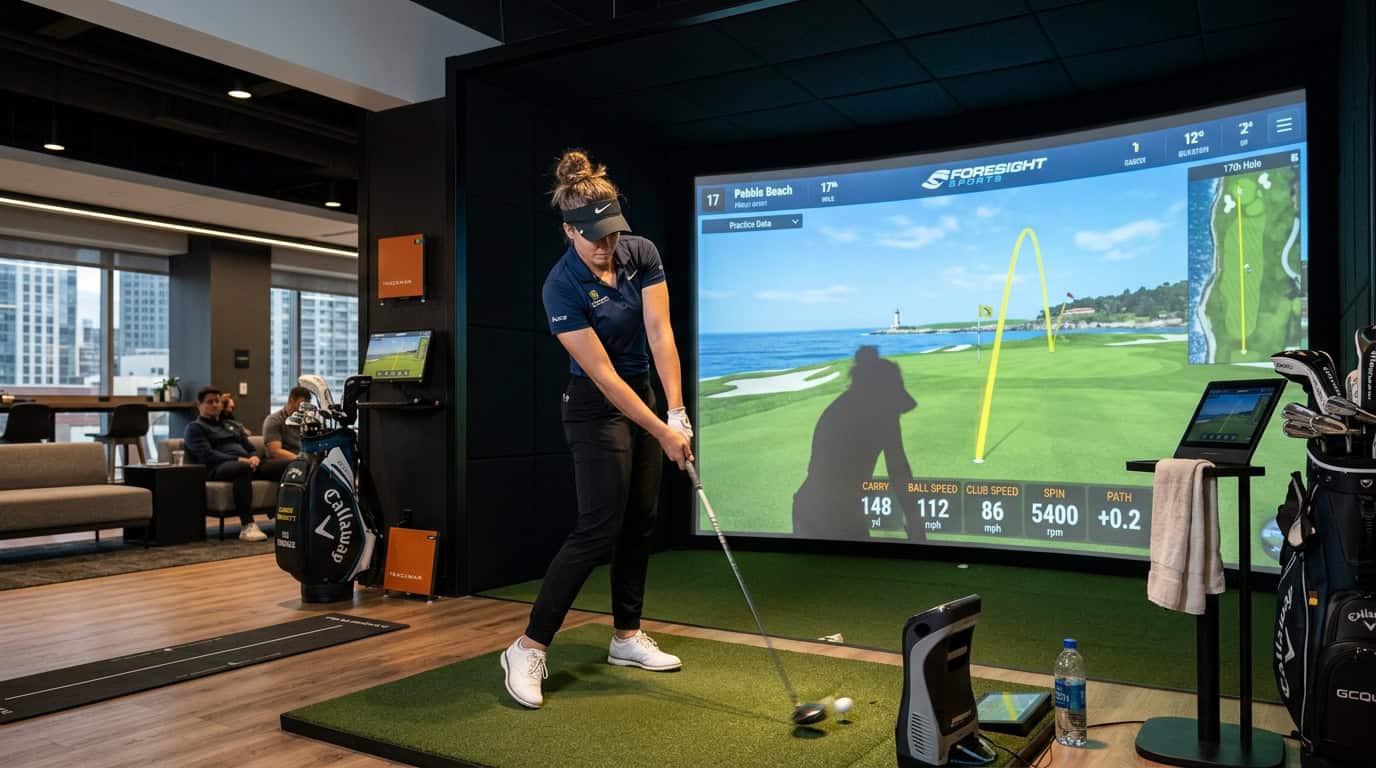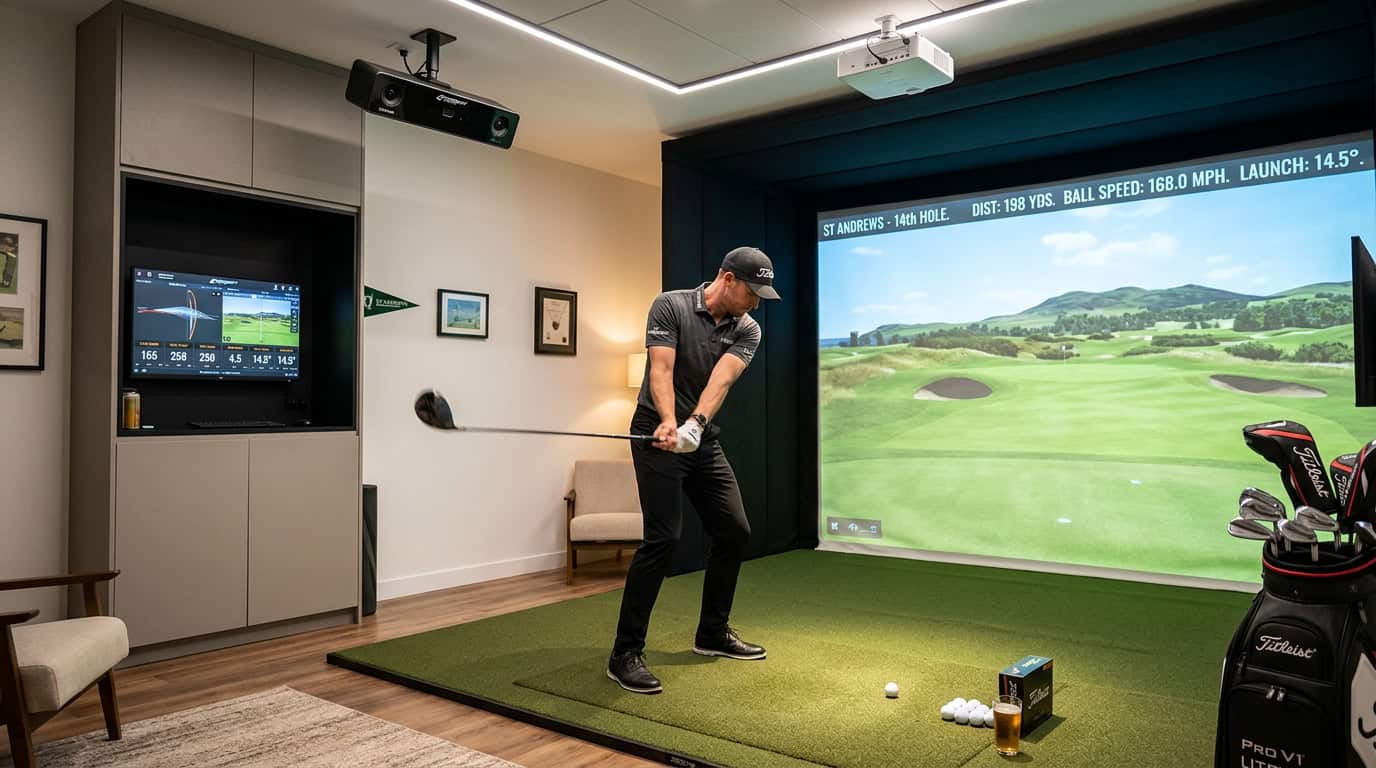


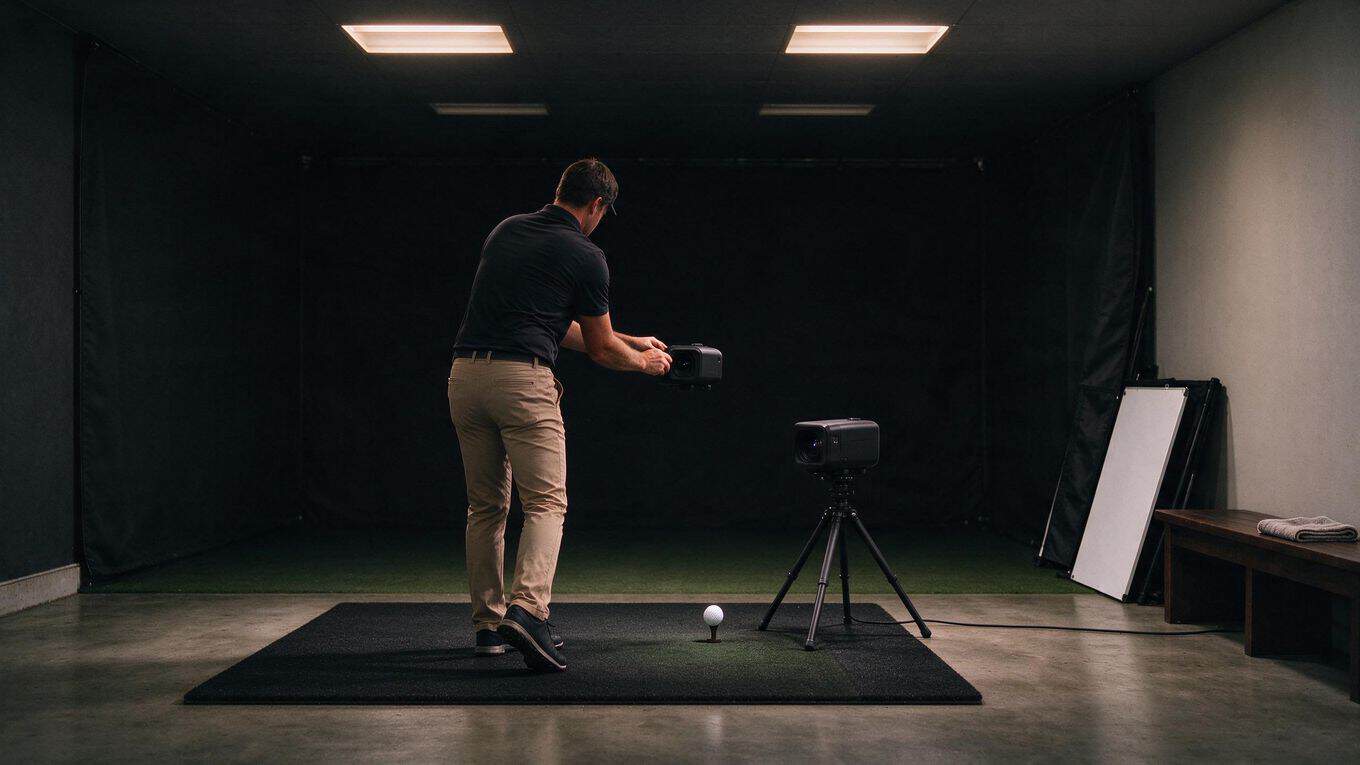
You set up your SkyTrak, step up to the mat, and take a swing. The camera blinks. No data. You try again. Same result. The culprit is not your swing, your ball, or the unit itself. It is the light in your room.
SkyTrak uses photometric camera technology to capture ball and club metrics. That means the camera needs to see your ball clearly against the background. Poor lighting breaks that visibility. Shadows confuse the tracking. Glare blinds the lens.
Too little light leaves the camera guessing. Too much direct light, especially sunlight streaming through a window, creates problems for consistent shot capture. Getting launch monitor camera lighting conditions right is the difference between reliable data on every swing and a frustrating session of missed shots.
This matters whether you are dialing in your numbers on a winter evening or building a year-round indoor golf setup. This guide walks you through exactly what SkyTrak needs from your lighting, the tools that help, and a step-by-step setup for your hitting zone.
You will also learn the common mistakes that ruin tracking, plus answers to the questions golfers ask most about brightness, bulb types, and placement. If you have wondered how camera-based launch monitors differ from radar, we touch on that too, because understanding the technology helps you light it correctly.
What SkyTrak Needs From Your Lighting
Your launch monitor camera lighting conditions determine whether every swing registers cleanly or drops shots seemingly at random. SkyTrak relies on photometric camera technology to capture ball and club metrics. The camera needs clear, unobstructed images of both the ball at address and the club through impact. When lighting fails, the system cannot see what it needs to calculate carry, spin, and launch angle.
Why SkyTrak's photometric camera depends on clear ball and club images
The photometric camera tracks high-contrast reference points on the ball and club face. Shadows, glare, or uneven brightness confuse the image processing. You want the ball and club to stand out against the background without dark patches or blown-out highlights.
A well-lit hitting zone gives the camera consistent frames to analyze. This translates directly to reliable data on every swing.
Keeping the hitting zone well lit without aiming light into the lens
Position your lights to illuminate the hitting area from above and slightly behind the camera. Never aim lights directly into the lens. SkyTrak support recommends a well-lit hitting area with no lights shining directly into the camera.
Overhead fixtures work best when they cast even light across the mat and ball position. Avoid pointing spotlights or bare bulbs at the unit itself. Dimmable LED lighting in the 4000-5000K range gives you control over brightness and color temperature. Using one type of bulb throughout the room prevents mixed light from confusing the camera.
If you are weighing how ambient light and launch monitor accuracy interact in your specific setup, our guide on lighting interference covers common fixes for shadow and glare problems.
Why direct sunlight into the optic lens causes inconsistent capture
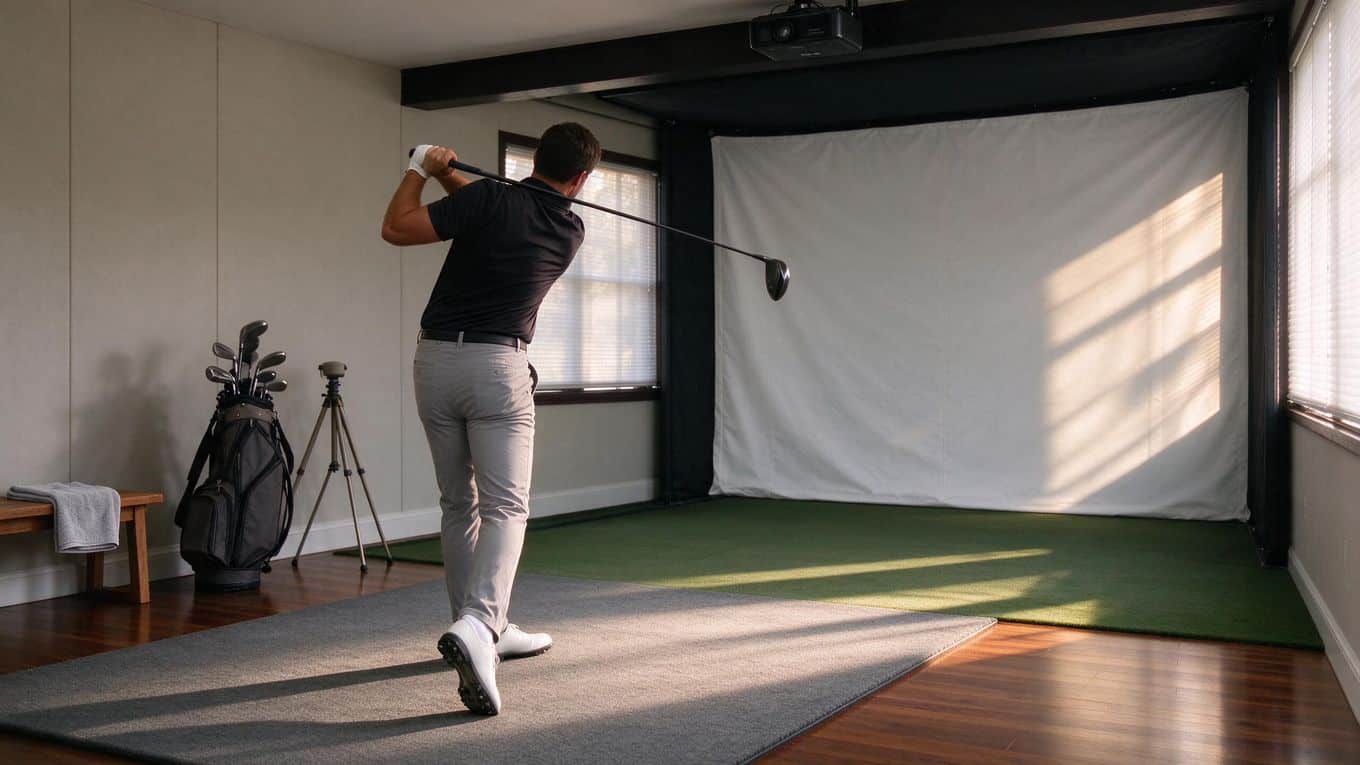
Direct sun into the optic lens creates problems for consistent shot capture. Sunlight overwhelms the camera sensor, causing washed-out images or temporary blindness during critical frames. Even brief exposure when the sun angle shifts through a window can drop shots or produce erratic readings.
If your simulator sits near a window, use blackout curtains or reposition the unit. The sun should never hit the lens directly. Morning and late afternoon sun are the worst offenders because of the low angle. Consistent indoor lighting, not natural light, gives you the stable conditions SkyTrak needs for accurate tracking.
Tools and Materials for Camera-Friendly Lighting
Getting your lighting right for a SkyTrak starts with picking the right fixtures. Camera-based units read the ball and club through a photometric lens, so harsh shadows, glare, or color inconsistencies throw off shot capture. The tools below give you control over those variables.
Dimmable LED fixtures in the 4000-5000K range
Dimmable LEDs in the 4000-5000K range are the standard choice for simulator rooms. That color temperature sits in neutral white territory, which keeps ball color and contrast stable for the camera. Dimming lets you dial brightness up or down based on time of day and whether you have window light bleeding in.
Look for fixtures with a smooth dimming curve, not stepped levels that jump between settings.
Neutral white LEDs and avoiding mixed light types
Stick with neutral white LEDs throughout the hitting area. Mixing color temperatures, like pairing warm 2700K bulbs with cool 6500K panels, creates uneven color casts that confuse the camera's tracking. The same goes for mixing LED and fluorescent sources.
If you already have overhead fixtures you can't replace, swap the bulbs to match rather than running two types side by side.
Diffuse fixtures and indirect overhead lighting
Bare bulbs and exposed strips create hot spots and hard shadows across your swing path. Diffuse fixtures with frosted lenses or panel covers spread light evenly. Indirect overhead lighting that bounces off the ceiling eliminates direct glare into the SkyTrak lens.
Aim fixtures so the brightest light falls on the hitting mat and ball position, not on the camera itself.
Blackout curtains for controlling window light
Windows are the wildcard in any simulator room. Direct sun into the optic lens ruins shot capture, and even indirect daylight shifts as clouds pass. Blackout curtains block that variable completely.
Install them on any window facing the hitting area, and close them during sessions. If you want some natural light for feel, sheer panels underneath give you partial control without the glare risk.
With these four pieces in place, you have a stable, repeatable lighting environment that lets your SkyTrak read every shot the same way.
Step-by-Step Lighting Setup for the Hitting Zone
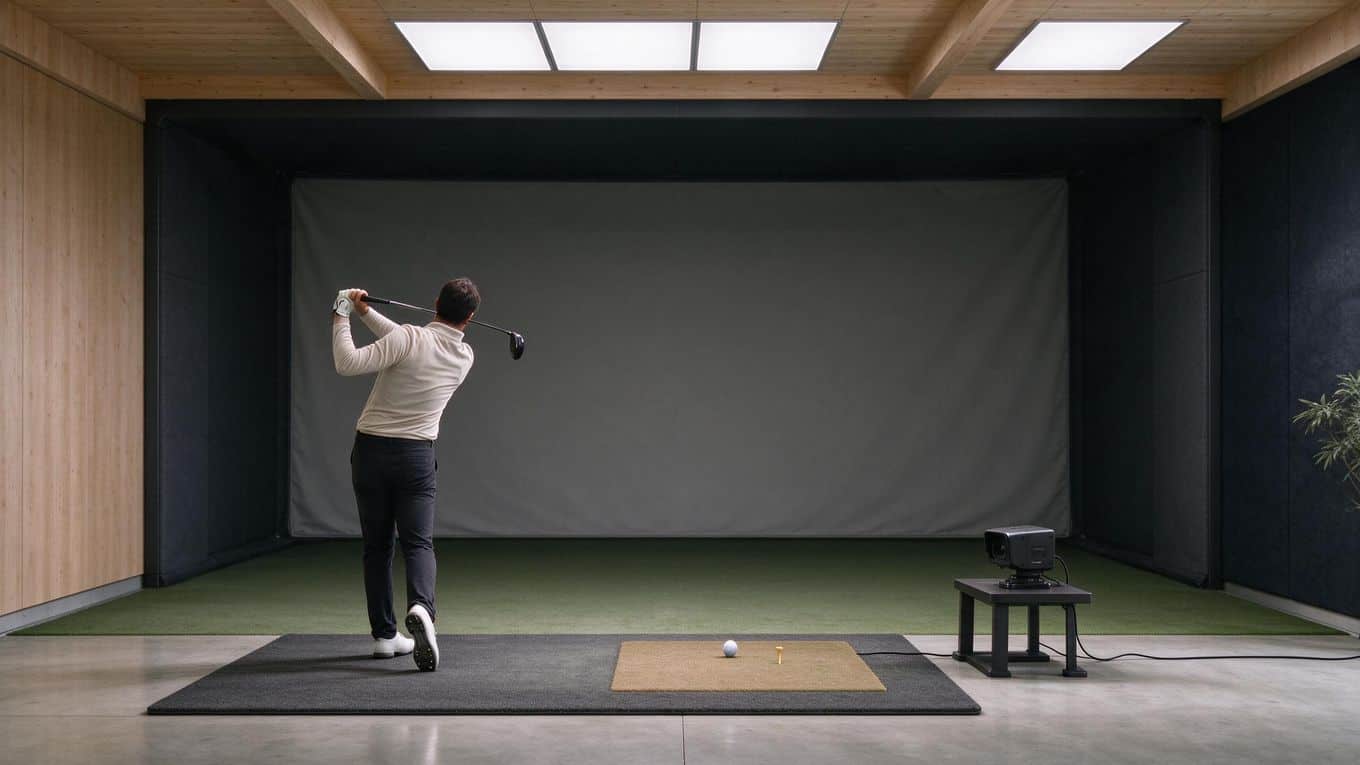
Your SkyTrak reads the ball and club with a camera, so the light in your hitting zone matters as much as the monitor itself. Get this wrong and you will chase phantom misreads all session. Work through these five steps in order.
Step 1: Block direct sunlight and reflections into the lens
Direct sun into the optic lens creates problems for consistent shot capture. Close blinds, hang blackout curtains, or reposition the unit so the camera faces away from windows.
Watch for reflections off the impact screen or projector bouncing into the lens. Even a bright patch on the wall behind the ball can confuse the camera. If you cannot control natural light, consider your skytrak room space and height requirements to find a spot with the fewest windows.
Step 2: Choose dimmable LED fixtures in the 4000-5000K range
Dimmable LEDs in the 4000-5000K range are the standard choice for simulator rooms. This color temperature reads as neutral white, close to daylight, without the blue cast of cooler bulbs or the warm yellow of residential lighting.
Dimmability lets you tune brightness to your space. Avoid mixing color temperatures. Pairing warm 2700K bulbs with cool 6500K panels creates uneven color casts that confuse the camera.
Step 3: Use even, diffuse lighting instead of a single harsh overhead source
One bright bulb directly overhead creates a hotspot on the ball and deep shadows around it. Camera-based systems perform best with even, diffused light and no harsh shadows.
Use multiple fixtures, frosted covers, or bounce light off walls and ceiling. The goal is a flat, uniform field of light across the entire hitting area.
Step 4: Position light so it covers the ball and impact area without glare
Place fixtures so they illuminate the ball at address and the impact zone, not the camera lens. Angle lights slightly forward and to the sides.
Test by standing at the mat with a club in hand. You should see no bright reflection on the ball from your position, and no light source should appear in the camera's field of view. When preparing the hitting area, treat lighting as part of your mat and monitor alignment.
Before you finalize fixture positions, confirm the unit itself is set up correctly by aligning the skytrak with the screen. Alignment determines where the lens points relative to your lights, so it directly affects glare.
Step 5: Check for dark patches and shadows in the impact zone
Crouch down and look across the impact zone from ball height. Dark patches or shadows will show up as missed shots or erratic spin readings.
Move a light or add a second fixture until the entire zone reads evenly. Hit a few test shots and watch the data. If ball speed and launch angle look normal across multiple swings, your lighting is working.
A few minutes spent on lighting pays off in cleaner data and fewer dropped shots. Once your hitting zone is lit evenly, you can trust what the SkyTrak tells you.
Common Lighting Mistakes to Avoid
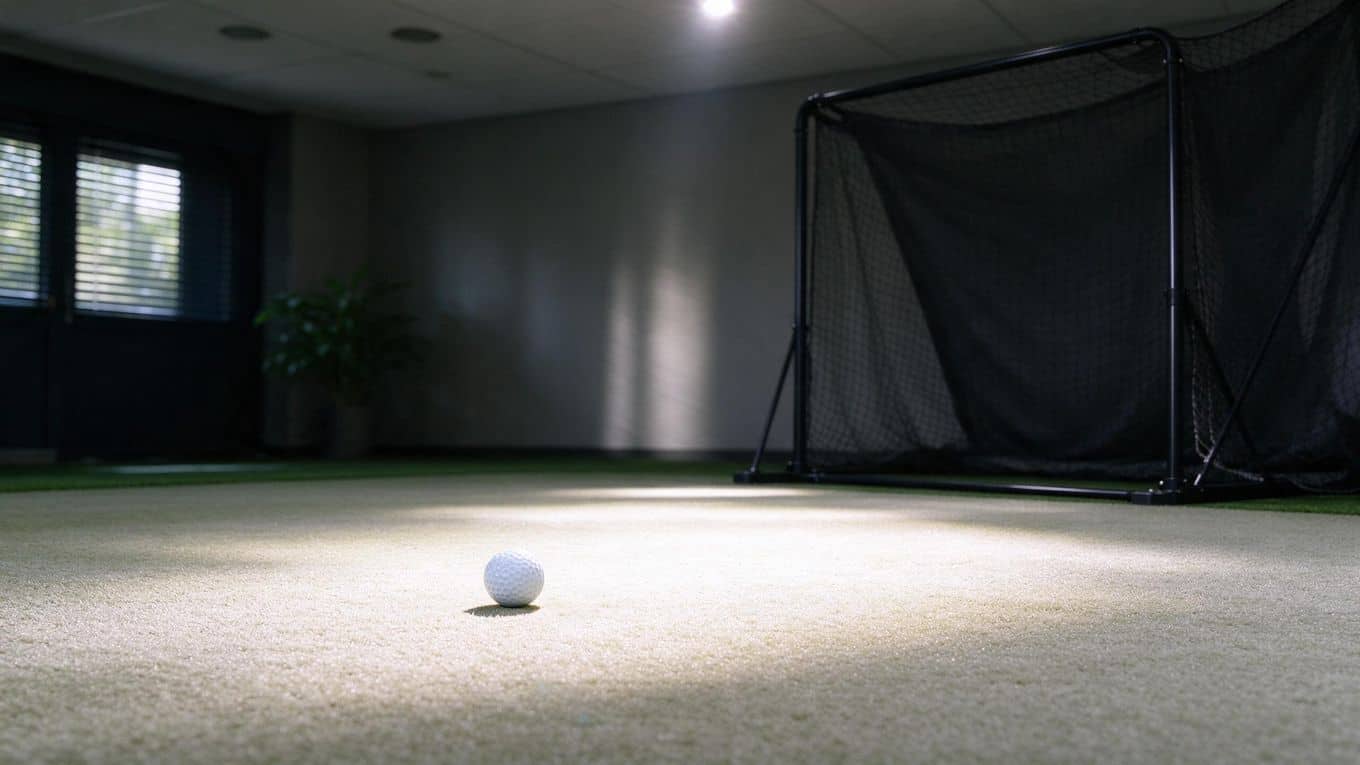
Camera-based launch monitors like SkyTrak depend on consistent, even lighting to track your shots accurately. Small setup errors can cause missed reads or frustrating shot-to-shot variation. Here are the mistakes that trip up most simulator owners.
Placing direct sunlight on the hitting area
Sunlight is the most unpredictable light source in a simulator room. It shifts constantly, and when it falls directly on the hitting area or into the SkyTrak's optic lens, it can overwhelm the camera's sensors.
SkyTrak support specifically warns that direct sun into the lens creates problems for consistent shot capture. If your room has windows, position the hitting area so the sun does not strike the mat or the camera during your typical playing hours. Blackout curtains or shades give you control over when natural light enters the space.
Positioning bright lights where they shine into the camera lens
A light aimed at the ball from the wrong angle becomes glare in the camera's eye. SkyTrak support states that no lights should shine directly into the camera.
Mount fixtures so they illuminate the hitting area from the sides or slightly behind the golfer, never from the front or directly overhead where the beam can reflect into the lens. If you catch a bright spot in the camera's view during setup, reposition the fixture until the glare disappears.
Creating harsh shadows with a single overhead fixture
One bright bulb centered above the mat casts a hard shadow wherever your body blocks the light. That shadow falls directly across the impact zone, and the camera struggles to read the ball through the dark patch.
Use multiple fixtures spread across the ceiling instead of a single overhead light. Aim for overlapping coverage so no area of the hitting zone sits in shadow during your swing.
Mixing light types that shift color temperature
Pairing warm 2700K bulbs with cool 6500K panels creates uneven color casts across the hitting area. The camera sees different color temperatures in different parts of its field of view, which confuses its image processing.
Stick to one bulb type and one color temperature throughout the room. Dimmable LEDs in the 4000-5000K range are the standard choice because they provide neutral, consistent light that camera sensors read cleanly.
Leaving uneven lighting that creates dark patches at impact
Dark patches at the point of impact are a silent accuracy killer. The camera needs to see the ball clearly at the moment of contact, and any shadow or dim zone at the tee line degrades data quality.
Walk your hitting area with all lights on and look for dim spots, especially near the ball position and slightly in front of it. Add or reposition fixtures until the entire impact zone reads evenly bright. Keeping the sensor lens clean also helps the camera capture every detail in lower-light patches, which you can read more about in our guide to sensor cleaning and calibration for different launch monitors.
Fix these five issues and your SkyTrak will track shots with the consistency you expect from a photometric system.
Frequently Asked Questions
How much light does SkyTrak need in the hitting zone?
SkyTrak needs even, consistent illumination across the entire hitting area, not a single bright spot. Aim for uniform brightness so the camera can track the ball and club without contrast gaps. Too little light leaves the camera hunting for detail; too much creates glare and hotspots that degrade tracking.
What lighting setup avoids shadows for camera-based launch monitors?
Position lights to eliminate shadows cast by your body during the swing. Overhead fixtures spread evenly across the hitting zone work better than a single central bulb. Side-mounted or angled lights fill in shadows that overhead-only setups can leave behind the golfer.
Why is direct sunlight a problem for SkyTrak?
Direct sun into the optic lens overwhelms the camera sensor and creates inconsistent shot capture. Sunlight shifts throughout the day, so a setup that works in the morning can fail by afternoon. Block windows with curtains or blinds, or position the unit away from direct sun paths.
Should overhead lights point at the screen or the hitting area?
Point overhead lights at the hitting area, not the screen. Light on the screen creates glare that washes out your display and distracts your focus. The hitting zone needs the illumination; the screen needs darkness for contrast.
What bulb color temperature works best for camera-based systems?
Dimmable LED bulbs in the 4000-5000K range are the standard choice for simulator rooms. This range delivers neutral, daylight-like light that cameras read cleanly. Avoid mixing color temperatures, such as pairing warm 2700K bulbs with cool 6500K panels, because uneven color casts confuse the camera's image processing.
Final Thoughts
Getting your SkyTrak lighting right is the difference between a simulator that tracks every shot and one that drops putts and misreads drives. The core principle is simple: even, diffused light in the 4000-5000K range, with nothing shining directly into the camera lens. Direct sunlight and harsh overhead shadows are the two fastest ways to ruin your data.
Start with your ceiling. Dimmable LED panels or shop lights give you the control you need. Position them to wash the hitting zone from the sides and slightly behind you, never from the front. If you are building new, plan for at least two fixtures on separate dimmer switches so you can fine-tune brightness as conditions change. Retrofitting an existing room? Clip-on LED work lights aimed at the walls work well as bounce sources and cost little.
Test your setup before you trust it. Hit a dozen shots with your driver and check the SkyTrak app for consistent ball speed and launch angle readings. If you see dropouts or wild variance, adjust your lights and try again. Small changes in fixture position often solve tracking issues that software updates cannot.
Your launch monitor is only as good as the environment around it. Take an hour to dial in your lighting now, and every session after that will feel like a real range day, rain or shine. Step up, swing with confidence, and let the numbers do the talking.