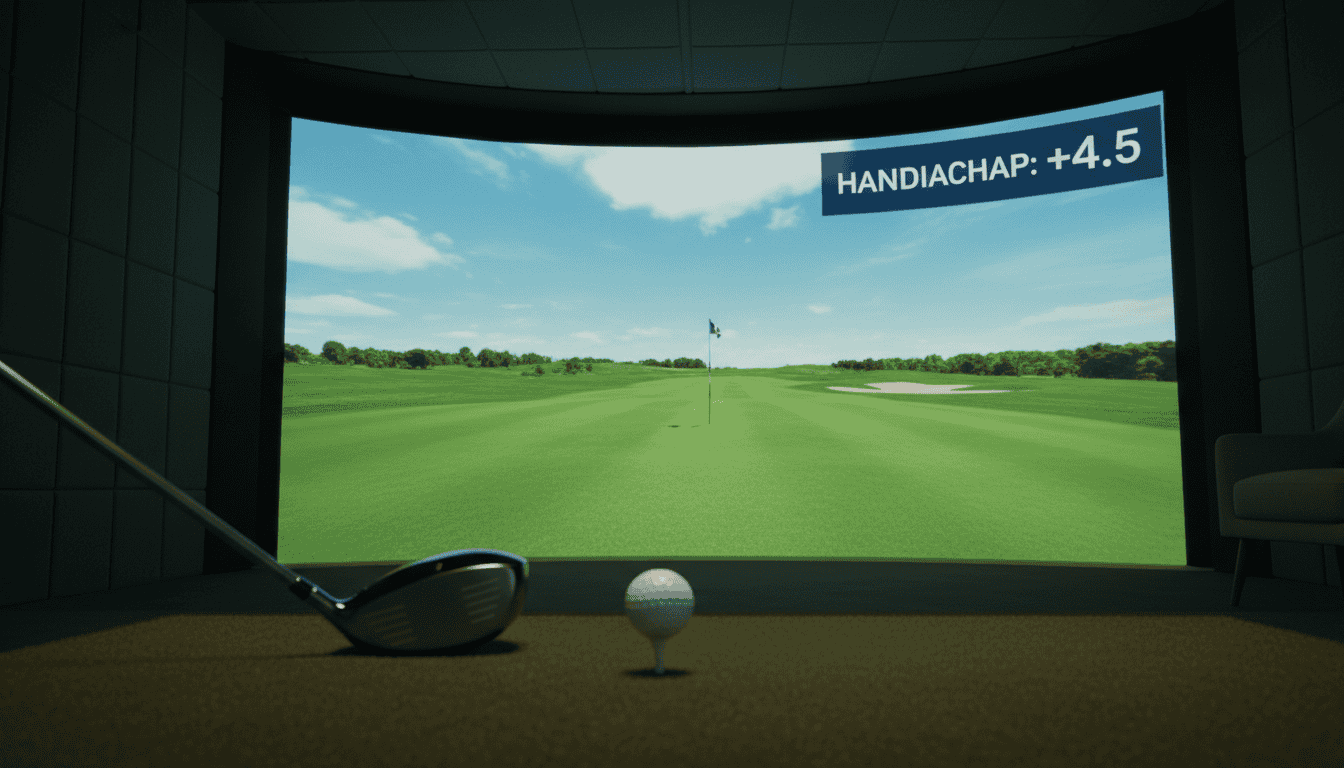
A standard set of 18 holes can get repetitive after the hundredth round. What if you could play a course that mirrors your local club, or one that floats above a Martian canyon? Custom golf simulator courses let you design, build, and play virtual tracks that match your skill level and imagination. Whether you want to recreate Pebble Beach in your basement or invent a par-6 hole with a waterfall hazard, the tools now exist to turn those ideas into playable rounds.
Most simulator software includes basic course editors, but the real creativity happens with third-party tools and user communities. You can start from a blank grid or import satellite imagery to trace real-world terrain. Once your course is ready, platforms like GSPro let you share it with other players or download their designs to test your swing on new challenges. We’ll walk through the steps to design your own course, the software you’ll need, and how to share your creations so others can play them too.
What Are Custom Golf Simulator Courses?
Custom golf simulator courses allow you to create and play virtual tracks that don’t exist in real life. Unlike standard courses that copy famous golf destinations, these tracks are built from the ground up. You decide the terrain, hazards, and weather, making each course unique to your preferences.
Most modern golf simulators support custom courses, but the design process differs by platform. Some include built-in editors, while others need separate software. Once finished, you can play your course alone or share it with others.
User-Designed Virtual Golf Tracks
User-designed courses fall into two types:
- Realistic recreations: These copy real-world courses with adjustments. For example, you might take a famous course and add bunkers or narrow the fairways to increase difficulty. These are useful for practice or preparing for real-world play.
- Fantasy layouts: These are original designs with creative or exaggerated features. Examples include floating islands, zero-gravity greens, or courses set in fictional worlds. Fantasy layouts work well for casual play or testing unusual strategies.
Designing a course usually involves:
- Layout planning: Sketch hole shapes, tee boxes, and green locations.
- Terrain shaping: Adjust elevation, add water hazards, or create sand traps.
- Detailing: Fine-tune textures, foliage, and environmental effects like wind or rain.
Not all simulators support custom course creation. For a comparison of systems with the most pre-loaded or user-generated options, see our guide on what golf simulator has the most courses.
From Realistic Recreations to Fantasy Layouts
Realistic recreations aim to match the feel of real-world courses. For example, you might recreate Pebble Beach’s 7th hole but add a crosswind to make it harder. These are helpful for tournament prep or enjoying familiar layouts.
Fantasy layouts focus on creativity. Features might include:
- Unconventional hazards: Lava pits, moving obstacles, or teleportation portals.
- Themed environments: Courses set in space, castles, or wastelands.
- Gameplay twists: Rules like “no clubs allowed” or time limits to add variety.
Both types can be shared online. Some platforms even host competitions for the best user-created courses.
If you’re new to golf simulators, understanding how they work helps when choosing a setup for custom courses. Our guide on what is a golf simulator explains the basics, including hardware and software needs.
How to Design Custom Golf Simulator Courses
Designing your own virtual golf course lets you play anywhere, from your backyard to a fantasy island, without leaving your simulator room. The process combines creativity with technical tools. Below, we break down the software and tools you’ll need to build courses that look and play like real ones.
Understanding Course Creation Software
Custom golf simulator courses run on specialized software. Most golf simulation programs include basic course editors, but advanced design requires dedicated course creation tools. Here’s what to look for:
- Compatibility: The software must work with your launch monitor and simulator setup. For example, E6 Connect and TGC 2019 support custom courses but require specific hardware to run smoothly.
- Editing features: Look for terrain sculpting, object placement, and texture customization. TGC 2019 offers the most detailed editor, letting you adjust elevation, hazards, and even weather effects.
- Import/export options: Some programs allow you to import real-world course data (like Google Earth terrain) or share your designs with other players.
Before diving in, check our guide to computers for home golf simulators to ensure your PC can handle the demands of course design. High-end editors need strong graphics cards and processors to render detailed landscapes without lag.
Key Tools for Golf Sim Course Creation
You’ll need more than just software to build a playable course. These tools help streamline the process:
- Terrain modeling software: Programs like Blender or SketchUp let you create 3D landscapes before importing them into your simulator. These are useful for designing complex features like cliffs or water hazards.
- Image editors: Tools like Photoshop or GIMP help customize textures for greens, fairways, and bunkers. High-resolution images make courses look more realistic.
- Reference materials: Use satellite images, topographic maps, or photos of real courses for inspiration. Google Earth Pro is a free tool for capturing elevation data.
- Testing tools: Built-in playtest modes in programs like TGC 2019 let you walk the course and adjust difficulty before finalizing it.
For a deeper dive into software options, see our roundup of the best golf simulation software for Skytrak. The right program depends on your skill level and the level of detail you want in your course.
Common mistakes to avoid:
You might also find our guide to golf simulator tournaments helpful here.
- Overcomplicating the design. Start with simple layouts and add details gradually.
- Ignoring playability. A visually stunning course is useless if it’s impossible to navigate.
- Skipping playtesting. Always walk your course in simulation mode to spot flaws before sharing it.
Custom golf simulator courses become more valuable when shared. Platforms and communities let you distribute your designs, play others’ tracks, and improve your skills on varied terrain. Here’s how to share and engage with user-designed courses.
Platforms for User-Designed Courses
Most golf simulator software includes built-in sharing features. The most popular platforms for custom courses are:
- GSPro: The Open Course Network lets users upload, download, and rate courses. Files use the
.gspformat, which includes terrain, textures, and hole data. Courses are searchable by difficulty, designer, or course name. GSPro’s community has over 10,000 user-designed tracks, from replica real-world courses to fantasy layouts. - The Golf Club 2019 (TGC 2019): The game’s course designer tool exports
.tgcfiles, which players share via the TGC Community or third-party sites like TGC Fan Designs. The platform supports multiplayer rounds on custom courses, adding a competitive element. - E6 Connect: While primarily a commercial platform, E6 allows limited user-generated content through its Course Creator tool. Designs are shared via the E6 Community, though the selection is smaller than GSPro or TGC 2019.
- Skytrak/Mevo+: These launch monitors pair with third-party software like Creative Golf 3D, which supports user-designed courses. Files are shared through forums or cloud drives, but lack a centralized hub.
Before uploading, check the platform’s guidelines. Most require original content, proper licensing (for real-world course replicas), and no offensive designs. Some platforms, like GSPro, review submissions before publishing.
The Community Aspect of Course Sharing
Sharing courses fosters a collaborative environment. Designers receive feedback, players discover new challenges, and the community grows. Here’s how to engage:
- Play and rate courses: Most platforms let you leave star ratings and comments. High ratings increase visibility, helping quality designs reach more players.
- Join design contests: Platforms like GSPro and TGC 2019 host regular contests with themes (e.g., “best par-3 course” or “most creative hazards”). Winners gain recognition and sometimes prizes, like free software or hardware.
- Collaborate on projects: Some designers team up to build full 18-hole courses. For example, a group might split tasks: one handles terrain, another textures, and a third tests playability. Discord servers and Reddit communities (like r/golfsimulator) are common hubs for collaboration.
- Follow designers: Many platforms let you follow your favorite course creators. This keeps you updated on new releases and design techniques. Popular designers often share tutorials or livestreams showing their process.
- Report issues: If a course has bugs (e.g., invisible walls or misaligned greens), report it to the platform. Most communities appreciate constructive feedback and will update the file.
Sharing custom courses extends the life of your simulator. Whether you’re a designer or a player, engaging with the community adds variety and depth to your virtual golf experience.
Frequently Asked Questions
How to design custom golf simulator courses?
Start with a clear plan. Decide the course type (links, parkland, desert), hole count, and difficulty level. Sketch a rough layout on paper or use a digital tool to map fairways, bunkers, and greens. Focus on playability, avoid unrealistic slopes or hazards that frustrate players. Test your design in simulation software before finalizing it. Many creators share free templates online to use as a starting point.
What tools for golf sim course creation?
Most golf simulator software includes built-in course editors. Skytrak and The Golf Club 2019 offer user-friendly tools for designing courses from scratch. E6 Connect and FSX 2020 provide advanced features like terrain sculpting and custom textures. For professional results, some users export designs to Blender or Unity for 3D modeling, then import them back into the simulator. Check software compatibility before investing time in a design.
Export your course file from the simulator software and upload it to community forums or dedicated sharing platforms. The Golf Club Vault and Skytrak’s course library are popular hubs for exchanging custom tracks. Include a description with hole count, difficulty, and any special features. Some simulators allow direct sharing through in-game menus. If you want feedback, post a video walkthrough on YouTube or Reddit’s r/golfsimulator community.
Final Thoughts
Custom golf simulator courses let you play famous real-world tracks or invent entirely new ones without leaving home. We covered the basics of course design, from selecting software to shaping fairways and greens, and how to share your creations with other players. The process requires patience, but the payoff, a course that matches your skill level or imagination, is worth the effort.
If you’re new to course design, start with a simple 9-hole layout using built-in tools in programs like The Golf Club 2019 or E6 Connect. Focus on playability first, then refine details like bunkers and rough. For those ready to share, platforms like Golf Simulator Community and Simulator Golf Tour make it easy to upload and download custom courses.
Next steps: pick one software platform, sketch a basic hole on paper, and build it in-game. Test it with friends, adjust based on feedback, and repeat. Over time, you’ll develop a library of courses that keep practice sessions fresh and fun. The best part? Your next round could be on a course you designed yourself.