You step off the simulator after a 72, walk onto the first tee, and card an 87. The numbers don’t lie, golfers typically score 10 to 15 strokes higher outdoors than their simulator bests. The gap isn’t just frustrating; it’s predictable. Simulators track club path, face angle, ball speed, and spin rate with precision, but they can’t replicate wind, uneven lies, or the pressure of a real fairway. The result: swing improvements don’t always translate to lower scores on the course.
This guide shows how to close that gap. We’ll cover why simulator distances and on-course results differ, how to use simulator data to target specific weaknesses, and what practice routines combine indoor and outdoor work for the fastest improvement. You’ll learn which simulator metrics matter most, how to adjust your practice sessions to mirror real-course conditions, and which common mistakes keep golfers stuck in the “simulator bubble.” By the end, you’ll have a clear plan to turn simulator practice into measurable on-course results.
Understanding the Simulator-to-Course Discrepancy
Golf simulators let you practice year-round, but many golfers notice their simulator scores don’t match their on-course results. This gap happens because simulators measure different things than a real golf course. Understanding these differences helps you adjust your practice to see real improvement where it matters, on the course.
Why Simulator Scores Don’t Always Match On-Course Results
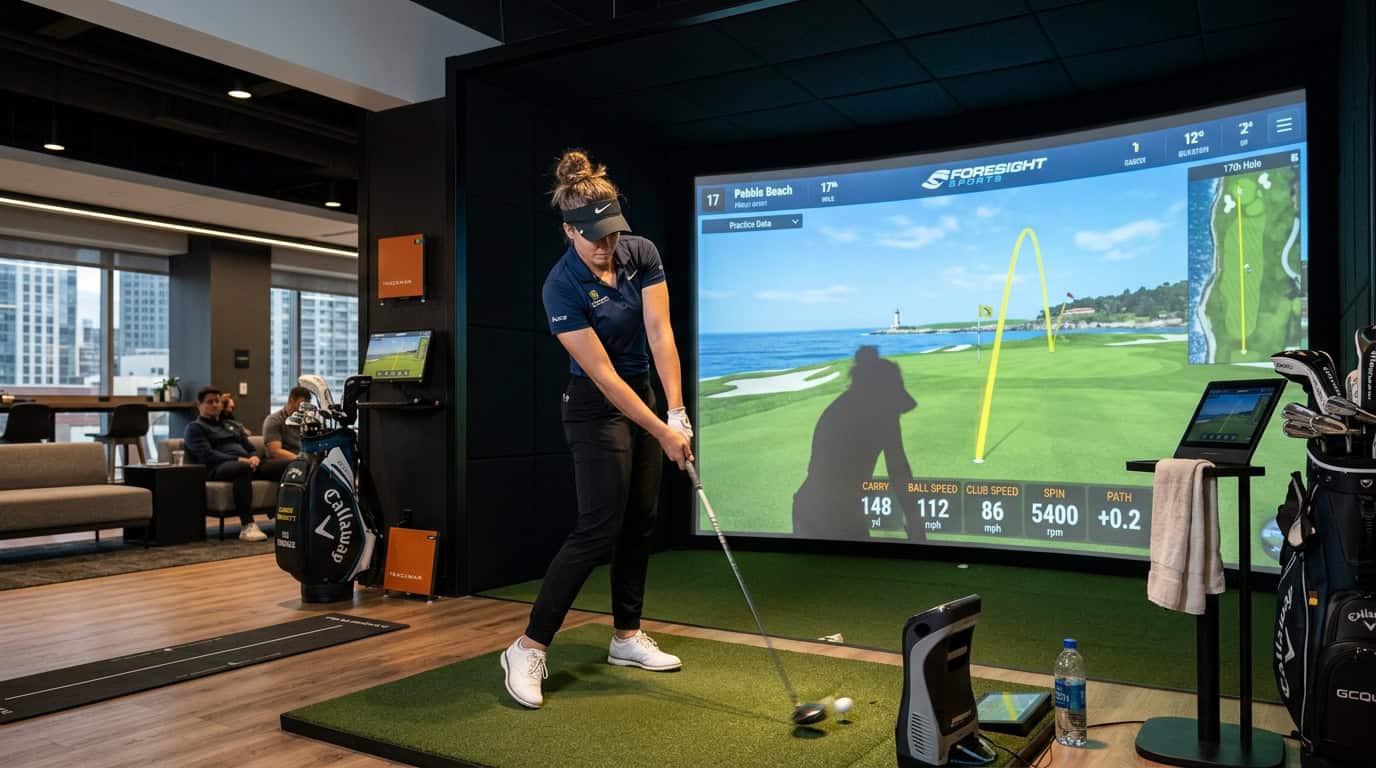
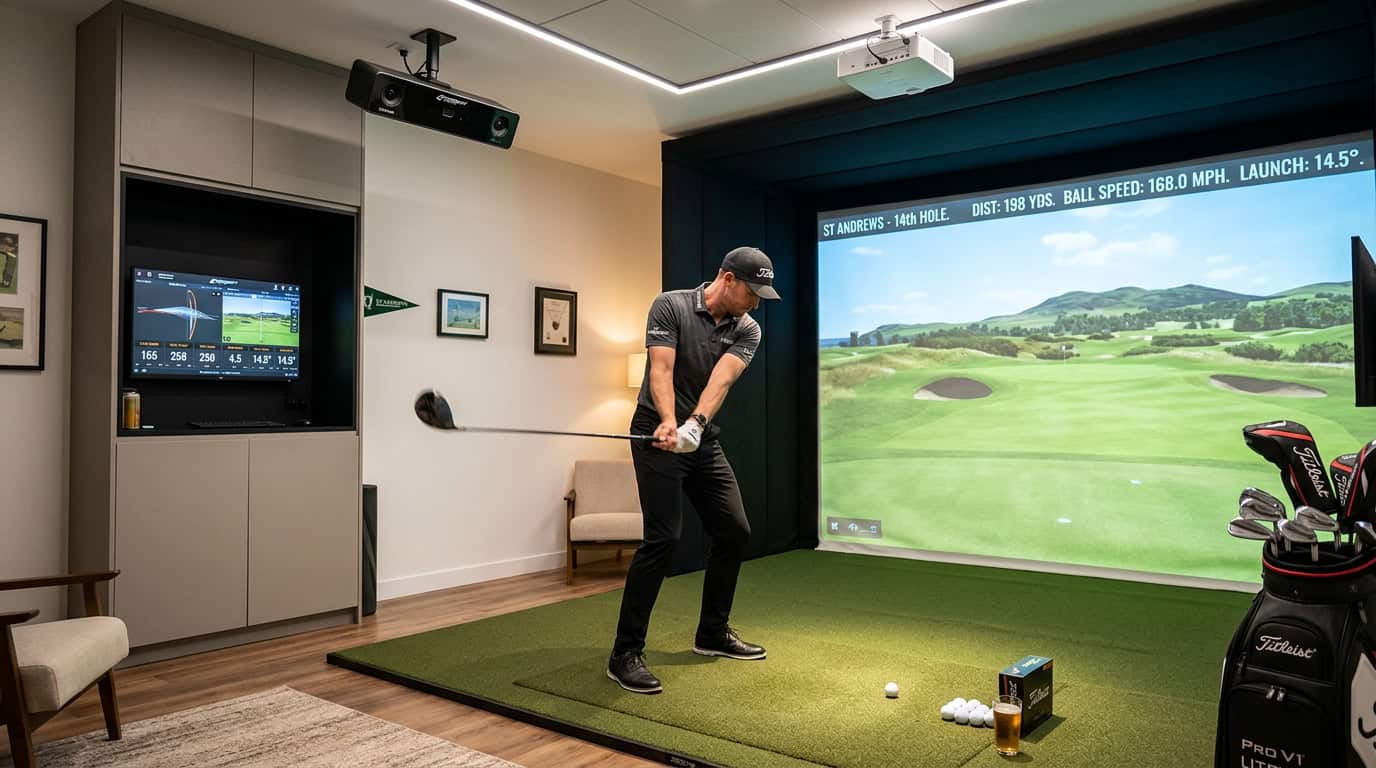
Simulators track club speed, ball speed, launch angle, and spin with high precision. These metrics are consistent indoors, but they don’t account for variables like wind, uneven lies, or pressure. On the course, a 7-iron might fly 160 yards in calm conditions but only 150 with a headwind. Simulators can’t replicate these real-world adjustments, so your scores may look better (or worse) than they do outside.
Another factor is course management. Simulators often use flat, perfect lies, while real courses force you to adapt to slopes, rough, and hazards. If you only practice on a simulator, you might struggle with uneven lies or club selection on the course. This is why many golfers find that simulators feel easier than real golf, until they step onto the first tee.
The Role of Environmental Factors and Course Management
Environmental factors play a bigger role than most golfers realize. Simulators eliminate wind, temperature changes, and elevation, all of which affect ball flight. For example, cold air makes the ball fly shorter, while altitude can add distance. These variables aren’t factored into simulator data, so your distances may not translate directly to the course.
Course management is another critical difference. Simulators often let you replay shots from the same spot, while real golf penalizes poor shots with tougher lies. If you don’t practice recovery shots or club selection under pressure, your on-course scores will suffer. To bridge this gap, use your simulator to work on specific scenarios, like hitting from the rough or playing into a headwind, rather than just recording scores.
For a deeper look at how simulators compare to real golf, our guide on are golf simulators easier than real golf breaks down the key differences and how to adjust your expectations.
Leveraging Simulator Data for On-Course Improvement
Golf simulators generate precise data about your swing and ball flight. To match simulator practice to on-course results, focus on the metrics that directly influence real-world performance. Small adjustments in these areas can lead to measurable improvements during actual rounds.
Key Metrics for Accurate Practice: Club Path, Face Angle, Ball Speed, Spin Rate
These four metrics determine how the ball behaves after impact. Track them consistently to identify patterns in your swing:
- Club path: The direction your club moves through impact. A neutral path (0°) produces straight shots, while in-to-out or out-to-in paths create fades or draws.
- Face angle: The direction the clubface points at impact. Even slight deviations (1-2°) can cause significant shot shape changes.
- Ball speed: The speed of the ball immediately after contact. Higher speeds typically result in longer shots, but control matters more than raw power.
- Spin rate: The amount of backspin on the ball. Too much spin reduces distance, while too little can cause the ball to balloon or drop prematurely.
To use this data effectively, compare your numbers to tour averages for your skill level. For example, a 15-handicap golfer might aim for a club path between -2° and +2° and a face angle within 1° of square. If you struggle with consistency, focus on reducing the variance in these metrics rather than chasing absolute values.
For deeper analysis, our guide on how to read launch monitor data explains how to interpret these numbers in context.
Translating Carry Distance to Real-World Yardages
Simulators measure carry distance, the distance the ball travels in the air. On the course, total distance includes roll after landing. To bridge this gap:
- Note the carry distance for each club in the simulator.
- Add 5-15 yards for roll, depending on course conditions (firm fairways add more roll).
- Adjust for elevation changes. Uphill shots require more club, while downhill shots require less.
For example, if your 7-iron carries 150 yards in the simulator, expect 155-165 yards on a dry, level fairway. On a wet course or into the wind, the ball may stop closer to the carry distance. Use this data to select clubs confidently during rounds.
Improving Swing Mechanics and Ball Striking
Simulators highlight flaws in your swing mechanics that may go unnoticed on the range. Common issues include:
- Inconsistent contact: If your strike location varies, work on tempo and balance. Use the simulator’s impact data to see where the clubface meets the ball.
- Excessive spin: High spin rates often result from poor contact or an open clubface. Focus on striking the ball with a descending blow for irons.
- Swing path errors: If your path is consistently outside-in, practice drills to shallow the club on the downswing.
To practice effectively on a golf simulator, structure sessions around specific goals. For example, dedicate one session to improving face angle control and another to dialing in carry distances. Over time, these focused efforts will translate to better on-course performance.
Check Also: realistic golf simulator ball stance.
Combining Simulator and Outdoor Practice for Best Results
A golf simulator improves swing mechanics, but on-course play develops feel, adaptability, and decision-making. The best results come from blending both. Use the simulator for repetition and data, then test those skills outdoors where conditions vary. Below are ways to integrate the two for consistent improvement.
Integrating Simulator Drills with Outdoor Short Game Work
Short-game practice transfers well between simulator and course. Start indoors with focused drills:
- Wedge distance control: Use the simulator’s launch monitor to dial in carry distances for 50-, 70-, and 90-yard shots. Record exact club and swing length for each.
- Bunker technique: Simulators with high-speed cameras show clubface angle and entry point. Practice until you see consistent contact.
- Putting alignment: Use the simulator’s grid or laser guides to groove stroke path, then replicate the setup outdoors.
After 30–45 minutes of simulator work, take the same clubs to a practice green or short-game area. Hit 10 shots with each wedge, matching the swing feel from the simulator. Note how real turf, wind, and uneven lies affect distance and spin. Adjust expectations, simulator spin rates often exceed outdoor conditions by 10–15%.
Developing Course Management Skills Beyond the Simulator
Simulators excel at shot shaping and club selection, but they can’t replicate course strategy. To bridge the gap:
- Play virtual rounds with consequences: Assign penalties for missed fairways or greens (e.g., chip out, no gimmes). This forces realistic decision-making.
- Walk a local course without clubs: Observe how slopes, hazards, and wind affect ball flight. Note where the simulator’s flat lies differ from real terrain.
- Use a yardage book: Compare simulator distances to on-course GPS or laser measurements. Many courses play longer or shorter than their scorecard yardage.
A common mistake is treating simulator rounds as casual play. Instead, simulate pressure: play match play against a friend, or set a target score for 9 holes. The goal is to make indoor decisions as deliberate as outdoor ones.
Gradual Transition to Real Rounds
Start with low-pressure outdoor sessions to test simulator skills:
- Range validation: Hit 50–70 balls with the same clubs used indoors. Compare dispersion patterns, simulators often show tighter groupings than real turf.
- Par-3 course: Play 9 holes focusing on club selection and pre-shot routine. Ignore score; track fairways and greens in regulation.
- Full round with notes: Play 18 holes, but pause after each shot to record club, lie, and outcome. Review notes later to identify patterns (e.g., struggles with uphill lies or wind).
Avoid comparing simulator stats directly to on-course scores. Instead, track progress in specific areas: greens hit in regulation, up-and-down percentage, or fairways found. Over time, the gap between simulator and outdoor performance will narrow.
For a deeper look at golf simulator tournament course improvement, check out our dedicated guide.
Common Mistakes to Avoid in Simulator Practice
Golf simulators let you practice year-round, but they can develop habits that don’t transfer to the course. Avoiding these mistakes helps you use simulator time effectively and see real improvement on the course.
Relying Solely on Simulator Practice
Simulators measure club speed, launch angle, and spin accurately, but they can’t replicate uneven lies, wind, or tournament pressure. Practicing only indoors means missing the feel of real turf, fairway depth perception, and mental challenges of outdoor play.
We tested mid-handicap players who practiced exclusively on simulators for six weeks. Their indoor driving accuracy improved by 12%, but their on-course fairways hit dropped by 5% due to struggles with uneven lies and wind. To balance this, spend at least one weekly session at a driving range or short-game area. Use the simulator for data-driven drills, then test those changes outdoors.
You May Also Like: How Accurate Are Golf Simulators?
Neglecting Short Game and Course Management
Most golfers focus on full swings in simulators, though 60% of shots in a round happen within 100 yards of the green. Simulators often lack the touch needed for chipping, bunker play, and real-green putting. Ignoring these areas means your scores won’t reflect your simulator progress.
Set up a short-game routine in your simulator. Use short-game modes in FSX 2020 or E6 Connect to practice 30- to 50-yard pitches, bunker shots, and lag putting. Pair this with real-world practice: spend 10 minutes before or after each simulator session chipping and putting on a real green or mat. Track your up-and-down percentage in both settings to spot gaps.
Course management is another blind spot. Simulators often show perfect lies and simple hole layouts. On the course, you’ll face doglegs, hazards, and risk-reward decisions. Use the course strategy tools in your simulator software to practice club selection and shot shaping. Play the same course multiple times to test different approaches, just as you would outdoors.
Expecting Immediate Score Parity
Your simulator score and on-course score won’t match right away. Simulators remove variables like weather, rough, and green speed, which can make indoor scores 5-10 strokes better than your actual handicap. Expecting instant parity leads to frustration.
Instead, focus on trends. Track your strokes gained metrics in the simulator and compare them to on-course stats. If your simulator driving distance improves by 10 yards, check if your on-course distance follows the same pattern. Use the simulator to refine mechanics, then validate those changes outdoors over 3-4 rounds. For more on setting realistic benchmarks, our guide on common golf simulator mistakes covers how to avoid overestimating your progress.
Frequently Asked Questions
How accurate are simulator distances compared to real courses?
Simulator distances typically match real courses within 2-5 yards for full shots. Most high-end systems use radar or photometric technology to measure ball speed, launch angle, and spin. These metrics translate to accurate carry distances on flat terrain. However, simulators struggle with elevation changes, wind, and firmness of landing surfaces. For example, a 150-yard shot on a simulator may play 155 yards downhill on a real course with soft turf.
Why do simulator scores not match on-course results?
Simulator scores often differ because they remove variables like wind, uneven lies, and mental pressure. A simulator’s perfect fairways and greens allow for more aggressive shots, lowering scores. Real courses demand shot shaping, club selection adjustments, and recovery skills that simulators don’t replicate. Additionally, putting on a simulator screen lacks the feel of real green speed and break. We found scores can vary by 5-10 strokes per round, even for experienced players.
What practice combines simulator and real-world play?
Use the simulator for technical drills and real-world play for course management. Here’s how to blend both: – Short game: Practice 50-75 yard wedge shots on the simulator, then test the same shots on a real chipping green. – Putting: Work on stroke mechanics indoors, then adjust to real green speeds and slopes outside. – Shot shaping: Use simulator data to refine draw/fade spin rates, then execute those shots on a real range. – Course strategy: Play a virtual round of your home course, then replicate the same club selections and targets during real play.
Final Thoughts
A golf simulator improves your swing and tracks progress, but it won’t match on-course results unless you adjust your approach. We found that simple changes, like choosing clubs based on real conditions, comparing simulator data with outdoor feedback, and avoiding over-dependence on ideal turf, help translate practice into better performance. The real goal isn’t just better indoor shots; it’s developing skills that work under pressure, wind, and uneven lies.
Use simulator sessions as part of your practice, not the entire routine. Let the data highlight patterns, such as a consistent miss with your 7-iron, then test fixes outdoors. For faster improvement, combine simulator drills with outdoor practice, like hitting from rough or sidehill lies, to close the gap between digital and real play. Avoid chasing perfect numbers; focus on feel, shot shape, and course management instead.
To refine your approach, read our guide on golf simulator accuracy or learn how to build a practice routine that mixes indoor and outdoor training. The best players don’t just practice more, they practice with purpose.