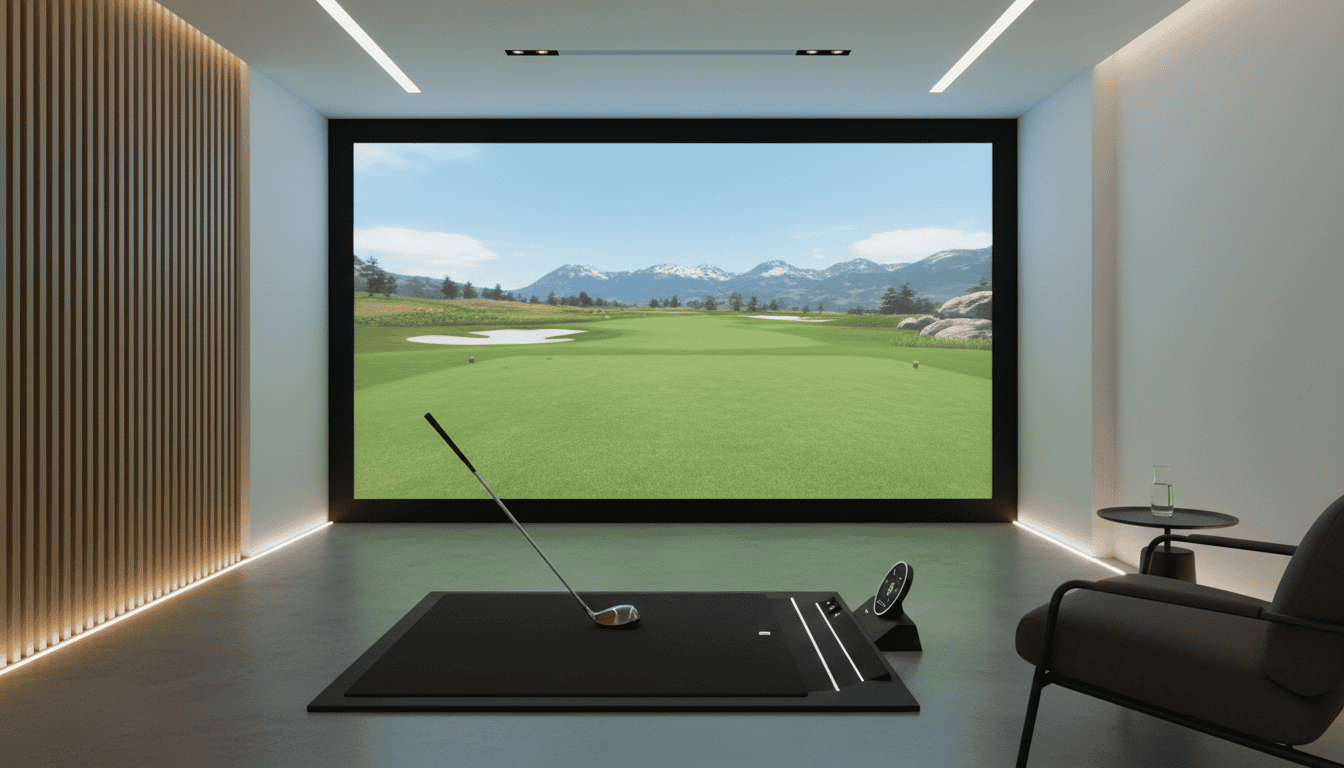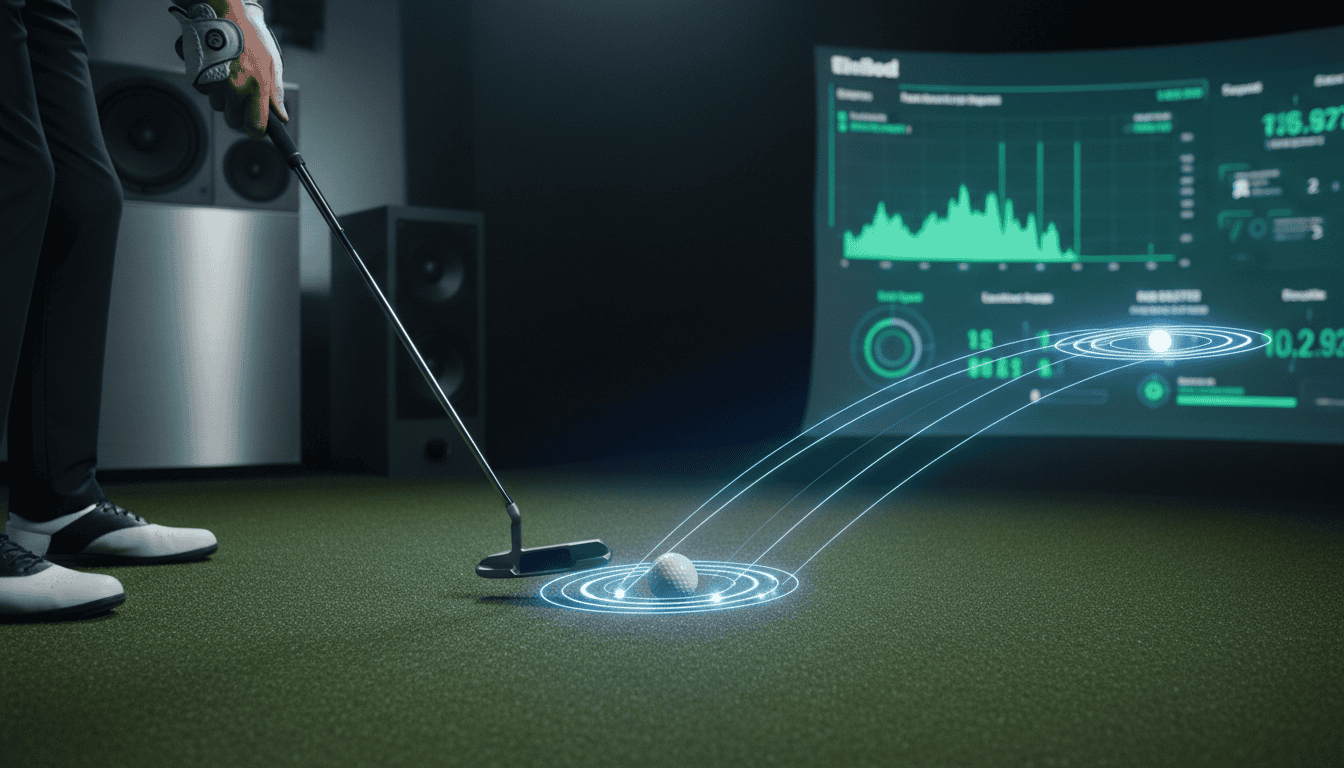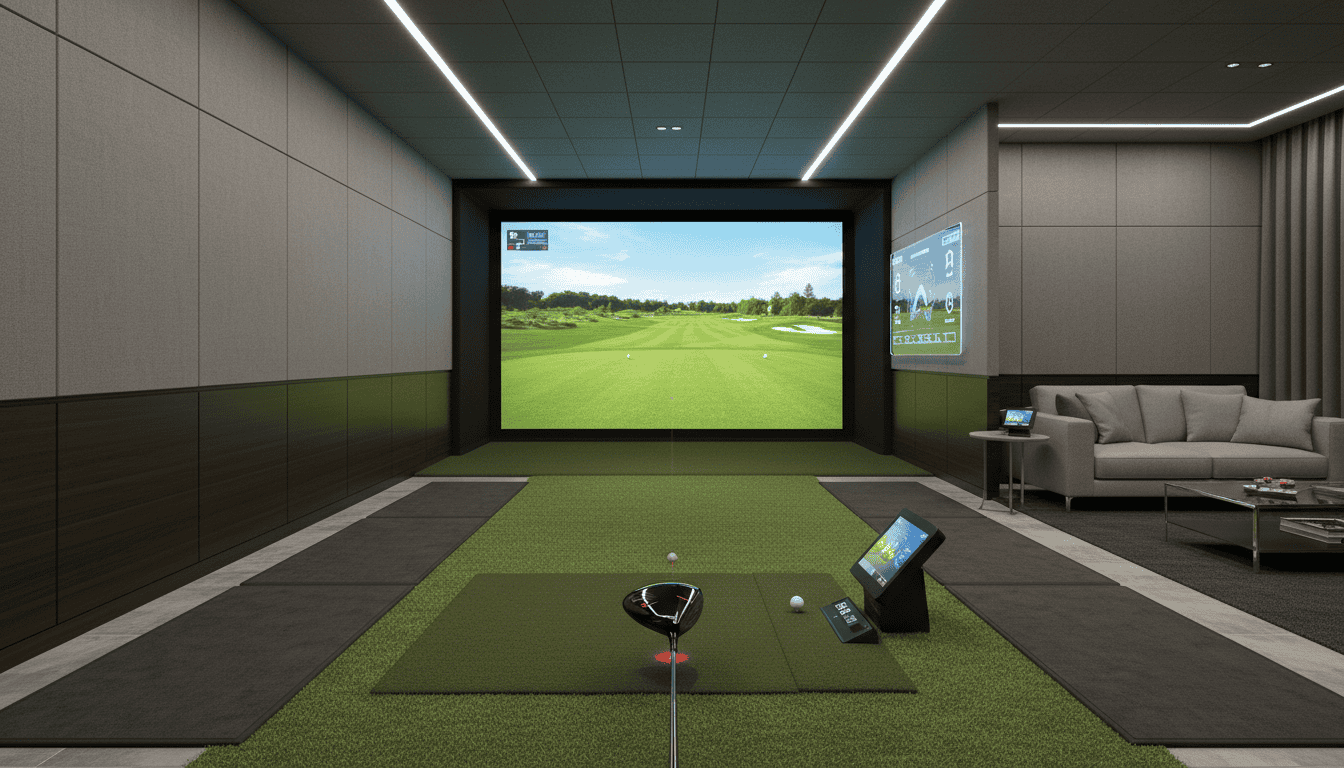
A golf simulator that feels outdated after two years isn’t just frustrating, it’s a wasted investment. In 2026, the gap between entry-level setups and future-proof systems has widened. Accuracy, realism, and software stability now separate short-term purchases from simulators that stay relevant for a decade. The difference isn’t just in the launch monitor or screen; it’s in how the system handles upgrades, integrates new software, and adapts to your game as it improves.
This article breaks down the technologies that make a golf simulator worth keeping. We’ll cover the advancements that improve realism and reduce lag, why modular components save money over time, and which launch monitors deliver accuracy that won’t become obsolete. You’ll also find strategies to build a setup that grows with your skills, from software updates to hardware swaps. By the end, you’ll know how to choose a system that stays fast, reliable, and engaging for years instead of months.
Why Future-Proofing Your Golf Simulator Matters
A golf simulator is a long-term investment, not a one-time purchase. Technology evolves quickly, and a system that meets today’s standards may struggle to keep up in just a few years. Future-proofing ensures your setup remains functional, competitive, and enjoyable without requiring frequent full upgrades. It also protects your budget by reducing the need for costly replacements or add-ons.
The Evolving Landscape of Golf Simulator Technology
Golf simulator technology has advanced rapidly in the last five years. Early systems relied on basic launch monitors and low-resolution projectors. Today, high-speed cameras, radar tracking, and 4K displays are standard in premium setups. Software has also improved, with real-time swing analysis, AI-powered coaching, and multiplayer online tournaments becoming common features.
Key trends shaping the future include:
- Higher accuracy: Newer launch monitors measure more data points, improving shot feedback and club recommendations.
- Better graphics: 8K projectors and OLED screens are emerging, offering sharper visuals and more immersive courses.
- Integration with wearables: Smartwatches and swing sensors now sync with simulators for detailed performance tracking.
- Cloud-based updates: Software improvements are delivered automatically, adding new courses and features without hardware changes.
Systems that lack these capabilities may feel outdated sooner, limiting their usefulness for practice or entertainment.
Avoiding Obsolescence and Maximizing Value
Obsolescence doesn’t mean your simulator stops working. It means it no longer supports the latest software, lacks modern features, or requires workarounds to function. For example, a simulator with an older launch monitor might not track club data accurately, making it less useful for serious players. Similarly, a system without cloud updates may miss out on new courses or multiplayer modes.
To maximize value, focus on:
- Modular components: Choose systems where cameras, sensors, or software can be upgraded independently.
- Open ecosystems: Avoid proprietary hardware that locks you into a single brand’s software or accessories.
- Scalable performance: Opt for hardware that exceeds current needs, such as a launch monitor with higher data capture than you require today.
Future-proofing isn’t about buying the most expensive system. It’s about selecting technology that adapts to changes, whether through software updates, modular upgrades, or compatibility with new accessories. This approach extends the lifespan of your investment and keeps your setup relevant for years.
Key Technological Advancements for Longevity
Future-proofing a golf simulator means choosing systems that evolve with technology. Three advancements stand out for extending a simulator’s usable life: accuracy, software stability, and modular design. These features reduce the need for full replacements and keep performance competitive with newer models.
Improved Accuracy and Realism
Accuracy in golf simulators depends on launch monitor technology. Photometric systems, which use high-speed cameras, capture ball data with precision but struggle in low-light conditions. Radar-based monitors track both ball and club movement reliably but require more space. Hybrid systems combine both methods for consistent performance across environments.
Realism extends beyond data. High-resolution projectors and 4K displays reduce pixelation, while multi-layered course software recreates terrain and weather effects. Some simulators now include haptic feedback in club grips to mimic turf interaction. These improvements make practice sessions feel closer to real play, reducing the urge to upgrade for a more authentic experience.
For more on how launch monitors fit into different simulator types, see our article on the three types of golf simulators.
Stable and Integrated Software Performance
Software is the backbone of a simulator’s longevity. Systems that receive regular updates for course libraries, swing analysis tools, and multiplayer modes stay relevant longer. Cloud-based software reduces local hardware demands, while open APIs allow third-party integrations like swing trainers or fitness apps.
Hardware compatibility matters too. A simulator paired with an underpowered computer will lag or crash, even with the latest software. We tested systems with varying specs and found that mid-range PCs from two years ago struggled with 4K rendering and real-time physics calculations.
Modular Design for Upgradability
Modular simulators let users swap components instead of replacing the entire system. Examples include:
- Interchangeable launch monitors: Upgrade from a basic photometric unit to a hybrid model without changing the enclosure or software.
- Modular enclosures: Expand screen size or add side panels for multiplayer setups.
- Component slots: Some systems include ports for future sensors, like putting analysis tools or club path trackers.
This approach spreads costs over time and adapts to new features as they emerge. For example, a simulator bought today could add putting analysis next year and club path tracking the following year, extending its useful life by 4-5 years.
Essential Components for a Future-Proof Setup
A future-proof golf simulator matches software updates, hardware improvements, and skill growth. The right components deliver today’s performance while staying compatible with tomorrow’s changes. Focus on these three areas to prevent early upgrades.
High-Performance Launch Monitors
Launch monitors track ball and club data accurately. Models that record more metrics, spin, launch angle, club path, adapt to future game refinements. Key features:
- Dual Doppler radar or high-speed camera systems – These work in low light and with fast swings.
- Firmware updates – Manufacturers that update regularly add features without new hardware.
- API access – Open APIs allow third-party software to connect, extending the monitor’s life.
Common mistake: Buying based only on price. Budget monitors often lack sensors for advanced analytics, requiring replacement in 2-3 years.
Robust Simulation Software
Software powers the virtual experience. Future-proof options update often, support multiple courses, and work with different hardware. Look for:
- One-time purchase models – These avoid subscription fees and guarantee update access.
- Multi-platform support – Software that runs on PC, Mac, and mobile adapts to changing devices.
- Course expansion packs – Regularly updated libraries keep the experience fresh.
For a detailed look at the most stable and feature-rich options, see our guide on the best golf simulator software. Avoid software locked to one launch monitor brand, it restricts hardware choices later.
Check Also: Golf Simulator Ecosystem Lock-in: What It Means for Users
Durable Enclosures and Screens
Enclosures and screens protect your space and improve immersion. Strong materials cut replacement costs and last for years. Key features:
- Impact-resistant screens – Polyester or tensioned fabric screens handle ball strikes better than basic nylon.
- Modular frames – Aluminum or steel frames with adjustable parts fit future room layouts.
- Projector compatibility – Enclosures built for 4K projectors avoid upgrades as display tech improves.
Common mistake: Choosing a small screen. A 10’ x 10’ screen may work now, but larger sizes (12’ x 15’) fit future projector upgrades and multiplayer setups.
Top Launch Monitors for Accuracy and Longevity
A launch monitor is the backbone of any golf simulator. It captures club and ball data to generate accurate shots and feedback. For a future-proof investment, choose a model with consistent software updates, durable hardware, and compatibility with emerging simulator software. Below are four top launch monitors known for accuracy and longevity.
For a broader look at systems that pair these monitors with future-proofed technology, see our guide on the best golf simulators.
TrackMan
Trackman 4 is an industry standard for professional golfers and coaches. Its radar-based system tracks 40+ data parameters, including club path, face angle, and ball spin. The hardware is built to last, with a rugged design that withstands frequent use. TrackMan’s software receives regular updates, adding new features like AI-powered swing analysis and multiplayer modes. It integrates with most simulator software, including FSX, E6 Connect, and TGC 2019.
- Accuracy: ±0.5 mph ball speed, ±0.5 degrees launch angle
- Durability: IP54-rated for dust and water resistance
- Update frequency: Quarterly software releases
- Compatibility: Works with iOS, Windows, and simulator software suites
GCQuad
The Foresight Sports GCQuad from Foresight Sports uses four high-speed cameras to capture club and ball data at impact. It delivers precise measurements for spin, launch angle, and ball speed. The hardware is compact and portable, making it ideal for home setups. Foresight releases software updates every 6-8 weeks, adding new features like putting analysis and course simulations. The GCQuad is compatible with FSX, E6 Connect, and Creative Golf 3D.
- Accuracy: ±0.1 mph ball speed, ±0.1 degrees launch angle
- Durability: Aluminum casing with shock-absorbing feet
- Update frequency: Bi-monthly software updates
- Compatibility: Works with Windows and simulator software suites
FlightScope
FlightScope’s Mevo+ and X3 models use Doppler radar to track ball and club data. The Mevo+ is a budget-friendly option for home use, while the X3 is designed for commercial and professional setups. Both models receive regular firmware updates, adding new data metrics and simulator integrations. FlightScope supports FSX, E6 Connect, and TGC 2019, ensuring compatibility with most simulator software.
- Accuracy: ±1 mph ball speed, ±1 degree launch angle (X3 model)
- Durability: Rugged design for indoor and outdoor use
- Update frequency: Quarterly firmware updates
- Compatibility: Works with iOS, Android, and Windows
SkyTrak
Skytrak+ is a photometric launch monitor that uses high-speed cameras to capture ball data. It’s a popular choice for home simulators due to its affordability and accuracy. SkyTrak’s software receives updates every 2-3 months, adding new features like multiplayer modes and course simulations. It integrates with E6 Connect, TGC 2019, and WGT Golf.
- Accuracy: ±1 mph ball speed, ±1 degree launch angle
- Durability: Compact and lightweight for easy setup
- Update frequency: Bi-monthly software updates
- Compatibility: Works with iOS, Windows, and simulator software suites
Strategies for a Long-Lasting Golf Simulator Investment
A golf simulator should last 5–10 years if built with the right parts and maintained properly. These strategies help extend its lifespan and keep it relevant as technology advances.
Prioritizing Quality Components
Start with the core hardware. A high-resolution launch monitor (e.g., TrackMan 4 or Foresight GCQuad) costs more upfront but delivers accurate data for years. Cheaper units may need replacement within 2–3 years as software demands increase.
Projectors matter too. Short-throw models with 4K resolution and 3,000+ lumens resist image degradation from ambient light. Look for lamps or laser light sources rated for 20,000+ hours. Brands like BenQ and Optoma UHD35STx offer models designed for 24/7 use in commercial setups, ideal for home longevity.
Impact screens and enclosures absorb thousands of shots. Premium screens (e.g., Carl’s Place Pro Enclosure & Screen or SIGPRO Golf Hitting Net) use multi-layered materials to prevent pilling and tears. Pair them with a sturdy frame and protective side netting to shield walls and equipment from mis-hits.
Considering Bespoke Room Designs
A well-designed room protects your investment and adapts to future upgrades. Start with climate control: humidity above 60% warps wood and corrodes electronics, while temperatures below 50°F can damage projector lamps. Install a dehumidifier and HVAC vents to maintain 40–50% humidity and 68–72°F.
Lighting affects performance and comfort. Avoid overhead fixtures that cast shadows on the screen. Instead, use dimmable LED strips or recessed lighting along the side walls. Blackout curtains or motorized shades block external light during daytime play.
Space planning ensures flexibility. Leave at least 18 inches behind the hitting area for swing clearance and 3–4 feet of depth for camera-based launch monitors. If you plan to add multiplayer or entertainment features later, allocate space for seating or a bar. For design inspiration, see our golf simulator room ideas article, which covers layouts for different room sizes and budgets.
Staying Updated with Software
Software drives realism and features. Choose a simulator platform with a strong update track record. For example, FSX 2020 and E6 Connect release new courses and game modes annually. Some platforms offer subscription models for continuous content updates, factor this into your budget.
Check compatibility before upgrading. New software versions may require faster processors, more RAM, or specific graphics cards. A PC with an Intel i7 or AMD Ryzen 7 processor, 16GB RAM, and an NVIDIA RTX 2060 or better will handle most updates for 5+ years.
Backup your data regularly. Cloud saves or external drives protect your progress, stats, and custom settings. Some simulators allow you to export swing data for analysis in third-party apps, useful for tracking improvements over time.
Frequently Asked Questions
What makes 2026 a standout year for golf simulator technology?
2026 brings three major advancements: higher-resolution projectors (4K standard), faster launch monitors (10,000+ fps), and AI-powered swing analysis. These improvements reduce lag, improve accuracy, and add features like real-time swing path correction. Simulators released this year also support modular upgrades, letting you swap components like cameras or software without replacing the entire system.
How does improved realism and software stability future-proof a simulator?
Realism relies on three factors: graphics, physics, and course variety. 2026 models use ray-tracing for lifelike lighting and ball behavior, while updated physics engines mimic real-world conditions like wind and turf interaction. Software stability matters because frequent crashes or bugs shorten a simulator’s usable life. Systems with regular updates (e.g., TrackMan, Foresight) last longer than those with abandoned software.
Why invest in modular components to avoid obsolescence?
Modular designs let you upgrade individual parts instead of buying a new system. For example, you can replace a launch monitor’s camera module for better accuracy without buying a whole new unit. This approach saves money and reduces e-waste. Look for systems with standardized ports and open APIs, like SkyTrak+ or Uneekor EYE XO2, which allow third-party upgrades.
What launch monitors ensure accuracy in 2026 setups?
The most accurate launch monitors in 2026 use high-speed cameras or radar: – Foresight GCQuad: Four high-speed cameras track club and ball data with sub-millimeter precision. – TrackMan 4: Dual radar systems measure spin, launch angle, and ball speed simultaneously. – Uneekor EYE XO2: Overhead cameras capture 10,000+ frames per second for detailed swing analysis.
Final Thoughts
Future-proofing a golf simulator means balancing today’s budget with tomorrow’s tech. We covered the core advancements, high-speed cameras, radar tracking, and modular software, that keep systems relevant for years. The essential components, launch monitors, impact screens, and computing power, form the foundation, but their upgrade paths matter just as much. The top launch monitors we tested trade accuracy for longevity, with firmware updates and expandable sensor arrays leading the way.
The real strategy lies in flexibility: choose hardware that accepts new software, screens that fit larger formats, and mounts that adapt to future sensors. Start with a launch monitor that tracks club data, add a projector with at least 4K potential, and leave room in the budget for software subscriptions.
A system that grows with your game won’t just save money, it’ll keep your swing data sharp for seasons to come.