You’ve seen the ads, lush green fairways, perfect weather, and the chance to swing a club without leaving your living room. But if you’ve never picked up a golf club before, the idea of a golf simulator might feel more intimidating than inviting. What if you slice every ball into the wall? What if the tech is too complicated? And do you even need to know the difference between a driver and a putter to enjoy it?
Here’s the truth: golf simulators aren’t just for serious golfers. They’re for anyone who wants to try something new, have fun with friends, or even get a little competitive without the pressure of a real course. The best part? You don’t need experience, or even a set of clubs, to start. Modern simulators guide you through swings, track your progress, and turn mistakes into instant feedback, making them one of the most beginner-friendly ways to dive into the game.
This guide is for non-golfers who are curious but unsure where to begin. We’ll cover what a simulator actually is, how to pick one that fits your space and budget, and what to expect when you take your first swings. By the end, you’ll know whether a simulator is right for you, and how to make the most of it without feeling like you’re in over your head.
Why a Golf Simulator is Perfect for Non-Golfers
Golf simulators aren’t just for serious players. They offer a low-pressure way to explore the sport while delivering entertainment, social connection, and year-round access, no course required. For non-golfers, the appeal goes beyond swings and scores. Here’s why a simulator might be the perfect addition to your space.
A golf simulator transforms into a versatile entertainment center. Many systems support multiplayer games like long-drive contests, closest-to-the-pin challenges, or even mini-games that don’t require golf experience. Friends can compete in virtual tournaments or take turns on famous courses like Pebble Beach or St. Andrews, without needing to know a birdie from a bogey.
Beyond golf, some simulators integrate other sports (like baseball or soccer) or offer arcade-style games. This makes them ideal for parties, family game nights, or casual hangouts. If you’ve ever wanted a home setup that appeals to both sports fans and casual guests, a simulator delivers.
Learning the Basics Without the Pressure
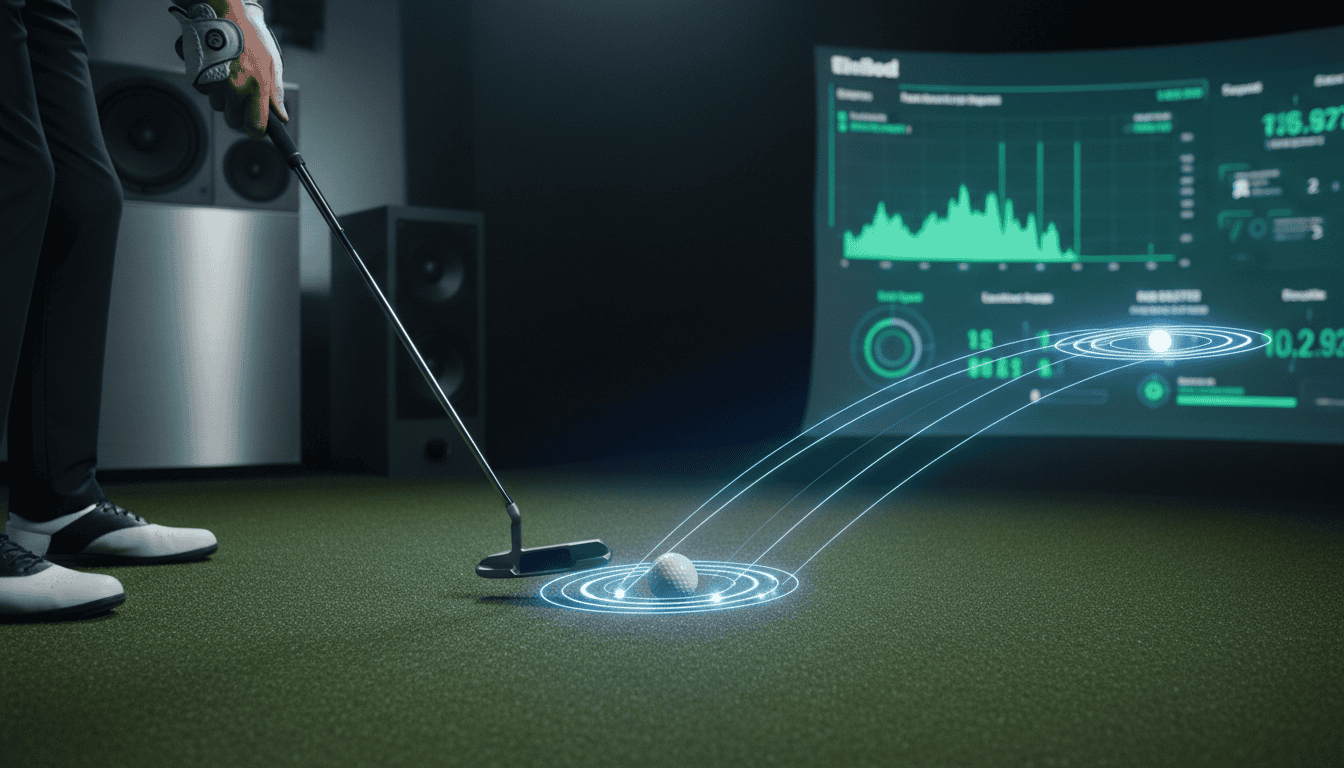
Stepping onto a real golf course for the first time can feel intimidating. A simulator removes that pressure. You can practice swings, grip, and stance in private, with instant feedback on ball speed, launch angle, and distance. Many systems include tutorials or virtual coaches to guide beginners through the fundamentals.
Mistakes don’t matter, no one’s watching, and there’s no slow play to worry about. You can repeat shots, experiment with clubs, and build confidence at your own pace. For non-golfers curious about the sport, it’s a risk-free way to see if it’s something you’d enjoy before investing in lessons or equipment.
Year-Round Fun, Rain or Shine
Weather and daylight hours limit outdoor golf. A simulator eliminates those barriers. Whether it’s snowing, raining, or too dark to play outside, you can tee off anytime. This makes it ideal for urban apartments, basements, or garages where outdoor space is limited.
For non-golfers, the convenience factor is huge. No need to book tee times, travel to a course, or wait for perfect weather. Just step up, swing, and enjoy the game on your schedule. It’s a way to stay active indoors without sacrificing the fun of a physical sport.
Understanding the Basics: What is a Golf Simulator?
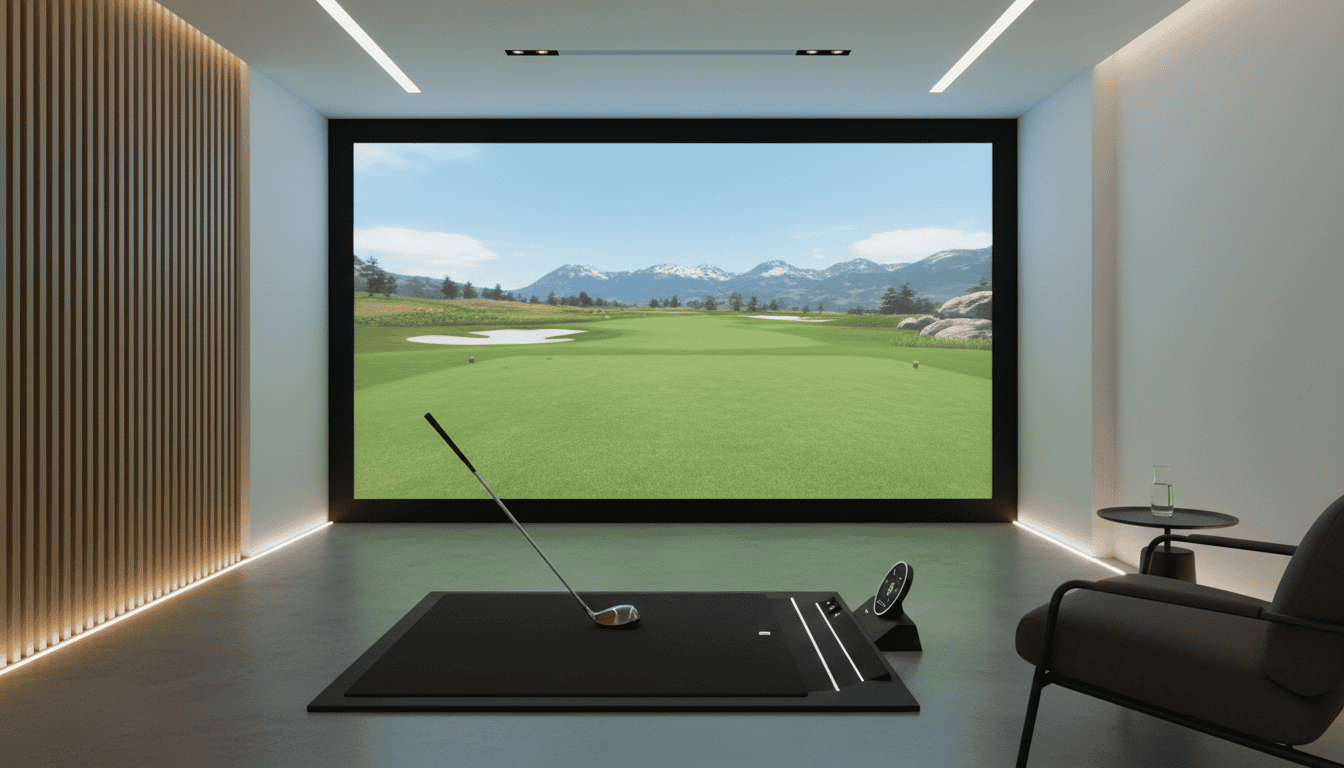
A golf simulator is a system that lets you play golf indoors by tracking your swing and displaying the ball’s flight on a screen. It combines sensors, software, and a hitting area to create a realistic experience, without needing a golf course. For non-golfers, it’s a way to learn the game, practice basics, or just have fun without the pressure of a real course.
Simulators aren’t just for serious players. Many beginners use them to build confidence, understand club mechanics, or even host social events. The technology has improved so much that even casual users can get accurate feedback on their swings, ball speed, and shot shape. Think of it as a video game with real-world benefits.
Key Components Explained for Beginners
A golf simulator setup includes a few core parts. Here’s what you’ll typically find:
- Launch monitor: The “brain” of the system. It tracks club speed, ball speed, launch angle, and spin using cameras, radar, or infrared sensors. Popular options for beginners include the SkyTrak+ or Garmin Approach R10, which balance accuracy and affordability.
- Hitting mat: A durable surface where you stand and swing. Some mats have built-in turf or divots to mimic real grass. For non-golfers, a basic mat with a tee holder is enough to start.
- Projector and screen: Displays the virtual course or driving range. Short-throw projectors are ideal for small spaces, while impact screens absorb ball strikes without damage. A Carl’s Place screen or similar is a common choice for home setups.
- Software: The program that runs the simulator. Options like The Golf Club 2019 or E6 Connect offer beginner-friendly courses, mini-games, and practice modes. Some software even includes tutorials for new players.
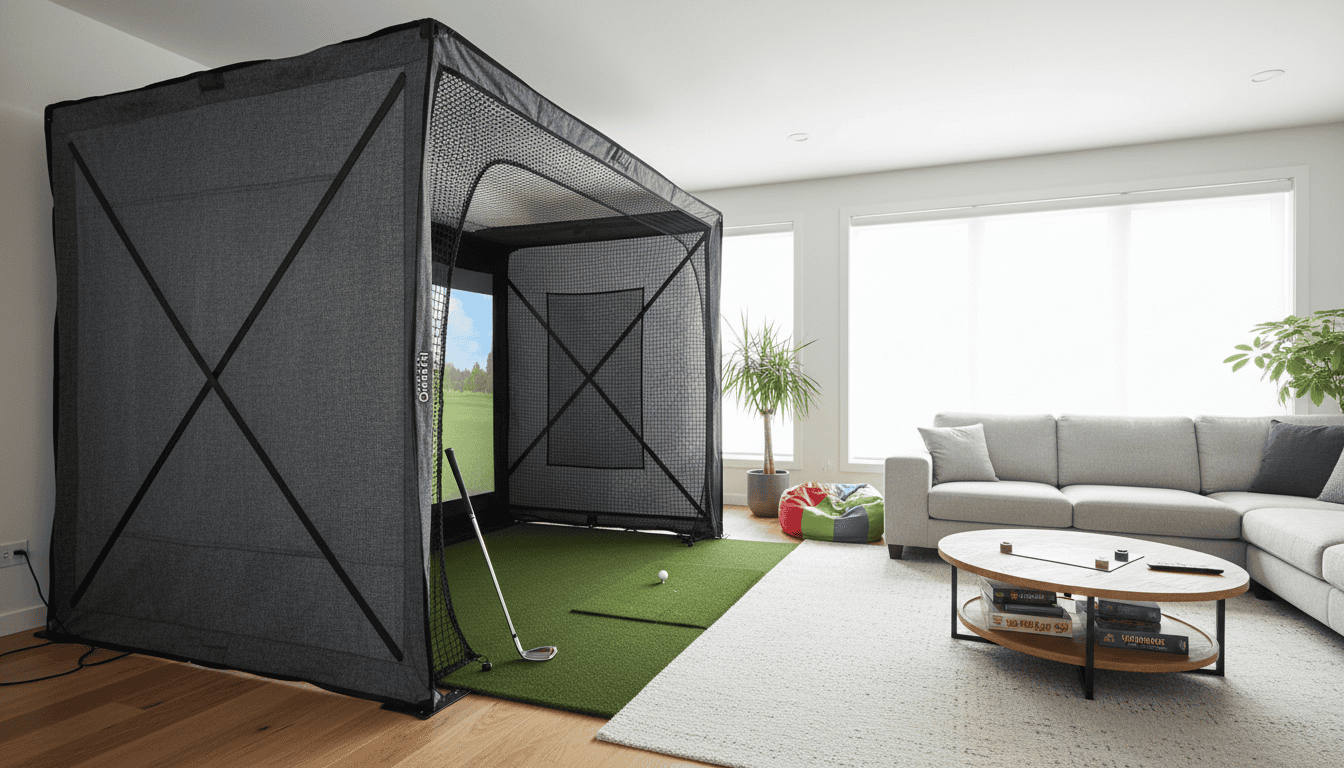
- Net (optional): If you don’t have space for a full screen, a net catches the ball while the launch monitor tracks your shot. This is a budget-friendly way to start, though you’ll miss the visual feedback of a course.
How the Technology Works (Simply Put)
Golf simulators use a mix of physics and data to recreate your shot. Here’s a simplified breakdown:
- You hit the ball (or a foam ball if indoors) off a mat or tee.
- The launch monitor captures data like club speed, ball speed, and angle at impact.
- The software calculates the ball’s trajectory based on that data, factoring in wind, elevation, and course conditions.
- The result appears on the screen, showing where your ball would land on a real course.
For non-golfers, the key takeaway is that the system does the math for you. You don’t need to understand aerodynamics or spin rates to get started. The simulator handles the technical details, so you can focus on improving your swing or just enjoying the game.
Some systems also include swing analysis tools, which overlay your swing path on the screen. This is especially helpful for beginners who want to see why their shots slice or hook. Others offer multiplayer modes, so you can compete with friends or family, even if they’ve never played golf before.
Different Types and What They Offer
Golf simulators come in a few varieties, each suited to different needs and budgets. Here’s what non-golfers should know:
- Portable launch monitors: Standalone devices like the Rapsodo MLM2PRO or FlightScope Mevo+. These are compact, easy to set up, and often work with a tablet or phone. They’re ideal for beginners who want to practice in a garage or backyard without a full setup. Downsides? Limited screen size and fewer course options.
- All-in-one packages: Pre-built systems like the OptiShot 2 or Phigolf. These include a hitting mat, sensor, and software, often at a lower price point. They’re great for casual users who want a plug-and-play experience. However, they may lack the accuracy of higher-end systems.
- Premium home simulators: Full setups like the Uneekor EYE XO or TrackMan. These use advanced tracking (like high-speed cameras or radar) and offer the most realistic experience. They’re an investment but provide the best feedback for improving your game. For non-golfers, these are overkill unless you’re serious about learning.
- Commercial simulators: Found in golf centers or entertainment venues. These are large, high-end systems with multiple screens, multiplayer modes, and even virtual reality options. They’re fun for group outings but not practical for home use.
For beginners, a portable launch monitor or all-in-one package is usually the best starting point. They’re affordable, easy to use, and let you test the waters before committing to a full setup. If you’re unsure, many golf centers offer simulator rentals, giving you a chance to try before you buy.
Choosing Your First Simulator: What Non-Golfers Need to Know
Golf simulators aren’t just for serious players. If you’re new to the game, or just looking for a fun way to spend time indoors, there are a few key things to consider before buying. The right setup can make the difference between a frustrating experience and one you’ll actually enjoy. Here’s what to focus on.
Budget-Friendly Options for Experimentation
You don’t need to spend thousands to try a golf simulator. Entry-level systems start around $500–$1,500 and offer a great way to test the waters without a big commitment. These setups typically include:
- A basic launch monitor (like the Rapsodo MLM2PRO or Garmin Approach R10) to track ball speed and direction.
- A hitting mat and net to contain shots indoors.
- Access to simple game modes or driving range software.
For under $2,000, you can step up to a more immersive experience with a projector and screen, like the OptiShot 2 or SkyTrak+. These systems add multiplayer games and more realistic visuals, making them ideal for social play. The trade-off? Accuracy won’t match high-end setups, but for beginners, it’s often enough to have fun.
Common mistake: Assuming you need a pro-level system to enjoy the experience. Start small, then upgrade if you find yourself using it regularly.
Space Requirements and Easy Setup
Golf simulators need more room than you might think. Here’s a quick checklist for space planning:
- Ceiling height: At least 9 feet (10+ feet is better for taller players).
- Room depth: 12–15 feet from the hitting area to the screen or net.
- Width: 10–12 feet to swing comfortably without hitting walls.
If space is tight, look for compact setups like the FlightScope Mevo+ or Uneekor EYE XO Mini, which work in smaller rooms. Some systems even offer short-throw projectors to reduce the footprint.
Setup time varies by system. Basic net-and-monitor setups can be ready in 10–15 minutes, while full-screen setups with projectors and enclosures may take 30–60 minutes. If you’re not handy, consider a pre-assembled package or professional installation.
Pro tip: Measure your space before buying. Many beginners overlook ceiling height or forget to account for swing clearance.
Focus on Fun: Software and Game Modes
For non-golfers, the software is what makes a simulator worth using. Look for systems with:
- Casual game modes: Mini-games, target practice, or even zombie-themed challenges (like The Golf Club 2019 or Creative Golf 3D).
- Multiplayer options: Play with friends or family, even if they’re not golfers. Games like Topgolf with Friends or WGT Golf let you compete in fun, low-pressure ways.
- Non-golf alternatives: Some simulators double as entertainment hubs. The Full Swing KIT and TruGolf Vista series, for example, support darts, bowling, or even zombie shooting when you’re not swinging clubs.
Avoid systems that only offer a driving range or serious golf courses. If you’re not into traditional golf, those features will get old fast. Instead, prioritize software that feels more like a game than a lesson.
What to avoid: Overpaying for advanced analytics if you’re not interested in improving your swing. Stick to features that match how you plan to use the simulator, whether that’s socializing, gaming, or just blowing off steam.
Getting Started: Your First Swings and Beyond
Stepping in front of a golf simulator for the first time can feel a little overwhelming, bright screens, unfamiliar clubs, and menus full of options. The good news? Most modern simulators are designed with beginners in mind, and you’ll be swinging comfortably within minutes. This section walks through the essentials: setting up, learning the basics, and discovering ways to make practice fun, even if you’ve never held a golf club before.
Setting Up Your Simulator: A Simple Walkthrough
Setup varies slightly between models, but the core steps are similar. Here’s what to expect:
- Space requirements: Most simulators need at least 10 feet of width, 10 feet of depth, and 8 feet of ceiling height. Measure your space before unboxing, nothing’s worse than realizing your garage is 2 inches too short.
- Impact screen or net: If your simulator uses a screen, mount it securely at chest height. Nets are simpler: place them 6–8 feet from your hitting mat to catch errant shots. Some setups include side barriers to protect walls.
- Sensor placement: Cameras or radar units (like those in SkyTrak or Garmin Approach R10) usually sit behind or beside the hitting area. Follow the manufacturer’s instructions for height and angle, misalignment can cause tracking errors.
- Calibration: Most systems prompt you to calibrate during first-time setup. This might involve hitting a few shots or aligning sensors to a fixed point. Don’t skip this step, it ensures accurate feedback on your swings.
Common mistake: Assuming you need a full golf club set right away. Many beginners start with just a 7-iron or driver, which are easier to control than wedges or long irons. Some simulators even rent or include starter clubs.
Simulator software can look complex, but you only need to master a few key functions to get started:
- Main menu: This is your home base. From here, you can access practice modes, games, and settings. Look for a “Beginner” or “Quick Start” option, these streamline the experience by hiding advanced features.
- Swing mode: Most simulators let you choose between “full swing” (for drivers and irons) and “short game” (for chipping and putting). Start with full swing to get comfortable with the motion.
- Feedback screens: After each shot, you’ll see data like ball speed, launch angle, and distance. Don’t worry about understanding it all at first, focus on consistency. If your shots are landing in the same general area, you’re on the right track.
- Settings: Adjust things like club selection, wind speed, and course difficulty. For beginners, turn off wind and set the course to “easy” to avoid frustration.
Pro tip: Use the “pause” or “replay” button to review your swing. Many simulators let you watch your motion in slow motion, which is a great way to spot mistakes (like lifting your head or swaying).
Exploring Games, Challenges, and Virtual Courses
Golf simulators aren’t just about practice, they’re packed with games and virtual courses that make learning fun. Here’s how to get the most out of them:
- Driving range: The simplest mode. Hit balls at targets to improve accuracy. Some simulators, like those with Foresight Sports GCQuad, let you track progress over time with stats like “greens in regulation” or “fairways hit.”
- Mini-games: These are perfect for beginners. Try “Closest to the Pin,” where you compete to land your ball nearest to a virtual flag, or “Long Drive,” which rewards raw power (great for building confidence).
- Virtual courses: Start with beginner-friendly courses like Pebble Beach’s short course or the “Easy” setting on TPC Sawgrass. Avoid famous courses like St. Andrews or Augusta National at first, they’re designed for experienced players and can be discouraging.
- Multiplayer modes: Play with friends or family, even if they’re not golfers. Many simulators offer “best ball” or “scramble” formats, where teams combine their best shots. It’s a low-pressure way to learn while having fun.
Common mistake: Trying to play a full 18 holes too soon. Start with 3–5 holes or a mini-game to avoid burnout. Golf is a marathon, not a sprint, and simulators let you pace yourself.
Making it social: Invite a friend to join you for a round. Many simulators support split-screen or online multiplayer, so you can compete or collaborate. If you’re flying solo, try joining an online league or forum (like those on Reddit’s r/golfsimulator) to share tips and progress.
Beyond the basics: Once you’re comfortable, explore advanced features like swing analysis tools or custom club fitting. Some simulators, like those with Uneekor’s EYE XO, offer video replay and 3D swing breakdowns. These tools are invaluable for improving, but they’re not necessary for your first few sessions.
The key to enjoying a golf simulator as a non-golfer is to keep it light and fun. Don’t worry about scores or technique at first, just focus on making contact with the ball and seeing where it goes. Over time, you’ll naturally start to refine your swing, and the simulator’s feedback will help you improve without the pressure of a real course. And who knows? You might just discover a new hobby.
Common Questions Non-Golfers Ask About Simulators
Golf simulators can feel overwhelming if you’ve never swung a club before. These are the questions beginners ask most often, and the straightforward answers that help you decide if a simulator is right for you.
Do I need to know how to play golf to use a simulator?
No. Simulators work for complete beginners. Most systems include beginner-friendly modes that teach grip, stance, and swing basics. You’ll see instant feedback on screen, so you can adjust without needing prior experience. Think of it like a video game: the more you play, the better you get.
How much space do I need?
Most home simulators require a minimum of 10 feet wide by 15 feet long by 9 feet high. Garage setups often work well, but measure your space first. Some compact systems fit in smaller rooms, but you’ll sacrifice accuracy. If space is tight, look for models with short-throw projectors or portable launch monitors that work outdoors.
Are simulators accurate for beginners?
Yes, but accuracy varies by system. Entry-level simulators track basic metrics like ball speed and distance, which are enough for casual play. Higher-end models add club path, face angle, and spin data, useful if you plan to improve. For non-golfers, a mid-range system (like the SkyTrak+ or Garmin Approach R10) offers the best balance of accuracy and affordability.
Can I use a simulator without owning clubs?
Many simulators include rental clubs or starter sets. Some facilities even offer club fittings, so you can try different options before buying. If you’re setting up at home, beginner club sets cost $200–$400 and work well with most simulators. Avoid using random clubs, proper length and weight make learning easier.
How much does a home simulator cost?
Prices range from $1,000 for a basic launch monitor to $20,000+ for a full enclosure with a high-end projector and software. For non-golfers, a $3,000–$6,000 setup (like the OptiShot 2 or FlightScope Mevo+) delivers a realistic experience without breaking the bank. Many users start with a budget system and upgrade later.
Is it worth it if I only play occasionally?
If you enjoy indoor activities or want a fun way to stay active, a simulator can be worth it. Many non-golfers use them for social gatherings, family game nights, or even fitness routines. Some systems include mini-games and challenges that don’t require golf knowledge. If you’re unsure, try a simulator at a local golf center or bar before investing in a home setup.
Final Thoughts
Golf simulators aren’t just for seasoned players, they’re a low-pressure way for non-golfers to explore the game, improve skills, or just have fun with friends. Whether you’re curious about the sport or looking for a new indoor activity, a simulator removes common barriers like course fees, weather delays, or intimidation. The key takeaways? Simulators offer realistic gameplay, instant feedback, and flexibility to practice anytime. For beginners, focus on systems with user-friendly software, accurate swing analysis, and multiplayer modes to keep things social.
If you’re ready to dive in, start with a mid-range simulator like the SkyTrak+ or Garage Golf Simulator Package, they balance affordability and features without overwhelming newcomers. Before buying, test a few setups at local golf centers or simulator bars to see what feels right. Many retailers also offer demo days or rental options, so take advantage of those to avoid costly mistakes.
Next steps: Set up your space, pick a beginner-friendly game mode (like closest-to-the-pin challenges), and commit to 10-15 minutes of practice a few times a week. Progress comes faster than you’d expect, and the best part? No lost balls, no pressure, and no tee times required. The only thing left is to swing, and discover why so many non-golfers are making simulators their new favorite hobby.