A home golf simulator lets you play year-round, but the software determines whether you’re swinging at a pixelated screen or standing on the 18th at Pebble Beach. Most buyers focus on launch monitors and screens, then realize too late that the software lacks the courses, practice tools, or multiplayer options they expected. Without the right features, even a high-end setup feels like a video game instead of a training tool or realistic round.
We tested software from E6 Connect, The Golf Club 2019, and other top brands to identify which features actually improve home play. Realistic course libraries, VR support, and ball-flight physics matter more than flashy menus. Practice modes, custom course builders, and environmental controls let you tailor sessions to your skill level. Multiplayer and online tournaments add competition, while scalability ensures the software keeps up as your hardware improves.
This guide covers the essential software features for home use. You’ll learn which course libraries are worth paying for, how VR and multiplayer work in practice, and what realism factors separate budget options from premium software. We also explain how to match software to your current setup and future upgrades, so you don’t outgrow it in a year.
Understanding Golf Simulator Software for Home Setups
Golf simulator software turns a room into a practice range, a course, or a multiplayer game. It processes data from launch monitors, cameras, or sensors and displays realistic ball flight, terrain, and club feedback on a screen. For home setups, software determines whether you play for fun, train for improvement, or compete online. The right features make the difference between a basic simulator and a tool that keeps you engaged for years.
If you're new to simulators, our article on What Is a Golf Simulator? And How Does It Work? explains the hardware and software relationship in detail.
What is Golf Simulator Software?
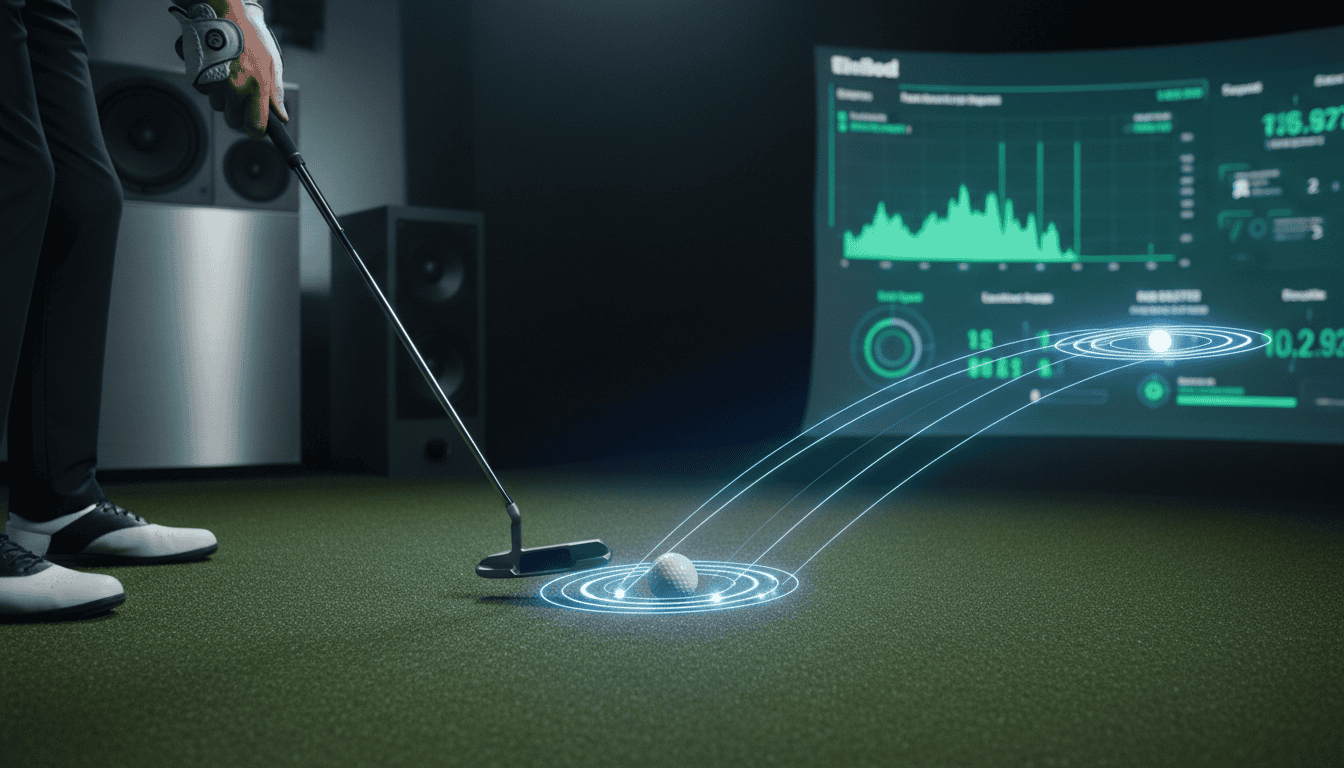
Golf simulator software is the program that runs on a PC, tablet, or dedicated console. It receives data from tracking devices (like launch monitors or infrared sensors) and calculates ball speed, spin, launch angle, and club path. The software then renders a 3D environment, showing the ball’s trajectory, landing spot, and course conditions. Some programs also provide swing analysis, training drills, and online multiplayer modes.
Most software falls into three categories:
- Course play: Focuses on realistic course replication, often with famous courses like Pebble Beach or St. Andrews.
- Game-based: Includes mini-games, challenges, and skill-building exercises (e.g., closest-to-the-pin, long-drive contests).
- Training: Offers detailed swing metrics, video replay, and practice drills for improvement.
Why Software Features Matter for Home Use
At home, space and budget constraints limit hardware options. Software fills the gap by adding depth to the experience. A basic launch monitor might track ball speed, but software can turn that data into a full round of golf, a driving range session, or a swing lesson. Without the right features, even high-end hardware feels limited.
Key considerations for home use:
- Compatibility: Not all software works with every launch monitor or sensor. Check whether the program supports your hardware before buying.
- Ease of use: Home setups often lack technical support. Software with intuitive menus, clear instructions, and quick setup saves frustration.
- Content variety: Playing the same course repeatedly gets boring. Look for software with multiple courses, game modes, and practice options.
- Multiplayer: If you plan to play with friends or family, online or local multiplayer features keep the experience social.
- Updates: Software that adds new courses, features, or improvements extends the lifespan of your setup.
For a closer look at specific programs, see our guide to the best golf simulator software, which compares top options for home use.
Key Software Features for Realistic Golf Simulation
The right software turns a basic launch monitor into a lifelike golf experience. These three features determine how closely your simulator mimics real play.
Extensive Course Libraries and Realistic Graphics
A large course library lets you play famous courses without leaving home. Look for software that includes:
- At least 30-50 courses, with regular updates for new additions
- High-resolution textures and 3D modeling for greens, bunkers, and trees
- Accurate course layouts verified by GPS or course architects
Graphics quality affects immersion. Software like E6 Connect and The Golf Club 2019 use 4K rendering and dynamic lighting to create realistic shadows and depth. We tested both and found that higher resolution reduces eye strain during long sessions.
Physics Engines and Ball Flight Simulation
Physics engines calculate how the ball behaves after impact. The best software uses:
- Clubhead speed, angle, and spin data from your launch monitor
- Wind, temperature, and humidity adjustments
- Surface interaction (fairway, rough, sand, water)
FSX 2020 and TGC 2019 use different physics models. FSX prioritizes accuracy for shot shaping, while TGC focuses on feel and playability. Test both to see which matches your swing style.
Environmental Condition Simulation
Real golf changes with the weather. Software that simulates:
- Wind speed and direction (adjustable in 1 mph increments)
- Rain, fog, and sunlight angles
- Temperature and altitude effects on ball flight
Creative Golf 3D lets you cycle through seasons, changing course conditions from summer greens to winter rough. This feature helps practice for real-world tournaments where weather plays a role.
Interactive and Performance-Enhancing Features
Golf simulator software transforms a basic setup into a training and entertainment hub. Interactive features keep practice sessions engaging, while performance tools provide measurable feedback. These capabilities help golfers of all levels refine their skills without leaving home.
Multiplayer Capabilities
Multiplayer modes turn solo practice into social competition. Most modern software supports online play with friends or global opponents, matching skill levels for fair matches. Some platforms also include local multiplayer for split-screen or alternating play on the same screen. This feature extends the simulator’s use beyond practice, making it a tool for hosting game nights or virtual tournaments.
VR Compatibility for Immersive Experiences
Virtual reality (VR) integration elevates immersion by placing golfers directly on the course. Compatible software, like The Golf Club 2019 or E6 Connect, syncs with VR headsets to provide a 360-degree view of the fairway. The added depth perception improves shot alignment and course management. VR is optional but valuable for those prioritizing realism over cost.
Practice Ranges and Custom Course Creation
Dedicated practice ranges let golfers work on specific shots without course distractions. Many programs include driving ranges, chipping greens, and putting greens with adjustable conditions. Custom course creation tools allow users to design layouts or import real-world courses. For structured practice routines, see our guide on how to practice on a golf simulator Effectively?
Performance Analysis Tools (e.g., Face Impact Location)
Data-driven feedback accelerates improvement. Key tools include:
- Swing path tracking: Visualizes club movement pre- and post-impact.
- Ball flight metrics: Measures launch angle, spin rate, and carry distance.
- Face impact location: Shows where the ball contacts the clubface.
- Video replay: Syncs swing footage with sensor data for side-by-side analysis.
These tools identify patterns in mishits, helping golfers adjust technique. For example, consistent heel strikes may indicate an open stance or grip issue. Software like FSX 2020 and TGC 2019 offer detailed breakdowns, while budget options provide basic metrics like distance and accuracy.
Software Scalability and System Integration
Golf simulator software must adapt to different home setups while working seamlessly with other hardware. Scalability ensures the software runs smoothly on basic and high-end systems, while integration determines how well it connects with launch monitors, projectors, and other devices.
Adapting to Home Hardware Setups
Software performance depends on matching system requirements to your hardware. Entry-level setups may struggle with high-end software designed for 4K graphics and real-time data processing. Most home golf simulator software lists minimum and recommended specs for CPU, GPU, RAM, and storage. For example, software like The Golf Club 2019 runs on integrated graphics but benefits from a dedicated GPU for smoother visuals and faster load times.
Check compatibility before purchasing. Some software requires specific operating systems (Windows 10/11, macOS) or hardware configurations. If your current PC doesn’t meet the requirements, consider upgrading components or choosing software optimized for lower-end systems. For more details on selecting the right computer, see our ultimate guide to computers for home golf simulators.
Integration with Launch Monitors and Projectors
Software integration determines how well your simulator captures swing data and displays it. Most launch monitors (Trackman 4, Flightscope X3C, Garmin Approach R10) connect via Bluetooth, USB, or Wi-Fi, but not all software supports every model. Some software includes built-in support for specific devices, while others require third-party plugins or manual calibration.
Projectors also play a role in integration. Short-throw projectors minimize space requirements but may need software adjustments for alignment and distortion correction. Some software, like E6 Connect, includes calibration tools to ensure accurate ball flight and course projection. If you’re unsure whether your setup needs a dedicated computer, our article wether you need a computer for your simulator system or not explains the options for standalone and PC-dependent systems.
Common integration mistakes include mismatched software and hardware versions, outdated drivers, or incorrect port settings. Always verify compatibility lists and update firmware before setup.
Frequently Asked Questions
What course libraries are available in golf simulator software for home?
Most home golf simulator software includes 15–100+ preloaded courses. Premium options like E6 Connect and TGC 2019 offer 100,000+ courses through user-generated content. Brands like FSX Play focus on high-fidelity recreations of famous courses, such as Pebble Beach or St. Andrews. Check for regular updates, as libraries expand monthly.
Does the software support VR compatibility and multiplayer?
VR support varies. GSPro and E6 Connect offer VR modes for immersive play, while others like The Golf Club 2019 lack it. Multiplayer is standard: most software supports online matches, local network play, or both. Creative Golf 3D includes mini-games for group sessions, ideal for families or friends.
How scalable is golf simulator software for home setups?
Scalability depends on hardware and software tiers. Entry-level software works with basic setups but lacks advanced features. Mid-range options (FSX 2020, Perfect Parallel) support multi-camera systems and swing analysis. High-end software (TGC 2019, GSPro) scales to pro-level setups with launch monitors like Uneekor QED SwingBay or TrackMan, offering detailed metrics and customization.
What graphics and realism features matter for home use?
Key features include: – Ball physics: Accurate spin, bounce, and roll (e.g., E6 Connect). – Course detail: Realistic textures, weather effects, and lighting (FSX Play). – Swing feedback: Slow-motion replays and data overlays (GSPro). – Environmental factors: Wind, rain, and elevation changes (TGC 2019).
Which software provides practice ranges and custom courses?
Nearly all software includes practice ranges, but customization varies. GSPro and TGC 2019 let users design courses from scratch. E6 Connect offers skill challenges (e.g., target practice, putting drills). For structured practice, Perfect Parallel includes video tutorials and swing analysis tools. Free options like Creative Golf 3D provide basic ranges but limited customization.
Final Thoughts
Choosing the right golf simulator software makes the difference between a frustrating experience and a setup that feels like the real course. We looked at core features like swing analysis, course realism, and multiplayer options, then added performance tools such as shot tracking and swing replay. Scalability matters too, software should grow with your skill level and hardware upgrades without forcing a complete overhaul.
For most home users, start with software that balances accuracy and playability. Look for packages that include a mix of famous courses and practice modes. If you plan to compete online, prioritize platforms with active communities and tournament support. Check compatibility with your launch monitor and projector before buying, some software works only with specific brands.
Next steps: list your must-have features, then compare them against the software options we reviewed. Test free demos when available, and read user forums for real-world feedback. The best software for you depends on how you play, not just the feature list. Pick what keeps you coming back to the simulator week after week.