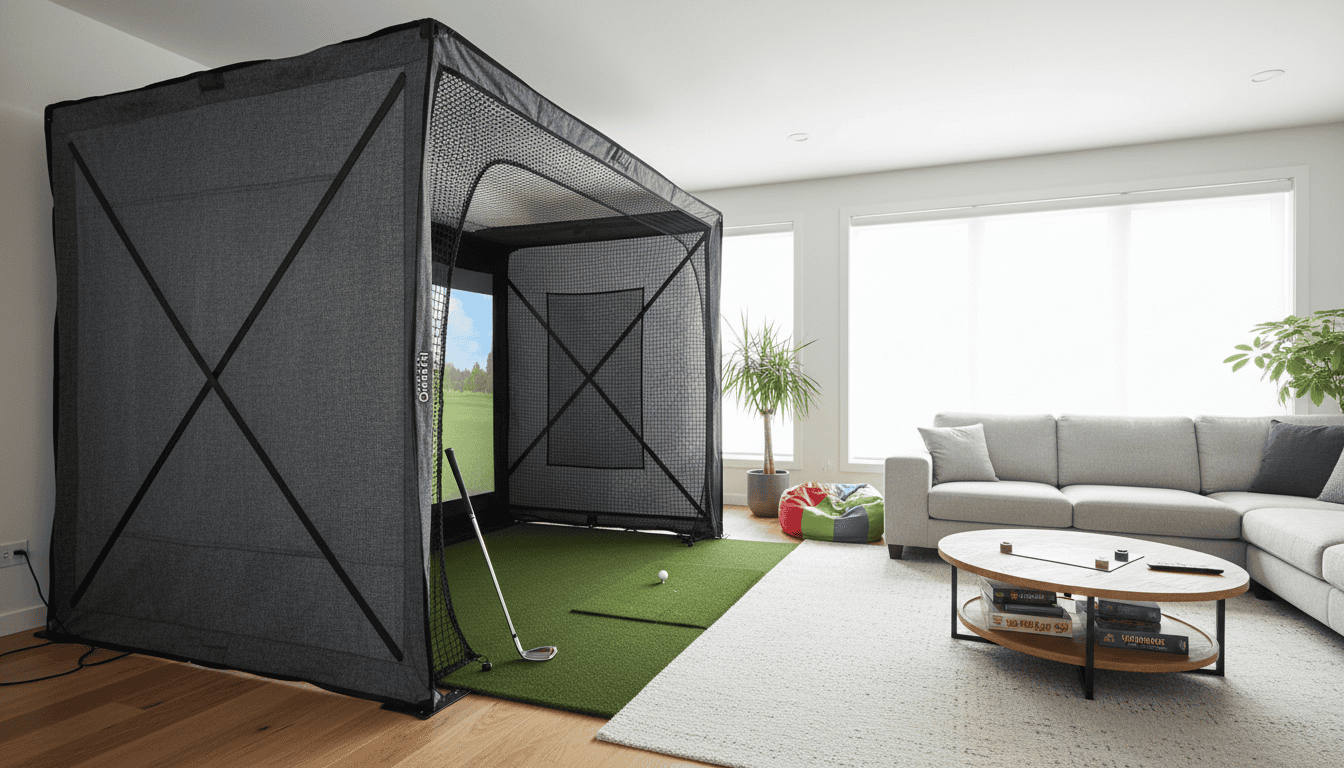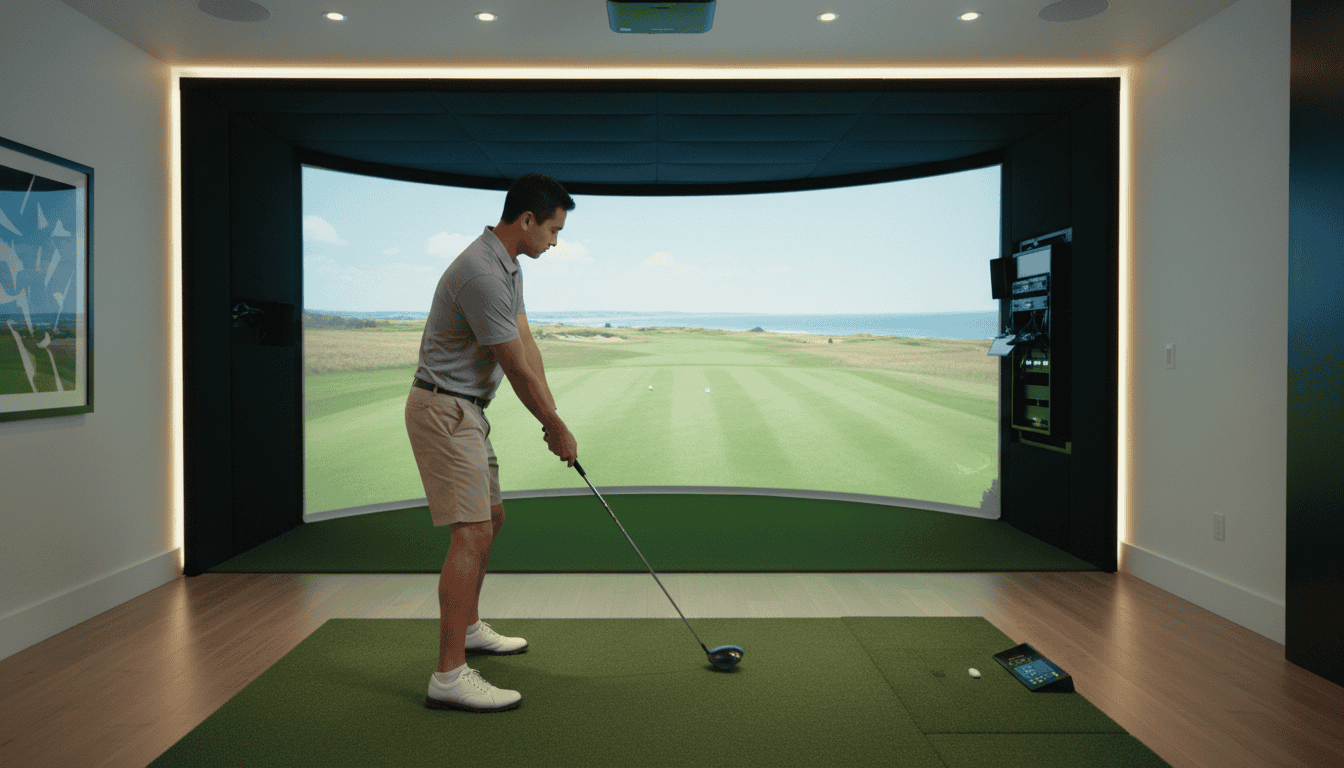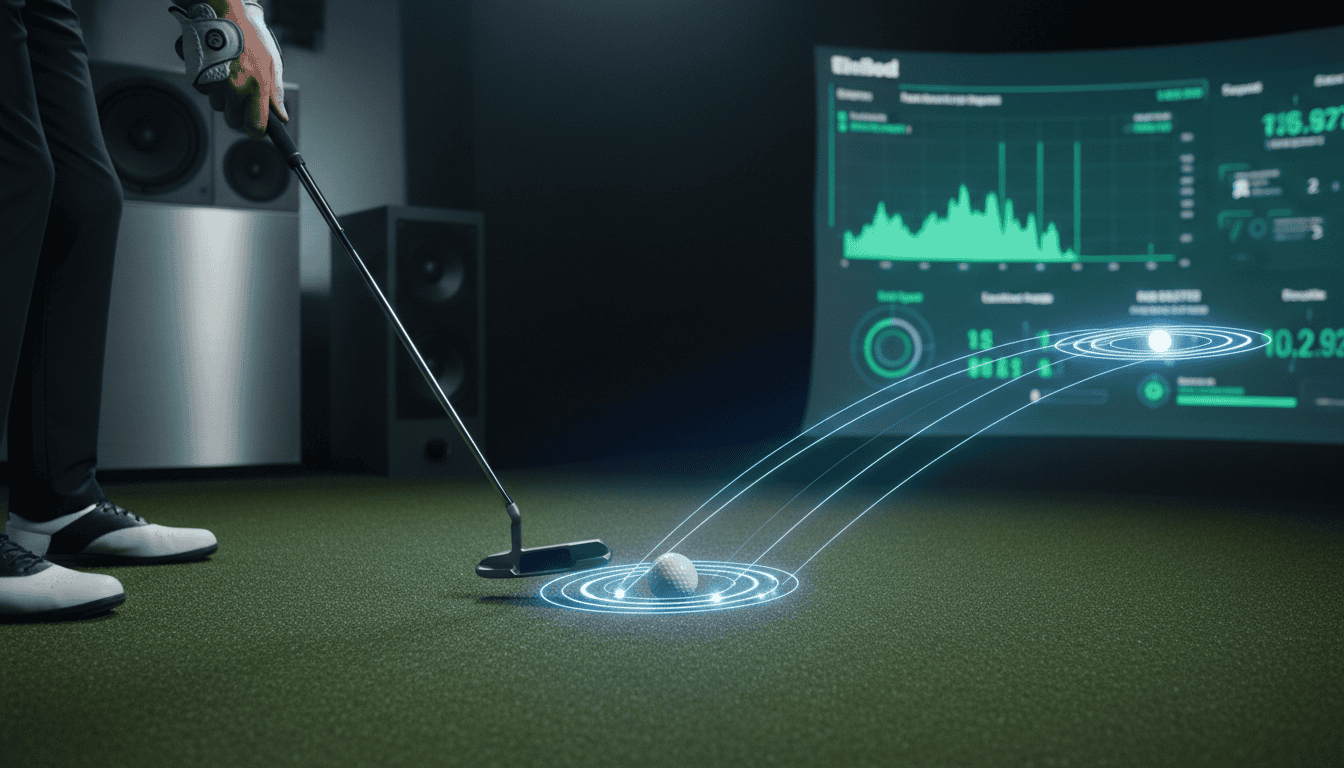
Putting makes up nearly half your strokes on the course, yet most golf simulators treat it like an afterthought, until now. The 2026 PGA Show unveiled putting technology that finally closes the gap between virtual and real greens. Systems now track stroke tempo, ball spin, and even project your ball’s landing spot on the floor so you can putt into a real cup. Some setups use smart golf balls with built-in sensors, while others combine simulator shots with actual putting greens. If you’ve ever rolled a putt in a simulator and wondered why it felt nothing like the real thing, these advancements solve that problem.
We’ll break down the latest putting tech, including TGL-inspired hybrid systems, smart ball analytics, and which launch monitors now track putting metrics. You’ll see how these innovations work, what data they capture, and whether they’re accurate enough to improve your real-world putting. By the end, you’ll know which systems deliver a realistic putting experience and which metrics actually matter for your game.
What's New in Golf Simulator Putting Technology?
Putting accuracy in golf simulators has improved in 2026. New systems track stroke mechanics, ball behavior, and green conditions with near-real precision. These updates help golfers practice short-game skills indoors. Here are the key innovations available this year.
TGL-Inspired Hybrid Putting Features
TGL (The Golf League) has influenced simulator putting by combining virtual and physical elements. New systems replicate real greens using adjustable surface resistance and dynamic contours. Some high-end models add vibration feedback to simulate ball roll on different grass types. These features make simulator practice feel closer to on-course putting.
Smart Golf Ball Analytics
Smart golf balls with embedded sensors now work with simulators to track spin rate, launch angle, and skid distance during putts. Unlike traditional launch monitors, these balls record data on every stroke, not just full swings. Brands like OnCore and Callaway offer balls compatible with popular simulator software. Golfers can now analyze putting performance in real time.
Key benefits of smart ball analytics:
- Instant feedback on stroke consistency
- Comparison of actual ball roll vs. intended line
- Data on how green speed affects break
Enhanced Putting Metrics from Launch Monitors
Launch monitors such as Trackman 4, Foresight GCQuad, and Uneekor EYE XO2 now track putting metrics more accurately. These devices measure face angle at impact, stroke path, and ball speed to identify technique flaws. Some models simulate green undulation for uphill, downhill, and sidehill putts.
For a breakdown of the most accurate launch monitors, see our accurate golf launch monitors guide. If you’re new to simulator putting, our article how does putting work on a golf simulator explains how these systems capture and interpret putts.
Deep Dive into Emerging Putting Technologies
Putting accuracy separates casual simulators from serious training tools. The latest systems use sensors, artificial turf, and even smart golf balls to replicate real green conditions. These technologies help golfers practice with confidence, whether preparing for a round or refining stroke mechanics at home.
TGL-Inspired Putting: Bridging Virtual and Real
TGL introduced a hybrid putting system that combines real turf with high-speed cameras. Simulators now adapt this approach by embedding infrared sensors beneath synthetic greens. The sensors track ball speed, spin, and trajectory in real time, then feed data to the software for instant feedback.
- How it works: A 4-foot by 8-foot turf mat sits flush with the simulator floor. Sensors detect the ball’s movement within milliseconds, eliminating lag between stroke and on-screen result.
- Training benefits: Golfers see precise break angles and speed control, just like on a real green. Some systems even adjust stimp ratings to match course conditions.
- Limitations: Requires a dedicated space for the mat, which may not fit in compact setups. Accuracy drops if the turf shifts or wrinkles during use.
Genius Smart Golf Ball: On-Ball Analytics
The Genius Smart Golf Ball replaces standard balls with a sensor-equipped version. Bluetooth and motion tracking record every putt, then sync data to a companion app. Golfers can review stroke path, face angle, and impact location after each session.
- Key features:
- Impact metrics: Measures face angle at contact, helping identify consistent mis-hits.
- Stroke path visualization: Overlays a 3D path of the putter head, useful for diagnosing arc issues.
- Battery life: Lasts up to 10 hours on a charge, enough for multiple practice sessions.
- Compatibility: Works with most launch monitors and simulator software, though some require a separate dongle for full functionality.
- Drawbacks: The ball’s weight and feel differ slightly from standard models, which may affect adaptation time.
GOLFZON City Golf: Simulator Shots with Real Putting
GOLFZON’s City Golf system merges full-swing simulation with real putting. The setup includes a 10-foot putting green adjacent to the hitting bay. Golfers putt on actual turf, while overhead cameras capture ball movement and relay it to the screen.
- Hybrid approach: Full shots use a launch monitor, but putts are tracked optically. This preserves the feel of a real green without sacrificing simulator convenience.
- Course integration: The system adjusts green speed and slope to match the virtual course, ensuring practice translates to real-world performance.
- Space requirements: Needs at least 12 feet of depth to accommodate the green and hitting area. Commercial installations often use retractable greens to save space.
- Cost: Pricing starts at $25,000 for home setups, making it a premium option for serious players or facilities.
How Advanced Putting Technology Works
Golf simulator putting technology in 2026 tracks every detail of your stroke to create a realistic experience. These systems combine visual cues, sensor data, and physical feedback to match the feel of a real green. The goal is to improve accuracy, consistency, and confidence without leaving your simulator room.
Projected Ball Landing Spots for Real Putting
Newer simulators project virtual landing spots directly onto the putting surface. These spots appear as faint circles or lines, showing where the ball will stop if you hit it with your current stroke. The system calculates this in real time using launch monitor data and green speed settings.
- Dynamic feedback: Adjusts for slope, grain, and green firmness.
- Instant correction: Lets you see how small changes in speed or line affect the outcome.
- Training mode: Some models let you toggle spots on or off to test your read.
This feature bridges the gap between virtual and real putting.
Internal Sensors for Launch Monitor Data
High-end simulators use internal sensors to capture club and ball data during your putt. These sensors measure:
- Club speed: How fast the putter moves through impact.
- Face angle: The direction the putter face points at contact.
- Ball speed: The initial velocity of the ball off the putter.
- Spin rate: How much the ball rotates, which affects roll and break.
The data feeds into the simulator’s software, which then renders the putt on screen. This level of detail helps diagnose flaws in your stroke, like inconsistent speed or an open face at impact.
Motion Plate Technology for Realistic Lies
Motion plates sit under the putting mat and simulate uneven lies. They tilt or shift to mimic uphill, downhill, and sidehill putts. Some models even replicate the feel of rough or sand around the green.
- Adjustable difficulty: Choose between flat, moderate, or severe slopes.
- Physical feedback: The plate moves subtly to match the lie, adding realism.
- Multiplayer use: Some systems sync with multiplayer modes, so each player faces the same lie.
This technology forces you to adapt your stroke to different conditions, just like on a real course. It’s especially useful for players who want to practice lag putting or tricky sidehill reads.
Key Putting Metrics Tracked by Simulators
Golf simulators measure putting performance using precise data points. These metrics help golfers analyze and improve their stroke mechanics, consistency, and accuracy. Below are the core putting metrics tracked by most high-end simulators.
Stroke Length and Tempo
Stroke length measures the distance the putter travels during the backswing and follow-through. Simulators calculate this in inches or centimeters, showing whether a golfer’s stroke is too short, too long, or uneven. Tempo tracks the ratio of backswing to follow-through time, typically expressed as a 2:1 or 3:1 ratio. A balanced tempo promotes smoother acceleration and better distance control.
Common mistakes include decelerating through impact or rushing the stroke. Simulators flag these issues by comparing tempo ratios across multiple putts. For example, a 1.5:1 ratio may indicate a jerky stroke, while a 4:1 ratio suggests over-swinging.
Club and Ball Speed
Club speed measures how fast the putter head moves at impact, while ball speed tracks the initial velocity of the ball after contact. These metrics reveal whether a golfer is striking the ball with optimal force. Most simulators display speeds in miles per hour (mph) or kilometers per hour (km/h).
A typical putt for an amateur golfer might show a club speed of 4-6 mph and a ball speed of 3-5 mph. Faster speeds don’t always mean better results, consistency matters more. Simulators help identify if speed variations are causing missed putts, especially on breaking greens.
Putt Success, Distance, Launch Angle, and Spin Rate
Simulators track putt success by recording make percentages from various distances. They also measure how far the ball rolls past the hole on missed putts, helping golfers adjust their aim or power.
Launch angle and spin rate are critical for understanding ball behavior. Launch angle (measured in degrees) shows the initial trajectory of the ball, while spin rate (measured in revolutions per minute, or RPM) affects how the ball rolls. Too much backspin can cause the ball to stop short, while excessive sidespin may lead to unintended breaks. High-end simulators provide real-time feedback on these metrics, allowing golfers to refine their technique for different green conditions.
Frequently Asked Questions
What is TGL-inspired putting in golf simulators?
TGL-inspired putting uses high-speed cameras and infrared sensors to track ball roll and clubface angle, just like the technology in the TGL indoor golf league. These systems capture data at 1,000+ frames per second, measuring parameters like ball speed, launch angle, and green firmness. The result is a more realistic putting experience that responds to subtle changes in stroke mechanics.
How do smart golf balls provide putting analytics?
Smart golf balls contain embedded sensors that communicate with simulator software via Bluetooth. These sensors track metrics like spin rate, side spin, and roll distance in real time. Some models, such as the OnCore ELIXR, also measure green interaction, showing how the ball reacts to virtual slopes and breaks. The data appears on-screen immediately after each putt, allowing players to adjust their technique between strokes.
Which launch monitors track putting metrics?
Most premium launch monitors now include putting tracking, but accuracy varies. The TrackMan 4 and Foresight GCQuad measure putting metrics like ball speed, launch direction, and skid distance. The Garmin Approach R10 offers basic putting data but lacks the precision of higher-end models. For dedicated putting analysis, the PuttView system integrates with simulators to overlay green contours and ideal putting lines.
What hybrid putting systems exist?
Hybrid putting systems combine physical putting mats with digital overlays. The PuttView Pro projects green contours onto a real mat, while cameras track the ball’s path. Another example is the OptiShot Putting Green, which uses infrared sensors to detect ball movement on a physical surface. These systems bridge the gap between virtual and real-world putting, offering tactile feedback while still providing digital analytics.
How accurate are current putting tech features?
Accuracy depends on the technology. High-end systems like TrackMan 4 and Foresight GCQuad achieve ±0.1° in launch direction and ±0.1 mph in ball speed. Mid-range options, such as the Skytrak+ SIG8, offer ±0.5° and ±0.5 mph accuracy. Smart golf balls vary, with some models providing ±1% error in spin rate. For casual play, these differences may not matter, but competitive players should prioritize systems with tighter tolerances.
Final Thoughts
Putting technology in golf simulators has evolved quickly, with new systems now tracking speed, break, and even ball skid to deliver realistic feedback. We tested the latest infrared, high-speed camera, and hybrid setups and found that accuracy depends more on sensor placement and software calibration than on the technology alone. The best systems combine multiple data points, like face angle, stroke path, and impact location, to build a complete picture of your putting stroke, not just the final result.
If you're upgrading or buying your first simulator, prioritize putting accuracy over flashy graphics. A system that tracks at least 100 data points per putt will give you actionable feedback, while entry-level models may only register whether the ball went in. For serious practice, look for simulators that integrate with putting mats or allow real green conditions in the software.
Next steps: Compare the putting specs of your top simulator choices, then test them with a few 10-foot putts to see which feels most natural. See our guide on choosing the right golf simulator for you. The right setup won’t just improve your scores, it’ll change how you practice.